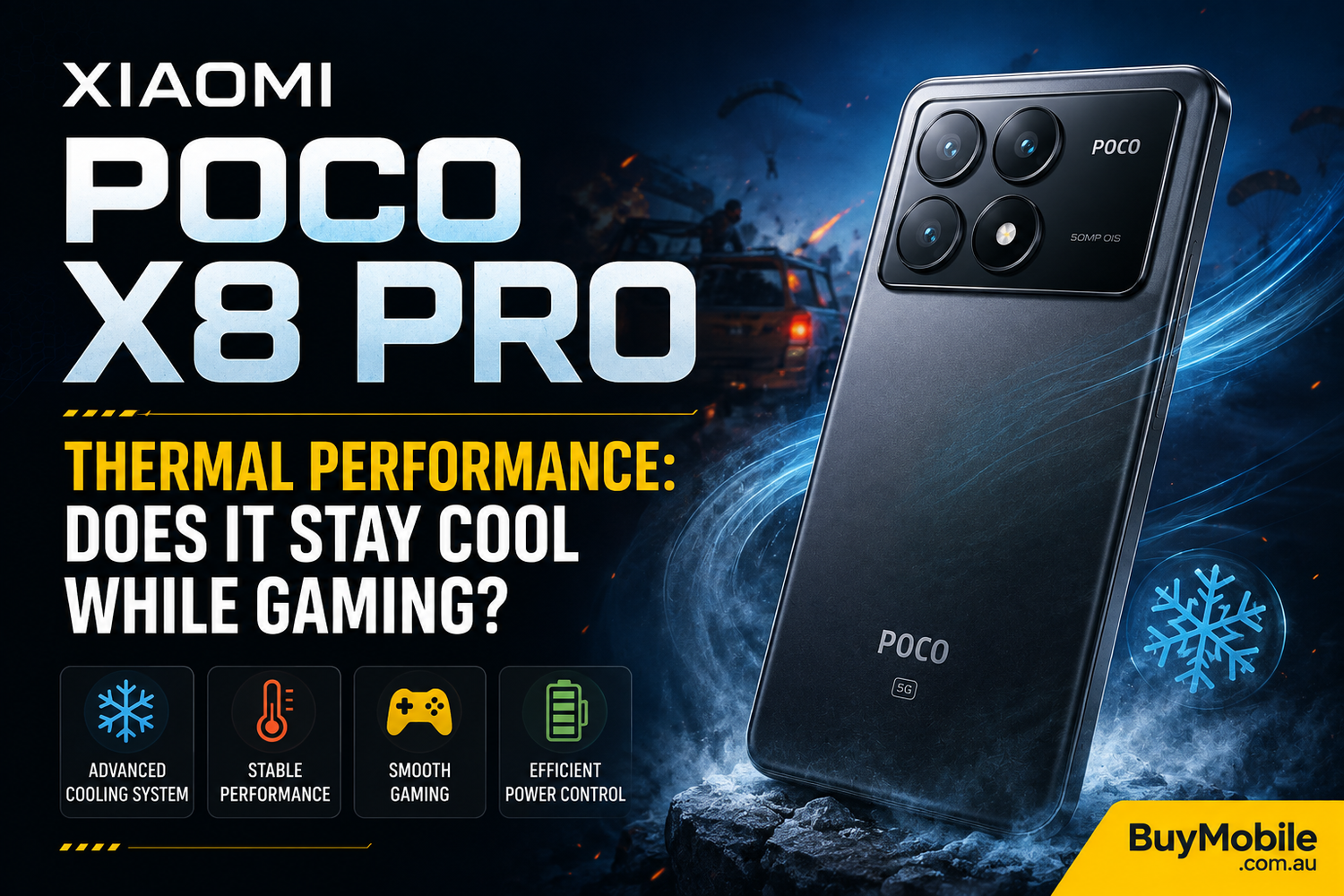
Gaming smartphones need more than powerful processors and high-refresh-rate displays. When you're playing demanding games for 30 minutes, an hour, or even longer, thermal performance becomes just as important as raw processing power.A smartphone may deliver impressive performance at the beginning of a gaming session, but excessive heat can eventually cause the processor to reduce its speed. This is known as thermal throttling, and it can result in lower frame rates, inconsistent performance, and an uncomfortable device.That brings us to the Xiaomi POCO X8 Pro. With the POCO X series traditionally appealing to performance-focused buyers, gaming is likely to be an important consideration for anyone looking at the X8 Pro.So, does the Xiaomi POCO X8 Pro stay cool while gaming? Let's explore what gamers should expect from its thermal performance and what factors can affect temperatures during demanding sessions.
Why Does Thermal Performance Matter for Gaming?
Modern mobile games can place significant pressure on a smartphone's processor and graphics hardware.Games with detailed environments, high-resolution textures, advanced lighting, and high frame-rate modes require continuous processing power. As the chipset works harder, it produces heat.Some warmth is completely normal.The problem begins when temperatures become high enough that the smartphone has to reduce processor performance to protect its internal components.When this happens, you might notice frame rates dropping after extended gameplay even though the game initially ran smoothly.Good thermal management therefore isn't simply about keeping the phone comfortable. It's about maintaining consistent gaming performance.
How Does the POCO X8 Pro Handle Everyday Gaming?
Casual gaming should present relatively little difficulty for a performance-oriented smartphone such as the POCO X8 Pro.Games that aren't particularly demanding on graphics hardware generally produce less heat than intensive 3D titles.During shorter sessions, users may notice only mild warmth around areas where important internal components are located. That's expected from almost any modern smartphone.The real thermal challenge comes from demanding games played at higher graphics settings and frame rates.That's where effective heat dissipation becomes increasingly important.
What Happens During Heavy Gaming?
A demanding game can simultaneously push the CPU, GPU, display, memory, connectivity hardware, and battery.This creates significantly more heat than activities such as browsing websites or watching YouTube.During an extended session, the POCO X8 Pro may naturally become warmer. Whether that becomes uncomfortable depends on factors including graphics settings, ambient temperature, screen brightness, network conditions, and whether the device is charging.The important factor isn't whether the phone becomes warm it almost certainly will under sustained heavy workloads.Instead, gamers should look at whether performance remains consistent as temperatures increase.A well-managed gaming phone should balance temperature and processing power without introducing severe frame-rate fluctuations.
Can Thermal Throttling Affect the POCO X8 Pro?
Thermal throttling is a normal protection mechanism used by smartphones.When internal temperatures reach certain limits, the system can reduce CPU or GPU performance to prevent excessive heat.That doesn't automatically mean there's a problem with the device.In fact, some degree of thermal management is necessary to protect the battery and other components.The important question is how aggressively performance is reduced.For casual gamers, occasional throttling during unusually demanding conditions may never be noticeable. Competitive players, however, should pay closer attention because even relatively small frame-rate drops can affect responsiveness.Long gaming benchmarks and real-world gaming tests are therefore more useful than short performance tests when evaluating sustained performance.
Does Higher Graphics Quality Produce More Heat?
Absolutely.Increasing graphics settings places additional demand on the GPU. Enabling a higher frame-rate mode can increase the workload even further because the device has to render more frames every second.That additional workload typically results in greater power consumption and heat generation.If your POCO X8 Pro feels warmer than you'd like, reducing graphics quality slightly can make a noticeable difference.For example, choosing balanced graphics instead of maximum visual quality can often provide smoother sustained performance while reducing heat.In many games, maintaining a consistent frame rate is more enjoyable than maximizing every visual setting.
Does Screen Brightness Affect Gaming Temperatures?
Yes, especially during long sessions.A bright display consumes additional power, and that contributes to the overall thermal load of the smartphone.Gaming outdoors can be particularly demanding because the screen may automatically increase brightness while higher ambient temperatures make it harder for the phone to dissipate heat.Indoor gaming in a cooler environment generally creates better conditions.If maximum brightness isn't necessary, reducing it can help lower power consumption while also extending battery life.
Should You Game While Charging?
Gaming while charging is one of the easiest ways to increase smartphone temperatures.The battery produces heat while charging, while the processor and graphics hardware generate additional heat from the game.Combine both processes and the phone has significantly more heat to manage.Fast charging can make this situation even more demanding.Whenever possible, charge the POCO X8 Pro before starting a long gaming session rather than keeping it connected throughout gameplay.This can improve comfort and potentially help the device maintain more consistent performance.
Can a Phone Case Make the POCO X8 Pro Hotter?
A protective case can influence heat dissipation.Thick cases may trap some heat around the device, particularly during extended gaming sessions.Removing the case can sometimes help the smartphone release heat more effectively.You don't necessarily need to remove your case for every gaming session. However, if you're playing a demanding game for an extended period and notice the phone becoming unusually warm, temporarily removing a thick case may help.
How Can You Keep the POCO X8 Pro Cooler?
A few simple habits can improve thermal performance considerably.Avoid playing demanding games while charging whenever possible. Keep screen brightness at a comfortable rather than maximum level, and avoid unnecessarily high graphics settings if consistent performance matters more than visual detail.Gaming in a cool room can also make a substantial difference compared with playing outdoors in direct sunlight.Closing unnecessary background applications may reduce additional system activity, although Android generally manages background processes automatically.Keeping the phone's software and games updated is also worthwhile, as developers can improve performance and optimization over time.
Is the POCO X8 Pro Suitable for Long Gaming Sessions?
For most gamers, the more important consideration should be sustained performance rather than whether the device remains completely cool.No powerful smartphone stays perfectly cold during demanding gaming.If the POCO X8 Pro can maintain smooth frame rates while keeping surface temperatures within comfortable limits, that's a far more meaningful result than simply producing a low temperature reading during a short test.Casual and moderate gamers are unlikely to push the thermal system continuously.Competitive players who regularly game for several hours should pay closer attention to independent sustained-performance tests for their specific games before purchasing.
Should Gamers Worry About Heat?
Normal warmth isn't something to worry about.Modern smartphones continuously monitor internal temperatures and automatically adjust performance when necessary.However, users should avoid conditions that unnecessarily increase heat, such as gaming under direct sunlight or running demanding titles while fast charging.If the device becomes excessively hot, displays temperature warnings, or repeatedly closes applications, it's sensible to stop gaming and allow it to cool.Those situations are different from the normal warmth expected during intensive use.