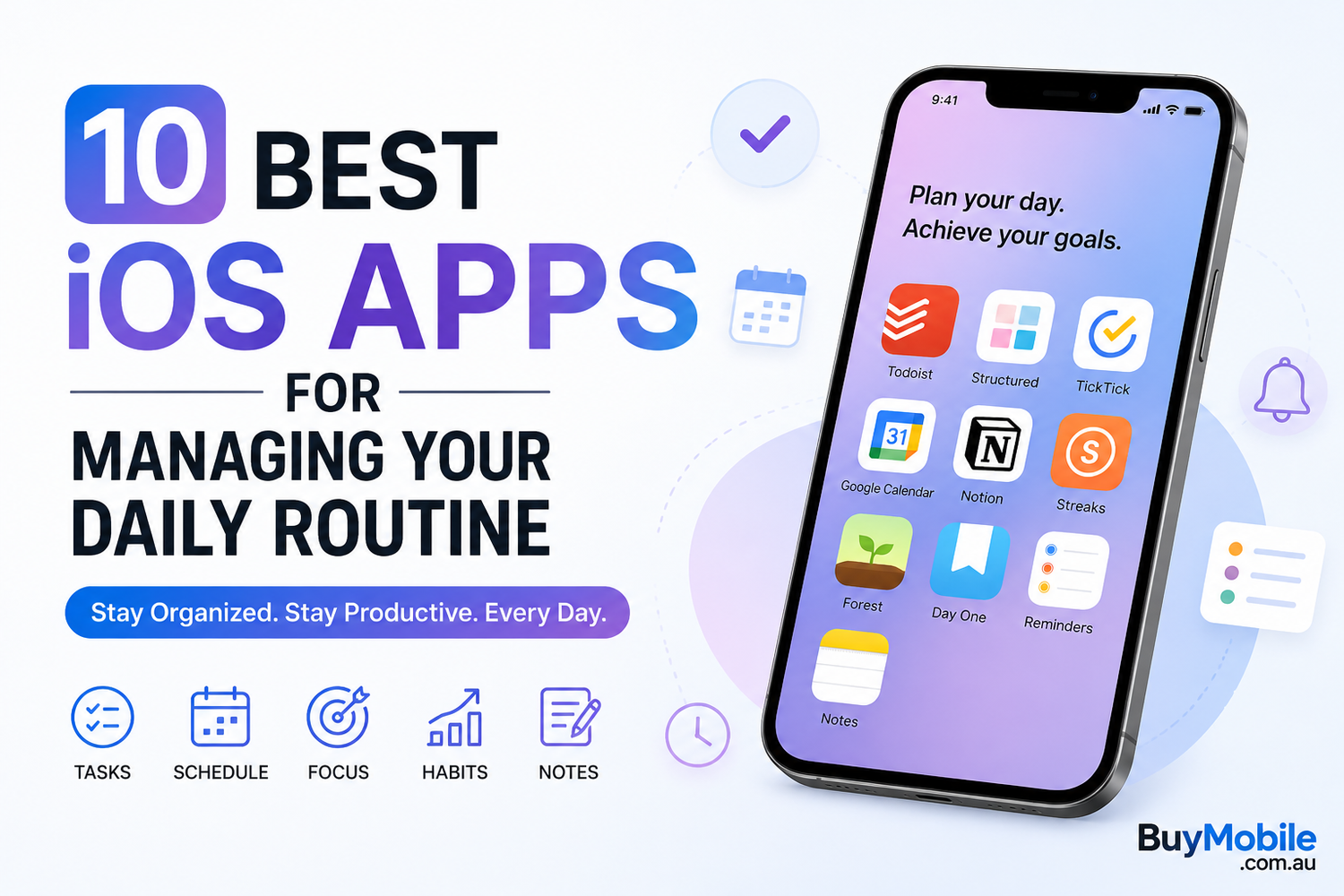
Managing a busy day can quickly become overwhelming. Between work, meetings, appointments, exercise, shopping, personal projects, and family responsibilities, it's easy for important tasks to get forgotten. Fortunately, your iPhone can become a powerful daily planning assistant with the right apps.The best iOS productivity apps don't simply create more notifications. They help you organize tasks, schedule your time, build habits, capture ideas, and stay focused on what actually matters.Whether you're a student, professional, freelancer, entrepreneur, or simply trying to bring more structure to your day, here are 10 of the best iOS apps for managing your daily routine.
1. Apple Reminders – Best for Everyday Tasks
You don't necessarily need to download another app to start organizing your routine.Apple Reminders is built directly into the iPhone and provides an easy way to create shopping lists, work tasks, personal reminders, and recurring responsibilities.You can organize reminders into different lists and assign dates and times to important tasks. Siri integration makes the experience even more convenient because you can create reminders using your voice.It's particularly useful for everyday responsibilities such as paying bills, buying groceries, making calls, or remembering appointments.For iPhone users who want straightforward task management without unnecessary complexity, Apple Reminders is an excellent place to start.
2. Todoist – Best for Advanced Task Management
Todoist is ideal for users who need more organization than a simple checklist provides.You can create separate projects for work, personal responsibilities, study, fitness, travel, and almost anything else.Tasks can include priorities, deadlines, recurring schedules, and additional details, helping you organize both short-term responsibilities and longer-term goals.Todoist's biggest advantage is its clean interface. Even when your schedule becomes busy, it's relatively easy to see what needs attention.For professionals, freelancers, and students managing several responsibilities simultaneously, Todoist can become the central hub of a daily routine.
3. Structured – Best for Visual Daily Planning
Structured combines tasks and calendar events into a visual daily timeline.Instead of viewing your responsibilities as a long checklist, you can see how your day is organized from morning until evening.This can be particularly useful for people who enjoy time blocking.For example, you could schedule breakfast at 8:00, focused work at 9:00, lunch at 12:30, exercise at 5:30, and reading at 9:00.Seeing the entire routine visually can make it easier to understand where your time is going.Structured is a strong option for users who prefer planning their day hour by hour.
4. TickTick – Best for Tasks and Habits
TickTick combines several productivity tools within one application.Alongside traditional task management, it provides calendar-based planning and habit-related features. This makes it useful for users who don't want separate apps for every part of their routine.You can use it to manage work deadlines while also keeping track of personal habits such as exercising, reading, drinking water, or practising a skill.Recurring tasks are particularly useful for building a consistent schedule.If you want one app that can handle both everyday responsibilities and longer-term routines, TickTick is worth considering.
5. Google Calendar – Best for Scheduling Your Day
A good daily routine needs more than a to-do list. You also need to know when things are happening.
Google Calendar remains one of the most useful scheduling apps available on iOS.You can organize meetings, appointments, birthdays, travel plans, work sessions, and personal activities within one calendar system.Colour-coded calendars can help separate different areas of life. For example, you might use separate calendars for work, family, fitness, and personal commitments.It's also particularly useful for people who regularly collaborate with others or use Google services across multiple devices.For time-based planning, Google Calendar remains a dependable choice.
6. Notion – Best for Organizing Your Entire Life
Notion is far more than a basic daily planner.It can function as a workspace for notes, projects, goals, databases, reading lists, content calendars, study plans, and personal organization.The biggest advantage is flexibility.You can create a personalized dashboard containing your daily priorities, weekly goals, important notes, upcoming projects, and other information you regularly need.Templates can also make setting up a personal productivity system easier.Notion requires more initial organization than simpler apps, but users willing to build their own system can create a powerful workspace that extends far beyond daily task management.
7. Streaks – Best for Building Consistent Habits
A successful routine isn't only about completing today's tasks. It's also about repeating positive behaviours consistently.Streaks is designed around that idea.The app helps you track habits and encourages you to maintain consecutive days of progress.You might use Streaks for exercising, reading, meditating, practising a language, walking, or reducing an unwanted behaviour.Its focused approach makes habit tracking simple rather than overwhelming.Watching a streak grow can provide additional motivation to complete an activity, especially on days when you'd otherwise be tempted to skip it.
8. Forest – Best for Staying Focused
Planning your day is one thing. Actually concentrating long enough to complete your work is another.Forest provides a creative solution to smartphone distraction.When you begin a focus session, you plant a virtual tree. The tree grows while you remain focused, helping turn uninterrupted work into a simple visual challenge.Over time, completed sessions create a virtual forest representing your focused workStudents can use Forest during study sessions, while professionals can use it for writing, research, or other deep-work activities.If social media and constant phone checking regularly disrupt your routine, Forest can help create clearer boundaries around focused time.
9. Day One – Best for Daily Journaling
Daily routines aren't only about productivity.Taking a few minutes to reflect on your day can help you understand what worked, what didn't, and what you want to improve tomorrow.Day One is a popular journaling app designed to make regular reflection easier.You can record thoughts, experiences, achievements, ideas, and memories in one organized place.Some users prefer journaling in the morning to set intentions for the day, while others use it at night to review what happened.Adding journaling to your routine can provide a valuable moment away from traditional task lists and productivity metrics.
10. Apple Notes – Best for Capturing Everyday Information
Apple Notes is another built-in iOS app that can play an important role in daily organization.It's useful for meeting notes, shopping lists, travel plans, ideas, checklists, project information, and anything else you want to remember.Because it's integrated into Apple's ecosystem, notes can remain accessible across compatible iPhones, iPads, and Macs.You can create folders to separate work and personal information, while search makes older notes easier to find.For users who simply need somewhere dependable to capture information throughout the day, Apple Notes may be all they need.
Which Daily Routine App Should You Choose?
You don't need all ten apps to become more organized.Start by identifying the biggest problem with your current routine.If you frequently forget tasks, try Apple Reminders or Todoist. If you struggle with scheduling, Google Calendar or Structured may be more helpful.For building habits, consider Streaks or TickTick. If distractions prevent you from completing tasks, Forest is designed specifically around focus.Notion works well for people who want a customizable productivity workspace, while Apple Notes provides a simpler way to capture everyday information.The goal should be to build a small, reliable system rather than constantly switching between productivity apps.