


































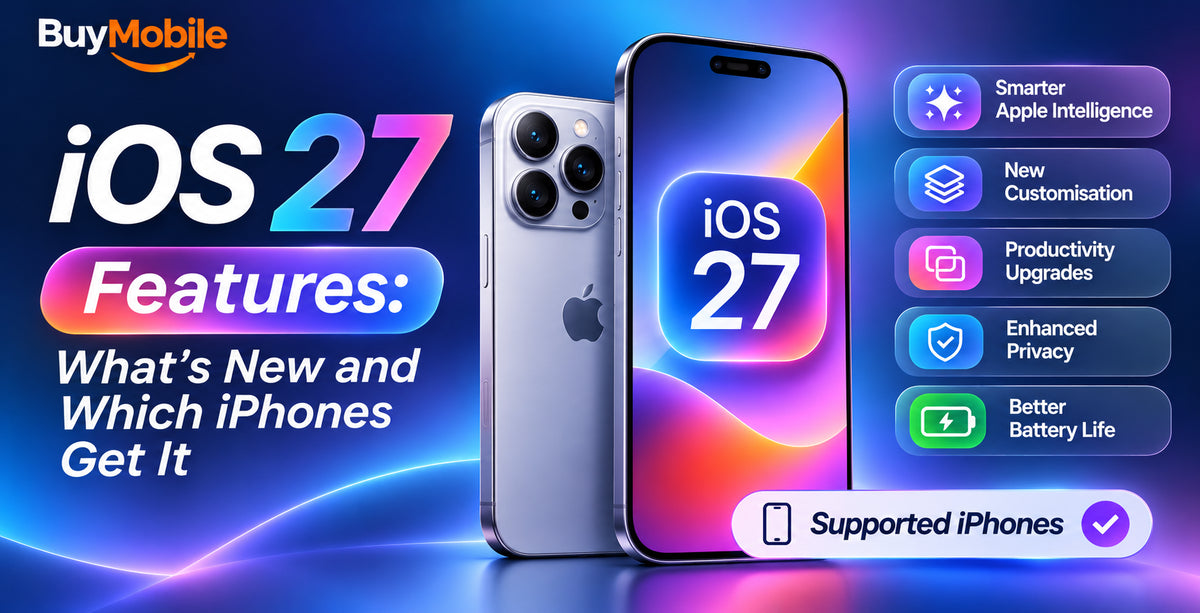
iOS 27 works on every iPhone that could run iOS 26, so if you have an iPhone 11 or newer, or an iPhone SE (2nd generation or later), you can install it. The catch is that the headline features, especially the rebuilt Siri and Apple Intelligence tools, need newer hardware. In practice, the iPhone 15 Pro and later get the full experience.
Apple unveiled iOS 27 at WWDC in June 2026 and released it to the public in mid-September 2026, alongside the iPhone 18 Pro range. Here is what is new and what your iPhone can actually use.
iOS 27 compatible devices
Apple did not drop any iPhones this year. The full list includes:
- iPhone 18 Pro and iPhone 18 Pro Max
- iPhone Duo
- iPhone 17, iPhone 17 Pro, iPhone 17 Pro Max, iPhone 17e and iPhone Air
- iPhone 16, 16 Plus, 16 Pro, 16 Pro Max and 16e
- iPhone 15, 15 Plus, 15 Pro and 15 Pro Max
- iPhone 14, 14 Plus, 14 Pro and 14 Pro Max
- iPhone 13, 13 mini, 13 Pro and 13 Pro Max
- iPhone 12, 12 mini, 12 Pro and 12 Pro Max
- iPhone 11, 11 Pro and 11 Pro Max
- iPhone SE (2nd and 3rd generation)
Which iPhones get Apple Intelligence features?
Being compatible is not the same as getting everything. The new Siri and Apple Intelligence features require an Apple Intelligence-capable iPhone:
- iPhone 15 Pro and 15 Pro Max
- every iPhone 16, iPhone 17 and iPhone 18 model, including the 16e, 17e and iPhone Air
- iPhone Duo
Reports also indicate that some of the most demanding on-device Siri features need even more memory, such as the 12GB found in the iPhone Air, iPhone 17 Pro and newer. Older models such as the iPhone 13 or 14 get the design changes and performance improvements, but not the AI tools.
The new Siri
Siri is the centrepiece of iOS 27. Apple has rebuilt it as a much more capable assistant:
- Context awareness: Siri understands what is on your screen and can learn your preferences over time.
- On-device search: it can find messages, emails, files and photos for you.
- Multimodal: it works with text, audio, images and video.
- Chatbot features: a standalone Siri app can generate content, summarise information, analyse files and search the web.
- Sync: your Siri history carries across your Apple devices via iCloud and Private Cloud Compute.
Siri Mode in the Camera
Visual Intelligence has been renamed Siri Mode and now lives in the Camera app. Point your camera at something and it can recognise nutrition information or contact details. A new bill-splitting tool identifies items on a receipt and sends payment requests, though this relies on Apple Cash, which is not offered in every country, including Australia.
Liquid Glass refinements
Apple's Liquid Glass design, introduced in iOS 26, gets a more practical update. A new system-wide slider lets you control how transparent the interface looks, which improves readability. App icons also gain a subtle layered effect for a more three-dimensional look.
Faster performance
Apple says iOS 27 brings meaningful speed gains:
- apps launch up to 30% faster
- photos appear in your library up to 70% faster
- AirDrop transfers are up to 80% faster
- file transfers to external storage are up to five times faster
Older iPhones benefit too, along with improved memory management and battery conservation.
More Apple Intelligence upgrades
- Contextual suggestions in Messages, Phone, Photos and Calendar, such as suggesting reminders from conversations
- Shortcuts can now be built by describing what you want in plain language
- Image Playground adds a photo-realistic style and can create wallpapers and Contact Posters
- Photos gains an improved Clean Up tool, Extend (to expand a photo beyond its frame) and Reframe (to change perspective after the shot)
Some features may arrive later or vary by language and region, so not everything may be available in Australian English straight away.
Should you upgrade your iPhone for iOS 27?
If you have an iPhone 14 or older and want the new Siri, you will need a newer phone. The Apple iPhone 18 Pro runs iOS 27 with the A20 Pro chip and has the headroom for every feature. For a bigger screen, the Apple iPhone 18 Pro Max is the top choice, while the Apple iPhone 17 Pro Max also supports the full Apple Intelligence feature set. Browse every model in our Apple iPhone collection.
All iPhones from BuyMobile come with a one-year Australian seller warranty, and each product page lists the supported 4G and 5G network bands.
FAQ
Does iOS 27 support the iPhone 11?
Yes. The iPhone 11, 11 Pro and 11 Pro Max can all install iOS 27, though they do not get Apple Intelligence features.
Does the iPhone 15 get the new Siri?
Only the iPhone 15 Pro and 15 Pro Max. The standard iPhone 15 and 15 Plus do not support Apple Intelligence.
How do I update to iOS 27?
Back up your iPhone, then go to Settings, General, Software Update.
The bottom line
iOS 27 is a broad update that keeps every iOS 26 iPhone supported, but its best features, led by the new Siri, are reserved for Apple Intelligence-capable models. If your iPhone is older than the 15 Pro, this may be the year to upgrade.
Shop at BuyMobile: Apple iPhone 18 Pro | Apple iPhone 17 Pro Max | Apple iPhone