

































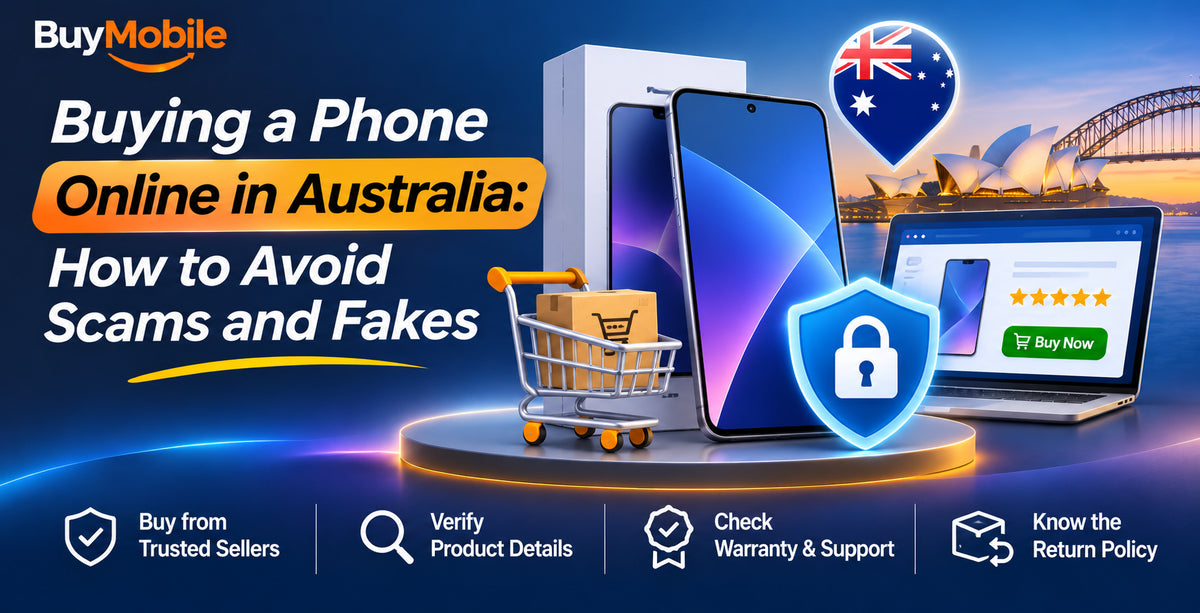
Buying a phone online in Australia is safe when you know how to check the seller, pay the right way and inspect the phone on arrival. The risks are real, though. Scamwatch regularly warns about fake online stores, too-good-to-be-true prices and sellers who ask for unusual payment methods. Counterfeit and incompatible phones are another trap.
This guide walks you through the warning signs, the checks to run before you pay and what to do if something goes wrong.
Red flags of a fake online store
According to Scamwatch, common warning signs include:
- Prices far below everyone else. A brand-new flagship at half price is almost never genuine.
- Missing business details. No ABN, terms and conditions, privacy policy or real contact details.
- Unusual payment requests. Money orders, pre-loaded cards, gift cards, cryptocurrency, or payments split across several PayIDs or bank accounts.
- Copycat design. A web address or layout that imitates a well-known brand.
- Suspicious reviews. Only glowing, vague reviews, or brand-new social media stores with very low prices.
Checks to run before you buy
- Search for the store yourself. Do not rely on an ad or the first search result, which can be paid for by scammers.
- Look up the ABN. Use the government's ABN Lookup to confirm the business is registered and active.
- Read independent reviews. Check review sites and forums, not just testimonials on the store's own site.
- Read the returns and warranty policy. A legitimate Australian business should explain how it handles faulty products in line with the Australian Consumer Law.
- Confirm the exact model suits Australia. Every BuyMobile product page lists the supported 4G/5G network bands, so you can check VoLTE and band 28 support before you buy.
Pay the safe way
How you pay affects what happens if things go wrong. Scamwatch recommends secure methods such as a credit card or PayPal.
| Payment method | Protection if something goes wrong |
|---|---|
| Credit or debit card | You may be able to request a chargeback through your bank |
| PayPal | Buyer protection may apply to eligible purchases |
| Bank transfer or PayID to an unknown seller | Very hard to recover if it is a scam |
| Gift cards, crypto or money orders | Almost impossible to recover, and a major red flag |
Protections vary by provider and situation, so check the terms. This is general information, not financial or legal advice.
How to spot a fake or tampered phone
Counterfeit phones can look convincing in photos. When your phone arrives:
- Match the IMEI. Dial *#06# and compare the number with the box and the settings menu.
- Check the serial number. Apple and Samsung both offer ways to check device details or warranty status online.
- Inspect the software. Fake phones often run an imitation interface, cannot access the official app store properly or show strange storage figures.
- Check the IMEI status. The free AMTA checker shows whether a phone is blocked on Australian networks as lost or stolen.
- Look for Activation Lock. A new phone should set up as new, without asking for someone else's account.
Watch for grey imports and wrong models
Not every risk is a scam. Some genuine phones are built for overseas markets and may lack the bands or VoLTE configuration needed for reliable calls, including emergency calls, on Australian networks. Always check the model number, not just the name. Popular flagships such as the Samsung Galaxy S26 Ultra, Apple iPhone 18 Pro Max and Google Pixel 11 Pro XL come in several regional variants.
What to do if you have been scammed
- Contact your bank or payment provider immediately. The sooner you act, the better your chance of stopping or recovering the payment.
- Report it to Scamwatch. Reports help authorities warn others and take fake sites down.
- Protect your identity. If you shared personal details, contact IDCARE on 1800 595 160 for free support.
- Change passwords on any accounts you used, and turn on two-factor authentication.
Buying from BuyMobile
BuyMobile is an Australian online retailer of phones, tablets, smartwatches, audio and cameras. BuyMobile phones come with a one-year Australian seller warranty, and every product page lists the supported network bands. Browse our mobile phones to compare models with confidence.
FAQ
Is it safe to buy a phone online in Australia?
Yes, if you buy from a verified Australian business, pay with a secure method and check the phone on arrival.
How can I tell if a phone website is legitimate?
Look for an ABN, clear contact details, terms, a returns policy and independent reviews. Be wary of prices far below other retailers.
What should I do if my phone turns out to be fake?
Contact the seller and your payment provider straight away, keep all evidence and report it to Scamwatch.
Shop smart, stay safe
Most online phone purchases go smoothly. Verify the seller, avoid risky payment methods and check the phone's IMEI and model when it arrives. If a deal seems too good to be true, it usually is.
Shop at BuyMobile: Samsung Galaxy S26 Ultra | Mobile Phones