


































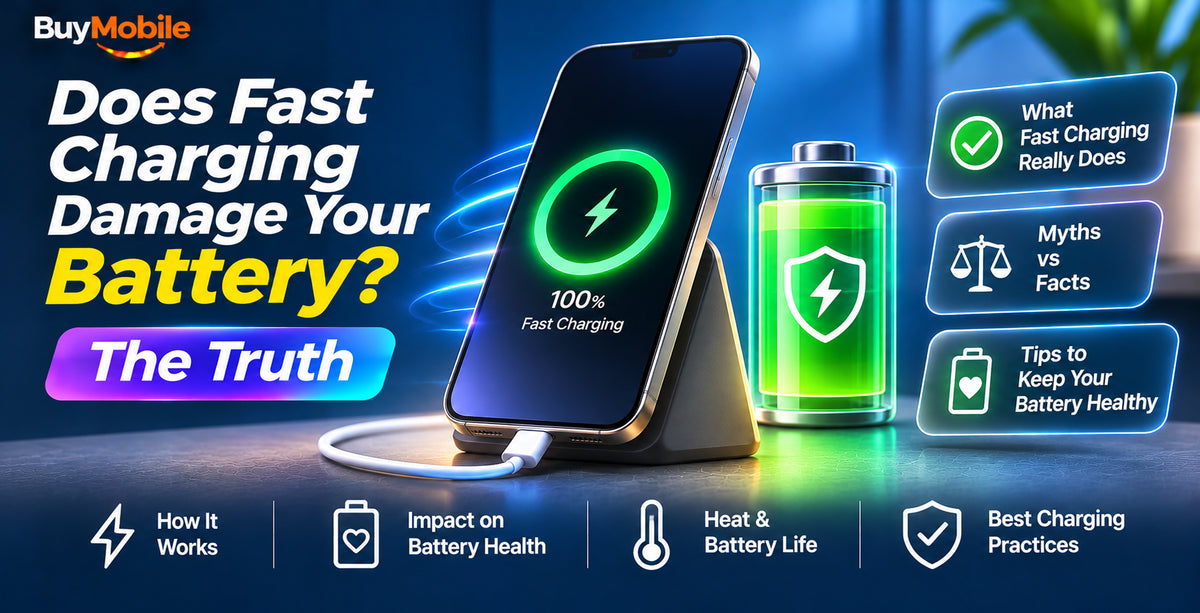
Does fast charging damage your battery? The short answer is no, not in any way you are likely to notice. Modern phones are designed around fast charging, and their charging controllers slow the flow of power before it can cause harm. The things that genuinely age a lithium-ion battery are heat, time spent at 100%, and the total number of charge cycles.
That said, how you charge does make a small difference over two or three years. Here is what the science says, what phone makers do to protect your battery, and the simple habits that keep it healthy.
How lithium-ion batteries wear out
Every phone battery slowly loses capacity from the day it is made. Three main factors speed that up:
- Heat: high temperatures accelerate the chemical reactions that degrade the cells. This is the biggest single factor.
- High state of charge: sitting at 100% for long periods, especially when warm, puts extra stress on the battery.
- Charge cycles: each full cycle of 0 to 100% (or two 50% top-ups) adds a little wear.
Notice that charging speed itself is not on the list. Fast charging only matters indirectly, because pushing more power can create more heat.
Why fast charging is safer than it sounds
Fast charging works in stages. When the battery is low, it can safely absorb a lot of power, so the phone requests a high wattage. As the battery fills, the phone steps the current down sharply. By the time you pass roughly 80%, a ‘fast’ charge is often no quicker than a standard one.
Phones also monitor battery temperature constantly. If the cells get too warm, charging slows or pauses automatically. Standards such as USB PD with PPS let the phone adjust voltage in fine steps, which reduces wasted energy and heat.
When fast charging can add wear
There are a few situations where fast charging can contribute to faster ageing:
- Charging while gaming or using navigation, which stacks processor heat on top of charging heat.
- Charging in a hot car, in direct sun, or under a pillow.
- Using cheap, uncertified chargers that deliver unstable power.
- Very high-wattage proprietary charging used every single time, all day, in a warm environment.
Even in these cases, the difference across a typical two to three year ownership period is modest. Heat management matters far more than the number on the charger.
What about wireless charging?
Wireless charging is generally a little less efficient than cable charging, so more energy turns into heat. Qi2 and MagSafe improve this by aligning the coils with magnets. If you charge wirelessly overnight, a well-ventilated stand is better than a pad buried under a thick case.
Built-in battery protection features
Phone makers now include settings that do most of the work for you.
iPhone
iPhones offer Optimised Battery Charging, which learns your routine and holds the battery at 80% until shortly before you usually unplug. Recent models, including the Apple iPhone 18 Pro, also let you set a charge limit, so the battery stops at a level you choose.
Samsung Galaxy
Galaxy phones have a Protect Battery option under Battery settings, with modes that include an adaptive option and a maximum mode that caps charging at 80%. On the Samsung Galaxy S26 Ultra, you can also toggle fast charging off entirely if you prefer slower overnight charging.
Google Pixel
Pixels include Adaptive Charging, which slows overnight charging so the phone reaches full just before your alarm, plus a charge limit option on recent models such as the Google Pixel 11 Pro XL.
Habits that genuinely extend battery life
- Keep it cool: remove a thick case if the phone gets hot while charging, and never leave it on a sunny dashboard.
- Turn on charge optimisation: let the phone hold at 80% overnight.
- Avoid deep discharges: topping up between 20% and 80% is gentler than running flat every day.
- Use certified chargers: stick to reputable USB-C PD chargers with the RCM mark.
- Don't game while fast charging: combined heat is the real enemy.
How to check your battery health
On iPhone, go to Settings, then Battery, to see Battery Health and maximum capacity. Samsung users can check battery status through the Samsung Members app diagnostics. Pixel owners can view battery information in Settings on recent models. A battery holding above 80% of its original capacity is generally considered healthy.
FAQ
Should I turn fast charging off?
Only if you charge slowly overnight anyway and want to minimise heat. For daytime top-ups, fast charging is safe and convenient.
Is it bad to charge to 100%?
Occasionally reaching 100% is fine. Sitting at full charge for hours every day adds slightly more wear, which is why charge limits exist.
Will a higher-watt charger hurt my phone?
No. Your phone only draws the power it is designed for, so a certified 65W charger is safe on a phone rated for 25W.
Conclusion
Fast charging does not meaningfully damage your battery when you use good-quality gear and keep heat in check. Turn on your phone's battery protection features, avoid charging in hot conditions, and enjoy the convenience. If you need a new certified charger, browse our accessories collection.
Shop at BuyMobile: Apple iPhone 18 Pro | Google Pixel 11 Pro XL | Accessories