Students do not always need a powerful laptop for every assignment. Much of modern study happens through web browsers, cloud storage, online research platforms, PDFs, video lessons and productivity apps. This raises an interesting question for anyone considering an affordable tablet: can you complete assignments using only the Samsung Galaxy Tab A11+?For many everyday school and university assignments, the answer can be yes. The Galaxy Tab A11+ provides the larger screen and Android flexibility needed for research, reading, writing and online learning. However, whether it can completely replace a laptop depends heavily on your course, the applications you need and how much typing you do.Here is what you should consider before relying entirely on the Galaxy Tab A11+ for assignments.
Researching an Assignment Is Comfortable on a Larger Screen
Research is usually the first stage of an assignment, and this is one area where a tablet can be considerably more comfortable than a smartphone.The Galaxy Tab A11+ gives you more room for websites, online journals, educational platforms and search results. Instead of constantly zooming and scrolling on a small phone screen, you can view more information at once.Android also makes it easy to move between a browser, document application and other study tools.For straightforward research projects, this may be everything you need.The advantage becomes particularly noticeable when working away from a desk. You can research from a library, classroom, café or even while travelling without carrying a conventional laptop.
Split-Screen Multitasking Can Make Research Easier
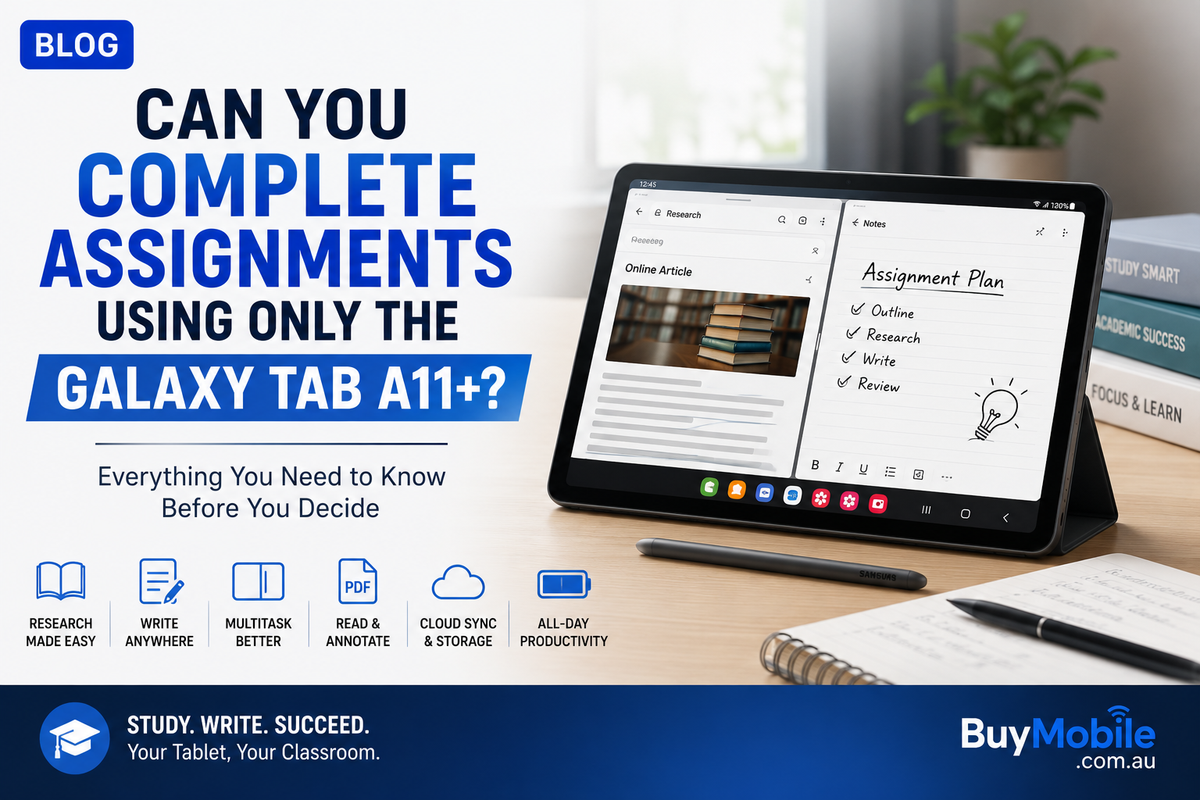
One of the most useful tablet features for assignments is split-screen multitasking.Imagine researching an essay.On one side of the screen, you can have your browser displaying an article. On the other, you can keep your document or notes available.This reduces the need to repeatedly switch between applications.You could also have a PDF open beside your notes, watch an educational video while recording important information or keep assignment instructions visible while working on your response.These workflows are technically possible on smartphones, but the smaller screen can make them uncomfortable.The larger tablet display gives Android multitasking enough space to become genuinely useful for study.
Writing Assignments Is Possible, but Consider a Keyboard
You can write an entire assignment using the Galaxy Tab A11+ and its on-screen keyboard.Whether you will want to is another question.Typing a few paragraphs on a touchscreen is manageable. Writing a 2,000-word essay using an on-screen keyboard can become tiring. The keyboard also occupies a significant part of the display, leaving less space for your document.A physical keyboard can transform the experience.Pairing the tablet with a compatible Bluetooth keyboard can make longer writing sessions much more comfortable. Add a stand or keyboard case and the Galaxy Tab A11+ begins behaving more like a compact laptop.For students planning to use the tablet as their primary assignment device, a keyboard should probably be considered part of the overall purchase rather than an optional extra.
Google Docs and Microsoft 365 Cover Many Student Needs
Many assignments do not require specialist desktop software.Google Docs, Microsoft Word and other Android productivity applications can handle common writing tasks such as essays, reports and basic formatting.Cloud-based tools also provide an important advantage for students.Your work can be saved online and accessed from another device if necessary. That means an assignment started on the Galaxy Tab A11+ could later be reviewed on a university computer or another device.For presentations, compatible versions of Google Slides and Microsoft PowerPoint can cover many everyday requirements.Spreadsheets are also possible through applications such as Google Sheets and Microsoft Excel, although complicated spreadsheet work may be more comfortable on a laptop with a larger screen, keyboard and mouse.For standard assignments, however, Android offers plenty of productivity options.
Reading PDFs Is One of the Tablet's Strongest Uses
Students frequently work with lecture notes, textbooks, research papers and other PDF documents.This is where a tablet makes considerably more sense than a smartphone.A larger screen allows pages to appear closer to their intended layout, reducing the amount of zooming required.You can read a research paper, check references or review lecture slides while sitting almost anywhere.PDF applications can also provide tools such as highlighting, comments and bookmarks, although exact capabilities depend on the application being used.For courses involving large amounts of reading, having study material on a lightweight tablet can be much more convenient than carrying printed documents or repeatedly opening a laptop.
Online Classes and Educational Platforms Should Feel Natural
Assignments are increasingly connected to online learning systems.Students may receive instructions through learning portals, submit work through websites, communicate with teachers through email and attend video classes.These are all activities that suit a tablet.The Galaxy Tab A11+ can function as a convenient screen for video lessons while still giving you access to your browser, email and study applications.For students who regularly move between home, school, university and libraries, portability becomes a significant advantage.Instead of opening a laptop for every small task, you can quickly check an assignment, read feedback or download study material directly from the tablet.
File Management Requires Some Adjustment
This is an area where students moving from a laptop may need time to adapt.Android provides file management, downloads, folders and cloud storage, but the workflow can feel different from Windows or macOS.Uploading an assignment to an educational portal may involve locating the correct document within the tablet's file system or cloud storage.Once you understand where your files are stored, everyday management becomes easier.A sensible approach is to create organised folders for each subject and use a cloud service for important assignments.This also provides additional protection if something happens to the tablet.Whatever device you use, keeping only one copy of an important assignment is risky.
Presentations Are Possible Too
Creating presentations on the Galaxy Tab A11+ is entirely possible using compatible presentation applications.You can add text, images, shapes and other common elements to slides.For a simple school or university presentation, this may be sufficient.However, complicated presentations involving detailed layouts, advanced animations or large amounts of visual design can be easier to create on a laptop.The difference is often not whether the tablet can perform the task.It is how efficiently you can perform it.Touchscreens are excellent for direct interaction, but a mouse and keyboard can still be faster for precise editing.
Where the Galaxy Tab A11+ May Struggle
The biggest limitation appears when assignments require specialist desktop applications.Engineering students may need software that only runs on Windows or macOS. Programming courses can require specific development environments. Architecture, advanced statistics, professional video editing, 3D modelling and specialised design applications can also create compatibility problems.In these situations, an Android tablet should not automatically be treated as a complete laptop replacement.Your course requirements should always be checked before buying.If your assignments mainly involve research, writing, PDFs, presentations, web-based platforms and online classes, the Galaxy Tab A11+ can potentially handle a large percentage of your workload.If specialist desktop software is essential, you will probably still need access to a computer.
Accessories Can Make a Big Difference
Using the Galaxy Tab A11+ alone and using it with a few carefully chosen accessories can feel like two very different experiences.A keyboard is the most important addition for assignments involving substantial writing.A tablet stand can improve posture during long study sessions. A Bluetooth mouse may also make certain productivity applications easier to navigate.Headphones can be useful for online classes, recorded lectures and studying in shared spaces.These accessories increase the overall cost, so they should be included when comparing the tablet with an affordable laptop.A low-cost tablet plus several accessories may eventually approach the price of a basic notebook computer.
Could You Study for an Entire Day With It?
For a typical student, potentially yes.You might begin by checking your timetable and email, open lecture material during class, read a PDF in the afternoon and research an assignment in the library.Later, you could connect a keyboard and continue writing at home.The same device can also handle entertainment when study is finished.This flexibility is one of the biggest reasons tablets are attractive to students. They are comfortable for content consumption while still being capable of meaningful productivity.The key is understanding that a tablet approaches productivity differently from a laptop.
So, Can You Complete Assignments Using Only the Galaxy Tab A11+?
For many students, yes, particularly when assignments revolve around web research, document writing, PDFs, presentations and cloud-based educational tools.The Galaxy Tab A11+ can provide a comfortable large-screen workspace without requiring you to carry a full laptop everywhere.Adding a physical keyboard makes the experience significantly better for long writing sessions, while split-screen multitasking can make research and note-taking more efficient.However, the answer changes if your course requires specialist desktop software or highly demanding applications.Before deciding to use the Galaxy Tab A11+ as your only study device, check the software required by your school, university or course.For the right student, the Galaxy Tab A11+ does not have to imitate every feature of a laptop to be useful.If your assignments mostly happen inside browsers, documents, PDFs and Android applications, it may provide almost everything you need to move from the first line of research all the way to pressing the final Submit button.