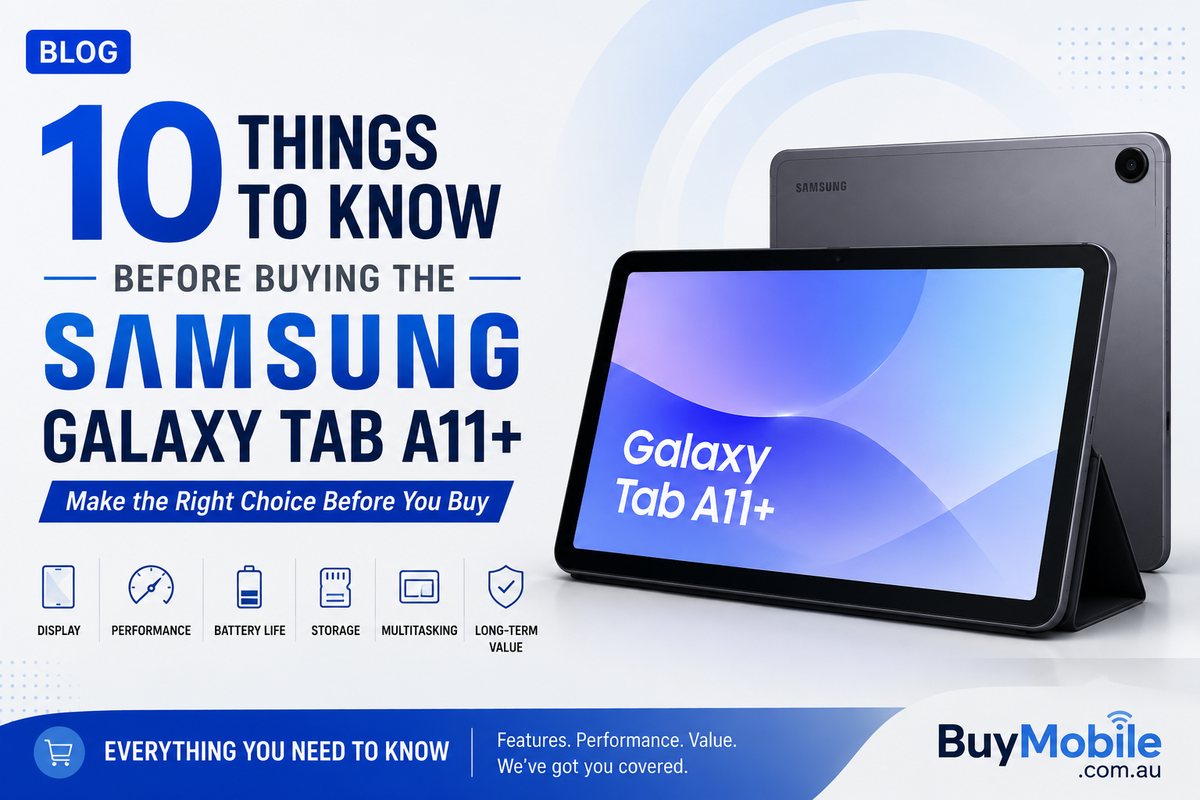
Buying a tablet can look straightforward until you start thinking about how you will actually use it. A tablet that is excellent for streaming may not necessarily be the best laptop replacement, while a device suitable for browsing and video calls might struggle with demanding creative applications.The Samsung Galaxy Tab A11+ is positioned as an accessible large-screen Galaxy tablet for everyday activities. It can make sense for families, students, entertainment users and people who want more screen space than a smartphone without moving into Samsung's premium Galaxy Tab S range.Before ordering one, however, it is worth understanding what type of tablet you are buying. Here are 10 things to consider before choosing the Samsung Galaxy Tab A11+.
1. Think About What You Actually Need a Tablet For
The first question should not be about processors, RAM or benchmarks Ask yourself what you plan to do with the tablet.If your typical day involves browsing websites, checking email, watching YouTube, streaming movies, reading, shopping online and using social media, the Galaxy Tab A11+ is designed around exactly this type of everyday experience.Students may also find the larger display useful for accessing online classes, researching assignments, reading PDFs and working with common productivity applications.However, someone planning professional video editing, advanced graphic design, complex programming or other desktop-class workloads may need something more powerful.Knowing your workload prevents you from paying for performance you do not need or buying a tablet that cannot comfortably handle what you expect.
2. The Larger Display Is One of the Main Reasons to Buy It
One of the biggest advantages of a tablet over a smartphone is simply having more room.A larger Galaxy Tab A11+ display can make websites, videos, documents and applications more comfortable to use than they are on a typical phone.The difference becomes especially noticeable when reading.Instead of constantly zooming into PDFs or scrolling through small sections of a webpage, you can see more information at once.Movies and television programmes also benefit from the larger canvas. If you frequently watch content in bed, on the sofa or while travelling, a tablet can provide a more immersive experience without requiring a television or laptop.Before buying, consider whether screen size and portability are more important to you than having the smallest possible device.
3. It Is an Everyday Tablet Rather Than a Premium Productivity Machine
Samsung offers tablets across several categories.The Galaxy Tab S family generally represents the company's more premium tablet experience, while Galaxy Tab A devices focus more heavily on accessible everyday use.That distinction matters.The Galaxy Tab A11+ should not necessarily be judged against Samsung's most expensive tablets. Instead, the better question is whether it provides enough performance for the tasks its intended buyers perform regularly.Browsing, streaming, online shopping, video calls and common applications do not require flagship-level hardware.Heavy gaming, professional editing and demanding multitasking are different situations.If your expectations match the tablet's positioning, you are more likely to be satisfied with it.
4. Choose Your RAM and Storage Carefully
Storage is easy to underestimate when buying a new tablet.Applications, downloaded movies, photographs, games and offline files can gradually consume space. A tablet that initially appears to have plenty of storage can become crowded after a few years.Consider your habits before choosing a configuration.Someone who mainly streams content and stores files in the cloud may need considerably less local storage than someone downloading movies before flights or installing several large games.RAM also matters for multitasking.More RAM can help when switching between applications or keeping several tasks available in memory. If you intend to keep the tablet for several years, selecting an appropriate configuration at the beginning can improve its long-term practicality.Do not automatically choose the cheapest option without considering how your usage might grow.
5. Multitasking Is Better on a Tablet Than a Phone
Android and Samsung's software can take advantage of the additional screen space for multitasking.Split-screen functionality can be particularly useful.A student might keep research open beside a document. You could watch a video while browsing related information or keep a messaging application available while shopping online.These activities are technically possible on many smartphones, but the limited display area can make them uncomfortable.On a larger tablet, multitasking starts making considerably more sense.However, do not confuse convenient split-screen use with desktop-level multitasking. If your daily workflow involves many windows, specialist applications and extensive keyboard input, a laptop may still provide a more efficient working environment.
6. Consider Whether You Need a Keyboard
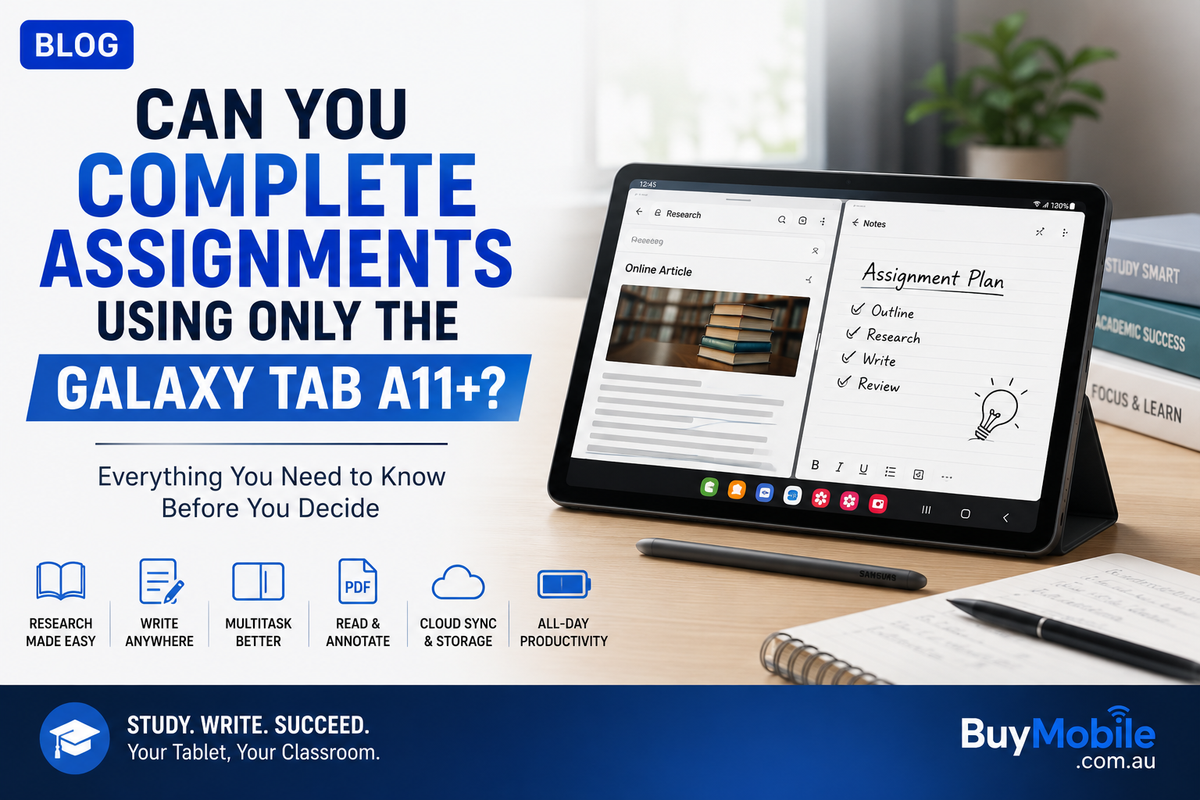
Typing a quick email using an on-screen keyboard is perfectly reasonable.Writing several thousand words is different.If you intend to use the Galaxy Tab A11+ for university assignments, work documents or frequent emails, a physical Bluetooth or compatible keyboard can significantly change the experience.With a keyboard, the tablet begins to feel more like a compact productivity device.Without one, long typing sessions can become tiring because the on-screen keyboard occupies part of the display and provides no physical key feedback.Remember to include accessories when thinking about your total budget.A tablet may appear affordable until you add a case, keyboard, screen protection and other accessories you consider necessary.
7. Understand Its Gaming Limits
The Galaxy Tab A11+ can be useful for casual gaming, but not every tablet buyer has the same definition of gaming.Simple titles and many mainstream mobile games should suit an everyday tablet far better than demanding games running at maximum graphics settings.More demanding titles can place greater pressure on the processor and graphics hardware. Longer sessions can also increase temperature and battery consumption.If gaming is one of your main reasons for buying a tablet, research the particular games you intend to play and consider your expectations around graphics quality and frame rates.If gaming is something you do occasionally between streaming, browsing and other everyday tasks, the Galaxy Tab A11+ makes more sense.
8. Battery Life Depends Heavily on How You Use It
Large tablets have room for substantial batteries, but battery capacity alone does not determine how long a device lasts.Screen brightness, gaming, video streaming, background applications, network connectivity and other settings all affect power consumption.Watching downloaded video at moderate brightness may produce a very different result from playing an online game at high brightness for several hours.This is important when reading battery claims or reviews.Think about your own usage rather than expecting one battery figure to apply to everyone.For travel, it is also worth checking charging requirements and carrying a compatible charger or power bank when you expect to spend a long time away from a power outlet.
9. A Galaxy Tablet Makes More Sense If You Already Use Samsung Devices
The Galaxy Tab A11+ can work perfectly well as an independent Android tablet, but Samsung users may receive additional convenience from staying within the Galaxy ecosystem.If you already use a Galaxy smartphone, Galaxy Buds or another Samsung device, having a tablet within the same ecosystem can make the overall experience feel more consistent.The interfaces are familiar, Samsung accounts can connect services and compatible ecosystem features can reduce friction when moving between devices.This does not mean you should buy a Samsung tablet simply because you own a Samsung phone.But ecosystem familiarity can become a meaningful advantage when two tablets otherwise meet similar requirements.The more connected devices you use, the more these small conveniences can matter.
10. Decide Whether You Need a Tablet or a Laptop
This may be the most important question of all.The Galaxy Tab A11+ can handle many activities people traditionally performed on laptops.You can browse the web, write emails, attend video calls, stream content, research information and work with common documents.For some people, that may be enough.But a tablet and laptop still provide different experiences.A laptop usually offers stronger desktop software support, a built-in keyboard, more traditional file management and better compatibility with specialist professional applications.A tablet offers touchscreen convenience, easier portability and an experience particularly well suited to entertainment and casual browsing.Students should pay special attention to this distinction.If your course depends on Windows or macOS software, buying a tablet as your only computer may create problems later. If most of your coursework happens through browsers, PDFs and Android-compatible productivity applications, the Galaxy Tab A11+ could be much more practical.
Is the Samsung Galaxy Tab A11+ Worth Buying?
The answer depends less on whether the Galaxy Tab A11+ is a good tablet and more on whether it is the right tablet for your needs.It makes the strongest case for people looking for an accessible large-screen device for entertainment, browsing, study, video calls and everyday applications.Families may appreciate having a shared device around the house. Students can benefit from the larger screen for research and educational content. Travellers may enjoy having a portable entertainment device that is easier to carry than a laptop.Power users should be more careful.If you expect premium gaming performance, professional creative capabilities or a complete laptop replacement, moving higher in Samsung's tablet range or choosing a computer may make more sense.