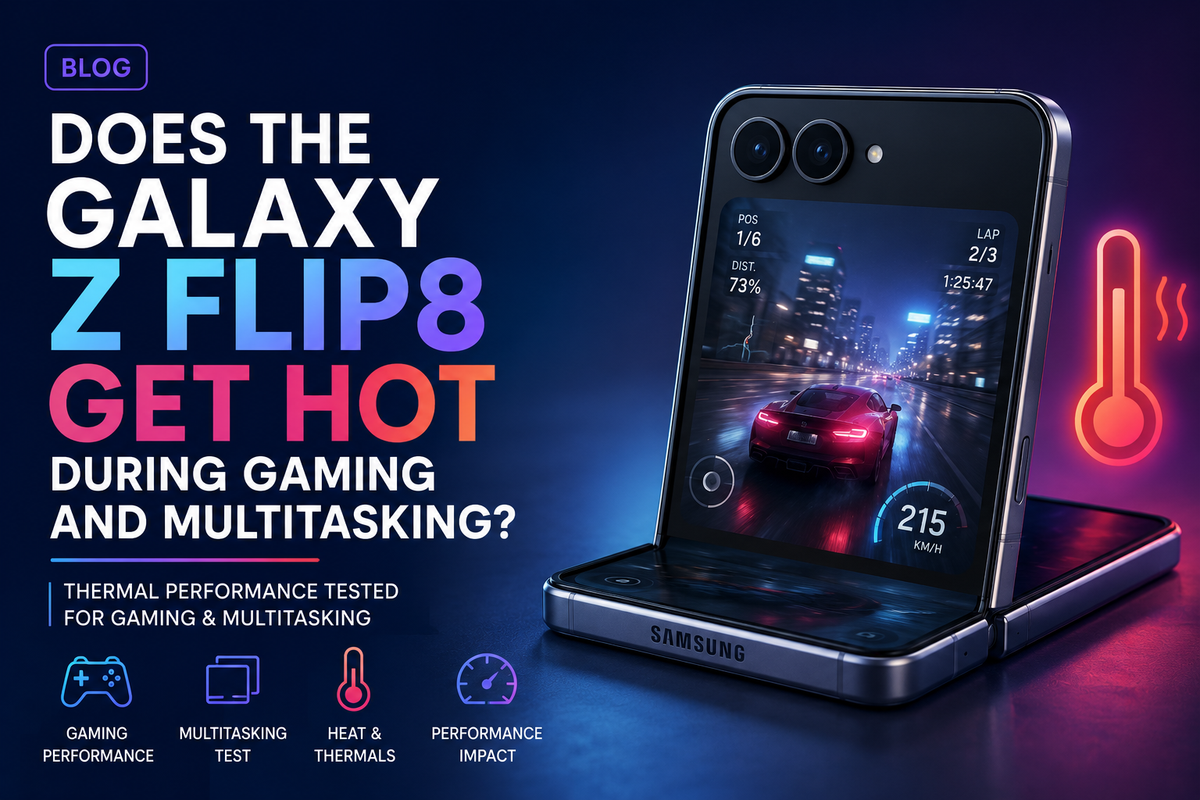
The Samsung Galaxy Z Flip8 combines the portability of a compact flip phone with the performance expected from a modern premium smartphone. Its foldable design makes it easy to carry, while the large main display provides plenty of space for gaming, streaming, social media and multitasking. However, fitting powerful hardware into such a thin foldable body naturally raises an important question: does the Galaxy Z Flip8 get hot during gaming and multitasking?The simple answer is that the Galaxy Z Flip8 can become warm during demanding activities, just like almost every high-performance smartphone. Heat does not automatically mean there is a problem. Gaming, video recording, navigation, AI processing, charging and running several applications simultaneously can all increase processor activity and generate additional heat.
Why Does the Galaxy Z Flip8 Generate Heat?
Smartphones generate heat whenever their internal components perform demanding calculations. The processor, graphics unit, modem, display and battery can all contribute.Samsung's Galaxy Z Flip8 is equipped with powerful hardware designed for demanding everyday workloads. Samsung's Indian model uses the Galaxy-customised Exynos 2600 processor, combining CPU, GPU and NPU capabilities for general processing, graphics and AI workloads. Samsung says the new model offers improved CPU, GPU and NPU performance compared with the Galaxy Z Flip7.When you are simply messaging, browsing websites or checking email, the processor does not need to operate at maximum performance. Gaming is different. A demanding game may simultaneously use the CPU for calculations and the GPU for rendering detailed graphics while the display operates at a high refresh rate.All that processing consumes energy, and some of that energy eventually becomes heat.
What Happens During Gaming?
Gaming is one of the easiest ways to make almost any smartphone warm.Modern mobile games can include detailed environments, high-resolution textures, complex lighting, online multiplayer features and high frame-rate modes. The Galaxy Z Flip8 supports a Dynamic AMOLED 2X main display with a refresh rate of up to 120Hz, while Samsung also highlights improved GPU performance and Vulkan integration for demanding graphics.During a short gaming session, you may notice little more than mild warmth. During longer sessions, especially with demanding graphics settings, the temperature can become more noticeable.Factors such as high screen brightness, mobile data, poor network reception, background applications and charging while gaming can add to the thermal load.The surrounding temperature matters as well. Gaming in a cool indoor environment is very different from playing outside on a hot summer afternoon.
Does the Foldable Design Make Heat More Noticeable?
The Galaxy Z Flip8 has an unusual challenge compared with a conventional smartphone because Samsung is fitting flagship-level components into an exceptionally thin foldable design.Samsung describes the Galaxy Z Flip8 as its lightest and thinnest Flip yet, weighing 180 grams and measuring around 0.61 cm thick when unfolded.A thin device naturally provides limited physical space for batteries, processors and thermal-management components. This does not mean the phone cannot handle demanding applications. It simply makes efficient power and thermal management particularly important.Because the chassis is thin, warmth generated internally can also become noticeable through the exterior relatively quickly.
What About Multitasking?
Normal multitasking should generally be less demanding than extended gaming.For example, switching between WhatsApp, Chrome, Gmail, Spotify and social media applications should not place the same continuous load on the GPU as a demanding 3D game.The Galaxy Z Flip8 is specifically positioned for demanding everyday use, with Samsung highlighting its upgraded processing hardware and One UI 9 experience.However, multitasking can become demanding when several intensive activities happen simultaneously.Imagine using Google Maps navigation while streaming music, downloading files, running Bluetooth, using mobile data and keeping several applications active in the background. The processor, modem, GPS and other components are all working together.In these circumstances, noticeable warmth is completely possible.
Gaming While Charging Can Produce More Heat
One situation worth avoiding when possible is intensive gaming while charging.Charging already generates some heat because electrical energy is being transferred into the battery. Running a demanding game simultaneously adds processor and graphics workload.The result can be significantly more heat than gaming or charging independently.If you are planning a long gaming session, allowing the phone to charge first and then disconnecting the charger can help reduce unnecessary thermal load.
Can Heat Affect Gaming Performance?
Potentially, yes.Smartphones use thermal-management systems designed to prevent internal components from operating outside safe temperature ranges. When temperatures rise sufficiently, the system can reduce processor or graphics performance.This behaviour is commonly known as thermal throttling.For gaming, throttling can sometimes appear as lower frame rates or reduced consistency during extended sessions. The first few minutes of a game may therefore perform differently from a much longer session under sustained load.Samsung itself notes that sustained performance and thermal design matter for mobile gaming because managing heat helps maintain more consistent frame rates.
Battery Life Also Matters During Heavy Use
The Galaxy Z Flip8 has a 4,300mAh typical battery. Samsung rates it for up to 31 hours of video playback, although actual endurance varies considerably depending on applications, connectivity, display settings and usage conditions.Gaming is considerably more demanding than ordinary video playback.High brightness, 120Hz operation, intensive graphics, online connectivity and background applications can increase power consumption. More power consumption can also mean more heat.For casual gaming, this should be manageable. Serious gamers spending several hours playing graphically demanding titles may notice both faster battery drain and higher temperatures.
How Can You Keep the Galaxy Z Flip8 Cooler?
A few simple habits can make a difference.Avoid playing demanding games in direct sunlight or extremely hot environments. Reduce screen brightness when maximum brightness is unnecessary. Close demanding background applications and avoid charging while playing intensive games whenever practical.If the phone becomes unusually hot, stopping the game for a few minutes can allow it to cool naturally.You should also avoid covering the phone or placing it somewhere that traps heat while it is charging or performing intensive tasks.
Is Heat a Reason to Avoid the Galaxy Z Flip8?
For most everyday users, probably not.The Galaxy Z Flip8 is designed to handle everything from communication and streaming to multitasking, AI features and gaming. Its upgraded processing platform provides significantly more performance than most ordinary applications require.However, the Flip8 remains an extremely thin foldable rather than a dedicated gaming phone.Someone who occasionally plays games, browses social media, streams videos and switches between several apps should find its performance more than capable. Someone who regularly plays demanding games for hours at maximum graphics settings may benefit more from a device designed specifically around sustained gaming performance and larger thermal hardware.