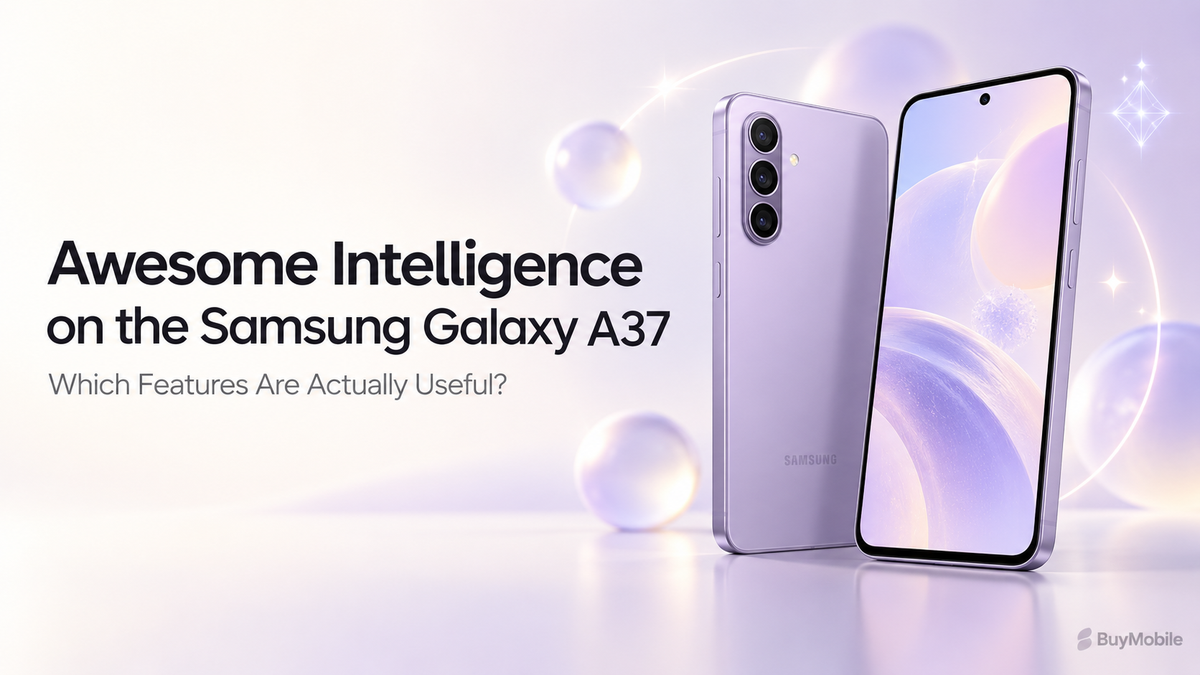
Artificial intelligence sounds impressive in a smartphone advertisement, but its value depends on what it helps you accomplish. Can it save you from retyping information, simplify photo editing or make a recording easier to revisit?Samsung’s Galaxy A37 includes Awesome Intelligence features aimed at those everyday tasks. The useful approach is to identify tools that fit your routine, learn their limitations and avoid treating every generated result as correct. Here is where the A37’s intelligent features could make a practical difference.
What Is Awesome Intelligence?
Awesome Intelligence is Samsung’s name for a collection of intelligent experiences available on supported Galaxy A-series phones. On the Galaxy A37, these include photo-editing tools, Circle to Search, AI Select and voice transcription, alongside assistant integration. Think of it as several shortcuts distributed across your phone rather than one application that handles everything.Its usefulness depends on your habits. Someone who photographs products may use editing tools frequently, while a student might find transcription more valuable. Start with the tasks you repeat most often instead of trying every feature immediately.
Is Circle to Search Useful Beyond Shopping?
Circle to Search lets you search for something visible on your screen without first describing it in a separate search box. Samsung highlights identifying multiple pieces of clothing within an outfit as one example. That makes it worth exploring when an image contains something difficult to name. You might want to investigate an unfamiliar accessory, identify a style or find similar products.However, a visual match is a starting point. Similar-looking products can differ in brand, materials and specifications. Before purchasing, open the retailer’s listing and verify the exact item.For everyday browsing, the benefit is reducing the steps between noticing something and researching it.
When Does Object Eraser Actually Help?
Object Eraser removes unwanted objects from photographs and fills the affected area. Samsung specifically promotes it for cleaning up background distractions on the Galaxy A37. A practical use is removing a small distracting item from an otherwise good personal photograph. It may save you from retaking a picture when the moment has passed.Review the edited area closely. Look for repeated textures, distorted edges or strange patterns around the removal.For product photographs, preserve the product’s actual appearance. Removing background clutter is different from altering a scratch, accessory or feature that a buyer needs to see. Keep the original image so you can compare the result.
Should You Accept Every Edit Suggestion?
Edit Suggestion analyses a photograph and recommends changes. Samsung lists possibilities including remastering, removing shadows or reflections and adding background blur, depending on the image.It can be useful when you know a picture needs improvement but do not want to adjust several controls manually.Treat the suggestion as an alternative version. Compare skin tones, brightness and fine detail before saving.A more dramatic image is not always a better one. For photographs of clothing, food or merchandise, accurate colours may matter more than additional contrast. Your judgement remains the final editing tool.
How Can AI Select Save Time?
AI Select offers actions based on selected screen content, including saving, sharing and extracting text. Samsung’s guidance explains that it works with images, videos and text, with access depending on the device interface.Its strongest everyday use is avoiding unnecessary typing. For example, you could extract information from a screenshot and move it into a note rather than manually copying every word.Always check names, dates, addresses and numbers after extraction. An incorrectly recognised character can change the meaning.Try it on information you already understand first. That helps you learn when the feature is reliable enough to reduce work and when manual checking remains faster.
Is Voice Transcription Worth Using?
Samsung confirms Voice Recorder transcription support for the Galaxy A37. It converts supported recordings into text, making spoken information easier to revisit.For someone who records personal ideas, this can make reviewing notes more convenient. A written version helps you locate information without replaying an entire recording.Clear audio still matters. Background noise, overlapping speakers and unfamiliar terminology can affect the result.Check important passages against the recording, especially names and figures. Transcription is most useful when it assists your review rather than replacing it. Before recording other people, agree on the recording and intended use.
Are Bixby and Gemini Useful Every Day?
Samsung describes Bixby as an assistant for controlling supported device functions through natural language, while Gemini can help with supported tasks across compatible applications. Availability depends on factors including accounts, language and software.Start with a small task you can verify easily. If the assistant consistently saves time, expand from there. Confirm important details before relying on its output.
Which Features Should You Prioritise?
My recommendation is to begin with Circle to Search, Object Eraser and AI Select because their results are easy to inspect.Add transcription if recordings are already part of your routine. Explore assistants when they remove a specific inconvenience.Before buying in Australia, check feature availability for the exact model and software. The best intelligence feature is one that saves you time repeatedly while leaving you confident in the result.