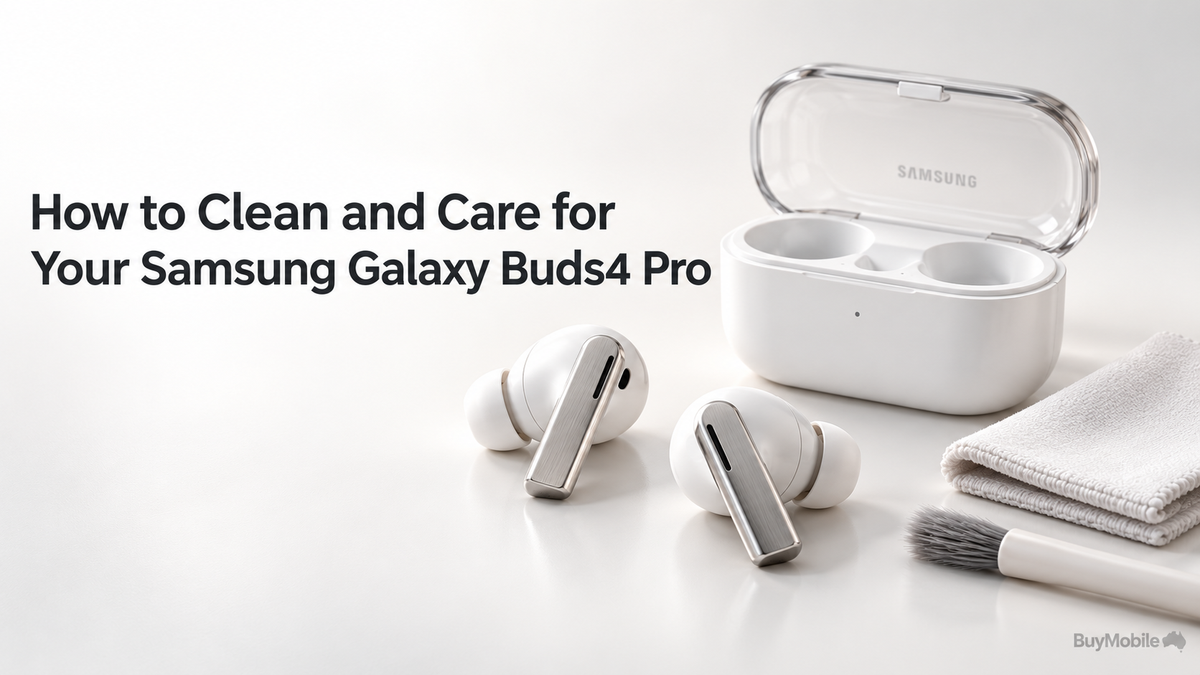
Your Samsung Galaxy Buds4 Pro spend time in your ears, pockets and charging case, so regular care matters. Earwax, skin oils and dust can accumulate around the ear tips and speaker openings. Samsung notes that debris can make audio sound muffled or interfere with charging. A useful cleaning routine should be gentle and consistent. You do not need an elaborate kit or aggressive cleaning products. Start with dry tools, handle the removable tips carefully and inspect the charging case alongside the earbuds. These habits help you spot problems before they interrupt your listening.
How Often Should You Clean Your Earbuds?
As a practical routine, inspect your earbuds after wearing them and give them a light wipe whenever you notice oil, dust or moisture. Schedule a closer inspection weekly, adjusting the frequency according to your use.Someone wearing earbuds throughout a commute and workday may need more frequent attention than an occasional listener.Do not wait until one earbud sounds quieter. Check both sides under good lighting, including the tips, visible mesh and charging contacts. A brief inspection makes it easier to notice buildup while it is still manageable.
What Should You Use for Cleaning?
Samsung’s general Galaxy earbuds guidance recommends soft, dry cloths, cotton swabs and dry brushes. It warns against liquids such as alcohol or soapy water and against metal or wire brushes. Choose a clean, lint-free cloth and a soft brush reserved for this purpose. Work over a clear table so that a detached tip cannot disappear.Remove the earbuds from the case and unplug the case before starting. Use light pressure throughout. If dirt does not come away easily, stop rather than escalating to a sharper tool or stronger cleaner.
How Do You Remove the Buds4 Pro Ear Tips?
The Buds4 Pro tips require careful handling. Samsung instructs users to hold the earbud, roll the tip inside out, then lightly grip its base where it meets the earbud and gently pull to detach it. Avoid pulling from the thin outer edge. Samsung also warns against forcefully twisting, pressing or pulling the tips, which can tear them.Remove one tip at a time and keep track of its size. If it feels difficult to detach, revisit Samsung’s illustrated instructions instead of guessing. Careful removal is especially important when you are cleaning frequently.
How Should You Clean the Tips and Speaker Mesh?
Use dry tools to remove loose material from the detached tips and accessible speaker mesh. Samsung’s general guidance favours a dry brush or cotton swab, followed by a soft, dry cloth where appropriate.Work gently across the surface rather than pushing into the openings. Position the earbud so loosened debris can fall away instead of collecting inside.Inspect the tip for tears or damage while it is detached. Do not try to clean underneath the mesh, remove protective components or dismantle the housing. Persistent blockage is a reason to seek service advice.
How Do You Reattach the Ear Tips Correctly?
Samsung says to align the notch inside the tip with the groove on the earbud, then push until it clicks into place. If material becomes trapped in the exterior gap, remove the tip and try again. Check the attachment before wearing the earbuds. The tip should sit evenly without an obvious trapped edge.Fit matters after cleaning, too. Samsung recommends choosing tips that create a proper seal and offers an earbud fit test for the Buds4 Pro. If sound or noise cancellation seems different, check the fit before assuming cleaning caused a fault. What About the Charging Case and Contacts?Inspect the case for loose lint and dust whenever you clean the earbuds. Gently wipe accessible surfaces with a dry cloth and use a dry cotton swab around the charging contacts, following Samsung’s general cleaning guidance.Avoid bending contacts or inserting tools deeply into the charging port.After cleaning, return each earbud to its correct compartment and check that charging begins normally. If one side repeatedly fails to charge, inspect its seating and contact area. Repeatedly pressing it into the case is not a substitute for identifying the problem.
Can You Wash Them Because They Are Water Resistant?
Water resistance does not make washing the earbuds a suitable cleaning method. Samsung’s Buds4 Pro information also specifies that the charging case is not water resistant. Keep the case away from sinks, wet bags and spills. If the earbuds have moisture on them, dry them thoroughly before returning them to the case.Do not mistake a dry-looking exterior for proof that charging is appropriate after significant liquid exposure. Consult the product manual or Samsung support when you are uncertain.
What Everyday Habits Help Them Last?
Keep the case in a dedicated pocket or compartment instead of letting it rub against loose keys. Close it when stored and check clothing pockets before washing.Avoid leaving it in direct sunlight or a parked car. After cleaning, test playback at a comfortable volume and confirm both earbuds charge.If sound remains muffled, a tip is damaged or charging stays unreliable, contact Samsung support. Regular care should preserve your earbuds through gentle maintenance, with professional help when cleaning alone does not resolve the issue.