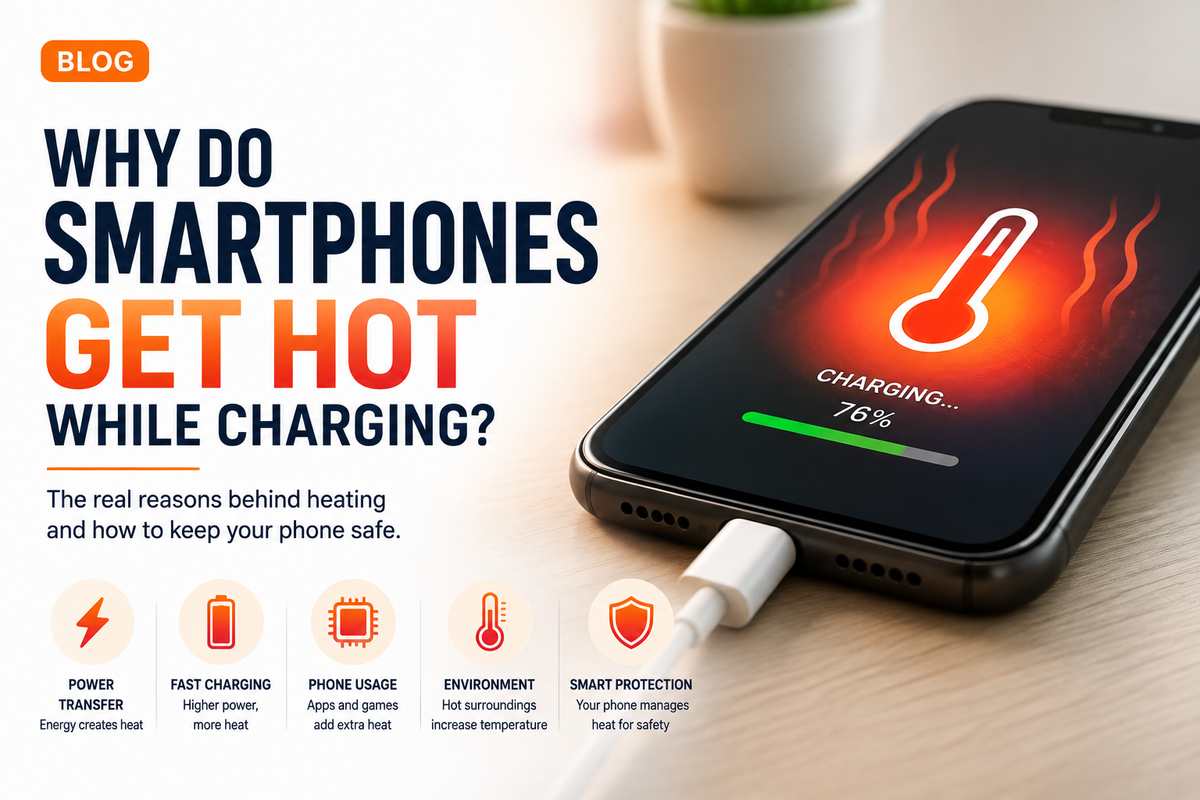
Plug your smartphone into a charger and you may notice something interesting after a few minutes. The back of the phone becomes warm, particularly around the battery or processor area. With fast charging, the temperature can sometimes rise even more noticeably.A little warmth while charging is usually normal. Charging a smartphone involves transferring electrical energy into a battery, and that process is never perfectly efficient. Some energy inevitably becomes heat.But why does this happen? Why are some phones warmer than others? And when does normal charging heat become something you should pay attention to?Understanding what happens inside your smartphone while it charges can help explain why temperature is such an important part of modern battery management.
What Happens When You Plug In Your Smartphone?
A smartphone battery stores energy chemically. When you connect the phone to a charger, electrical energy travels from the power adapter through the charging circuitry and into the battery.The phone does not simply send all available electricity directly into the battery.A charging controller manages the process. It determines how much power the battery can safely receive based on factors such as battery percentage, temperature and the charging system being used.During this process, electrical resistance in the battery, charging circuitry, cables and other components creates heat.Think about it as a small amount of energy being lost during the transfer.Instead of every bit of electrical energy becoming stored battery power, some is converted into thermal energy. That is one of the fundamental reasons your smartphone feels warmer when connected to a charger.
Fast Charging Can Produce More Heat
Modern smartphones can charge dramatically faster than older models.
Depending on the device, you may see charging systems advertised at 25W, 45W, 65W, 80W, 100W or even higher.Faster charging means transferring substantial amounts of energy in a relatively short period. Managing that energy creates an additional thermal challenge.Manufacturers use sophisticated charging controllers, battery designs, temperature sensors and software to manage this process.This is also why a phone does not necessarily maintain its maximum advertised charging speed from 0 to 100 percent.Charging speed can change throughout the session.When conditions are suitable and the battery percentage is relatively low, the phone may accept more power. As the battery becomes fuller or warmer, the charging system can reduce power to protect the battery.That is why the final portion of charging can sometimes take longer than expected.
Your Battery Has Internal Resistance
The battery itself also contributes to heat generation.Lithium-ion batteries have internal resistance. When electrical current flows through the battery during charging, some energy is converted into heat because of that resistance.The amount of heat produced can depend on several factors, including battery design, charging power, temperature and battery condition.As batteries age, their characteristics gradually change.A smartphone that has been used heavily for several years may therefore behave differently from the same model when it was new. Battery degradation can affect charging performance, capacity and temperature behaviour.This does not mean an older battery will automatically become dangerously hot. It simply means battery condition is one of several factors that can influence charging.
Using Your Phone While Charging Adds More Heat
Charging is only one source of smartphone heat.The processor, graphics chip, display, modem, cameras and other components also generate heat when they are working.This becomes important if you use your phone heavily while it is connected to a charger.Imagine playing a graphically demanding game while fast charging.The battery and charging circuitry are producing heat while the processor and graphics hardware are simultaneously working hard. The display may be running at high brightness and a high refresh rate, while Wi-Fi or 5G is continuously transferring data.Now the phone has multiple heat sources operating at once.Video editing, navigation, video calls, recording high-resolution video and demanding games can all increase temperature while charging.For this reason, leaving the phone relatively idle can sometimes help it charge more efficiently and remain cooler.
Wireless Charging Can Feel Warmer
Wireless charging introduces another interesting source of heat.Instead of transferring electricity directly through a cable, wireless charging uses electromagnetic induction between coils in the charger and smartphone.This process offers convenience, but energy can be lost during wireless power transfer.That lost energy can appear as heat.Alignment also matters. If the phone and charging coil are not positioned efficiently, energy transfer may become less efficient and generate additional warmth.Modern wireless charging systems include temperature and power management to control these conditions, but it is still common for a smartphone to feel warmer during wireless charging than during some wired charging situations.
Your Phone Is Constantly Watching Its Temperature
Modern smartphones are designed with thermal management systems.Temperature sensors can monitor important areas inside the device, including the battery and other components.If temperatures rise beyond preferred operating conditions, the phone can respond automatically.It might reduce charging speed, lower processor performance, dim the display or temporarily restrict certain functions.In more extreme circumstances, charging may slow dramatically or stop until the device cools down.This is why you may occasionally see a temperature warning or notice that a phone is charging more slowly on a particularly hot day.Slower charging in those circumstances is not necessarily a fault. It can be the phone's protection system doing its job.
Why Does the Environment Matter?
Your surroundings can have a surprisingly large impact on charging temperature.Charging your smartphone in a cool room is very different from charging it inside a hot car in direct sunlight.The phone needs somewhere for internally generated heat to go.When the surrounding air is already hot, transferring heat away from the device becomes more difficult.Direct sunlight can make the situation worse because the phone is absorbing external heat at the same time as it is generating its own.This is particularly relevant during summer.Leaving a phone charging on a car dashboard, windowsill or another hot surface can create much higher temperatures than charging it indoors.For normal charging, choose a dry, ventilated location away from direct heat sources.
Can a Phone Case Make It Hotter?
A case can sometimes influence how quickly heat escapes from a smartphone.Phones dissipate heat through their internal structure and external surfaces. A thick or highly insulating case can potentially make heat dissipation more difficult in certain conditions.You generally do not need to remove your case every time you charge.However, if your phone becomes unusually warm while fast or wireless charging, removing a particularly thick case may help determine whether it is contributing to the temperature.The type of case, smartphone and charging method all matter.
Why Heat Matters to Battery Health
Heat and lithium-ion batteries are not an ideal long-term combination.Battery ageing happens naturally. Every smartphone battery gradually loses some of its original capacity as it goes through charge cycles and ages chemically.High temperatures can accelerate some of that degradation.This is one reason modern phones carefully control charging when temperatures rise.Keeping a battery as cool as reasonably possible does not mean your phone must remain cold during every charge. Mild warmth is expected.The goal is to avoid unnecessary and prolonged exposure to excessive heat.
Is Overnight Charging the Problem?
Many people assume leaving a smartphone plugged in overnight means electricity continuously pours into an already full battery.Modern smartphones do not generally charge this way.Charging electronics manage the battery and reduce or stop active charging as necessary. Many devices also offer optimised or adaptive charging features designed to reduce the amount of time the battery spends fully charged.However, charging location still matters.Putting a charging phone under a pillow, blanket or other material that traps heat is a bad idea because it reduces ventilation.A bedside table or another open surface is a much more appropriate location.
When Should You Be Concerned About Charging Heat?
A phone becoming mildly or moderately warm during fast charging, wireless charging or simultaneous use is generally different from a device becoming extremely hot.Pay attention if the temperature seems unusually high, the phone repeatedly displays overheating warnings, charging stops frequently because of temperature, the battery appears swollen, the device develops a strange smell or the phone becomes uncomfortable to handle.A swollen battery is particularly important. Stop using the device and seek appropriate professional support rather than pressing on or attempting to puncture the battery.Also use reputable, compatible charging equipment. Damaged cables, questionable adapters and physically damaged batteries should not be ignored.
How Can You Keep Your Smartphone Cooler While Charging?
You do not need complicated tricks.Charge the phone somewhere with reasonable airflow and keep it away from direct sunlight or hot surfaces. Avoid demanding gaming or other intensive activities if the device is already becoming warm.Use a suitable charger and cable, particularly when your phone supports high-power fast charging.If wireless charging consistently generates excessive heat, check that the device is correctly aligned and that the case is not interfering with charging.Most importantly, allow the smartphone's charging management system to work as intended.