


































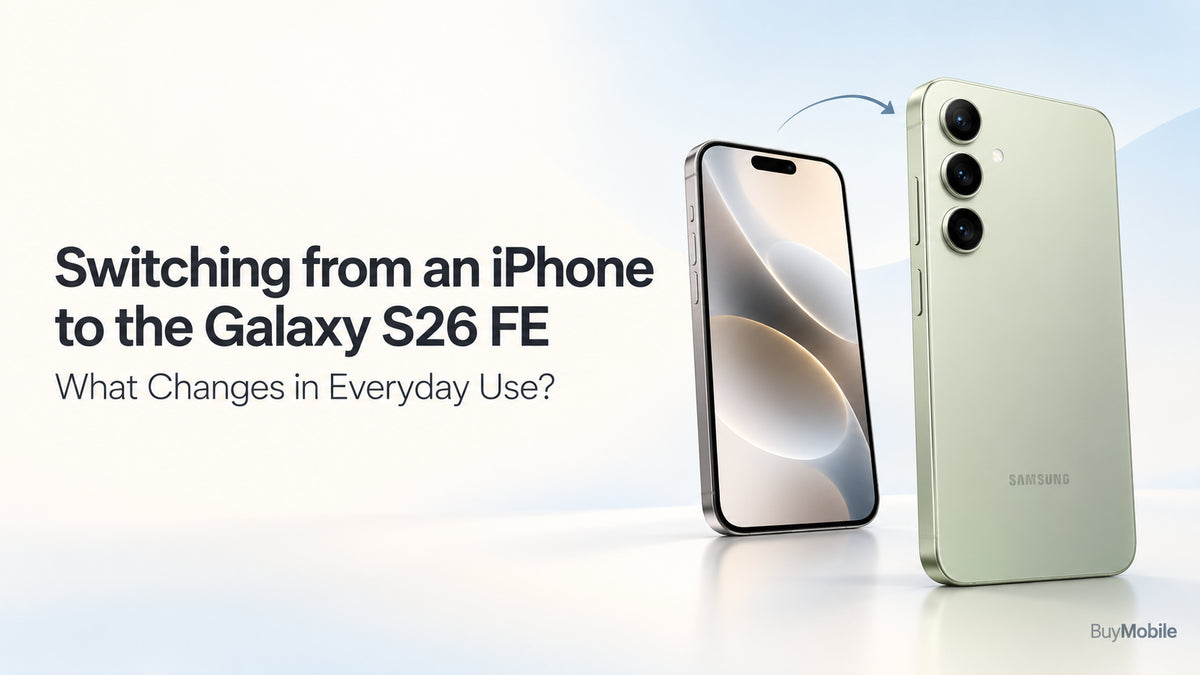
Switching from an iPhone to the Samsung Galaxy S26 FE involves more than transferring your contacts. The biggest changes appear in familiar moments: replying to messages, sharing photos, checking notifications and connecting accessories.The Galaxy S26 FE combines a 6.7-inch Dynamic AMOLED 2X display, a refresh rate of up to 120Hz and One UI 9. However, whether it feels like an upgrade depends partly on which iPhone you currently own. A larger screen might impress someone leaving a compact model, while an established Pro user may notice different trade-offs.
How Easy Is It to Transfer Your Data?
Samsung Smart Switch provides a starting point for moving supported content from an iPhone. Available transfer methods include a cable connection and wireless options, with the process depending on your software and chosen method.Supported categories can include contacts, photos, videos, calendars and messages, but transfer coverage varies. Follow the prompts on your Galaxy rather than assuming every setting and application will arrive exactly as it appeared on your iPhone. Before starting, back up your iPhone and confirm access to important accounts. After transferring, check your photo library, contacts and essential documents. Keep the old phone available until banking, messaging and authentication apps work correctly.
What Happens to iMessage and FaceTime?
Your Galaxy S26 FE does not become an iMessage device. Apple recommends deregistering iMessage when moving to a non-Apple phone if messages are not arriving correctly. Turning it off before switching helps prepare your phone number for the change. Your conversations may continue through RCS, SMS or messaging apps, depending on the participants, network and settings. Test messages with friends after activating your new phone.FaceTime also changes. You can join a FaceTime call from an Android browser through a link shared by an Apple user. This differs from having the native FaceTime experience on an iPhone. For regularly starting calls yourself, agree on a cross-platform app with family or colleagues.
Will the Interface Feel Difficult?
Expect an adjustment period rather than a completely unfamiliar experience. The same everyday tasks remain, but menus, gestures and settings occupy different places.One UI gives you opportunities to arrange your home screen and personalise how the phone behaves. Start with a simple layout containing your most-used apps, then explore additional options gradually.Notifications deserve particular attention. Review which apps can interrupt you, appear on the lock screen or show sensitive information.Spend your first few days learning navigation and locating frequently used settings. Recreating every detail of your iPhone immediately can make the transition more frustrating than necessary.
What Changes with Apps and Passwords?
Many services offer both iPhone and Android apps, but their interfaces and features can differ. Install the Android versions and sign in using your existing accounts where supported.Do not assume an App Store purchase automatically provides the equivalent Google Play purchase. Check the developer’s policy, particularly for paid apps and subscriptions.Passwords also need preparation. Confirm how you will access accounts currently saved through Apple’s password tools. A password manager available on both platforms may simplify future switching.Pay special attention to authenticator apps, recovery codes and banking activation. Test these before erasing your iPhone.
How Will Photography Feel Different?
The Galaxy S26 FE offers a triple rear camera system, giving you different framing options within Samsung’s camera interface. Its processing, controls and editing tools may produce a different experience from your previous iPhone. Avoid judging the change through one photograph. Try daylight scenes, indoor portraits, moving subjects and evening shots.Explore the camera modes you actually need before relying on them during an important event. Check video settings and review how footage looks in your preferred social apps.The useful question is whether the camera consistently delivers results you enjoy, rather than whether one brand always produces better images.
Can You Keep Your Apple Accessories?
AirPods can work as a Bluetooth headset with a non-Apple device. Apple confirms that listening and talking remain available, while Siri does not. Other features should be checked against your particular AirPods model and setup. Apple Watch requires more planning. Its normal pairing and setup process uses an iPhone; it cannot simply become a companion watch for your Galaxy S26 FE.If your watch is central to exercise tracking, payments or notifications, include a replacement in your switching budget. Keeping headphones may be straightforward, while replacing a watch can materially change the overall cost.
What About Your Mac, iPad and Backups?
A Mac or iPad can remain useful, but reconsider workflows that depend on Apple’s tightly connected ecosystem.Choose how you will share files, synchronise calendars and access photos across devices. Services available on both platforms can help, although the experience may differ from your previous setup.Treat transferring existing photos and backing up future photos as separate jobs. Confirm where new pictures are uploaded and whether sufficient storage is available.
Is the Switch Worth It?
The Galaxy S26 FE makes sense if its screen, Samsung software and everyday features match your priorities. The transition becomes easier when you prepare messaging, passwords, backups and accessories beforehand.Compare the complete switching cost with the benefits you expect. Choose it because it supports your routine, then allow yourself time to build new habits.