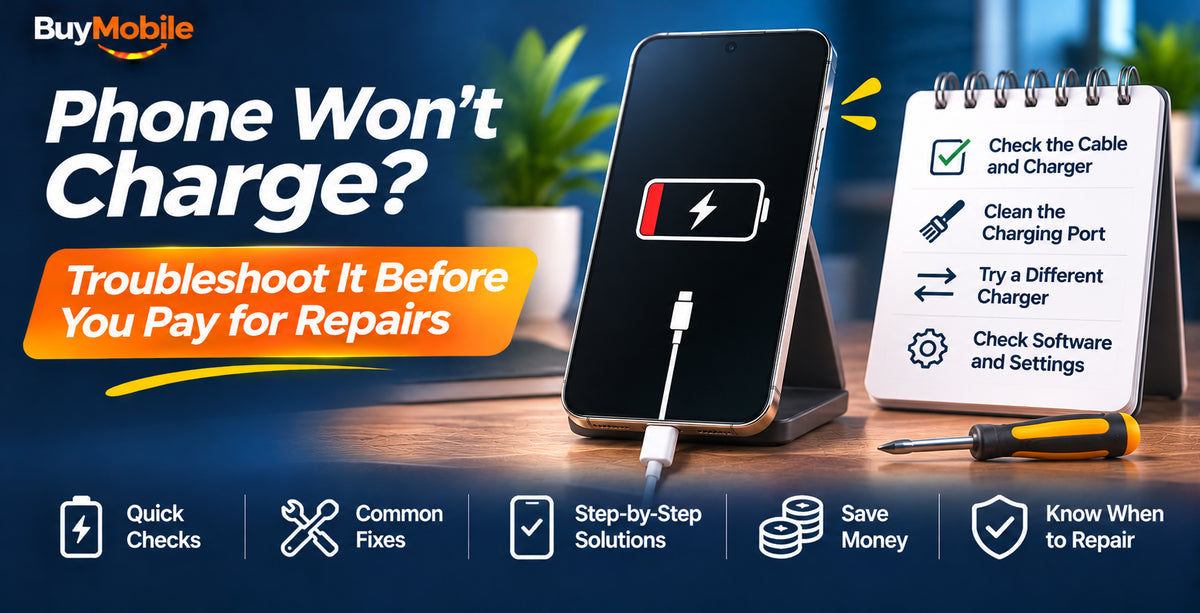
If your phone is not charging, the problem is most often the cable, the power adaptor or lint packed into the charging port, not the phone itself. Try a different cable and wall plug, gently clean the port, and restart the phone. Those three steps solve a large share of charging problems and cost nothing, so do them before you book a repair.
If they don't work, the checklist below walks through every other likely cause on iPhone, Samsung Galaxy and Google Pixel, from moisture warnings to battery settings that only look like faults.
Step 1: Rule Out the Cable and Charger
Cables fail far more often than phones. Look for fraying near the plug, bent connectors or a cable that only works at a certain angle.
- Swap in a cable you know works with another device.
- Try a different power adaptor and a different wall socket.
- Avoid charging from a laptop or car USB port while testing, as they can supply too little power.
- Use a quality, certified charger. Cheap unbranded chargers can charge slowly, cut out or be unsafe.
Step 2: Clean the Charging Port Safely
Pocket lint builds up in USB-C ports over months and stops the plug seating fully. Shine a torch into the port. If you see fluff:
- Turn the phone off.
- Use a wooden or plastic toothpick to gently loosen debris, working along the edges rather than the centre pins.
- Blow out loose dust gently. Avoid metal objects, liquids and compressed air blasted directly into the port.
If the plug clicks in firmly afterwards, test charging again.
Step 3: Check for Moisture Warnings
Water-resistant phones protect themselves by blocking charging when they detect liquid in the port. iPhones show a liquid detection alert, and Samsung phones show a moisture warning. Disconnect the cable, tap the phone gently with the port facing down, and leave it to dry in a well-ventilated spot. Do not use rice or a hair dryer. Wireless charging usually still works while the port dries.
Step 4: Restart and Update
A software glitch can stop the phone recognising a charger. Restart the phone, then install any available update. On iPhone, go to Settings, General, Software Update. On Samsung, go to Settings, Software update. On Pixel, go to Settings, System, Software updates.
Step 5: Make Sure It Isn't a Battery Setting
Several smart features deliberately pause or limit charging, which can look like a fault.
- iPhone: Optimised Battery Charging may hold the battery at 80 per cent overnight. Newer iPhones also let you set a charge limit under Settings, Battery, Charging.
- Samsung: Battery protection options under Settings, Battery can stop charging at a set level, such as 80 per cent.
- Pixel: Adaptive Charging and charging optimisation options can slow or pause charging to protect the battery.
- Heat: all phones slow or stop charging when they are too hot. Let the phone cool, remove the case and try again.
Step 6: Troubleshoot Wireless Charging
- Remove thick cases, metal plates, cards or pop sockets from the back.
- Centre the phone on the pad. MagSafe and Qi2 chargers snap into position magnetically, which helps.
- Check the pad's own power adaptor is powerful enough and plugged in properly.
- Test with a cable to work out whether the phone or the pad is at fault.
Step 7: Know When It's a Hardware Problem
If nothing above works, the cause is likely a worn port, a failing battery or a damaged charging circuit. Warning signs include the phone only charging when the plug is held at an angle, the battery dropping suddenly from 30 per cent to zero, or a swollen battery pushing the screen up. Stop using a phone with a swollen battery and get it inspected.
Check your warranty before paying for repairs. Phones bought from BuyMobile come with a one-year Australian seller warranty, and Australian Consumer Law may also give you rights for faults beyond that period.
| Symptom | Likely cause | Try first |
|---|---|---|
| Not charging at all | Cable, adaptor or lint | Swap cable, clean port |
| Stops at 80 per cent | Battery protection setting | Check charging settings |
| Very slow charging | Weak adaptor or heat | Use a stronger adaptor, cool the phone |
| Moisture alert | Liquid in the port | Let it dry fully |
FAQ
Why does my phone say charging but the percentage won't go up?
The phone may be using more power than the charger provides, for example while gaming on a weak adaptor. Close apps, turn the screen off and use a faster charger.
Can I damage my phone with a fast charger?
No. Phones negotiate the speed they can safely accept. Just use a reputable, certified charger.
Is it worth repairing an older phone's charging port?
If the phone is otherwise in good shape and still gets software updates, a port or battery repair can be good value. If not, put the money towards a new phone.
Conclusion
Most charging problems come down to a cable, a dirty port or a battery setting doing its job. Work through these steps before paying for repairs. If your phone is past saving, the Samsung Galaxy S26, Google Pixel 10a and Apple iPhone 18 Pro are reliable replacements, and our accessories range covers spare chargers and cables.
Shop at BuyMobile: Samsung Galaxy S26 | Accessories