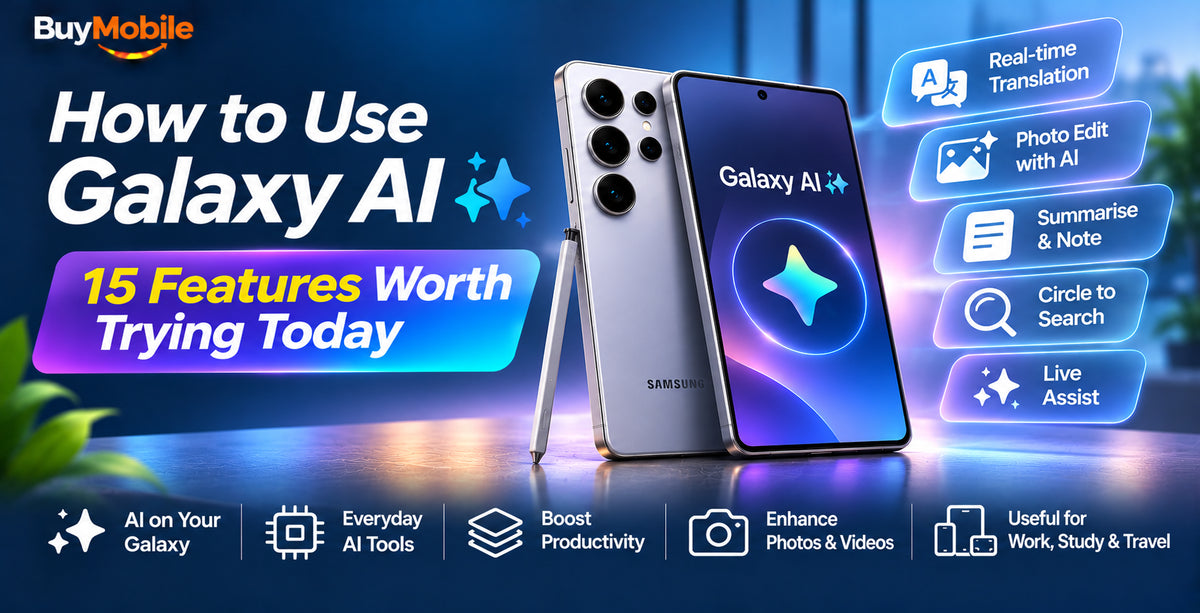
Galaxy AI is Samsung's set of artificial intelligence tools built into recent Galaxy phones, tablets and foldables. The most useful Galaxy AI features help you translate calls in real time, tidy up photos, summarise notes and recordings, screen unknown callers and search anything on your screen with a quick circle. Most live in the apps you already use, so you don't need to install anything.
Below are 15 features worth trying today, with where to find them. Exact availability depends on your model and software version. The newest phones, such as the Samsung Galaxy S26 Ultra, run One UI 8.5 with the full set, and Samsung has been bringing many features to older flagships and foldables through updates.
Getting started with Galaxy AI
Go to Settings, Galaxy AI to see which features your phone supports and switch each one on or off. Some features can process data on the device only, which you can choose in the same menu if privacy is a priority. You'll need a Samsung account for most features.
Communication features
1. Live Translate
Translates phone calls in real time, with both sides hearing a translated voice. It works in the Samsung Phone app, so the other person doesn't need a Galaxy phone. Great for calling a hotel overseas.
2. Interpreter
Turns your phone into a split-screen translator for face-to-face conversations. Each person sees the text in their language. On a foldable like the Samsung Galaxy Z Flip8, the cover screen can show the other person's side.
3. Call Screening
New with One UI 8.5. When an unknown number calls, Galaxy AI can ask who's calling and why, then show you a transcript so you can decide whether to pick up. It's a handy extra layer against scam calls.
4. Chat Assist
Built into the Samsung Keyboard. Rewrite a message in a more professional, casual or polite tone, check spelling and grammar, or translate as you type.
Productivity features
5. Writing Assist
Select text in almost any app to summarise, proofread or reformat it. Handy for turning a long email thread into dot points.
6. Note Assist
In Samsung Notes, Note Assist formats messy notes, creates summaries, translates and can tidy handwriting. If you use the S Pen on the S26 Ultra, this is one of the most practical tools on the phone.
7. Transcript Assist
Record a meeting or lecture in the Voice Recorder app and get a transcript with speaker labels, plus a summary. Students and anyone who sits through long meetings will love this one.
8. Browsing Assist
In Samsung Internet, summarise a long web page or translate it in a couple of taps.
9. Now Brief and Now Nudge
Now Brief gives you a personalised summary of your day, such as weather, calendar and reminders. Now Nudge, new on the S26 series, offers timely suggestions based on what you're doing, like prompting you to add an event to your calendar or find photos someone asked for.
Photo and video features
10. Photo Assist
Remove, move or resize objects in a photo, fill in the background and straighten tilted shots. With One UI 8.5, you can also describe the edit you want in plain words. Edited images are labelled to show AI was used.
11. Audio Eraser
Reduce wind, crowd or traffic noise in videos. With One UI 8.5, it works in more places, including while you record and in some third-party apps, so voices come through clearly.
12. Instant Slow-mo
Long-press any video in the Gallery to play it back in slow motion. Galaxy AI generates in-between frames so the motion stays smooth.
13. Sketch to Image
Draw a rough sketch over a photo or on a blank canvas and Galaxy AI turns it into a finished image in your chosen style. Fun for kids and quick creative projects.
Search and assistant features
14. Circle to Search
Long-press the home button or navigation bar, then circle anything on screen to search it with Google. It's ideal for identifying a product in a video or translating text in an image without leaving the app.
15. Gemini
Press and hold the side button to bring up Gemini, Google's assistant. You can talk naturally, ask about what's on your screen or share your camera to ask questions about what you're looking at.
Which Galaxy phones get Galaxy AI?
The full Galaxy AI experience is aimed at Samsung's flagship S series and foldables. The Samsung Galaxy S26, S26+ and S26 Ultra get every feature at launch, and the S25 series and recent foldables have received many of the same tools through updates. Mid-range Galaxy A models get a smaller selection. Browse the Galaxy S series to compare current models.
Samsung's terms for Galaxy AI can change over time, so check its website for the latest on which features may require a subscription in future.
FAQ
Does Galaxy AI work offline?
Some features, such as Live Translate with downloaded language packs, can run on the device. Others need an internet connection. You can choose on-device processing in Settings, Galaxy AI.
Is Galaxy AI the same as Gemini?
No. Galaxy AI is Samsung's suite of features, while Gemini is Google's assistant. They work side by side on Galaxy phones.
The bottom line
Start with the features that save you time: Circle to Search, Call Screening, Transcript Assist and Photo Assist. Once you've got the hang of them, try Interpreter on your next trip. Galaxy AI is most useful when you stop thinking of it as AI and just use it as part of your phone.
Shop at BuyMobile: Samsung Galaxy S26 Ultra | Samsung Galaxy S26 | Galaxy S Series