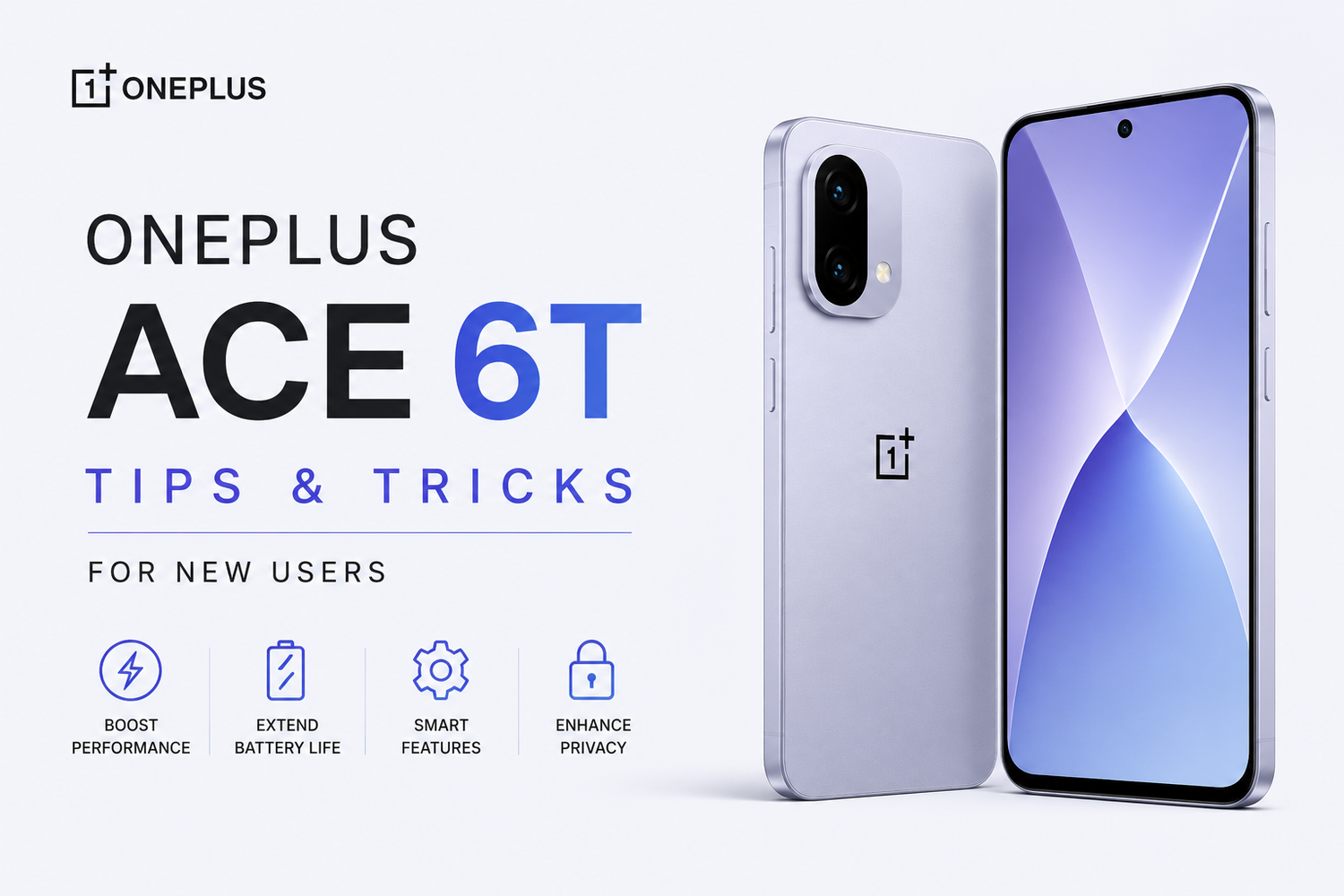
The OnePlus Ace 6T is designed to deliver a premium smartphone experience with powerful performance, fast charging, a smooth display, and a feature-rich software experience. Whether you've just unboxed your device or recently upgraded from an older smartphone, there are plenty of hidden features and settings that can help you get more out of your new phone.In this guide, we'll explore some of the best OnePlus Ace 6T tips and tricks for new users, helping you improve battery life, customize the interface, boost performance, and enhance your overall experience.
Customize the Always-On Display
One of the first things you should do after setting up your OnePlus Ace 6T is personalize the Always-On Display. This feature allows you to view notifications, time, date, and battery information without fully waking the screen.OnePlus offers various clock styles, animations, and personalization options that let you make your device feel unique. A customized Always-On Display not only looks great but also provides useful information at a glance.
Enable Smart Sidebar for Quick Access
The Smart Sidebar is one of the most useful productivity features on the OnePlus Ace 6T. It allows you to quickly access frequently used apps, tools, screenshots, and shortcuts from anywhere on your device.Once activated, you can swipe from the edge of the screen to open the sidebar instantly. This can significantly improve multitasking and reduce the time spent searching for apps.For users who frequently switch between applications, Smart Sidebar can become an essential productivity tool.
Optimize the Refresh Rate
The OnePlus Ace 6T features a high-refresh-rate display that provides smoother scrolling, gaming, and animations.While the phone can automatically manage refresh rates, users can manually adjust settings to prioritize either performance or battery life.If you spend a lot of time gaming or watching videos, keeping the higher refresh rate enabled delivers the best visual experience. However, lowering it when necessary can help conserve battery power.Finding the right balance based on your usage habits can improve overall efficiency.
Take Advantage of Gesture Navigation
Traditional navigation buttons work well, but gesture navigation offers a cleaner and more immersive experience.The OnePlus Ace 6T supports intuitive gestures that allow users to:
-
Return to the previous screen
-
Access the home screen
-
Open recent apps
-
Switch between applications quickly
After a few days of use, most users find gesture navigation faster and more natural than traditional buttons.The additional screen space gained also contributes to a more modern appearance.
Customize the Quick Settings Panel
Many users overlook the Quick Settings panel, yet it can save significant time throughout the day.The OnePlus Ace 6T allows you to rearrange shortcuts and prioritize features you use most often.Adding shortcuts for Wi-Fi, Bluetooth, hotspot, screen recording, dark mode, and battery saver ensures your most-used settings are always accessible with a single swipe.This small customization can greatly improve daily convenience.
Use Zen Space to Reduce Distractions
Smartphones can often become sources of distraction. Fortunately, OnePlus includes a feature called Zen Space that helps users stay focused.Zen Space encourages digital wellness by temporarily limiting access to selected apps and notifications.Whether you're studying, working, or simply trying to reduce screen time, this feature can help improve productivity and concentration.Many users are surprised by how effective it becomes after regular use.
Enable RAM Expansion
The OnePlus Ace 6T includes virtual RAM expansion technology that can improve multitasking performance.This feature uses a portion of the phone's storage to supplement physical RAM, helping the device keep more applications active in the background.For users who frequently switch between apps, social media platforms, games, and productivity tools, enabling RAM expansion can contribute to a smoother experience.It's particularly useful for heavy multitaskers.
Explore Gaming Mode
If you're a mobile gamer, Gaming Mode is one of the first features you should activate.Gaming Mode optimizes performance by allocating additional resources to games while reducing interruptions from notifications and background activities.The feature also improves touch responsiveness and network stability during gameplay.Whether you're playing competitive shooters or graphics-intensive RPGs, Gaming Mode helps maximize the device's capabilities.
Use App Lock for Additional Privacy
Protecting sensitive information is important, especially when sharing your phone with others.The OnePlus Ace 6T offers App Lock functionality, allowing users to secure specific applications using fingerprints, passwords, or facial recognition.Apps such as banking platforms, messaging services, photo galleries, and social media accounts can all be protected.This extra layer of security provides greater peace of mind.
Master the Screenshot Tools
The OnePlus Ace 6T includes advanced screenshot capabilities that go beyond basic screen captures.Users can take scrolling screenshots of long webpages, documents, and conversations without needing multiple images.The built-in screenshot editor also makes it easy to annotate, crop, and share captured content instantly.These tools are especially useful for students, professionals, and content creators.
Activate Dark Mode
Dark Mode remains one of the most popular smartphone features, and for good reason.Besides giving the interface a sleek appearance, Dark Mode can reduce eye strain during nighttime use and potentially improve battery life on OLED displays.The OnePlus Ace 6T allows users to schedule Dark Mode automatically based on time of day, making the transition seamless.Once enabled, many users rarely switch back.
Customize Fingerprint Animations
OnePlus devices are known for their customization options, and the Ace 6T continues this tradition.Users can personalize fingerprint unlock animations to match their style preferences.While this feature doesn't affect functionality, it adds a fun and unique touch to the device experience.Small details like this contribute to the overall premium feel of the smartphone.
Use Battery Health Features
The OnePlus Ace 6T includes intelligent battery management tools designed to preserve long-term battery health.Features such as optimized overnight charging help reduce battery wear by learning your charging habits and adjusting charging speeds accordingly.Taking advantage of these settings can help maintain battery performance over several years of use.For users planning to keep their device for an extended period, this feature is highly valuable.
Explore AI Features
The latest software on the OnePlus Ace 6T includes various AI-powered enhancements designed to improve everyday tasks.These intelligent features can assist with photography, system optimization, content creation, and productivity.As OnePlus continues to expand its AI ecosystem, exploring these tools can unlock new ways to use your smartphone more efficiently.Many users discover useful AI capabilities they didn't initially expect to use.