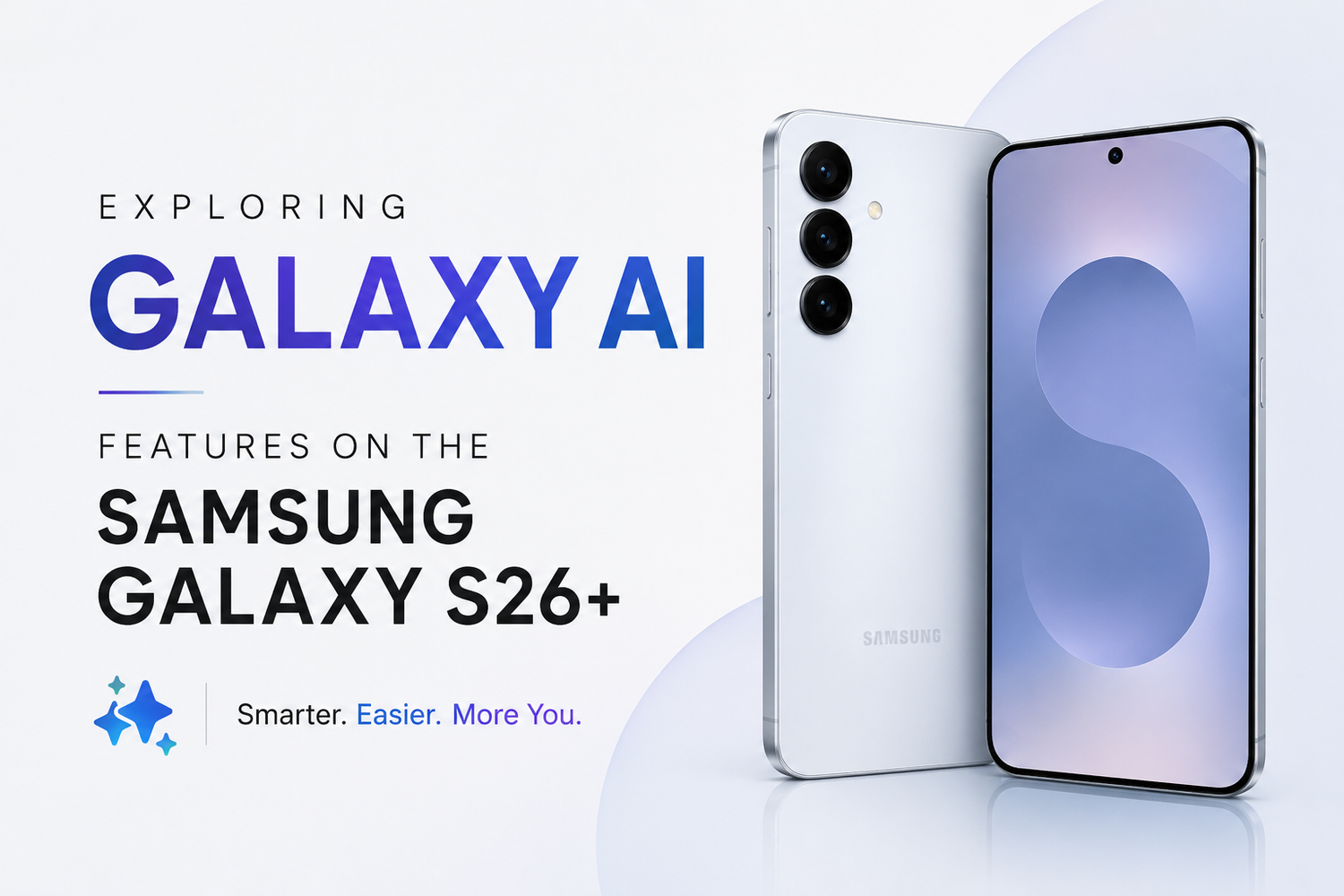
Artificial intelligence has become a major focus for smartphone manufacturers, and Samsung is leading the charge with its Galaxy AI platform. The Samsung Galaxy S26+ combines powerful hardware with intelligent software features designed to make everyday tasks easier, faster, and more productive. From real-time translations to advanced photo editing, Galaxy AI brings a range of capabilities that go beyond traditional smartphone functionality.
Is Galaxy AI on the Samsung Galaxy S26+?
Galaxy AI is Samsung's suite of artificial intelligence tools integrated directly into the Galaxy S26+ and its One UI software. These AI-powered features are designed to assist users with communication, productivity, photography, content creation, and device optimization. Instead of requiring separate applications, Galaxy AI works seamlessly across the smartphone's built-in apps and services.
How Does Galaxy AI Improve Everyday Smartphone Use?
Galaxy AI improves everyday smartphone use by automating repetitive tasks and helping users complete activities more efficiently. Whether you're translating a phone call, summarizing a document, editing a photo, or searching for information, the AI tools are designed to save time and reduce effort. The goal is to make the smartphone feel smarter and more responsive to individual needs.
What Is Live Translate and How Does It Work?
Live Translate is one of the most impressive Galaxy AI features available on the Samsung Galaxy S26+. It provides real-time language translation during phone calls. When speaking with someone who uses a different language, the AI translates the conversation almost instantly, allowing both parties to communicate naturally. This feature is particularly useful for travelers, international business professionals, and multilingual households.
Can Galaxy AI Help with Writing and Messaging?
Yes. Galaxy AI includes intelligent writing assistance tools that help users improve their communication. Whether you're composing emails, text messages, social media posts, or professional documents, the AI can suggest improvements, correct grammar, adjust tone, and rewrite content for better clarity. This feature is useful for anyone who wants to communicate more effectively without spending extra time editing.
What Is Note Assist on the Samsung Galaxy S26+?
Note Assist is an AI-powered productivity feature built into Samsung Notes. It helps users organize information by summarizing lengthy notes, creating structured outlines, and highlighting important points. Students, professionals, and researchers can use Note Assist to quickly review large amounts of information and stay organized throughout their workday.
What Is Circle to Search?
Circle to Search is an innovative Galaxy AI feature that allows users to search for information directly from their screen. Instead of switching apps or typing search queries manually, users can simply circle an object, image, product, or text displayed on their screen. The AI immediately generates relevant search results, making it easier to identify products, landmarks, or unfamiliar content.
How Does Galaxy AI Improve Photography?
Galaxy AI enhances photography by intelligently analyzing scenes, lighting conditions, and subjects before a photo is captured. The AI automatically adjusts camera settings to produce better images with minimal user input. This allows users to take professional-looking photos even if they have little photography experience. The result is improved image quality across various shooting conditions.
Can Galaxy AI Edit Photos Automatically?
Yes. The Samsung Galaxy S26+ includes powerful AI-driven photo editing tools. Users can remove unwanted objects, improve image quality, adjust compositions, and enhance backgrounds directly from the gallery app. These editing features simplify complex photo adjustments that previously required advanced software and professional editing skills.
Is Galaxy AI Useful for Travelers?
Absolutely. Galaxy AI includes several travel-friendly features, including Live Translate and Interpreter Mode. These tools help users communicate with people who speak different languages, making international travel more convenient. Whether ordering food, asking for directions, or conducting business meetings abroad, Galaxy AI helps reduce language barriers and improve communication.
What Is Interpreter Mode?
Interpreter Mode allows two people speaking different languages to have face-to-face conversations using the Samsung Galaxy S26+. The screen displays translated text for both participants in real time, creating a smoother communication experience. This feature is particularly helpful during travel, business discussions, and cross-cultural interactions.
Can Galaxy AI Help with Searching for Files and Information?
Yes. Galaxy AI improves search functionality by understanding natural language queries. Instead of remembering exact file names or keywords, users can describe what they're looking for in everyday language. The AI then locates relevant photos, documents, messages, or settings more efficiently. This makes finding information on the device faster and more intuitive.
Does Galaxy AI Improve Battery Life?
Galaxy AI contributes to better battery performance by learning user habits and optimizing system resources accordingly. The AI identifies frequently used applications, manages background activity, and adjusts power consumption based on usage patterns. Over time, these optimizations help extend battery life and improve overall device efficiency.
Is Galaxy AI Safe to Use?
Samsung places a strong emphasis on privacy and security within its Galaxy AI ecosystem. Many AI functions process data securely while maintaining user privacy. The company continues to implement security measures designed to protect personal information while delivering advanced AI-powered experiences.
Does Galaxy AI Require an Internet Connection?
Some Galaxy AI features work best with an active internet connection, particularly those involving cloud-based processing and language translation. However, certain AI capabilities may also function locally on the device, depending on the feature and region. Samsung continues to expand on-device AI processing to improve privacy and reduce reliance on cloud services.
What Makes Galaxy AI Different from Other Smartphone AI Platforms?
Galaxy AI stands out because it is deeply integrated into the Samsung ecosystem. Rather than existing as a separate application, it enhances core smartphone functions such as calling, messaging, note-taking, photography, and productivity. This seamless integration creates a more natural user experience and makes AI features easier to access during everyday activities.
Is the Samsung Galaxy S26+ Worth Buying for Galaxy AI Features Alone?
For users interested in productivity, communication, photography, and smart automation, Galaxy AI adds significant value to the Samsung Galaxy S26+. While the phone already offers flagship-level hardware, premium design, and strong performance, the AI features provide additional benefits that can improve daily workflows and simplify common tasks. Users who frequently rely on their smartphones for work, travel, or content creation may find Galaxy AI to be one of the device's most compelling advantages.