


































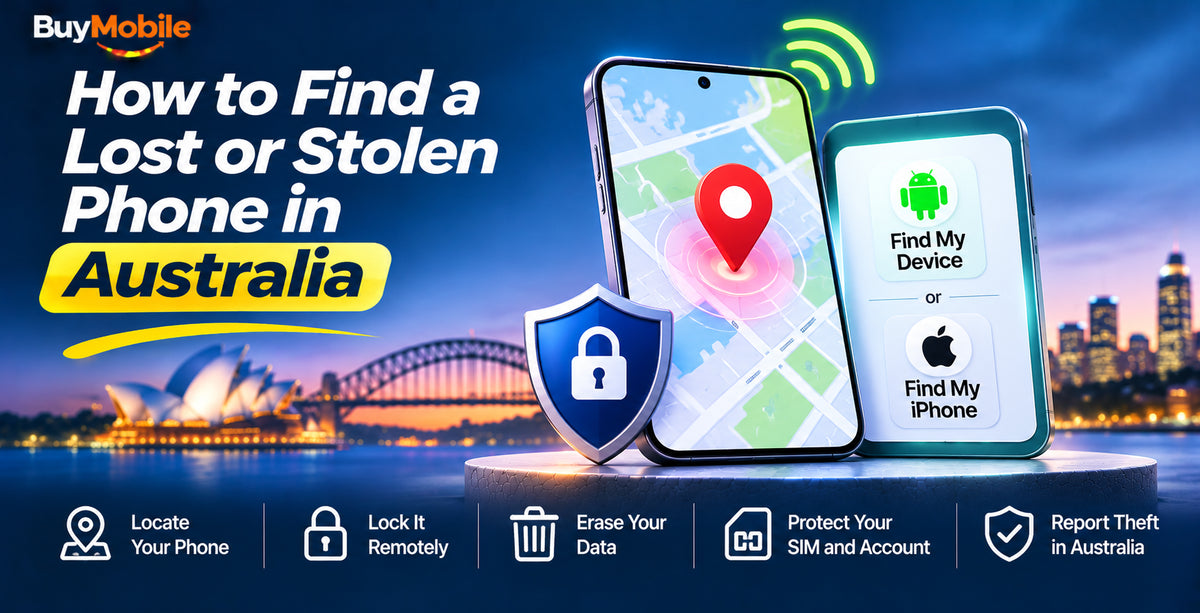
Lost your mobile phone? Before you panic, grab another device and open the find my phone service for your platform: Apple's Find My at icloud.com/find for an iPhone, or Google's Find Hub at android.com/find for an Android phone. From there you can see the phone on a map, make it ring, lock it and, if you have to, erase it.
If the phone has been stolen rather than misplaced, the order of steps matters. Here's what to do in the first ten minutes and how Australia's IMEI blocking works.
Step 1: Locate the phone straight away
On an iPhone
- Open the Find My app on another Apple device, or sign in at icloud.com/find on any browser.
- Select your iPhone to see its last known location, then choose Play Sound if it seems to be nearby.
- Turn on Mark As Lost (Lost Mode). This locks the phone, pauses Apple Pay and lets you show a contact number on the lock screen.
Recent iPhones keep talking to the Find My network even when they are offline, and many can still be located for a while after they are switched off, so don't give up just because the phone isn't connected.
On an Android phone
- Go to android.com/find, or open the Find Hub app on another Android device, and sign in with the Google account on the lost phone.
- Use Play sound, Secure device (which locks the phone and adds a message) or Factory reset device as needed.
- Samsung owners can also use Samsung's own finding service through their Samsung account.
Google's Find Hub can also use a crowdsourced network to find offline devices if you turned on offline finding beforehand. Remote lock and erase require 2-Step Verification on your Google account, so keep backup codes somewhere safe.
Step 2: Decide whether it's lost or stolen
If the map shows your phone at the café you just left, call the venue. If it's moving through unfamiliar suburbs, treat it as stolen and pass the location to police rather than trying to recover it yourself.
When you're confident the phone is gone for good, erase it remotely. On an iPhone, erasing removes your data, but Activation Lock still ties the handset to your Apple Account, so a thief can't set it up as their own.
Step 3: Call your provider and block the IMEI
Every mobile phone has a unique 15-digit IMEI number. In Australia, when you report a phone lost or stolen, your mobile provider blocks that IMEI and the block is shared across all Australian networks through a system run with the Australian Mobile Telecommunications Association (AMTA). Once blocked, the handset can't make calls, send texts or use mobile data on any Australian network, even with a different SIM.
A few things to know:
- You need to contact your own provider directly, and the phone must have been used on your service.
- The block can take up to 72 hours to flow through to all networks.
- IMEI blocking does not track the phone and does not work overseas.
- Cancelling or replacing your SIM is a separate step. Ask your provider to do both so nobody can use your number for verification codes.
- If you find the phone later, your provider can lift the block.
Your IMEI is on the original box and receipt, and in your Apple or Google account device list.
Step 4: Report it to police and secure your accounts
Report a stolen phone to police and keep the event number for insurance. Then work through your accounts from a trusted device:
- Change your Apple Account or Google account password first, then email, banking and social media.
- Call your bank if you used mobile wallets or banking apps on the phone.
Set up your next phone so this never hurts as much
Prevention takes five minutes. Whether you pick up an Apple iPhone 18 Pro or a Google Pixel 10a, do this on day one:
- Turn on Find My or Find Hub, including offline finding.
- Turn on Stolen Device Protection on iPhone (Settings, Face ID & Passcode).
- Use a strong passcode, not 1234 or your birthday, and keep biometric unlock on.
- Back up automatically with iCloud or Google One so a lost phone doesn't mean lost photos.
- Write down your IMEI by dialling *#06# and saving it somewhere other than the phone.
- Add a SIM PIN so a thief can't pop your SIM into another phone and receive your texts.
For bags, keys and wallets, a Bluetooth tracker such as the Samsung Galaxy SmartTag2 works with Galaxy phones to help you find things nearby or out of range.
FAQ
Can I find my phone if it's switched off?
Sometimes. Many recent iPhones and some Android phones can still be located through their offline finding networks for a period after powering down, as long as the feature was enabled.
Should I erase my phone straight away?
Only once you're sure you won't get it back. On Android, erasing can stop you locating it afterwards, so lock it first and erase when recovery looks unlikely.
The bottom line
Locate, lock, block and secure, in that order. If the phone was never set up with a finding service, focus on the IMEI block, SIM and passwords, and check whether your insurance covers it. When you're ready to replace it, browse our mobile phones range. Every BuyMobile phone comes with a one-year Australian seller warranty.
Shop at BuyMobile: Apple iPhone 18 Pro | Samsung Galaxy SmartTag2 | Mobile Phones