


































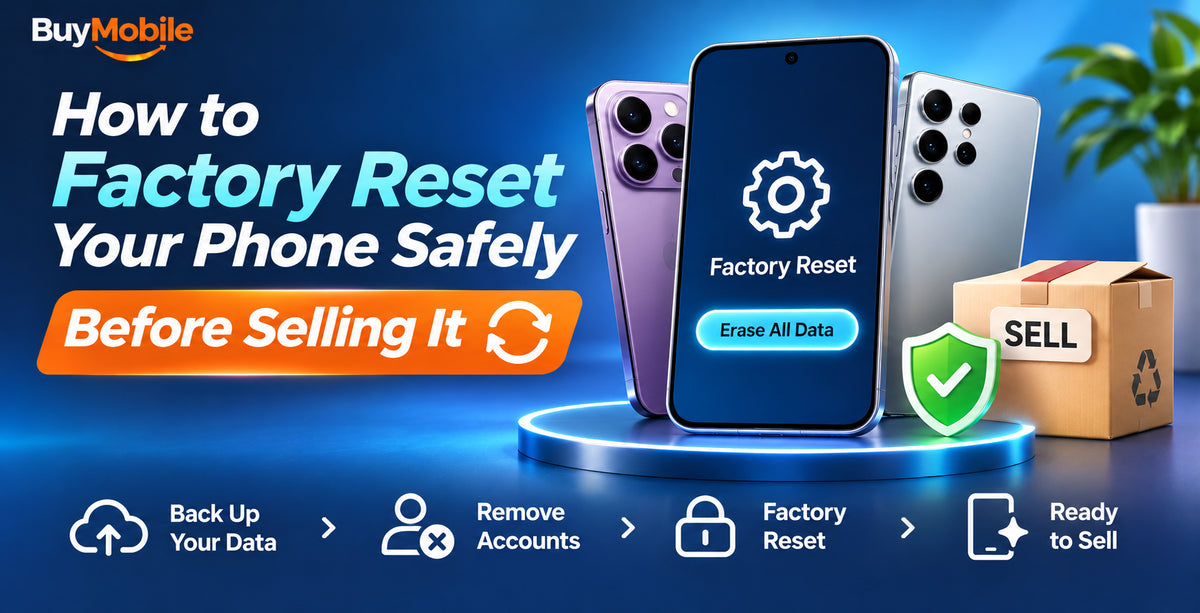
To factory reset your phone safely before selling it, back it up first, sign out of your Apple, Google and Samsung accounts, remove your SIM and memory card, and then erase it. On iPhone, go to Settings, General, Transfer or Reset iPhone, Erase All Content and Settings. On Samsung, go to Settings, General management, Reset, Factory data reset. On Pixel, go to Settings, System, Reset options, Erase all data (factory reset).
Skipping the sign-out step is the most common mistake. It can leave the phone locked to your account, which makes it useless to the buyer and means awkward phone calls for you. Here is the full checklist in the right order.
Step 1: Back Up Everything
A factory reset permanently deletes everything on the phone. Before you start:
- iPhone: run an iCloud backup under Settings, your name, iCloud, iCloud Backup, or back up to a computer.
- Samsung: use Samsung Cloud or Google backup, or Smart Switch to a computer.
- Pixel: check Google backup under Settings, System, Backup.
Also back up WhatsApp chats within WhatsApp, and confirm your photos are in iCloud, Google Photos or on a computer. If you are moving to a new phone, transfer your data first using our guide on how to transfer everything from your old phone to your new one.
Step 2: Move Your Two-Factor Codes and Unpair Accessories
- Transfer authenticator apps to your new phone, or switch those accounts to another sign-in method.
- Unpair your smartwatch. An Apple Watch should be unpaired through the Watch app so it is backed up and its activation lock is removed. Galaxy and Pixel watches should be reset and removed from their companion app.
- Forget Bluetooth earbuds and remove the phone from your car's paired devices list.
Step 3: Sign Out and Turn Off Activation Locks
Modern phones have anti-theft locks that stay active after a reset unless you sign out properly.
iPhone
When you choose Erase All Content and Settings, you will be asked for your Apple Account password. This signs you out and turns off Find My and Activation Lock. Make sure you enter it. You can also sign out first under Settings, your name, Sign Out.
Samsung
Remove your Google account and Samsung account under Settings, Accounts and backup, Manage accounts. This disables Google's Factory Reset Protection and Samsung's Reactivation lock, both of which would otherwise ask the buyer for your password.
Pixel
Remove your Google account under Settings, Passwords, passkeys and accounts (the name varies slightly by Android version). Also remove any screen lock if you are asked.
Step 4: Remove SIM Cards, Memory Cards and Payment Cards
- Take out your physical SIM and any microSD card.
- Decide what to do with your eSIM. iPhone asks whether to keep or delete your eSIM during the erase. Delete it if you have already moved your number, or contact your carrier if you are unsure.
- Remove bank cards from Apple Wallet, Google Wallet or Samsung Wallet. The reset clears them, but removing them first is a sensible extra step.
Step 5: Factory Reset the Phone
| Phone | Reset path |
|---|---|
| iPhone | Settings, General, Transfer or Reset iPhone, Erase All Content and Settings |
| Samsung Galaxy | Settings, General management, Reset, Factory data reset |
| Google Pixel | Settings, System, Reset options, Erase all data (factory reset) |
Keep the phone plugged in during the reset. It takes from a few minutes to around half an hour. Modern phones encrypt their storage, so a factory reset makes your old data effectively unrecoverable. For more detail, read what happens to your personal data when you factory reset a smartphone.
Step 6: Double-Check Before You Hand It Over
- The phone should restart to the welcome or Hello screen.
- Remove the old phone from your account device lists on Apple's and Google's websites.
- Photograph the phone and its IMEI (dial *#06# before resetting) for your sale records.
- Clean the phone and include the box and cable if you have them, as they help it sell faster.
Ready for Your Next Phone?
Selling your old handset is a smart way to put money towards a new one. The Samsung Galaxy S26 FE is a great-value step up, the Google Pixel 10 offers clean software and strong cameras, and the Apple iPhone 18 Pro suits iPhone fans. Every phone from BuyMobile comes with a one-year Australian seller warranty.
FAQ
What happens if I forget to remove my Google account before resetting?
The buyer will be asked to sign in with your account. You will need to sign in for them, or remove the device from your Google account online.
Does a factory reset remove my phone number?
Your number lives on the SIM or eSIM, not the phone. Remove the physical SIM, and delete or transfer the eSIM.
Can I reset a phone that won't turn on properly?
Many phones offer a recovery mode reset using button combinations, but you still need your account password afterwards.
Conclusion
A safe factory reset is all about order: back up, sign out, remove SIMs, then erase. Follow these steps and your old phone will be clean, unlocked and ready for its new owner. Browse our new phones when you are ready to upgrade.
Shop at BuyMobile: Samsung Galaxy S26 FE | New Phones