

































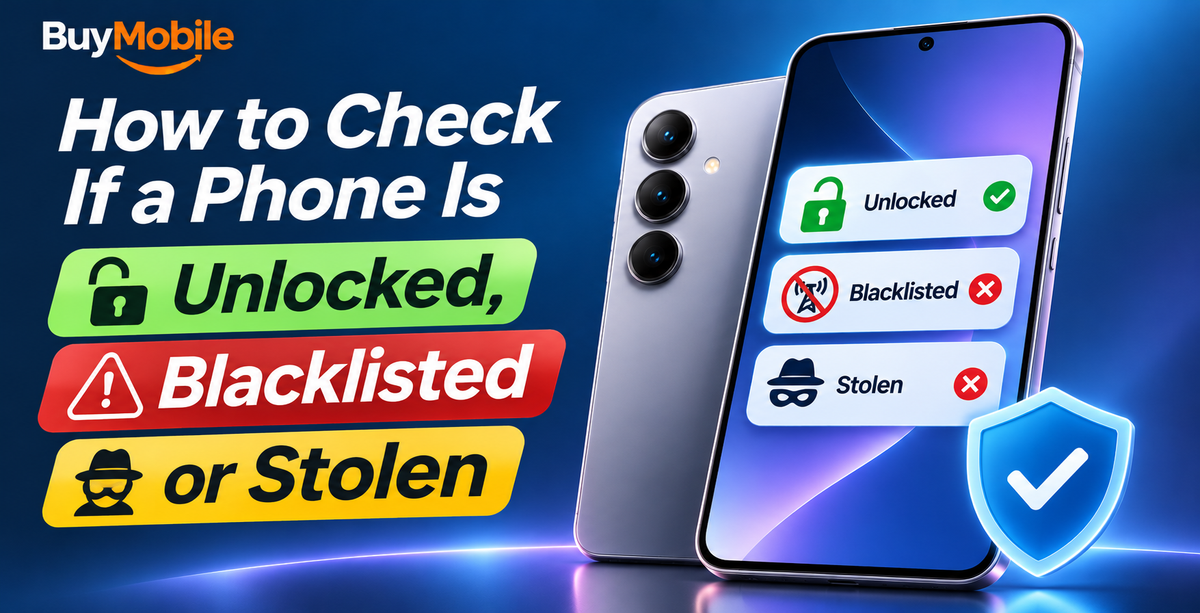
To check whether a phone is blacklisted in Australia, dial *#06# to get its 15-digit IMEI, then enter it in the free IMEI status checker run by the Australian Mobile Telecommunications Association (AMTA), linked from amta.org.au. It shows whether the handset has been reported lost or stolen and blocked on Australian networks. To check whether it's unlocked, look in the phone's settings or test it with a SIM from a different provider.
These checks take five minutes and can save you from buying a second-hand phone that won't connect, or one that's still tied to someone else's account. Here's how to do each one.
Step 1: Find the IMEI
The IMEI is a unique serial number for the phone's mobile hardware. Dual SIM phones have two. You can find it by:
- Dialling *#06# in the Phone app. This works on almost every phone.
- Going to Settings, General, About on iPhone, or Settings, About phone on Android.
- Checking the SIM tray or the original box, though these can be swapped, so always confirm on screen.
If the IMEI on the box doesn't match the IMEI in the phone's settings, walk away.
Step 2: Check the IMEI blacklist in Australia
When someone reports a phone lost or stolen, their provider blocks the IMEI, and that block is shared across all Australian networks. A blocked phone can't make calls, send texts or use mobile data in Australia, even with a new SIM.
To check an IMEI:
- Visit amta.org.au and find the IMEI status check under its lost and stolen phone advice.
- Enter the 15-digit IMEI and agree to the terms.
- Read the result. It tells you whether the handset is currently blocked on Australian networks.
What the result does and doesn't tell you
- It shows the current block status only. It isn't proof of ownership or proof that the seller has the right to sell the phone.
- It can't tell you about unpaid contracts, finance or account issues.
- A newly reported phone may take a few days to show as blocked, so a clean result on a recently stolen phone isn't a guarantee.
- Your provider can't unblock a phone that was blocked by someone else before you bought it. Once you've paid, the problem is yours.
Step 3: Check if the phone is unlocked
A locked phone only works with the network that sold it. That matters if you're buying second-hand or switching providers.
On iPhone
Go to Settings, General, About and look for Carrier Lock. If it says No SIM restrictions, the iPhone is unlocked.
On Android
Android phones don't have a single standard setting. The most reliable test is to insert a SIM from a different provider (borrow one from a friend) and make a call. If you see a prompt for a network unlock code, or no service at all, it's locked.
If your own phone is locked, contact the provider that sold it. Australian providers can generally unlock phones once any device payments are finalised.
Step 4: Check activation and account locks
A phone can pass the IMEI check and still be unusable if it's linked to the previous owner's account.
- iPhone Activation Lock: Ask the seller to sign out of their Apple Account and turn off Find My, then erase the phone in front of you. If the setup screen asks for someone else's Apple Account, don't buy it.
- Android Factory Reset Protection: After a reset, Android asks for the Google account previously on the phone. The seller should remove their Google account (and Samsung account on Galaxy phones) before resetting.
- Test the basics: Make a call, check mobile data, test the cameras, speakers, charging port and Face ID or fingerprint unlock.
Second-hand buying checklist
| Check | How | Red flag |
|---|---|---|
| IMEI matches | *#06# vs box and settings | Numbers don't match |
| Not blacklisted | AMTA IMEI status check | Shows as blocked |
| Unlocked | Carrier Lock setting or different SIM | Asks for unlock code |
| No account lock | Erase and start setup together | Asks for previous owner's login |
| Works on Australian networks | Check the model's network bands and VoLTE support | Calls fail with no VoLTE |
That last point matters because Australia's 3G networks are switched off. A phone without VoLTE support for Australian networks may not make calls at all.
Buying new instead
If the risks of second-hand buying put you off, a new phone avoids all of the above. BuyMobile phones come with a one-year Australian seller warranty, and every product page lists the supported 4G and 5G network bands. Previous-generation flagships such as the Samsung Galaxy S25 Ultra or Apple iPhone 17 Pro Max are worth a look, as is the mid-range Samsung Galaxy A36. Check our discounted phones for current specials.
FAQ
What if I've already bought a blocked phone?
A blocked phone may be stolen property. Contact the seller and the police rather than trying to unblock it, and keep records of the sale.
Can a blocked phone be used overseas?
The Australian block applies to Australian networks. That's one reason stolen phones are often sent offshore, and why you should never buy a phone that's blocked here.
The bottom line
Before buying any used phone, check the IMEI against AMTA's blacklist, confirm it's unlocked, make sure no account lock remains and test it on an Australian network. If any check fails, walk away.
Shop at BuyMobile: Samsung Galaxy S25 Ultra | Apple iPhone 17 Pro Max | Discounts