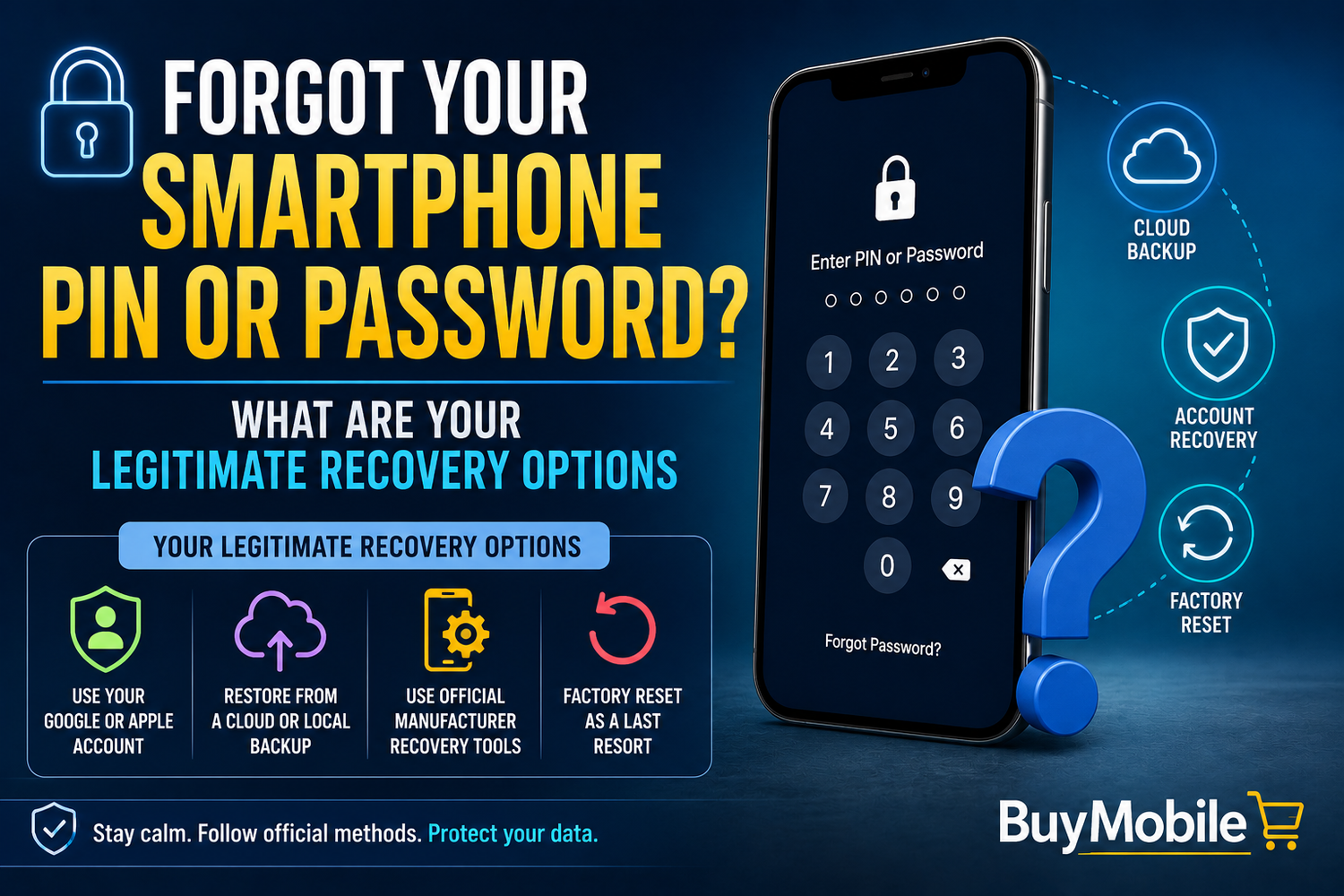
Few smartphone problems create panic quite as quickly as forgetting your PIN, password or screen-lock code.You pick up your phone, enter the code you've used countless times and suddenly it doesn't seem right. You try again. Still wrong. After several attempts, the device may introduce increasingly long delays or warn you that it has been temporarily locked.At this point, it's tempting to search for a trick that will somehow bypass the lock screen without affecting your data.Unfortunately, modern smartphone security is deliberately designed to make that difficult.If you've genuinely forgotten your screen lock, your legitimate recovery options generally involve official account-recovery tools, manufacturer-supported procedures or erasing and setting up the device again. What you can do depends on whether you're using an iPhone or Android phone and how the device was configured.Here's what to know.
Why Is Recovering a Forgotten PIN So Difficult?
Your screen lock doesn't exist simply to stop someone casually opening your messages.Modern smartphones contain enormous amounts of personal information, including photographs, emails, payment information, saved accounts and work documents.A strong screen lock is therefore part of the device's security system.If anyone could connect a phone to a computer and remove its PIN in a few minutes, a stolen smartphone would provide very little protection.That's why legitimate recovery procedures are intentionally restrictive.The inconvenience you experience when you forget your own code is closely connected to the protection the same system provides if someone else gets your phone.
First: Don't Keep Guessing Randomly
When a familiar PIN suddenly escapes your memory, repeatedly entering random combinations usually isn't helpful.Both iPhones and Android devices can introduce security delays after repeated incorrect attempts. Depending on the device and configuration, additional protective measures may also apply.Instead, stop and think carefully.Have you recently changed the code?Could you be confusing it with the PIN from another device?Did you switch from a four-digit PIN to a longer one?If you're reasonably confident you remember the correct code, wait for any displayed timeout to expire and try carefully.Avoid turning the situation into dozens of guesses.
Can Face ID or a Fingerprint Save You?
Biometric authentication makes everyday smartphone access much easier.Unfortunately, it doesn't completely replace your PIN or password.Phones periodically require the primary device passcode for security reasons. This can happen after restarting the device, following certain security events or after particular periods or conditions determined by the operating system.So even if you normally unlock your phone using your face or fingerprint, you still need to remember the underlying passcode.This is one reason your primary screen-lock credential remains extremely important.
Forgotten an iPhone Passcode?
If you forget an iPhone passcode, Apple provides official recovery procedures.Depending on your iPhone, iOS version and circumstances, you may be able to use Apple's on-device reset options or place the iPhone into recovery mode and erase it using a Mac or Windows PC.The important word is erase.Apple's security model doesn't generally provide a simple method for revealing a forgotten iPhone passcode while preserving all locally stored information.After erasing the iPhone, you can set it up again.If you have an appropriate iCloud or computer backup, you may then be able to restore your information.This demonstrates why backups matter before you have a problem.
Recently Changed Your iPhone Passcode?
There can be an important exception for certain recent passcode changes.On supported versions of iOS, Apple provides a Passcode Reset feature that may allow a previous passcode to be used temporarily after changing to a new one.This is intended for situations where you changed the code recently and then forgot the replacement.The availability of this option depends on the software version and circumstances, so follow the instructions presented on the device or consult Apple's current support guidance.If the option isn't available, standard recovery may still require erasing the iPhone.
What About Android Phones?
Android recovery varies more because numerous manufacturers produce Android devices.Samsung, Google, Motorola, Xiaomi, OnePlus and other manufacturers can have different recovery interfaces and account-related services.In general, however, modern Android security follows the same fundamental principle:
There usually isn't a legitimate universal shortcut that simply removes a forgotten lock-screen PIN while keeping all protected local data accessible.
If you can't recover access through an official option offered by your device, a factory reset may be necessary.A reset erases locally stored information and allows the phone to be configured again.Before doing that, make sure you understand which information has already been backed up to your Google account, manufacturer's cloud service or another backup platform.
What Happens After a Factory Reset?
Erasing a locked phone doesn't necessarily make it available to anyone who finds or steals it.Modern smartphones include theft-protection mechanisms.On Android, Factory Reset Protection (FRP) can require account credentials previously associated with the device during setup after an unauthorised reset.Apple devices use Activation Lock, associated with Find My and the owner's Apple Account.These protections are extremely important.Imagine someone steals your phone and performs a factory reset.Without anti-theft protection, they could simply configure it as their own device.Activation and account-verification systems are intended to prevent that.This also means that before resetting your own phone, you should make sure you know the credentials for the account associated with it.
Forgot Your Apple or Google Account Password Too?
This creates a second recovery problem, but it doesn't necessarily mean you've permanently lost access.Use the official account-recovery process provided by Apple or Google.You may be asked to verify your identity using trusted devices, recovery contact information, security methods or other information associated with your account.Account recovery can sometimes take time because providers need to distinguish the genuine account owner from someone attempting to take over the account.Avoid unofficial websites claiming they can instantly recover your Apple or Google password.Always start with the provider's official recovery system.
Will a Repair Shop Unlock the Phone?
A legitimate repair provider may help explain available recovery procedures, but don't assume a shop can simply remove a modern screen lock and reveal all your data.That would defeat the purpose of smartphone encryption and security.An authorised service provider may also require proof of ownership before assisting with certain account or device-related issues.Useful documentation can include your purchase receipt, device details and identification where required.However, proof that you own the phone doesn't magically decrypt information protected by a forgotten passcode.The distinction between recovering ownership of a device and recovering encrypted data stored on it is important.
Be Suspicious of "Unlock Without Data Loss" Tools
Search online for forgotten smartphone passwords and you'll encounter software promising remarkable results.“Unlock any phone.”“Remove PIN instantly.”“No data loss.”“Bypass account verification.”Treat claims like these very cautiously.Some tools may simply perform standard reset procedures while charging you for the convenience. Others may be unreliable, outdated or potentially malicious.Tools claiming to bypass theft-protection systems should be an especially significant warning sign.Use recovery procedures from your phone manufacturer or operating-system provider whenever possible.
What Happens to Your Photos?
This is often the biggest concern.Whether your photographs survive a reset depends primarily on whether they were backed up or synchronised somewhere else.For example, your images might already exist in iCloud Photos, Google Photos, another cloud service or a computer backup.If photographs existed only in the phone's local storage and the device must be erased, they may be lost.Before resetting anything, check your cloud account from another trusted device or computer to determine what information is already safely stored.Do the same for contacts, calendars, notes and documents.You may discover that far more of your information is synchronised than you expected.
Backups Are Your Real Recovery Tool
The best solution to a forgotten smartphone password starts long before you forget it.Keep reliable backups.A backup changes a factory reset from a potential disaster into an inconvenience.Cloud backup services can automatically protect important information, while some users also maintain local computer backups.Whichever approach you choose, periodically check that backups are actually working.Don't wait until you're locked out to discover that your last successful backup happened two years ago.
How Can You Avoid This Problem Again?
Once you've recovered your device, choose a secure screen lock that you can reliably remember.Don't use something extremely obvious simply because it's memorable.At the same time, creating an unnecessarily complicated code that you're likely to forget isn't particularly helpful.Consider using a trusted password manager for account credentials, but remember that your device's primary unlock code may need to be memorised because you need it before you can access apps on the phone.Also keep your Apple or Google account recovery information current.An outdated recovery phone number or inaccessible email address can make an already stressful situation much harder.
What Should You Do If the Phone Belongs to Someone Else?
If you've found a locked smartphone, don't attempt to bypass its security.The correct approach is to try to return it to its owner.Depending on the phone, the lock screen may display emergency information or a lost-device message containing legitimate contact instructions.You can also hand the device to the appropriate lost-property service, business, transport operator or local authority depending on where it was found.A locked phone isn't an invitation to test unlocking techniques.