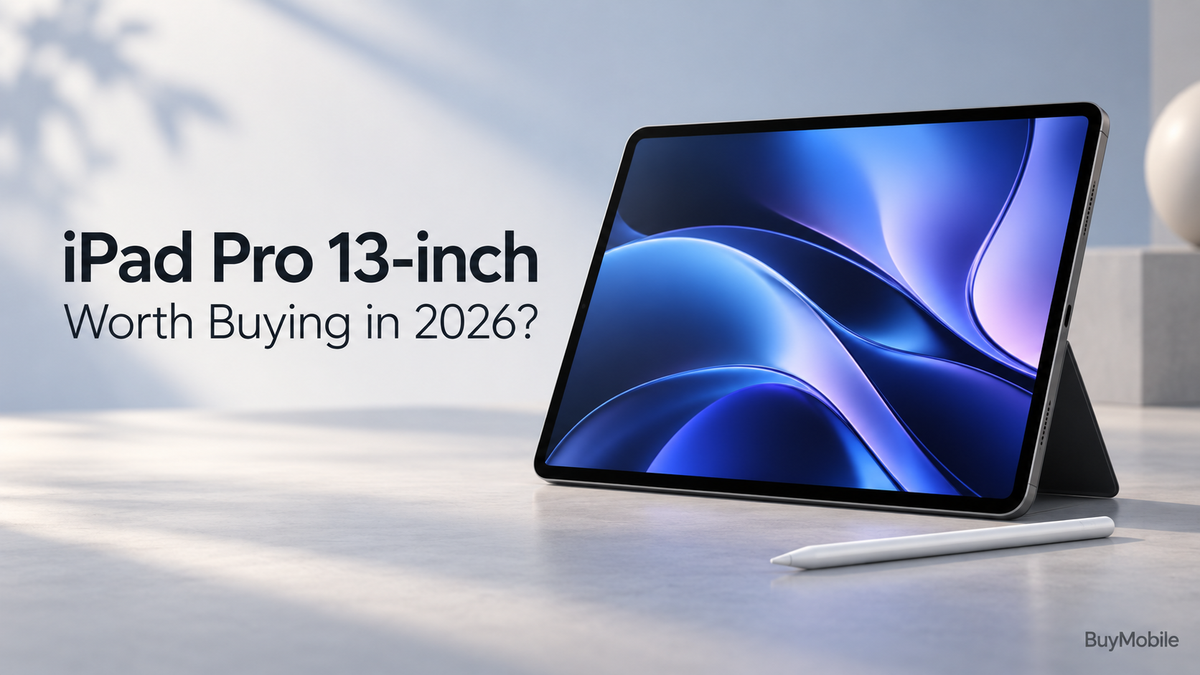
The Apple iPad Pro 13-inch is an impressive tablet, but whether it deserves your money depends on how you plan to use it. Its large OLED display, M5 chip and creative accessories make it attractive to artists, editors and professionals. For casual browsing and streaming, that same hardware may be more than you need.This review considers the current M5 model’s published features and practical buying implications rather than claiming hands-on testing. The central question is simple: will its premium capabilities improve your daily work enough to justify the investment?
Does the display justify choosing the Pro?
The display is one of the strongest reasons to consider this iPad. Apple’s Ultra Retina XDR screen uses tandem OLED technology and supports adaptive ProMotion refresh rates up to 120Hz. It offers deep blacks, high contrast and substantial brightness for supported HDR content. Those are meaningful features for reviewing photographs, working with video and enjoying visually rich entertainment.The 13-inch size also provides a generous canvas. Drawing, annotating documents and reviewing an editing timeline can feel less cramped than on a smaller tablet. However, screen size is a trade-off. If you mostly read while standing on public transport or hold your tablet above you in bed, the smaller Pro may be easier to manage.For desk use, the larger screen makes more sense. For casual entertainment alone, consider whether a less expensive iPad would already satisfy you.
Is the M5 chip useful for everyday work?
The M5 gives this model considerable processing capability. Apple positions it around demanding creative workflows, including graphics, video and supported AI tasks. That makes it worth investigating if your current tablet struggles with projects you genuinely need to finish.For email, web browsing, shopping and ordinary note-taking, raw processing power is unlikely to be your biggest limitation. App design, internet speed and your preferred way of working may matter more.Buy performance for a workload you can identify. If you regularly edit substantial projects in compatible apps, the Pro deserves consideration. If you cannot name a demanding task you will perform, the extra power may remain largely unused.
Can it replace a laptop?
It can for some people, but check your actual workflow before committing. Apple introduced a more flexible windowing system, improved file tools and additional creative capabilities with iPadOS 26. These changes expanded what users can accomplish across multiple apps.However, an iPad still runs iPadOS. A powerful chip does not guarantee that your desktop applications, browser extensions or company tools will work exactly as expected.Test the essentials first. Can you edit the documents you receive, access shared folders, join meetings and complete any specialised tasks? If your work depends on particular accounting software, development tools or complex spreadsheets, confirm compatibility rather than assuming a keyboard will solve everything.For writing, research, presentations and supported creative work, it could become your main device. For other jobs, it may be an excellent companion to a laptop.
Is it a good choice for artists?
The iPad Pro 13-inch supports Apple Pencil Pro and Apple Pencil USB-C. The larger display offers room to draw while keeping reference material and app controls visible. Apple Pencil Pro also brings additional creative controls in compatible applications.This is where the tablet format has a clear purpose. Drawing directly on the screen, marking up a design or handwriting notes can be more intuitive than working through a mouse.Still, include the Pencil in your budget and investigate the apps you intend to use. If you only sketch occasionally, an iPad Air may offer enough capability. The Pro becomes easier to justify when its display and performance support regular creative work.
Which storage option should you buy?
Apple offers 256GB, 512GB, 1TB and 2TB configurations. The higher-capacity versions also have different processor and memory specifications, so storage is not the only distinction between models.Choose around the projects you keep locally. Documents and streaming require different space from extensive video footage, large artwork files or an offline media collection.Consider your backup routine too. More internal storage is convenient, but it should not replace keeping another copy of important work. Check app support for external drives and decide how you will transfer projects before paying for capacity you may never fill.
Does its slim design make it portable?
At 5.1mm thick and 579g for the Wi-Fi model, the tablet itself is remarkably slim for its screen size. Those figures do not include a keyboard, stand or protective case.Assess the complete setup you will carry. A bare tablet is convenient for drawing or reviewing documents, while a keyboard adds typing practicality and bulk.The 13-inch model suits people who want generous working space wherever they sit down. Frequent handheld use may favour the 11-inch version.
Is it worth buying in 2026?
The iPad Pro 13-inch makes the strongest case for people who use a tablet as a creative tool, value its OLED display and have demanding projects in compatible apps.Before buying, compare current Australian prices and include accessories, storage upgrades and any app subscriptions. Also compare the iPad Air and a suitable laptop.Choose the Pro when its screen, input options and performance improve work you already do. Choose a cheaper tablet when your needs are simpler. Its value comes from how often you use its strengths.