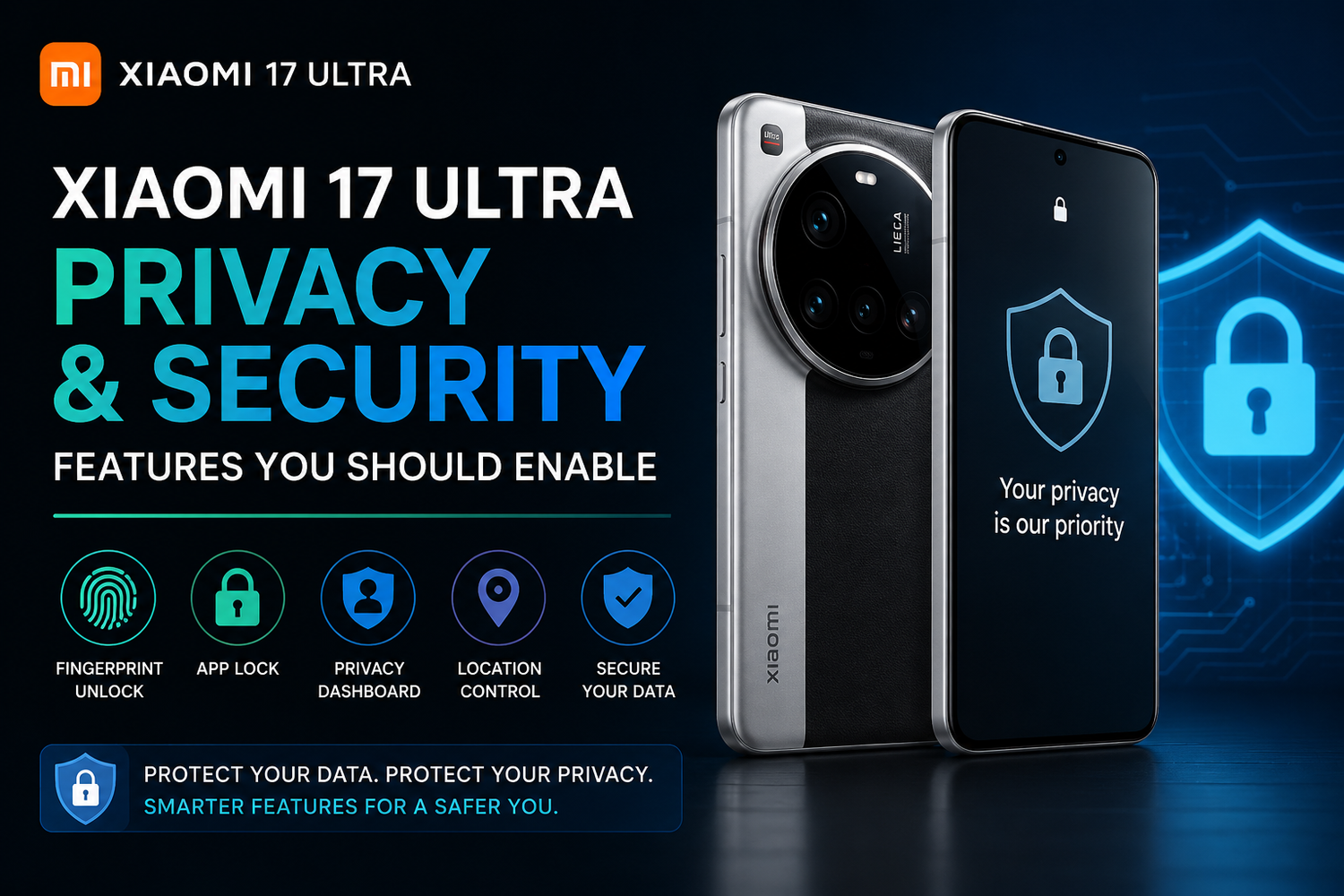
Smartphones have become central to our daily lives, storing everything from personal photos and financial information to work documents and passwords. As we rely more on our devices, protecting sensitive data has never been more important. Fortunately, the Xiaomi 17 Ultra offers a wide range of privacy and security features that help keep your information safe while giving you greater control over how apps and services access your data.Powered by Xiaomi's latest HyperOS, the Xiaomi 17 Ultra combines intelligent security tools with user-friendly controls. Many of these features are enabled by default, while others require only a few minutes to set up. Whether you're concerned about online privacy, protecting personal files, or preventing unauthorized access, enabling these features can significantly improve your smartphone's security.Here are the most important privacy and security features every Xiaomi 17 Ultra owner should enable.
Set Up Fingerprint and Face Unlock
The first step toward protecting your smartphone is securing the lock screen.The Xiaomi 17 Ultra supports both an in-display fingerprint sensor and facial recognition, allowing you to unlock your device quickly while keeping it secure.Fingerprint authentication is particularly useful because it provides fast access without relying on passwords or PIN codes. Face Unlock adds another convenient option for everyday use.For maximum protection, it's recommended to use a strong PIN or password as a backup authentication method.
Review App Permissions Regularly
Many apps request access to features they don't necessarily need.HyperOS allows you to review and manage permissions for:
1.Camera
2.Microphone
3.Location
4.Contacts
5.Calendar
6.Photos
7.Storage
Instead of granting permanent access, you can allow permissions only while an app is in use or deny unnecessary requests altogether.Regularly reviewing these permissions helps prevent excessive data collection.
Enable Privacy Dashboard
One of the most useful features in HyperOS is the Privacy Dashboard.This tool provides a detailed overview of which apps have recently accessed sensitive information such as your location, camera, and microphone.If an application behaves unexpectedly, you can immediately identify it and adjust its permissions.The dashboard offers greater transparency and helps users maintain better control over personal data.
Turn On Find My Device
Losing your smartphone can expose valuable personal information.Enabling Find My Device allows you to:
1.Locate your phone remotely.
2.Lock the device.
3.Display a message on the screen.
4.Erase data if recovery becomes impossible.
Because the Xiaomi 17 Ultra stores personal photos, payment information, and important documents, activating this feature provides valuable peace of mind.
Protect Sensitive Apps with App Lock
Some applications deserve additional protection beyond the lock screen.HyperOS includes App Lock, allowing users to secure selected apps using:
1.Fingerprint authentication
2.Face recognition
3.Password
4.PIN
This feature is especially useful for banking apps, messaging platforms, photo galleries, cloud storage, and email accounts.Even if someone unlocks your phone, protected apps remain inaccessible without additional verification.
Use Private Space for Confidential Data
Private Space provides an extra layer of privacy.Users can store confidential photos, videos, files, and documents in a secure area that remains hidden from the main gallery and file manager.Only authorized authentication methods can access this protected space.It's an excellent solution for storing sensitive work documents or personal files.
Enable Secure WiFi Protection
Public WiFi networks can introduce security risks.The Xiaomi 17 Ultra includes features that warn users about potentially unsafe wireless networks.Whenever possible, avoid connecting to unknown public hotspots without additional protection.Keeping secure network options enabled reduces exposure to cyber threats while travelling or working remotely.
Keep Security Updates Enabled
Software updates do more than introduce new features.They also contain important security patches that protect your smartphone from newly discovered vulnerabilities.The Xiaomi 17 Ultra regularly receives updates through HyperOS.Enabling automatic updates ensures your device remains protected without requiring manual intervention.Staying current is one of the simplest ways to improve smartphone security.
Control Location Sharing
Location services are incredibly useful but should be carefully managed.HyperOS allows users to decide exactly which apps can access location data.You can choose between:
1.Always allow
2.Allow only while using the app
3.Ask every time
4.Deny access
Limiting continuous location tracking improves both privacy and battery life.
Review Notification Privacy
Notifications sometimes display sensitive information on the lock screen.HyperOS allows users to hide message content while still showing that a notification has arrived.This prevents others from viewing personal messages, verification codes, or banking alerts without unlocking the phone.It's a small adjustment that greatly improves everyday privacy.
Enable Two-Factor Authentication
Many online services support two-factor authentication.Using authentication apps or verification codes adds an extra layer of protection beyond your password.Even if someone learns your password, they still cannot access your accounts without the second verification step.The Xiaomi 17 Ultra works seamlessly with popular authentication applications.
Monitor Connected Devices
Wireless accessories regularly connect through Bluetooth.HyperOS makes it easy to review paired devices and remove accessories you no longer use.Keeping your Bluetooth connections organized reduces unnecessary security risks while improving overall device management.
Secure Your Passwords
Using unique passwords remains essential.Password managers help generate and securely store strong login credentials without requiring you to remember every password.The Xiaomi 17 Ultra supports secure password management solutions that improve both convenience and online security.Avoid reusing the same password across multiple services whenever possible.
AI Security Features
HyperOS also incorporates intelligent security tools.AI can help identify suspicious behavior, warn users about potentially harmful applications, and improve overall system protection.These background security features continuously monitor the device while requiring minimal user interaction.Combined with manual privacy controls, they create a more secure smartphone experience.
Backup Your Data Regularly
Security also means preparing for unexpected situations.Backing up photos, contacts, documents, and settings ensures valuable information isn't permanently lost if your phone is damaged, stolen, or replaced.Cloud backup services make this process automatic and convenient.Regular backups remain one of the most overlooked aspects of smartphone security.