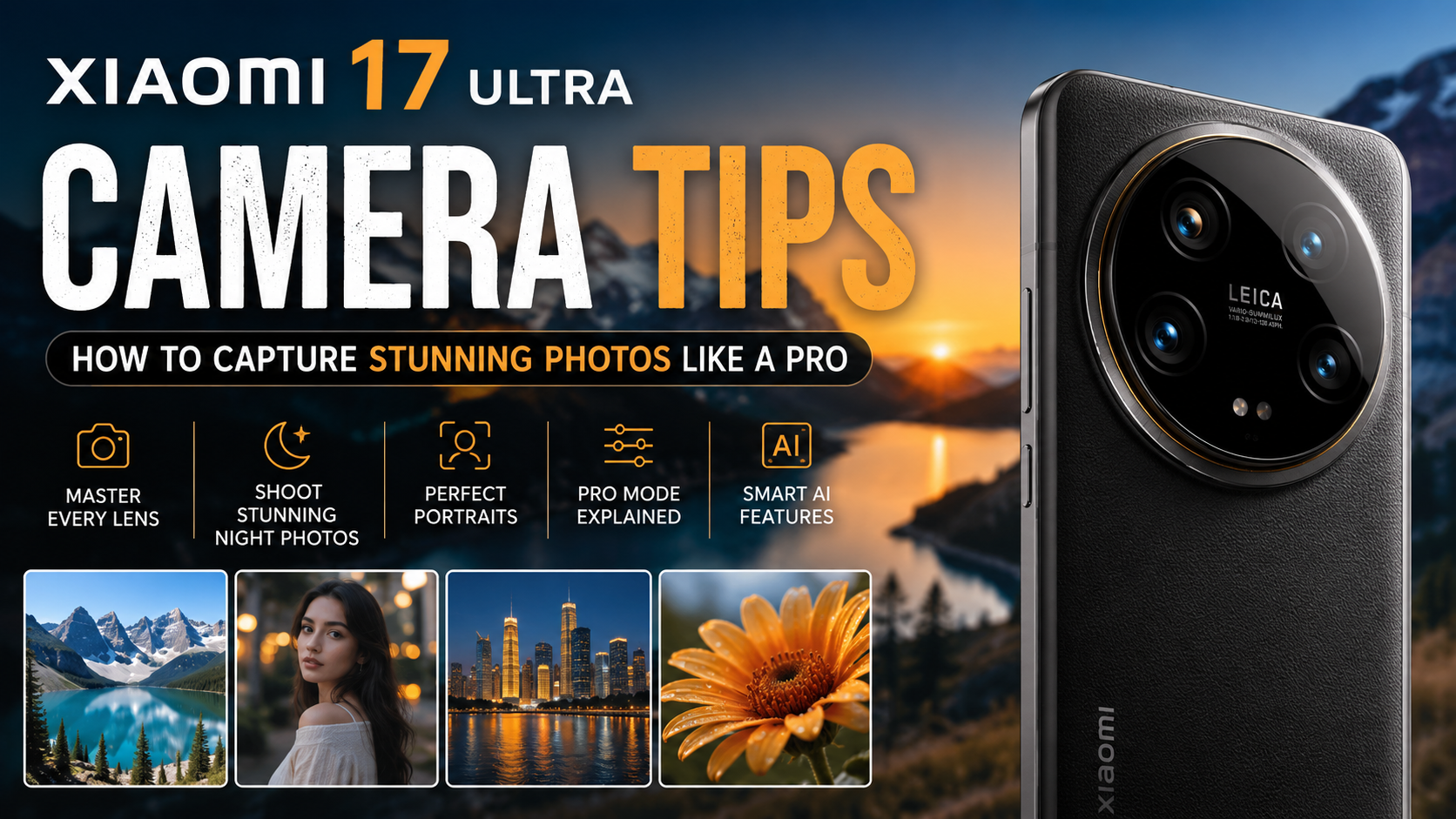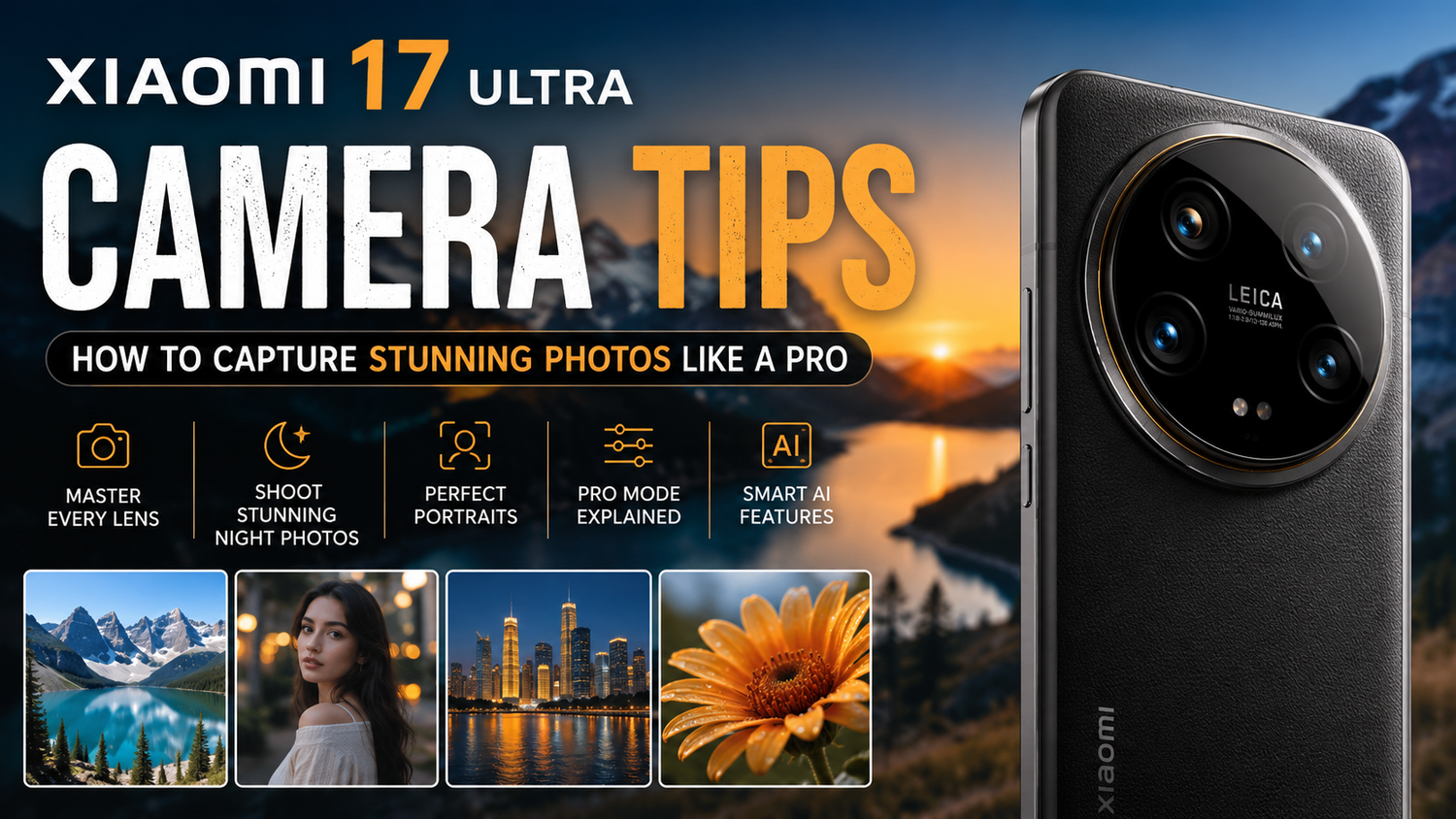
The Xiaomi 17 Ultra is designed for people who love photography. Equipped with an advanced camera system, intelligent AI features, and premium imaging technology, it gives users the tools to capture professional looking photos without carrying a dedicated camera. Whether you're photographing landscapes, portraits, food, architecture, or night scenes, understanding how to use the camera effectively can dramatically improve your results.While the hardware does much of the work automatically, learning a few simple techniques will help you unlock the full potential of the Xiaomi 17 Ultra. Here are some practical tips to help you capture stunning photos like a professional.
Learn What Each Camera Does
The Xiaomi 17 Ultra features multiple lenses, each designed for different situations.The primary camera is your everyday choice for capturing detailed images with excellent colour accuracy and dynamic range. The ultra wide lens is perfect for landscapes, city skylines, and large group photos. The telephoto lens allows you to zoom in without sacrificing image quality, making it ideal for portraits and distant subjects.Understanding when to switch between these lenses ensures that every photo makes the best use of the available hardware.
Make the Most of Natural Light
Lighting is one of the biggest factors in photography.Even though the Xiaomi 17 Ultra performs exceptionally well in low light, natural lighting still produces the best results. Early morning and late afternoon provide softer light that creates beautiful colours and natural shadows.Avoid taking portraits under harsh midday sunlight whenever possible. Softer lighting helps skin tones appear more natural while reducing unwanted shadows.If you're indoors, position your subject near a window to take advantage of available daylight.
Use Grid Lines for Better Composition
One of the easiest ways to improve your photography is by enabling grid lines in the camera settings.The grid helps apply the rule of thirds, a classic photography technique that creates more balanced and visually appealing compositions.Instead of placing your subject directly in the centre, position it along one of the grid intersections. This simple adjustment often makes photographs look more professional.Whether you're photographing people, buildings, or landscapes, thoughtful composition makes a noticeable difference.
Explore Portrait Mode
Portrait mode is one of the Xiaomi 17 Ultra's strongest features.The camera intelligently separates your subject from the background, creating attractive background blur that mimics professional cameras.For the best results, keep some distance between your subject and the background. This allows the software to produce smoother depth effects while maintaining sharp facial details.Portrait mode works well not only for people but also for pets, flowers, and everyday objects.
Master Night Photography
Low light photography is where the Xiaomi 17 Ultra truly shines.Night Mode automatically combines multiple exposures to brighten dark scenes while reducing noise and preserving detail.When shooting at night, hold the phone as steadily as possible while the camera processes the image. Using both hands or resting the phone against a stable surface helps maximise sharpness.Avoid moving the phone until the capture process finishes.The result is cleaner, brighter images with significantly more detail than standard shooting modes.
Take Advantage of the Telephoto Lens
Many users rely on digital zoom, but the Xiaomi 17 Ultra offers dedicated optical zoom that produces much better image quality.Use the telephoto camera when photographing wildlife, architecture, sporting events, or distant landmarks.Optical zoom preserves sharpness while maintaining accurate colours and fine details.Whenever possible, choose optical zoom before relying on higher digital zoom levels.
Experiment with Pro Mode
Automatic mode delivers excellent results, but Pro Mode offers even greater creative control.You can manually adjust settings such as ISO, shutter speed, white balance, focus, and exposure.Lower ISO settings produce cleaner images, while slower shutter speeds allow more light into the sensor for creative night photography.Learning these controls gradually helps you understand how professional photographers capture unique images.Even beginners can achieve impressive results by experimenting with different settings.
Keep the Lens Clean
It may sound obvious, but a dirty camera lens can significantly reduce image quality.Dust, fingerprints, and pocket lint often create blurry photos, unwanted glare, or reduced contrast.Before taking photos, gently clean the lens using a microfiber cloth.This simple habit often produces a surprisingly noticeable improvement in sharpness and clarity.
Use AI Features Wisely
The Xiaomi 17 Ultra includes intelligent AI scene recognition that automatically adjusts camera settings based on what you're photographing.It can recognise food, flowers, pets, landscapes, sunsets, documents, and many other scenes.While AI usually enhances colours and exposure effectively, don't hesitate to switch it off if you prefer a more natural appearance.Understanding when AI helps and when manual control produces better results gives you greater creative flexibility.
Capture Better Landscapes
Landscape photography becomes much more impressive when you include foreground elements.Instead of photographing only mountains or beaches, include rocks, flowers, trees, or pathways to create depth within the image.The ultra wide camera is particularly useful for dramatic scenery, while HDR helps preserve details in both bright skies and darker foreground areas.Waiting for interesting clouds or golden hour lighting can also transform an ordinary landscape into a memorable photograph.
Improve Your Portraits
Professional portraits rely on more than just camera quality.Encourage your subject to stand naturally rather than posing stiffly. Use soft lighting whenever possible and avoid distracting backgrounds.The Xiaomi 17 Ultra's portrait mode performs best when your subject remains well separated from the background.Experiment with different angles instead of always shooting from eye level. Slightly higher or lower perspectives often produce more flattering results.
Edit Without Overdoing It
Even excellent photos benefit from small adjustments.The built in editing tools allow you to fine tune brightness, contrast, highlights, shadows, and colour balance.The key is moderation.Avoid excessive sharpening or oversaturated colours, as these can make photos appear unrealistic.Small improvements often produce the most professional results.
Practice Different Photography Styles
The best way to improve is simply to keep taking photos.Experiment with street photography, architecture, food photography, macro shots, portraits, travel photography, and night scenes.Each style teaches different techniques while helping you better understand your camera's strengths.Over time, you'll develop both technical skills and your own creative style.