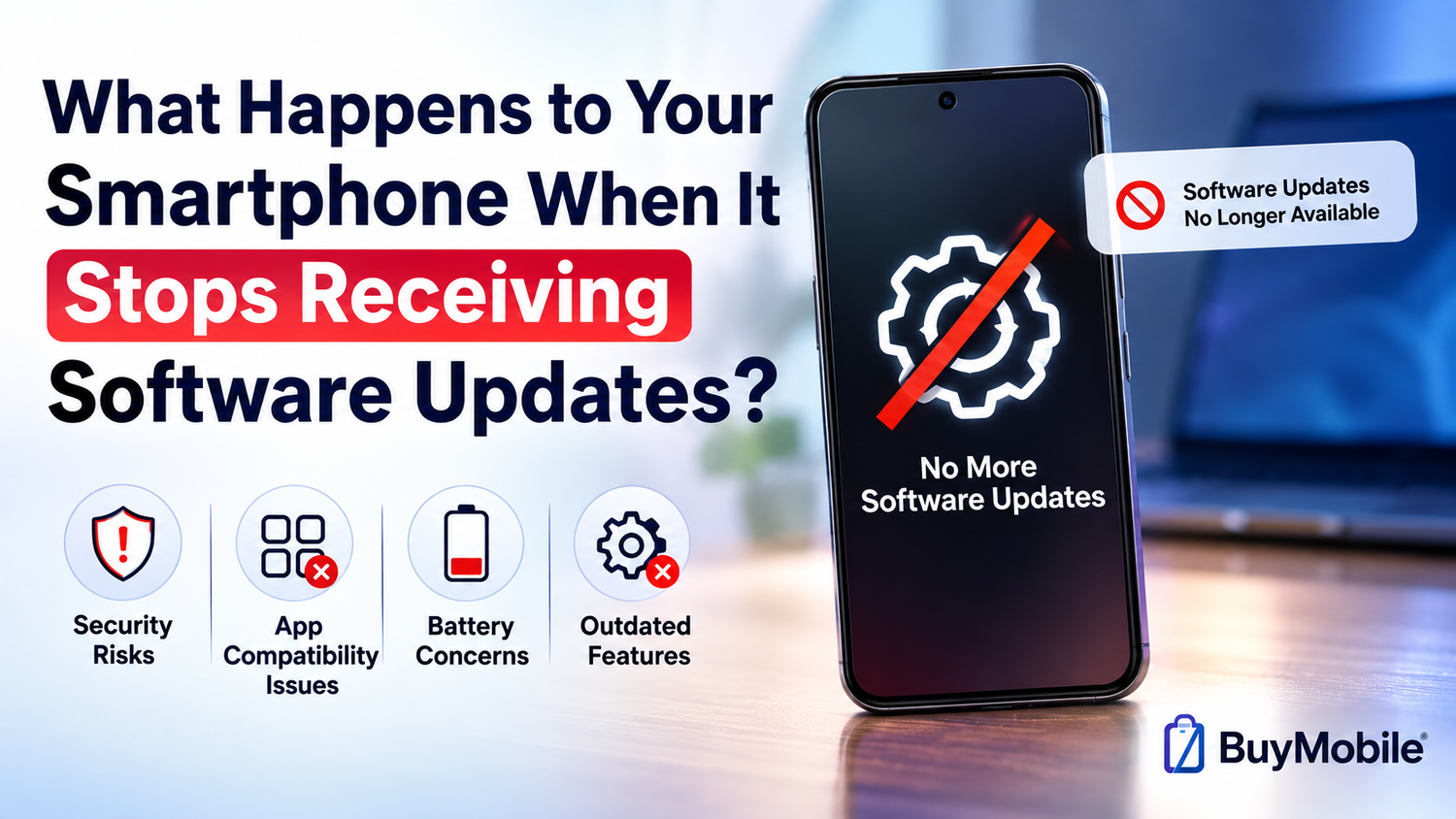
Smartphones do not suddenly stop working when their software support ends. You can usually continue making calls, sending messages, taking photos, browsing the internet and using many of your favourite apps. This can make the end of software updates seem unimportant.However, the changes happen gradually.Once a smartphone stops receiving operating system and security updates, it begins falling behind newer devices in security, compatibility and features. Over time, applications may stop supporting it, newly discovered vulnerabilities may remain unpatched and the overall experience can become increasingly outdated.So, what actually happens when your smartphone reaches the end of its software support period?
Your Phone Will Not Suddenly Stop Working
The first thing to understand is that reaching the end of software support is not the same as your smartphone reaching the end of its physical life.Your phone will normally turn on exactly as it did before.The camera will still take pictures. Your alarm will still work. You can continue accessing compatible apps, connecting to Wi-Fi and performing everyday tasks.There is usually no dramatic warning followed by the phone becoming unusable.Instead, the consequences develop slowly.This is why people can sometimes continue using unsupported smartphones for years without immediately noticing a problem.
You Stop Receiving Major Operating System Upgrades
Smartphone manufacturers regularly release new versions of Android or iOS containing interface changes, privacy improvements, new features and technical improvements.Eventually, older devices become ineligible for these upgrades.Once this happens, your phone remains on its existing operating system version unless smaller updates are still being provided.This does not necessarily create an immediate problem.If you are happy with how your smartphone works, missing a new visual feature may not matter much.However, newer applications and services gradually begin targeting newer operating systems. That is when remaining on an old version becomes more significant.
Security Updates Are More Important
Major operating system upgrades attract attention because they introduce visible changes, but security updates are arguably more important for long-term ownership.Researchers regularly discover vulnerabilities in operating systems, browsers, wireless technologies and other software components.When a supported smartphone is affected, manufacturers can distribute patches designed to address those vulnerabilities.An unsupported phone may no longer receive those fixes.This means a newly discovered security weakness could potentially remain present indefinitely.The phone doesn't automatically become unsafe the day support ends, but its security position can gradually become weaker compared with actively supported devices.
Your Apps May Continue Updating for a While
The end of manufacturer updates does not necessarily mean application updates stop immediately.App developers determine which operating system versions their applications support.Popular applications may continue supporting older versions for a considerable period because developers do not want to abandon large numbers of users unnecessarily.Eventually, however, supporting very old operating systems becomes difficult.Developers may want to use newer security technologies, APIs or system features unavailable on older software.At that point, an application may require a newer operating system.Your old phone could then become incompatible with the latest version.
Some Apps May Eventually Stop Working
Initially, you might simply lose access to new features within an application.Later, the developer could stop providing updates entirely for your operating system version.Eventually, the app itself may refuse to run or require an upgrade your smartphone cannot install.This can become particularly important for applications that depend heavily on current security standards.Banking apps, payment services, authentication tools and workplace applications may have stricter software requirements than basic games or offline utilities.For many people, application compatibility rather than hardware failure is what eventually makes an old smartphone impractical.
Websites Can Also Become More Difficult to Use
Applications aren't the only software affected by ageing operating systems.Web browsers need regular updates too.Modern websites rely on evolving web technologies and security standards. If your phone's browser becomes too old, some websites may display incorrectly or certain features may stop working.Encrypted web connections can also.depend on current certificates and security protocols.This means an unsupported smartphone can gradually become less useful even if you rely mainly on websites rather than applications.The internet continues evolving even when your phone's software does not.
Your Personal Data Does Not Automatically Disappear
When software support ends, your photographs, messages, contacts and other files do not suddenly vanish.Everything stored on the device normally remains there.However, this makes backups increasingly important.An ageing smartphone may eventually experience battery problems, storage failure, physical damage or software compatibility issues.Keeping important photographs and documents backed up means you are not depending entirely on an increasingly old device.This is good practice for every smartphone, but it becomes particularly important as a phone approaches the end of its useful life.
The Phone May Still Feel Perfectly Fast
Many people assume that an unsupported smartphone immediately becomes slow.That is not necessarily true.If the processor remains capable and the battery is healthy, an older phone can continue feeling responsive for everyday activities.Basic tasks such as messaging, calling, music playback and web browsing do not always require the latest hardware.However, applications tend to become more demanding over time.Newer versions may include more sophisticated graphics, AI features or background processes designed around modern processors.An older device may therefore gradually feel slower even though nothing physically changed overnight.
Battery Age Can Make the Situation Feel Worse
Software support and battery health are separate issues, but they often become noticeable around the same period.Lithium-ion batteries naturally degrade through age and charging cycles.After several years, your smartphone may not last as long as it did when new.The combination of an ageing battery, older software and increasingly demanding applications can make a device feel significantly less capable.Sometimes replacing the battery can extend the useful life of an older smartphone.But if the device has also stopped receiving critical security updates, you should consider whether spending money on the repair makes sense.
You May Miss New Privacy Features
Smartphone software updates are not only about security patches.
New operating system versions frequently introduce additional privacy controls.These might include improvements to application permissions, tracking controls, microphone and camera access, location management or protection of sensitive information.An unsupported phone remains limited to the privacy features available in its final compatible software version.That doesn't mean all older privacy controls suddenly stop working.It simply means you may not receive newer protections developed in response to changing technology and privacy concerns.
Accessories and Services Can Become Incompatible
Smartphones rarely operate alone.You may connect yours to wireless earbuds, smartwatches, cars, smart-home devices or computers.New accessories sometimes require recent operating system versions or updated companion applications.An older smartphone could therefore work perfectly by itself but fail to support a new smartwatch or another accessory you want to buy.Cloud services can also change their minimum software requirements.Compatibility becomes increasingly important as the wider technology ecosystem moves forward.
Should You Immediately Replace an Unsupported Phone?
Not necessarily.The urgency depends on what kind of support has ended.A phone that no longer receives major operating system upgrades but still receives security patches may remain perfectly reasonable to use.The situation becomes more concerning when security support has completely ended.Your usage also matters.An offline phone used as a music player has a very different risk profile from a smartphone containing banking applications, work email, payment information and sensitive personal data.You should check the manufacturer's official support information for your specific model rather than assuming all phones from the same brand receive identical support.
Can You Keep an Old Smartphone for Other Uses?
Absolutely.Even when you decide an unsupported phone is no longer appropriate as your primary device, it can still have useful applications.It might become a dedicated music player, alarm clock, remote control, offline navigation device or media player.You could also use it as a basic camera or keep it as an emergency backup phone where appropriate.Before giving an old smartphone to someone else, selling it or recycling it, back up anything important and perform the manufacturer's recommended factory-reset procedure.Also remove SIM cards and memory cards where applicable.
Software Support Should Influence Your Next Purchase
When comparing new smartphones, buyers often focus on cameras, processors, RAM and battery capacity.Software support deserves just as much attention.A smartphone with a longer guaranteed update period could remain secure and compatible for considerably longer.This is particularly important if you plan to keep your next phone for four, five or more years.The cheapest smartphone today isn't necessarily the cheapest option long term if limited support forces you to replace it earlier.Likewise, an expensive flagship is not automatically a good long-term purchase unless the manufacturer provides strong software support.
How Do You Know When It Is Time to Upgrade?
There isn't one universal moment when every unsupported smartphone should be replaced.Instead, look for several warning signs.If your phone no longer receives security patches, essential applications stop updating, websites become incompatible, battery life becomes unreliable and the device struggles with everyday tasks, upgrading starts making practical sense.Security-sensitive usage can justify upgrading sooner.If you use your phone for banking, authentication, work accounts and storing important personal information, current security support should be a major consideration.