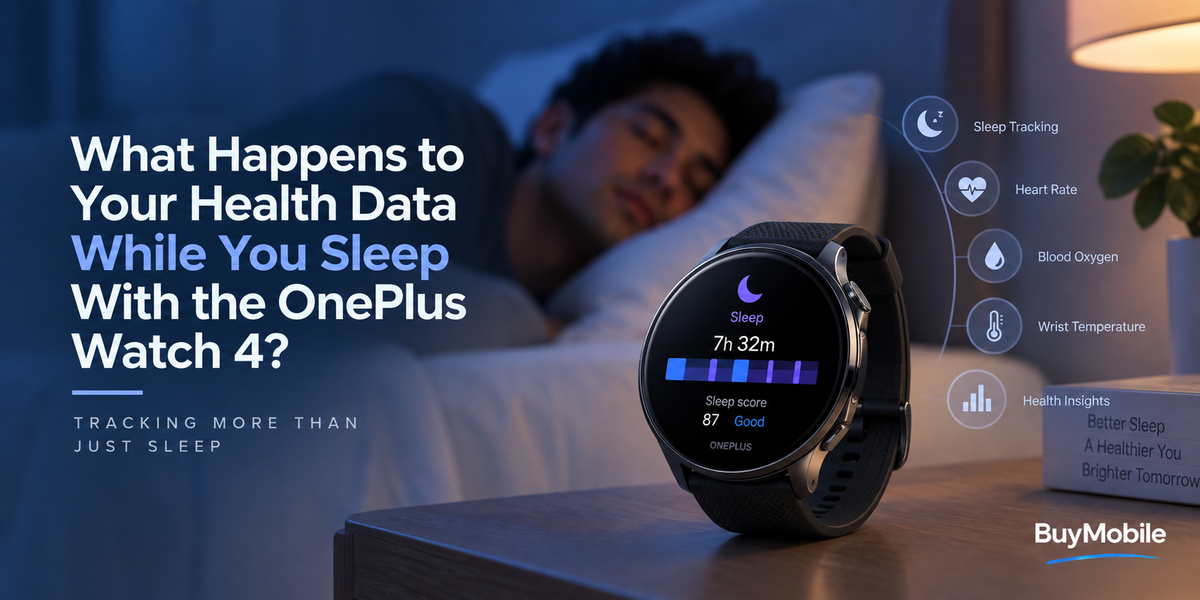
When you go to sleep wearing a smartwatch, you might barely notice it sitting on your wrist. Behind the scenes, however, the watch can be gathering information that helps turn several hours of sleep into something you can actually understand the next morning.The OnePlus Watch 4 includes sleep monitoring, sleep quality assessment, wrist temperature monitoring, heart rate monitoring and blood oxygen features. It can also analyse health-data trends and provide insights through the connected OHealth experience.But what is actually happening to all that information while you sleep?The watch is not simply starting a timer when you close your eyes. It uses sensor readings and software analysis to build a picture of your overnight patterns. The real value becomes clearer when those individual nights begin forming longer-term trends.
Your Watch Has to Recognise That You Are Sleeping
The first challenge is surprisingly basic.Your smartwatch needs to determine when you have actually gone to sleep.You do not normally press a button saying, "I am sleeping now." Instead, wearable devices use information such as movement and physiological patterns to help identify sleep periods.OnePlus officially lists sleep monitoring and sleep quality assessment among the Watch 4's health-management features.Once the device identifies your sleep period, the information collected overnight can contribute to the sleep analysis you review later.This is why wearing the watch consistently can matter. A smartwatch sitting on your bedside table cannot collect the same wrist-based information.
Your Heart Rate Continues to Tell a Story
Your heart does not beat at exactly the same rate throughout the day and night.During exercise it may rise considerably. During quiet periods and sleep it will often behave very differently.The OnePlus Watch 4 supports heart rate monitoring, resting heart rate information, high and low heart rate alerts and what OnePlus describes as a sleep benchmark heart rate.Overnight heart rate can therefore add useful context to your sleep information.Instead of looking at sleep simply as a number of hours, the watch can combine sleep-related information with other physiological measurements to create a broader picture of the night.The important thing is to look at patterns rather than becoming concerned about every small nightly change.Your heart rate can vary for many reasons, including activity, stress, sleep quality and everyday lifestyle factors.
Blood Oxygen Adds Another Measurement
The OnePlus Watch 4 also supports blood oxygen monitoring.According to OnePlus's specifications, the watch offers manual SpO2 measurements, all-day SpO2 tracking and low-SpO2 indicators.Blood oxygen saturation represents the percentage of oxygen carried in your blood.For a smartwatch, this measurement can provide another piece of information alongside heart rate and sleep patterns.However, wearable health readings should be treated appropriately.OnePlus specifically states that the health information provided by the Watch 4 is for reference and should not be used as the basis for diagnosis or treatment.If you are worried about your breathing, blood oxygen or another medical issue, smartwatch information should not replace professional medical assessment.
Wrist Temperature Can Become More Useful Over Time
Temperature is another interesting piece of overnight information.The OnePlus Watch 4 officially supports wrist temperature monitoring.The important word here is "wrist."A smartwatch is measuring conditions at your wrist rather than replacing a clinical body-temperature measurement.Where wearable temperature information can become interesting is in trends.OnePlus says its 60s Wellness Overview can use historical health trends such as wrist temperature and sleep alongside real-time measurements such as heart rate and blood oxygen.That demonstrates an important principle behind wearable health technology.A single measurement can be interesting.A consistent pattern collected over many nights can provide much more context.
Sleep Quality Is About More Than Hours
Imagine two nights where you spend eight hours in bed.Those nights may look identical if duration is the only information available.But your actual sleep experience can be very different.This is why the OnePlus Watch 4 includes sleep quality assessment rather than simply displaying a basic sleep timer.The goal is to make the information easier to interpret.Instead of thinking only about when you went to bed and when you woke up, you can begin looking at how your sleep changes over time.Did your sleep improve when you started going to bed earlier?Does your overnight heart-rate pattern look different after a demanding workout?Do weekends look noticeably different from workdays?These are the kinds of questions that make long-term wearable information more interesting.
Your Overnight Data Becomes Part of Health Trends
This is arguably the most important stage.A smartwatch collecting information every night would not be particularly useful if all those measurements remained isolated.The Watch 4 supports health-data trend analysis and health insights.That means your sleep information can contribute to a larger historical picture.OnePlus also says physical and mental wellness trend-tracking information is available through the OHealth app.The connected app therefore becomes an important part of the experience.Your watch gathers information on your wrist, while the software can help organise that information so you can look beyond a single night.
One Bad Night Does Not Define Your Health
This is where smartwatch users can easily make a mistake.You wake up, look at your sleep information and see something worse than expected.That does not automatically mean something is wrong.Sleep can change from night to night for many reasons.Maybe you stayed up late. Perhaps you travelled, exercised differently, ate later than usual or simply had a restless night.Wearable measurements can also vary depending on fit and other conditions.The better approach is usually to look for longer-term patterns.If your sleep information consistently changes over several weeks, that may be more meaningful for understanding your routine than one unusual night.
Consistent Wear Makes the Information More Useful
Health trends need data.If you wear the OnePlus Watch 4 one night and then leave it on the charger for the next three, your sleep history naturally becomes less complete.Regular overnight wear provides a more continuous picture.Battery life helps here.OnePlus rates the Watch 4 for up to five days in Smart Mode under its specified laboratory usage scenario, and that scenario includes 6.5 hours of sleep monitoring each day. It also claims up to 16 days in Power Saver Mode under another test scenario that includes six hours of daily sleep detection.Actual battery life will vary with settings and usage, but multi-day endurance can reduce the need to choose between charging the watch and wearing it to bed.That is particularly important for people interested in long-term sleep tracking.
Where Does the Information Go?
The OnePlus Watch 4 requires pairing with the OHealth app and supports compatible Android smartphones rather than iPhones.Once information is synchronised, the app can provide the broader health experience and trend information.OnePlus's health-platform documentation explains that its health software can display information including daily activity, calories, heart rate and sleep after a wearable is paired and permission is provided for the app to obtain device data. It also notes that some information may be saved locally or to its Health Cloud depending on the feature and region.This is worth remembering because health information is personal information.Anyone using wearable health tracking should review their privacy settings, account permissions and cloud options rather than simply accepting every default without understanding it.
The 60s Wellness Overview Connects Different Measurements
One of the Watch 4's broader health features is its 60s Wellness Overview.OnePlus describes this as an assessment combining real-time measurements such as heart rate and blood oxygen with historical trends including wrist temperature and sleep.That helps explain why overnight tracking can matter during the daytime.The information does not necessarily stop being useful when you wake up.Historical sleep and temperature trends can become context for other wellness information later.In other words, sleeping with the watch is not simply about receiving a sleep result every morning.You are contributing another section to a longer health timeline.
Can the Watch Tell You Why You Slept Badly?
Not necessarily.This distinction is important.The OnePlus Watch 4 can collect measurements, assess sleep quality and identify trends, but it cannot know every factor affecting your night.It does not automatically know that you drank coffee late in the evening, spent hours looking at a screen or were worried about an important meeting.This is where your own observations become useful.You can compare the patterns shown by the watch with what was happening in your life.Over time, you might notice connections between certain habits and better or worse nights.The watch provides information.You provide the context.
It Is a Wellness Tool, Not a Doctor
Smartwatch health technology has become increasingly sophisticated, but it is important not to overstate what it can do.OnePlus explicitly says the Watch 4 is not a medical device and that its health data, results and suggestions are for reference rather than diagnosis or treatment.That means a strange-looking result should not be treated as a diagnosis.Likewise, apparently normal smartwatch information should not be used to dismiss symptoms or health concerns.The Watch 4 is best understood as a tool for observing everyday patterns and becoming more aware of your routine.