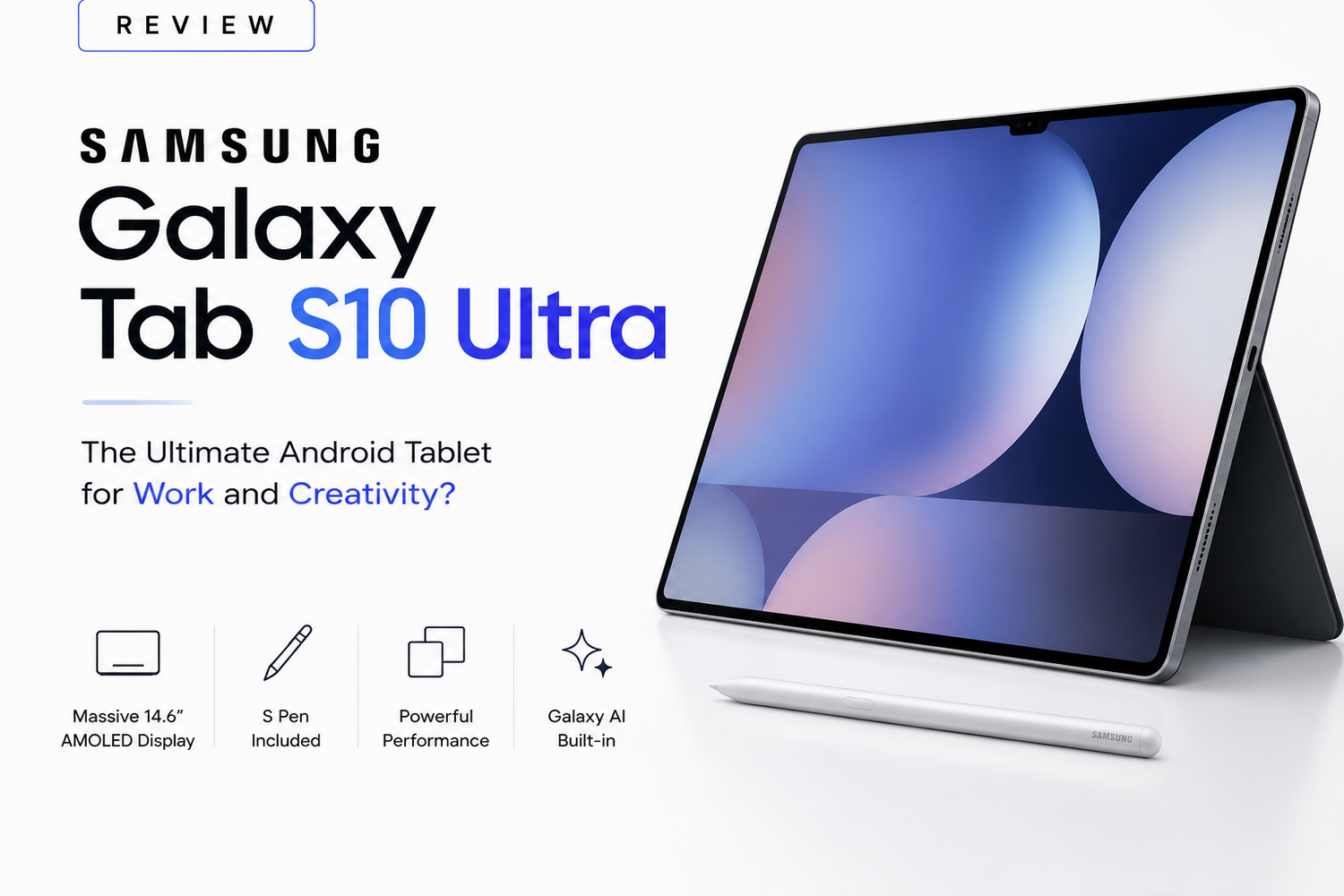
Android tablets have evolved dramatically over the past few years, but Samsung’s Galaxy Tab Ultra lineup has consistently remained at the top of the premium Android tablet market. With massive displays, powerful hardware, S Pen support, and desktop-style multitasking, Samsung has pushed Android tablets closer to becoming true laptop alternatives.Now, the Samsung Galaxy Tab S10 Ultra arrives in 2026 with even bigger ambitions.Samsung is no longer positioning the Tab S10 Ultra as simply a media consumption device. Instead, this tablet is designed for creators, students, professionals, artists, multitaskers, and power users who want a portable device capable of handling serious productivity and creative workflows.With its giant AMOLED display, upgraded Snapdragon performance, AI-powered Galaxy features, improved multitasking, and premium design, the Tab S10 Ultra feels more like a professional workstation than a traditional Android tablet.But can it truly replace a laptop for work and creativity, or is it still limited by Android’s ecosystem?After spending time with Samsung’s latest flagship tablet, one thing becomes obvious the Galaxy Tab S10 Ultra is easily one of the most powerful and impressive Android tablets ever made.
The Massive AMOLED Display Is the Main Attraction
The first thing you notice about the Galaxy Tab S10 Ultra is its enormous display.Samsung includes a giant AMOLED panel with ultra-thin bezels and a high refresh rate that immediately feels premium and immersive. Whether you are editing videos, drawing illustrations, multitasking between apps, or streaming content, the display becomes the center of the entire experience.Colors look stunning, blacks are incredibly deep, and HDR content appears cinematic thanks to Samsung’s excellent AMOLED technology. The high refresh rate also makes animations, scrolling, and stylus interactions feel smooth and responsive.For artists and creators, the larger screen size makes a huge difference. Drawing, photo editing, note-taking, and video editing all feel far more comfortable compared to smaller tablets.The display also excels for productivity. Running split-screen apps side-by-side feels natural because there is enough screen space to comfortably manage multiple tasks simultaneously.Watching movies and YouTube videos on the Tab S10 Ultra is equally impressive. The combination of the large AMOLED panel and quad-speaker setup creates one of the best portable entertainment experiences currently available.Samsung’s display quality continues to lead the Android market, and the Tab S10 Ultra fully demonstrates that advantage.
Premium Design That Feels Surprisingly Thin
Despite its massive size, the Galaxy Tab S10 Ultra feels remarkably sleek and premium.Samsung uses a lightweight aluminum body with flat edges and minimal bezels that give the tablet a futuristic, professional appearance. The device feels extremely thin considering its large display and powerful internal hardware.Even though it is not designed for one-handed use like smaller tablets, the Tab S10 Ultra remains portable enough for travel, work, and creative sessions away from a desk.The build quality is exceptional. Everything from the button placement to the magnetic S Pen attachment feels carefully refined and premium.Samsung also includes water resistance, which remains relatively rare in the tablet market and adds additional peace of mind for everyday usage.The overall design feels closer to a high-end productivity machine than a traditional Android tablet.
S Pen Support Makes Creativity Feel Natural
One of the Galaxy Tab S10 Ultra’s biggest strengths is its S Pen experience.Samsung includes the S Pen in the box, and it remains one of the best stylus experiences available on any tablet platform. The low latency and responsive display make writing and drawing feel incredibly natural.For digital artists, the tablet becomes an excellent portable canvas. Apps like Clip Studio Paint, Adobe Lightroom, Canva, and Samsung Notes perform smoothly while taking full advantage of the large display.Note-taking also feels exceptional. Students and professionals can easily annotate PDFs, sketch diagrams, organize handwritten notes, and multitask during meetings or lectures.Samsung’s AI-powered handwriting recognition and note organization tools further improve productivity by making handwritten content searchable and easier to manage.The S Pen is not just an accessory here it is a major reason why the Galaxy Tab S10 Ultra stands out from competitors.
Performance Easily Handles Professional Workloads
Samsung equips the Galaxy Tab S10 Ultra with flagship-level hardware, and the performance reflects that immediately.The tablet handles multitasking, gaming, video editing, creative applications, and productivity workflows without noticeable slowdowns. Apps launch quickly, animations remain fluid, and multitasking feels smooth even with several windows open simultaneously.Gaming performance is also excellent. Titles like Genshin Impact, PUBG Mobile, Fortnite, and Call of Duty Mobile run comfortably at high settings with stable frame rates.Thermal performance is surprisingly strong considering the tablet’s slim design. Even during extended gaming or editing sessions, the device remains manageable without severe overheating.But where the Tab S10 Ultra truly shines is multitasking.Samsung DeX transforms the tablet into a desktop-like interface that feels far more practical for professional workflows than traditional Android tablet experiences. Users can resize windows, connect keyboards and mice, drag files between apps, and work similarly to a lightweight laptop.For remote workers, students, and creators, the productivity experience feels genuinely useful rather than experimental.
Galaxy AI Features Improve Productivity
Samsung has heavily integrated Galaxy AI features into the Tab S10 Ultra experience.AI-powered note summarization, live translation, transcription tools, image editing, and productivity enhancements all help make the tablet feel smarter and more efficient.One particularly useful feature is AI-assisted note organization, which can summarize long lecture notes or meeting discussions into cleaner, more readable formats.Samsung’s AI tools also improve creative workflows. Image editing becomes faster, handwriting recognition feels more accurate, and translation features work seamlessly across apps and documents.Importantly, Samsung avoids making AI features feel gimmicky. Most tools integrate naturally into everyday workflows and genuinely improve productivity.
Battery Life Is Strong Despite the Huge Display
Powering such a large AMOLED display could easily create battery concerns, but Samsung manages the situation surprisingly well.The Galaxy Tab S10 Ultra comfortably handles a full workday involving multitasking, note-taking, streaming, web browsing, and creative applications.Battery life during media consumption is especially impressive, making the tablet excellent for long flights, travel, or remote work sessions.Fast charging support also helps reduce downtime significantly, which is important for professional users constantly moving between meetings, workspaces, or travel schedules.For a tablet this large and powerful, the battery performance feels highly reliable.
Android Still Has Some Limitations
Despite all its strengths, the Galaxy Tab S10 Ultra still faces some limitations caused by Android itself.While Android tablet optimization has improved significantly, some third-party apps still do not scale perfectly for larger displays. Certain professional desktop applications also remain unavailable compared to full laptop operating systems.For highly specialized professional workflows involving advanced video editing, coding, or desktop-only software, traditional laptops may still remain necessary.However, Samsung has done more than almost any other Android brand to close that gap.For most users focused on multitasking, media consumption, note-taking, content creation, presentations, communication, and general productivity, the Tab S10 Ultra feels more than capable.