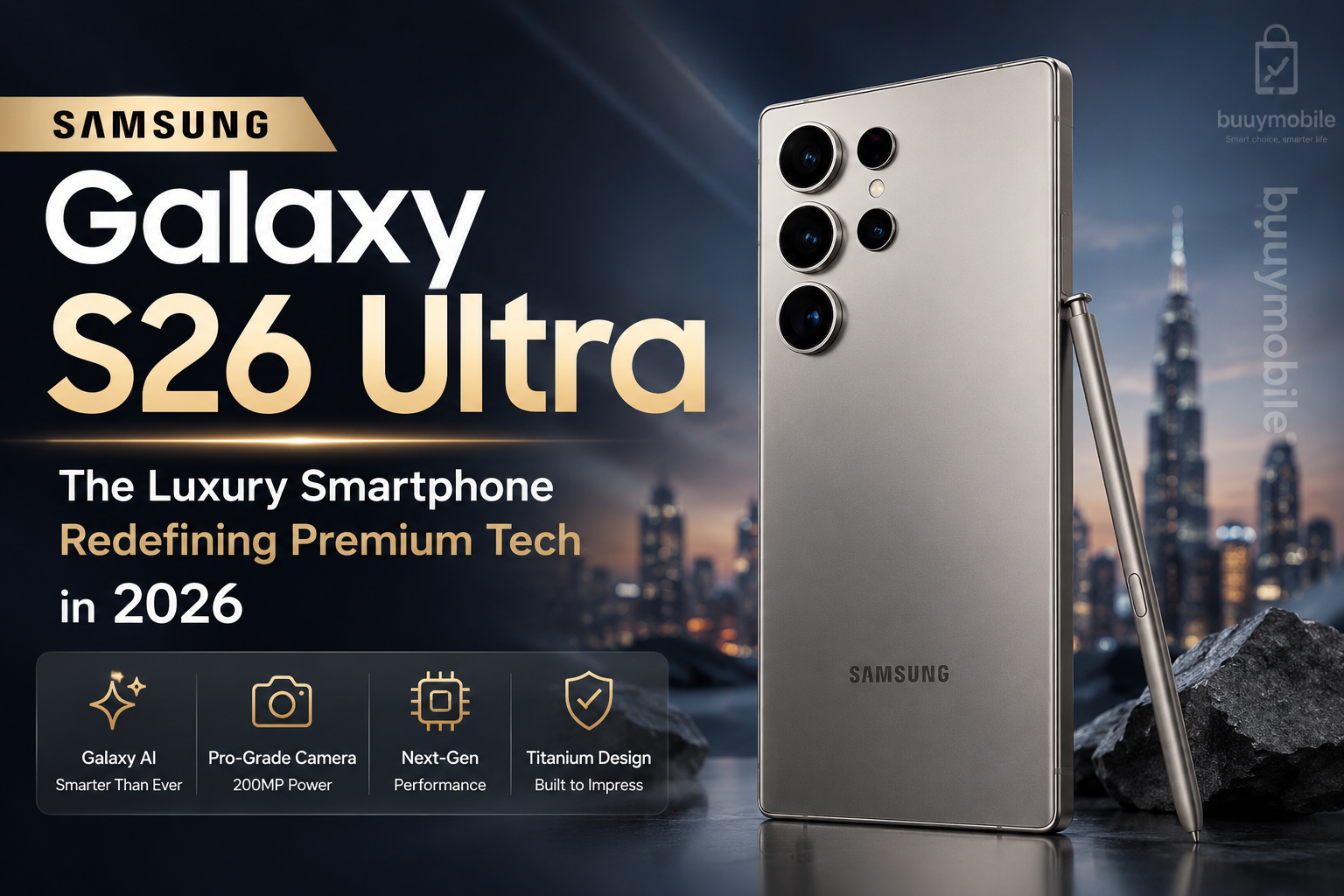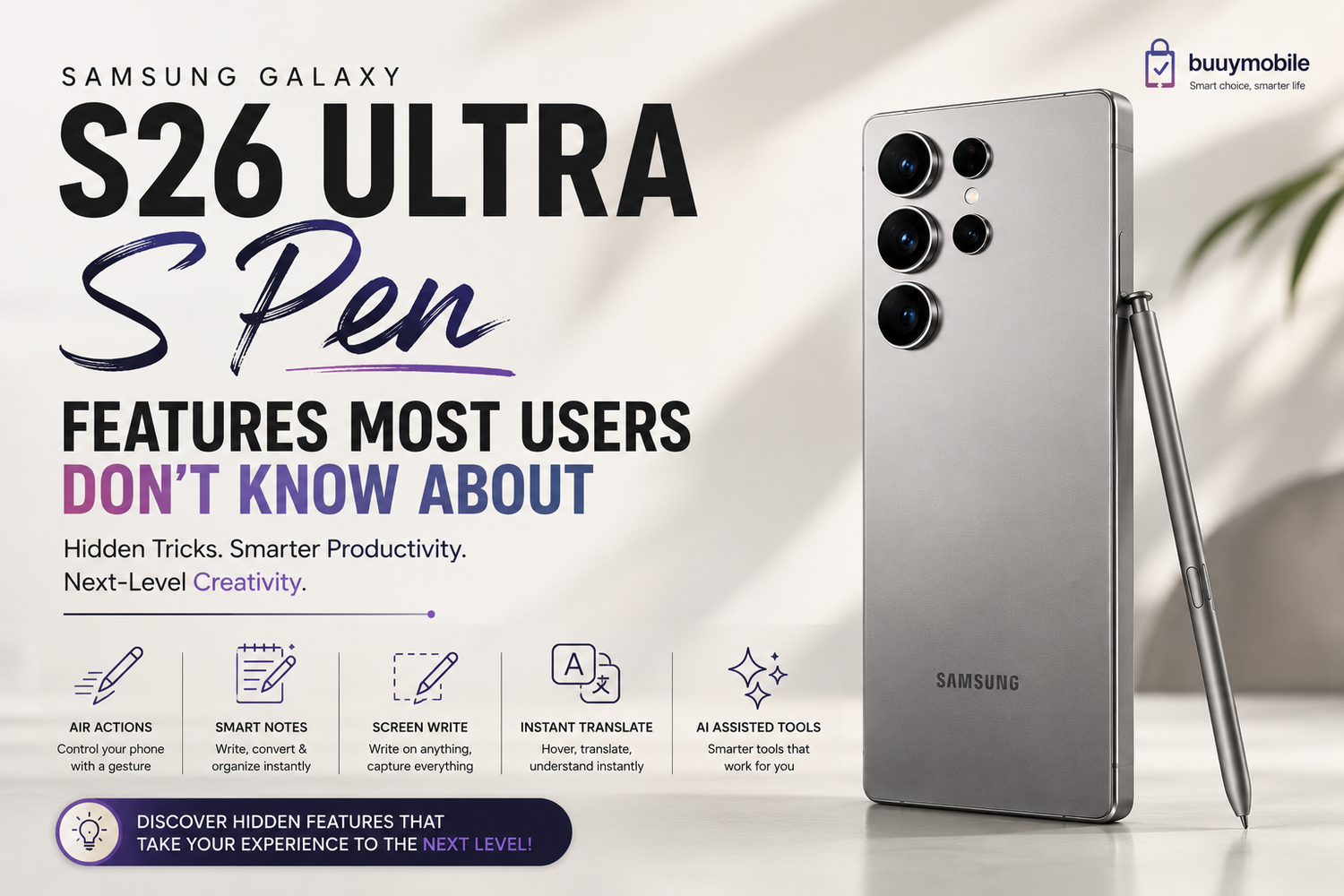
The Samsung Galaxy S26 Ultra is already one of the most powerful luxury smartphones of 2026, but one feature continues to separate it from almost every other flagship device on the market: the S Pen.While many users think the S Pen is only useful for taking notes or drawing, Samsung has quietly transformed it into a powerful productivity, creativity, and multitasking tool that can completely change how you use your phone.And honestly, most Galaxy S26 Ultra owners aren’t even using half of its capabilities.From hidden shortcuts to AI-powered productivity tricks, the S Pen has evolved far beyond a simple stylus. If you own the Galaxy S26 Ultra or plan to buy one, these hidden S Pen features will completely change the way you use your device.
Why the S Pen Still Makes the Galaxy S26 Ultra Unique
In a world where most smartphones look and feel similar, the S Pen gives Samsung a huge advantage. No other mainstream flagship phone offers this level of built-in stylus functionality combined with powerful software integration.The S Pen transforms the Galaxy S26 Ultra from a regular smartphone into a mini workstation, digital notebook, creative canvas, and productivity tool all in one.Thanks to Samsung’s latest Galaxy AI features, the S Pen now feels smarter, faster, and more useful than ever before. It’s no longer just an accessory it’s one of the biggest reasons why the Galaxy Ultra series still feels truly premium.
Air Actions Feel Like Magic
One of the most underrated S Pen features is Air Actions.Most users ignore this completely, but it’s actually one of the coolest features Samsung offers. Air Actions allow you to control parts of your phone remotely using simple gestures in the air.You can switch camera modes, scroll through photos, control music playback, and even navigate presentations without touching the display.This becomes incredibly useful when taking photos from a distance. Instead of rushing to hit a timer, you can simply use the S Pen like a remote shutter button.For creators and social media users, this feature feels futuristic and surprisingly practical.
Handwriting Recognition Is Smarter Than Ever
Samsung has dramatically improved handwriting recognition on the Galaxy S26 Ultra.You can now write naturally using the S Pen, and the phone instantly converts your handwriting into clean digital text. Even messy handwriting gets recognized surprisingly accurately thanks to Galaxy AI improvements.This feature works brilliantly for students, professionals, and creators who constantly write ideas, notes, or reminders throughout the day.The best part is that it feels natural. Instead of typing constantly, you can simply write as if using real paper.For people who attend meetings, study regularly, or brainstorm ideas often, this feature becomes incredibly addictive.
Screenshot Notes Make Everyday Tasks Easier
One of the simplest yet most useful S Pen features is the ability to write directly on screenshots.You can instantly capture your screen and annotate it using the S Pen. Whether you’re circling details, highlighting information, or explaining something visually, the process feels fast and effortless.This becomes extremely useful for work, tutorials, feedback, editing ideas, and even casual conversations.Once you start using screenshot notes regularly, you realize how much faster visual communication becomes.
The S Pen Makes Photo Editing Feel Professional
The Galaxy S26 Ultra is already one of the best camera phones of 2026, but the S Pen makes editing feel even more premium.Instead of using fingers for adjustments, the precise S Pen tip gives you far better control while editing photos and videos.Cropping becomes cleaner, object removal becomes easier, and timeline adjustments in videos feel much smoother.For creators who edit Instagram posts, TikToks, YouTube thumbnails, or cinematic videos directly on mobile, this feature genuinely improves workflow efficiency.Combined with Samsung’s AI editing tools, the Galaxy S26 Ultra becomes a surprisingly powerful content creation machine.
Smart Select Is Secretly One of the Best Productivity Features
Smart Select might be the most underrated feature on the Galaxy S26 Ultra.Using the S Pen, you can instantly select parts of the screen, extract text, save images, create GIFs, or pin content while multitasking.This feature becomes incredibly useful when researching online, saving information quickly, or organizing content for work or school.And thanks to Galaxy AI integration, extracted text can now be translated, summarized, or copied more intelligently than before.It’s one of those features people rarely talk about but once you start using it, it becomes part of your daily routine.
Multitasking Feels Much More Powerful
Samsung already offers one of the best multitasking experiences on Android, but the S Pen takes it to another level.The precision of the stylus makes navigating split-screen apps, floating windows, and drag-and-drop multitasking much easier.Taking notes while watching videos feels natural. Moving content between apps becomes smoother. Editing documents and managing workflows feels more organized.For professionals and students, the Galaxy S26 Ultra almost starts feeling like a mini laptop instead of a smartphone.That’s something very few devices can achieve.
Hidden Camera Features Most Users Miss
Most people know the S Pen can trigger the camera remotely, but there’s far more functionality hidden inside.You can zoom remotely, switch between front and rear cameras, start video recordings, and control camera modes using the S Pen.For solo travelers, vloggers, creators, and photographers, this becomes incredibly useful.Instead of relying on timers or awkward hand positions, the S Pen gives you full remote control over the camera experience.In the era of social media and content creation, this feature feels more valuable than ever.
Instant Translation Feels Surprisingly Futuristic
One of the coolest hidden S Pen features is instant translation.By hovering the S Pen over text, the Galaxy S26 Ultra can instantly translate words and phrases without switching apps or copying text manually.It feels smooth, fast, and genuinely futuristic.For users who travel frequently or consume international content online, this feature can save a huge amount of time.And because it works so naturally, many users completely overlook how powerful it actually is.
Artists Still Love the Galaxy Ultra Series
The S Pen remains one of the best tools for digital artists on any smartphone.Samsung continues improving pressure sensitivity, responsiveness, and latency, making the drawing experience feel incredibly smooth.Whether you sketch casually, design professionally, or create social media artwork, the S Pen feels responsive and accurate.Unlike many third-party styluses, Samsung’s integration feels deeply optimized for creative work.That’s why many artists still consider the Galaxy Ultra lineup one of the best portable creative devices available.
The S Pen Quietly Improves Everyday Productivity
One thing many users don’t realize is how much the S Pen improves small daily tasks.Navigating menus becomes easier. Selecting text becomes faster. Editing feels more accurate. Taking notes feels more natural.Over time, these small improvements add up and genuinely change the smartphone experience.That’s why many longtime Galaxy Ultra users struggle switching to phones without an S Pen.Once you get used to it, the experience becomes difficult to replace.
FAQ: Samsung Galaxy S26 Ultra S Pen Features
Does the Galaxy S26 Ultra include the S Pen inside the phone?
Yes, the Galaxy S26 Ultra includes a built-in S Pen stored directly inside the device.
Can the S Pen work without touching the screen?
Yes, features like Air Actions allow users to control apps and camera functions remotely using gestures.
Is the S Pen useful for students?
Absolutely. Students can use it for note-taking, handwriting conversion, PDF annotations, studying, and multitasking.
Can the S Pen improve photo editing?
Yes. The precise tip makes editing photos and videos much easier compared to using fingers alone.
Does the S Pen need charging?
The S Pen charges automatically while stored inside the phone.
Is the S Pen good for drawing?
Yes. The low latency and pressure sensitivity make it excellent for sketching and digital art.
Can the S Pen translate text instantly?
Yes. Hovering the S Pen over text can trigger instant translations in supported languages.
Is the S Pen actually useful in daily life?
For many users, yes. Once you get used to its productivity tools and shortcuts, it becomes difficult to go back to a regular smartphone experience.