The Samsung Galaxy S26 Ultra is much more than a premium smartphone. With powerful hardware, a large display, S Pen support, Galaxy AI and Samsung’s productivity features, it is also designed for people who want to get serious work done from almost anywhere.That raises an interesting question. Can you actually push the Samsung Galaxy S26 Ultra like a laptop?A smartphone cannot completely recreate the comfort of a large notebook computer, especially for demanding desktop software. However, modern mobile workflows have changed considerably. Email, web applications, cloud storage, video meetings, document editing and messaging can all be handled from a phone.The Galaxy S26 Ultra is particularly well equipped for this kind of multitasking. Here is how it performs when you stop treating it like a phone and start pushing it as a portable workstation.
Is the Galaxy S26 Ultra Powerful Enough for Heavy Multitasking?
Performance is unlikely to be the biggest limitation.The Galaxy S26 Ultra is a flagship smartphone designed to handle demanding applications, AI features, gaming and intensive multitasking. Switching between Chrome, Gmail, Microsoft 365, Slack, YouTube and editing applications should feel quick and responsive.The real advantage becomes noticeable when several applications remain active.You can research information in a browser, jump into a document, answer a message and return to your original task without constantly feeling like the phone needs to reload everything.For everyday office work, that responsiveness makes the S26 Ultra feel much closer to a computer than a traditional smartphone.
How Useful Is Split Screen Multitasking?
Split screen is one of the easiest ways to turn the Galaxy S26 Ultra into a productivity device.Instead of repeatedly switching between two applications, you can display both simultaneously.Imagine attending a video meeting while checking a document. You could keep a browser open while writing notes or compare information between two applications.Samsung also allows compatible apps to work in floating windows, providing another layer of flexibility.The experience is obviously more restricted than multitasking across a 14 inch laptop display. Screen space is limited, and trying to fit too much information onto a phone can become uncomfortable.But for shorter productivity sessions, split screen can save a surprising amount of time.
Can Samsung DeX Make It Feel Like a Laptop?
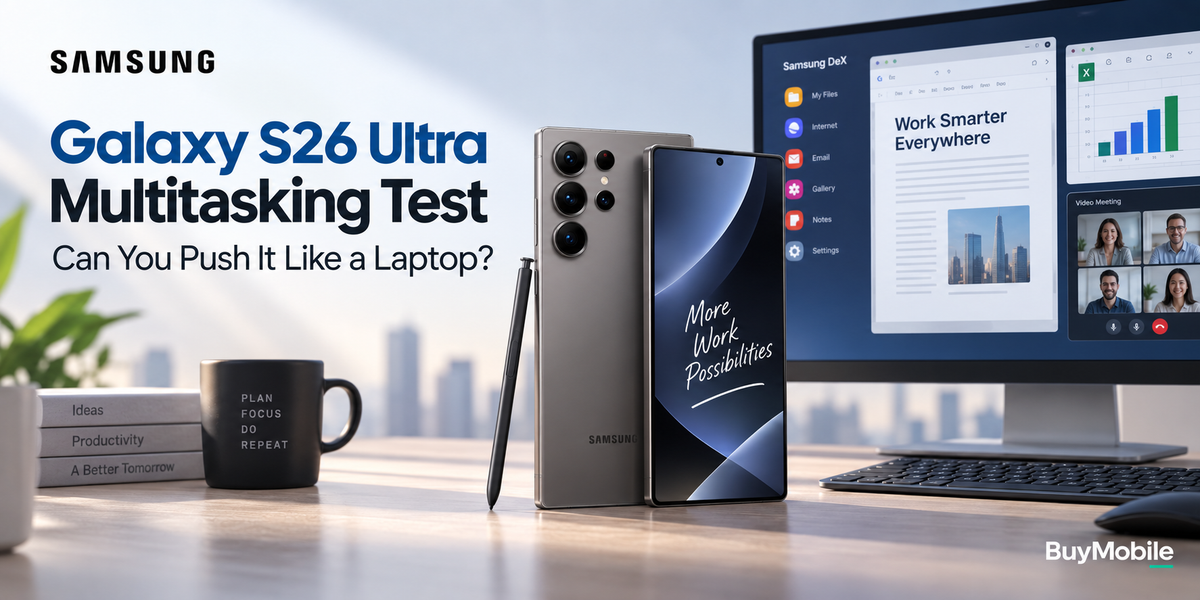
Samsung DeX is where the idea becomes considerably more convincing.Connect the Galaxy S26 Ultra to a compatible external display and you can work with a desktop style interface rather than simply mirroring the smartphone screen.Add a Bluetooth keyboard and mouse and the experience becomes much closer to using a lightweight computer.You can open multiple windows, browse websites, write emails, edit documents and communicate through messaging applications while keeping everything powered by the phone in your pocket.For travellers, this can be extremely useful.Instead of carrying a laptop everywhere, you could potentially connect the S26 Ultra to a monitor at your office, hotel or another workspace.DeX does not magically turn Android into Windows or macOS, but for browser based and cloud focused work, it can cover a surprisingly large number of everyday tasks.
Can You Work on Documents and Spreadsheets?
Yes, although the complexity of your work matters.Writing and editing Word documents, reviewing PDFs, creating presentations and making basic spreadsheet changes are all realistic tasks on the Galaxy S26 Ultra.For short sessions, the phone display can be enough. For longer work, connecting a keyboard or using DeX makes a dramatic difference.Spreadsheets expose the limitations more quickly.Reviewing data or changing a few cells is easy. Working with huge financial models, complex formulas or enormous datasets is still much more comfortable on a laptop.The Galaxy S26 Ultra therefore works brilliantly for mobile document management, but it may not replace a computer for specialised professional workloads.
Does the S Pen Improve Productivity?
The S Pen gives the Galaxy S26 Ultra an advantage that most smartphones simply do not offer.It can be used for handwritten notes, document annotation, signatures, precise selections and quick ideas.This becomes especially useful when reviewing PDFs or images. Instead of opening a laptop simply to mark something, you can make changes directly on the phone.For meetings, the combination of Samsung Notes and S Pen can also replace a physical notebook.The S Pen does not turn the phone into a full laptop, but it expands the types of work you can comfortably complete without one.
Can Galaxy AI Help With Multitasking?
AI becomes valuable when it reduces small repetitive tasks.Galaxy AI features can assist with summarising information, writing, communication and other everyday activities depending on the application and supported functionality.That can be particularly useful when working from a smartphone because screen space and input speed are limited.If AI can summarise a lengthy page before you respond to an email or help organise information without constantly moving between apps, it makes the mobile workflow feel more efficient.The most useful AI features are not necessarily the ones that look impressive during demonstrations. They are the ones that remove several minutes of repetitive work throughout the day.
What About Email and Communication?
This is an area where the Galaxy S26 Ultra can easily replace a laptop for many people.Gmail, Outlook, Teams, Slack, WhatsApp and other communication platforms already work extremely well on smartphones.The large Ultra display makes longer messages more manageable, while a Bluetooth keyboard can turn the phone into a much more comfortable writing tool.You can also move between a video meeting, calendar, documents and messages without needing another device.For managers, sales professionals and remote workers whose day involves communication more than specialised desktop applications, the S26 Ultra can cover a substantial portion of a normal working day.
Can the Galaxy S26 Ultra Handle Photo and Video Editing?
Mobile creative applications have become increasingly capable.The Galaxy S26 Ultra has the performance required for photo editing, social media content creation and shorter video projects. The large display and S Pen can also help with precise adjustments.Content creators could shoot footage, edit it and publish it without transferring files to another device.However, professional desktop editing still provides advantages for complex timelines, large projects, advanced effects and detailed colour work.The S26 Ultra is best considered a powerful mobile creative workstation rather than a complete replacement for professional desktop software.
What Stops It From Completely Replacing a Laptop?
The biggest limitation is not necessarily performance. It is software and ergonomics.Desktop operating systems still offer more specialised applications, deeper file management and greater flexibility for complex professional workflows.A laptop also includes a large screen, physical keyboard and trackpad in one convenient package.With the Galaxy S26 Ultra, achieving a similar experience may require a monitor, keyboard and mouse. Once you need several accessories, some of the convenience advantage disappears.That is why the S26 Ultra works best as a laptop alternative for specific situations rather than a universal laptop replacement.
Is It Good for Remote Work?
Yes.Remote workers who primarily rely on web applications, email, video calls, cloud documents and messaging could accomplish a surprising amount using only the Galaxy S26 Ultra.Samsung DeX makes the proposition even stronger when an external display is available.It is also useful as an emergency workstation. If your laptop battery dies or you unexpectedly need to handle work while travelling, the S26 Ultra can do considerably more than simply answer emails.
Frequently Asked Questions
Can the Samsung Galaxy S26 Ultra replace a laptop?
It can replace a laptop for many everyday tasks such as email, browsing, meetings, cloud documents and communication. Specialised desktop workloads still benefit from a proper computer.
Is Samsung DeX useful for work?
Yes. DeX provides a desktop style workspace when connected to a compatible display, making keyboard and mouse based productivity considerably easier.
Is the Galaxy S26 Ultra good for multitasking?
Yes. Split screen apps, floating windows, powerful hardware and Samsung’s productivity software make multitasking one of its strongest areas.
Is the S Pen useful for professional work?
It can be particularly useful for handwritten notes, document annotation, signatures and precise interactions that are awkward with a finger.