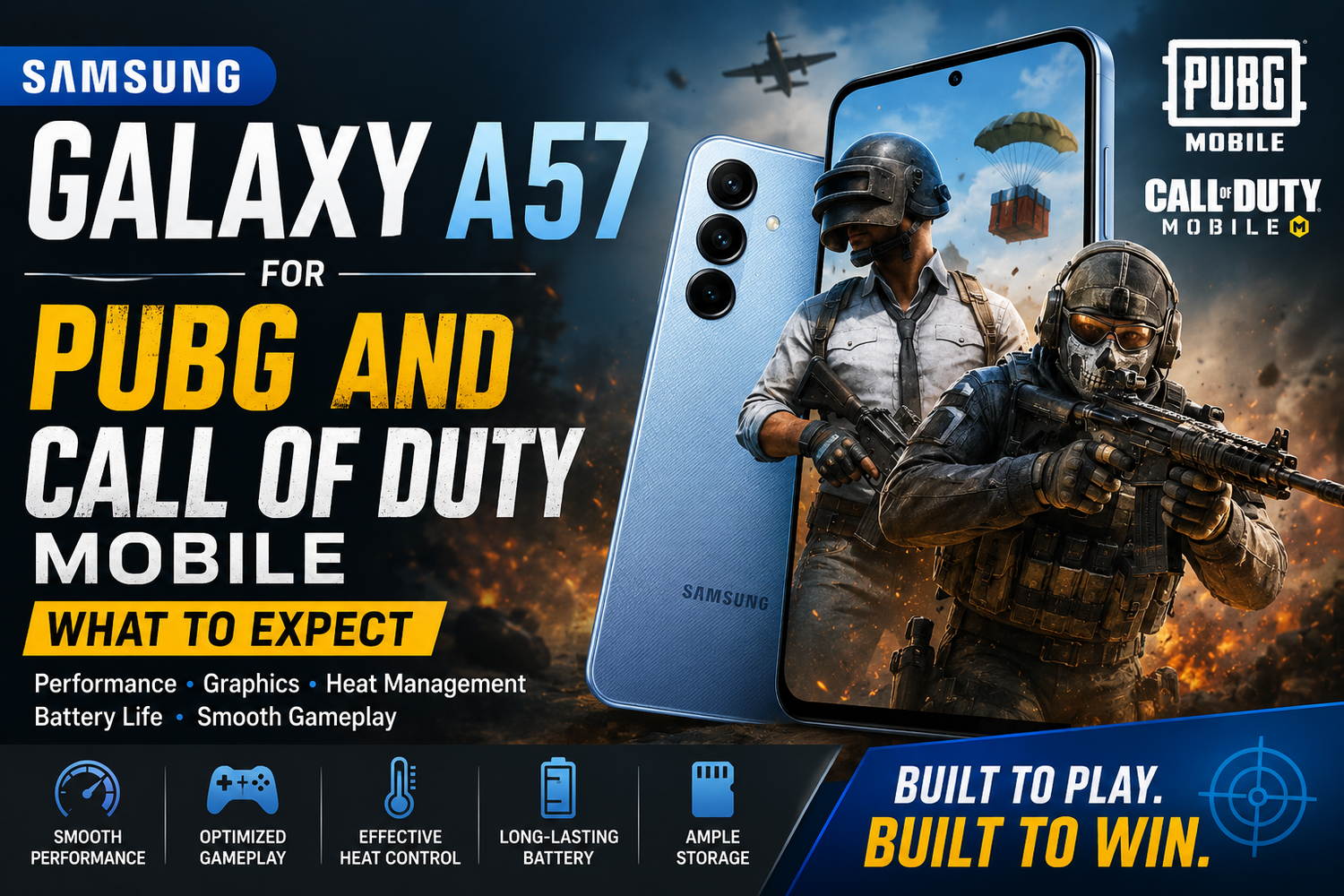
Mobile gaming has become one of the biggest reasons to choose a powerful smartphone. Games such as PUBG Mobile and Call of Duty: Mobile can place significant demands on a device, especially when you increase graphics quality, enable higher frame rates, and play for extended periods.That makes gaming performance an important consideration for anyone thinking about buying the Samsung Galaxy A57.Samsung's Galaxy A series is generally aimed at users who want a balanced smartphone experience without paying flagship prices. But can the Galaxy A57 provide the smooth, responsive performance mobile gamers need?If PUBG Mobile and Call of Duty: Mobile are among your favourite games, here's what you should consider when gaming on the Samsung Galaxy A57.
1. Everyday Gaming Should Feel Smooth
PUBG Mobile and Call of Duty: Mobile are demanding games, but both are designed to run across a wide range of Android hardware.On a modern mid-range smartphone such as the Galaxy A57, players should expect a generally smooth experience when using sensible graphics settings.The key is finding the right balance.Running every visual option at its maximum setting may look impressive, but competitive players often benefit more from prioritizing frame rate over graphics quality.A consistent frame rate can make aiming, movement, and fast reactions feel more responsive.For casual matches, you may prefer better graphics. For ranked or competitive gameplay, smoother performance should usually be the priority.
2. PUBG Mobile Can Put the Hardware to Work
PUBG Mobile combines large environments, multiple players, vehicles, visual effects, and long matches.All of these elements place pressure on the processor and graphics hardware.During a typical PUBG session, the Galaxy A57 needs to maintain performance while simultaneously handling network connectivity, audio, touchscreen input, and display output.Players should therefore expect the phone to become warmer during longer sessions.This is normal for modern smartphones.Rather than asking whether the Galaxy A57 becomes warm, the more useful question is whether it can maintain consistent performance as the gaming session continues.Independent long-duration gaming tests can provide the clearest answer for specific software versions and graphics settings.
3. Call of Duty: Mobile Rewards Smooth Frame Rates
Call of Duty: Mobile has a different style of gameplay.Multiplayer matches are fast, with quick movements, aiming, shooting, and frequent changes in what's happening on screen.Because of this, responsiveness can matter more than maximum graphical detail.Reducing graphics quality slightly in exchange for a higher or more stable frame rate can often provide a better competitive experience.Battle Royale mode may place different demands on the device because of its larger environment and longer sessions.Experimenting with the game's graphics and frame-rate options is therefore worthwhile rather than assuming one configuration will be ideal for every mode.
4. The Display Is Important for Gaming
Performance isn't the only factor that determines whether a phone is enjoyable for PUBG or Call of Duty.The display matters enormously.A smooth, responsive screen makes scrolling and animations feel more fluid and can improve the overall sensation of gaming.Screen size also matters because mobile shooters include numerous on-screen controls. Having enough display space makes buttons easier to position without completely covering the action.Samsung is well known for its AMOLED displays, and the visual experience is traditionally one of the strengths of Galaxy A-series smartphones.For gaming, strong contrast and vibrant visuals can make environments, effects, and menus look particularly attractive.
5. Touch Controls Can Make a Big Difference
PUBG Mobile and Call of Duty: Mobile require quick reactions.Aiming, firing, crouching, jumping, switching weapons, and moving simultaneously can involve several touchscreen inputs within seconds.The quality of your experience therefore depends on more than processor speed.Customizing the control layout can make a significant difference.Both games allow players to reposition important controls. Taking time to create a layout that suits your hands can improve comfort and responsiveness.Some experienced players use three- or four-finger control layouts instead of relying entirely on their thumbs.The Galaxy A57's larger smartphone form factor should provide enough room for users to experiment with these layouts.
6. Expect Some Heat During Long Sessions
Gaming generates heat. That's unavoidable.The CPU and GPU work continuously during demanding games, while the display, battery, speakers, and wireless hardware also consume power.After playing PUBG Mobile or Call of Duty: Mobile for an extended period, the Galaxy A57 may feel warmer than it does during normal activities such as browsing or messaging.Environmental conditions can make a major difference.Playing inside an air-conditioned room will generally produce different results from gaming outdoors on a hot afternoon.A thick protective case can also retain heat.For long sessions, avoid direct sunlight and consider removing an unusually thick case if the phone becomes uncomfortable to hold.
7. Avoid Gaming While Fast Charging
One of the simplest ways to reduce unnecessary heat is to avoid demanding games while charging.Charging generates heat within the battery. Gaming simultaneously creates additional heat from the processor, graphics hardware, and display.Combining the two increases the thermal workload.Whenever practical, charge the Galaxy A57 before beginning a long gaming session.This can make the device more comfortable to hold and may help maintain more consistent performance.It's particularly useful advice for players who regularly spend an hour or more in PUBG or Call of Duty.
8. Battery Life Depends Heavily on Your Settings
Gaming is one of the fastest ways to drain any smartphone battery.High screen brightness, demanding graphics, high frame rates, loud speakers, and mobile data can all increase power consumption.If you're playing for several hours, reducing screen brightness slightly can extend battery life.Using Wi-Fi instead of mobile data may also provide a more stable connection in some situations, although network quality ultimately depends on your environment.Lower graphics settings can reduce the processing workload as well.Competitive players who prioritize performance over visual quality may therefore benefit twice: smoother gameplay and potentially better power efficiency.
9. Storage Matters More Than You Might Think
Modern mobile games can consume substantial storage.The initial app download is only part of the story. Additional maps, texture packs, updates, downloadable resources, and other content can significantly increase the amount of space required.If you plan to install PUBG Mobile, Call of Duty: Mobile, and several other large games, consider storage carefully when choosing your Galaxy A57 configuration.You'll also need room for photos, videos, social media apps, downloads, and future software updates.Buying enough storage at the beginning can prevent you from constantly deleting content later.
10. Samsung's Software Adds Useful Gaming Features
Samsung's Galaxy software ecosystem includes gaming-focused functionality designed to help manage the experience.Depending on the device and current software version, Samsung's gaming tools can provide convenient controls and optimization features while you're playing.These tools can help reduce distractions and give users more control over their gaming sessions.Software updates can also influence game compatibility, stability, and performance over time.Keeping both your Galaxy A57 and individual games updated is therefore important if you want the best available experience.
Is the Samsung Galaxy A57 Good for Competitive Gaming?
That depends on how seriously you play.For casual and moderately competitive PUBG Mobile and Call of Duty: Mobile players, a well-equipped mid-range smartphone can provide an enjoyable experience.However, dedicated competitive gamers may prefer specialized gaming phones or flagship devices offering more powerful graphics hardware, advanced cooling systems, and gaming-specific features.The Galaxy A57's appeal is balance.You're buying a smartphone designed to handle photography, communication, entertainment, social media, productivity, and gaming rather than a device built exclusively around games.For many people, that's exactly what they need.