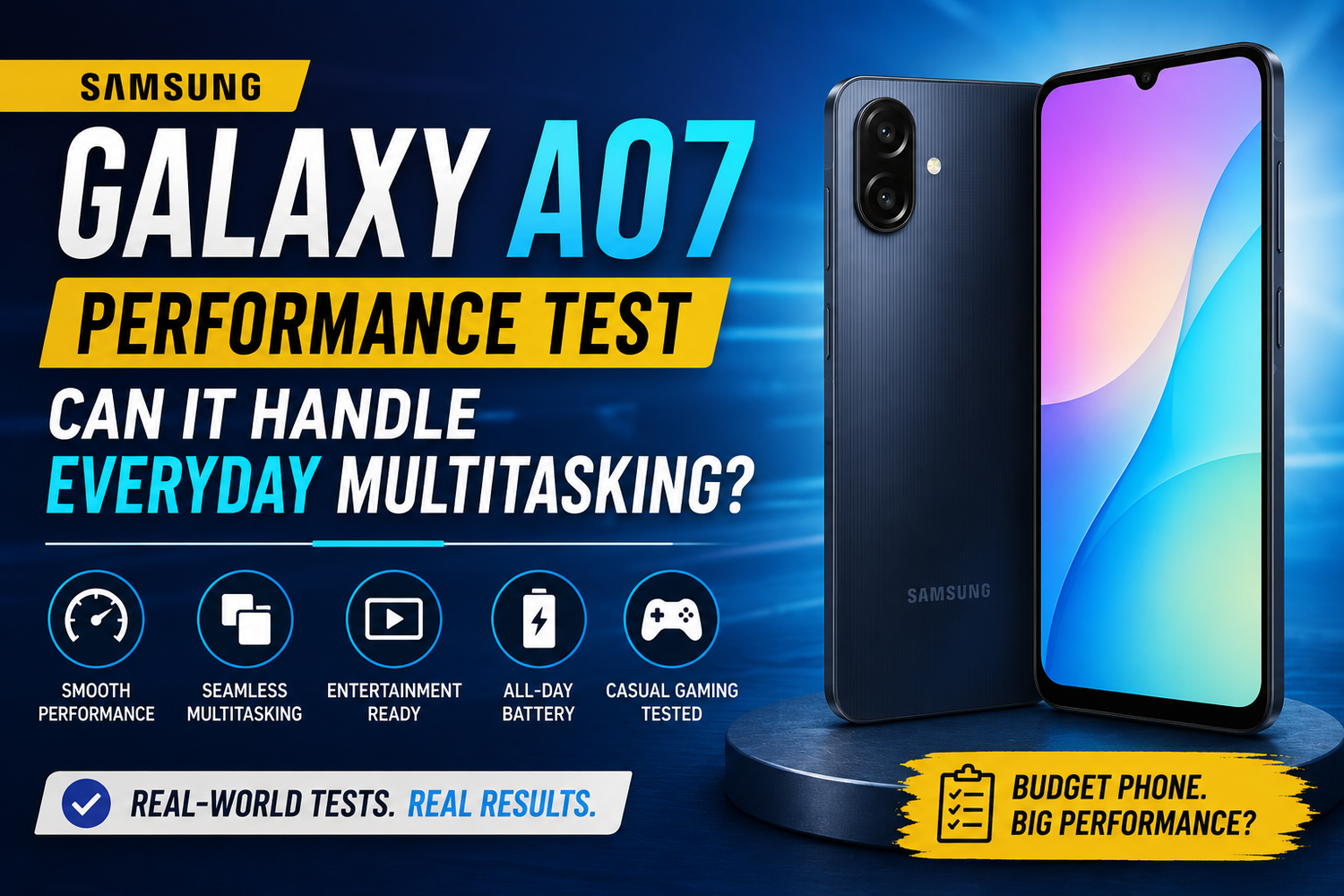
Budget smartphones have improved dramatically over the past few years. Features that were once exclusive to premium devices have gradually made their way into affordable models, giving users more value than ever before. The Samsung Galaxy A07 is one of the latest examples of this trend, offering a balance of performance, storage, battery life, and everyday usability at an accessible price point.For many buyers, raw benchmark numbers matter less than one simple question: Can the Samsung Galaxy A07 handle everyday multitasking without slowing down?Whether you're switching between social media apps, watching videos, replying to messages, attending online classes, or browsing the web, smooth multitasking has become essential. In this performance test, we'll explore how the Galaxy A07 performs in real-world scenarios and whether it's capable of keeping up with modern mobile demands.
First Impressions of Performance
The Samsung Galaxy A07 is designed primarily for everyday users rather than power users.From the moment you start using the device, the phone feels responsive enough for basic tasks. Opening common applications such as WhatsApp, Facebook, Instagram, YouTube, Gmail, and Chrome generally happens without significant delays.Samsung has focused on optimizing the software experience to ensure that daily interactions feel smooth despite the phone's budget-friendly positioning.While it may not deliver flagship-level speed, the initial experience is surprisingly capable for a device in its category.
Everyday App Usage
Most smartphone users spend the majority of their time using a handful of common applications.The Galaxy A07 handles messaging apps, web browsing, email management, video streaming, and social media comfortably. Scrolling through feeds remains relatively smooth, while switching between applications feels responsive under normal workloads.Users can easily move from checking emails to watching YouTube videos, replying to messages, and browsing websites without encountering major performance issues.For casual smartphone users, the device delivers an experience that feels more premium than its price might suggest.
How Well Does It Handle Multitasking?
Multitasking is often where budget smartphones begin to struggle.Fortunately, the Samsung Galaxy A07 performs reasonably well when managing multiple lightweight applications simultaneously. Users can switch between messaging apps, social media platforms, browsers, and streaming services without experiencing excessive lag.The available RAM helps keep frequently used applications active in memory, reducing the need for constant reloads.For example, you can browse the web, receive notifications, switch to a messaging app, return to your browser, and continue your session without interruption.While heavy multitasking involving demanding applications may occasionally reveal limitations, typical daily use remains smooth and manageable.
Social Media Performance
Social media applications have become increasingly demanding over the years.Platforms such as Instagram, TikTok, Facebook, and Snapchat now require more processing power than many users realize. The Galaxy A07 handles these apps surprisingly well for a budget device.Scrolling through feeds remains fluid, photos load quickly, and short-form videos play without major issues. Uploading content, viewing stories, and interacting with posts generally feel responsive.Users who spend significant time on social media will likely find the performance more than adequate for everyday use.
Web Browsing Experience
Web browsing remains one of the most common smartphone activities.The Galaxy A07 performs well when browsing standard websites, reading articles, shopping online, and conducting research. Pages load quickly under stable internet connections, while navigation feels intuitive and responsive.Multiple browser tabs can remain open without significantly affecting performance, although users may notice occasional reloads if too many resource-intensive pages are active simultaneously.For students, professionals, and casual users, the browsing experience is reliable and enjoyable.
Streaming and Entertainment Performance
The Samsung Galaxy A07 is also well-suited for entertainment.Streaming services such as YouTube, Netflix, Disney+, and other video platforms run smoothly. Videos play consistently, and the device handles high-quality streaming without difficulty when supported by a stable network connection.Switching between streaming apps and other applications remains relatively seamless, making the phone suitable for users who enjoy watching content throughout the day.Combined with its large display and dependable battery life, the device offers a solid media consumption experience.
Gaming Performance: Casual vs Competitive
Gaming places significantly greater demands on smartphone hardware.The Galaxy A07 can comfortably handle casual games such as Candy Crush, Subway Surfers, Clash Royale, and similar titles. These games run smoothly and provide an enjoyable experience.More demanding games like PUBG Mobile, Call of Duty Mobile, and Mobile Legends are also playable, though users may need to adjust graphics settings to achieve the best performance.Competitive gamers seeking ultra-high frame rates and maximum graphical quality may find the device limiting. However, for occasional gaming sessions and casual play, the performance remains respectable.Samsung clearly prioritizes everyday usability over gaming-focused hardware.
One UI Optimization Makes a Difference
Software optimization plays a major role in smartphone performance.Samsung's One UI helps the Galaxy A07 deliver a smoother experience by efficiently managing resources and background processes. The interface remains easy to navigate, animations are generally fluid, and core applications feel responsive.One UI also provides useful multitasking features, allowing users to switch between tasks more efficiently.This optimization helps compensate for hardware limitations and contributes significantly to the phone's overall usability.
Storage and Performance Stability
Storage capacity can influence long-term smartphone performance.With ample internal storage options, the Galaxy A07 provides enough space for applications, photos, videos, and documents without immediately running into capacity issues.Devices with limited free storage often become slower over time. The Galaxy A07's storage configuration helps reduce that risk, allowing users to maintain smoother performance for longer periods.Regular maintenance, such as removing unused apps and clearing unnecessary files, can further improve long-term responsiveness.
Battery Life Supports Productivity
Performance isn't just about speed it's also about consistency.The Galaxy A07's battery life plays an important role in maintaining a positive user experience. Users can spend the day browsing, messaging, streaming, and multitasking without constantly worrying about finding a charger.Long battery life complements the phone's everyday performance by allowing users to stay productive and connected throughout the day.For students, professionals, and casual users alike, this reliability adds significant value.
Who Is the Samsung Galaxy A07 Best For?
The Galaxy A07 is not designed to compete with flagship devices.Instead, it targets users who prioritize affordability, reliability, and practical everyday performance. It is particularly well suited for:
1.Students managing classes and assignments
2.Social media users
3.Casual mobile gamers
4.Professionals needing communication tools
5.First-time smartphone buyers
6.Users upgrading from older budget devices
For these audiences, the device delivers a balanced and dependable experience.