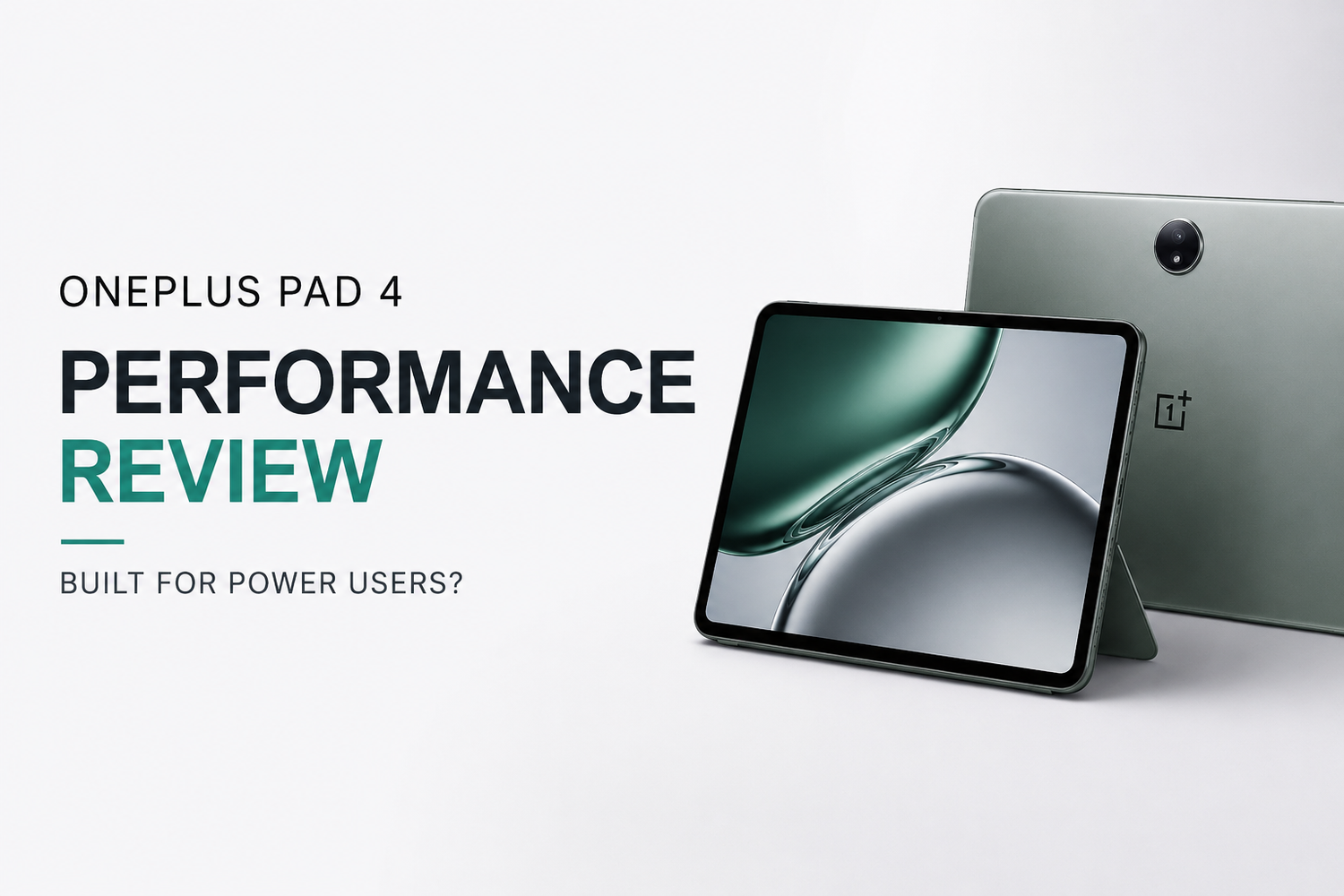
The OnePlus Pad 4 enters the premium Android tablet market with ambitious goals. Designed to deliver flagship-level performance, advanced multitasking, and an immersive entertainment experience, it aims to appeal to professionals, students, gamers, and content creators alike. But can it truly satisfy the needs of power users? This FAQ-style review answers the most common questions about the OnePlus Pad 4's performance and real-world capabilities.
What Makes the OnePlus Pad 4 Stand Out from Other Android Tablets?
The OnePlus Pad 4 distinguishes itself through a combination of powerful hardware, optimized software, and premium design. Unlike many mid-range tablets that focus solely on media consumption, the Pad 4 is built to handle demanding workloads. It offers smooth multitasking, strong gaming performance, and a user-friendly interface that makes everyday tasks feel effortless. Its balance of power and portability positions it as a serious contender in the premium tablet segment.
How Fast Is the OnePlus Pad 4 in Everyday Use?
The OnePlus Pad 4 delivers excellent day-to-day performance. Apps launch quickly, web pages load smoothly, and navigation feels responsive throughout the operating system. Whether you're browsing the internet, checking emails, managing documents, or streaming videos, the tablet maintains a fluid experience without noticeable slowdowns. Even users who frequently switch between applications will appreciate the consistent speed and responsiveness.
Can the OnePlus Pad 4 Handle Heavy Multitasking?
Yes, multitasking is one of the OnePlus Pad 4's strongest areas. The tablet is designed to support multiple applications running simultaneously without significant performance drops. Users can easily work on documents while attending video meetings, browse the web while taking notes, or manage several productivity apps at once. The optimized software ensures that transitions between apps remain smooth, making the tablet suitable for professionals and students with demanding workflows.
Is the OnePlus Pad 4 Good for Productivity?
The OnePlus Pad 4 is highly capable as a productivity device. Its large display provides ample screen space for editing documents, reviewing spreadsheets, and participating in online meetings. Combined with multitasking features and support for productivity-focused applications, the tablet can function as a lightweight alternative to a traditional laptop for many users. Those who spend significant time working remotely or managing projects on the go will find it particularly useful.
How Does the OnePlus Pad 4 Perform for Gaming?
Gaming performance is one of the highlights of the OnePlus Pad 4. Modern mobile games run smoothly with impressive graphics quality and stable frame rates. The tablet's powerful processor and graphics capabilities allow it to handle demanding titles without difficulty. The large display enhances immersion, while the high refresh rate improves responsiveness and overall gameplay smoothness. Whether you enjoy competitive shooters or graphics-intensive adventure games, the tablet delivers a satisfying gaming experience.
Does the OnePlus Pad 4 Overheat During Intensive Tasks?
Thermal management is an important consideration for any high-performance device, and the OnePlus Pad 4 performs well in this area. During extended gaming sessions or heavy multitasking, the tablet may become warm, but it generally maintains stable performance without severe overheating. Efficient cooling systems help prevent excessive thermal throttling, allowing users to enjoy sustained performance over longer periods.
Is the OnePlus Pad 4 Suitable for Content Creators?
Content creators will find the OnePlus Pad 4 to be a capable companion for mobile workflows. The tablet handles photo editing, graphic design applications, and video editing tools with ease. Its large display provides a comfortable workspace, while the responsive touch interface enhances creative tasks. Although professional desktop systems remain superior for advanced production work, the OnePlus Pad 4 offers enough power for content creation on the move.
How Good Is the Display for Professional and Entertainment Use?
The display is one of the tablet's strongest features. It offers vibrant colors, sharp details, and smooth visuals that improve both productivity and entertainment experiences. Professionals benefit from the spacious screen when working on documents and presentations, while media enthusiasts enjoy immersive viewing for movies, TV shows, and online content. The high refresh rate also contributes to smoother scrolling and more responsive interactions.
Does the Battery Last Long Enough for Power Users?
Battery life is impressive and capable of supporting a full day of mixed usage. Users can comfortably handle productivity tasks, attend virtual meetings, browse the web, and enjoy media consumption without constantly worrying about recharging. Even under heavier workloads, the battery performs admirably. Fast charging support further enhances convenience by reducing downtime when the battery eventually runs low.
How Does the Software Affect Performance?
OnePlus has optimized the software experience to maximize the hardware's capabilities. The operating system feels smooth, responsive, and well-tuned for multitasking. Memory management is effective, helping apps remain active in the background for quicker switching. The clean interface and thoughtful productivity features contribute significantly to the tablet's overall performance and user experience.
Can the OnePlus Pad 4 Replace a Laptop?
For many users, the answer is yes. If your workflow primarily involves web browsing, document editing, email management, video conferencing, note-taking, and media consumption, the OnePlus Pad 4 can effectively replace a laptop. However, users who rely on specialized desktop software or advanced professional applications may still require a traditional computer. For most everyday productivity needs, the tablet proves more than capable.
Who Should Buy the OnePlus Pad 4?
The OnePlus Pad 4 is ideal for professionals, students, gamers, content creators, and anyone seeking a high-performance Android tablet. It offers a versatile blend of speed, portability, and functionality that appeals to a wide range of users. Those who value multitasking, entertainment, and productivity will find it especially attractive.
Is the OnePlus Pad 4 Built for Power Users?
Absolutely. The OnePlus Pad 4 combines powerful hardware, excellent multitasking capabilities, strong gaming performance, impressive battery life, and a premium display into a well-rounded package. It successfully handles demanding workloads while maintaining a smooth and responsive user experience. For users who need a tablet that can keep up with intensive tasks and modern productivity demands, the OnePlus Pad 4 proves itself to be a genuine power-user device and one of the most compelling Android tablets available today.
FAQs
Is the OnePlus Pad 4 good for students?
Yes, its multitasking capabilities, large display, and long battery life make it an excellent option for studying, note-taking, and online learning.
Can the OnePlus Pad 4 run demanding games?
Yes, it handles modern mobile games smoothly with strong graphics performance and stable frame rates.
Does the OnePlus Pad 4 support productivity accessories?
Yes, it is designed to work with accessories that enhance productivity, including keyboards and stylus options.
Is the OnePlus Pad 4 worth upgrading to?
If you need better performance, multitasking, gaming capabilities, and battery life, the OnePlus Pad 4 offers a worthwhile upgrade.
Who is the OnePlus Pad 4 best suited for?
It is best suited for power users, professionals, students, gamers, and content creators looking for a premium Android tablet experience.