Photo editing is no longer limited to powerful desktop computers and expensive laptops. Modern tablets have become capable creative devices, allowing photographers and content creators to organise, edit and export images from almost anywhere. The OnePlus Pad 4 enters this space as a large-screen Android tablet designed to combine performance, portability and everyday versatility.But can the OnePlus Pad 4 genuinely handle photo editing, or is it better suited to basic entertainment and browsing?For most everyday photographers, social media creators and travellers, the answer is encouraging. A tablet like the OnePlus Pad 4 can provide enough performance for a wide range of photo-editing tasks. However, whether it can completely replace a computer depends on the complexity of your workflow.
A Large Display Makes Editing More Comfortable
One of the biggest advantages of editing photographs on a tablet rather than a smartphone is screen size.Editing an image on a phone is possible, but detailed adjustments can become difficult when everything is compressed onto a relatively small display. A larger tablet provides more room for the photograph, editing controls, toolbars and menus.This makes tasks such as cropping, adjusting exposure and checking small details much more comfortable.A larger canvas can also help when editing portraits. You can zoom into a face to check skin details, hair and sharpness before zooming back out to see how the entire photograph looks.For photographers who currently edit mainly on their smartphones, moving to the OnePlus Pad 4 could make the process feel considerably less cramped.
Performance Matters When Editing Photos
Photo editing can be more demanding than it appears.Changing the brightness of a simple JPEG may require very little processing power. However, applying multiple effects, working with large photographs, using selective adjustments or processing RAW images can place significantly greater pressure on a device.This is where the OnePlus Pad 4's processing performance becomes important.A powerful tablet can make editing feel immediate. Moving sliders should update the image quickly, zooming should remain responsive and switching between editing tools should not result in constant delays.For everyday editing, the goal is not simply achieving impressive benchmark numbers. What matters is whether the tablet stays responsive while you are actually working.
Popular Android Editing Apps Make It More Useful
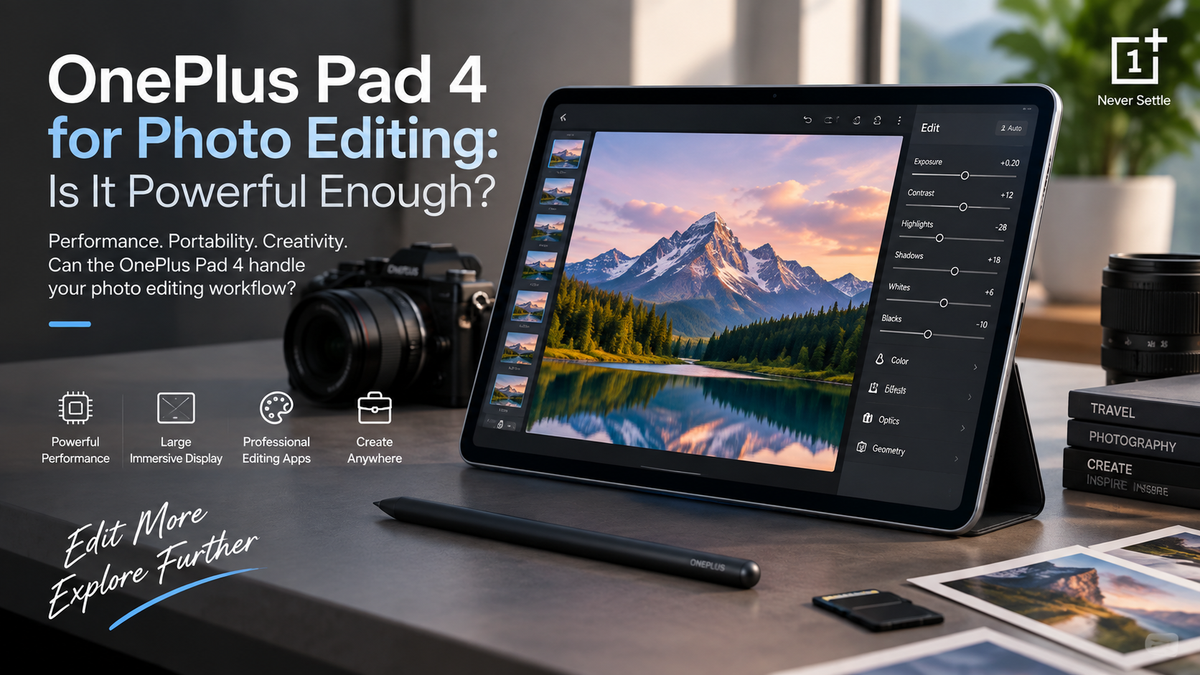
Hardware is only half of the photo-editing experience.You also need good software.Android provides access to popular photography applications that can handle everything from simple filters to more advanced editing. Apps such as Adobe Lightroom, Snapseed and other creative tools can turn a tablet into a surprisingly capable portable editing station.Lightroom is particularly useful for photographers who want more control over exposure, colour, highlights, shadows and other aspects of an image.Snapseed provides a simpler approach while still offering many useful adjustment tools.Social media creators may also combine photography apps with graphic-design and content-creation software.The important limitation is that tablet versions of creative applications do not always provide exactly the same experience as full desktop software.Before replacing a computer completely, professional photographers should check whether their essential desktop tools and specific workflow features are available on Android.
Can You Edit RAW Photos?
RAW editing is one of the areas where tablet performance becomes more important.A RAW photograph contains considerably more image information than a typical processed JPEG. That additional information gives photographers greater flexibility when adjusting exposure, recovering highlights or changing colours.It also means the file can be larger and more demanding to process.With a capable Android editing application, the OnePlus Pad 4 can be useful for working with RAW photographs supported by the app.This could be particularly valuable while travelling.Instead of waiting until you return home, you could transfer photographs from your camera, review them on the tablet and begin editing your favourite shots in a hotel or café.However, photographers working with hundreds of large RAW files at once may still find a powerful laptop or desktop more practical.
Multitasking Can Improve the Creative Workflow
Photo editing rarely happens completely inside one application.You might be editing an image while checking a reference photograph, browsing a website, reading client instructions or communicating through email.A tablet that handles multitasking effectively can make this workflow much more practical.The larger screen of the OnePlus Pad 4 gives Android's multitasking features more room to work compared with a smartphone.For example, you could have an editing application open while referencing another image or checking notes.Content creators could edit a photograph and then move directly into another application to prepare it for social media.That flexibility helps turn the tablet from a simple consumption device into a more useful creative workspace.
Touch Controls Feel Natural for Photo Editing
There is something particularly intuitive about editing photographs directly with your fingers.You can pinch to zoom, drag a crop boundary, swipe between photographs and move adjustment controls without reaching for a mouse.For basic adjustments, touch controls can actually feel faster than traditional computer editing.Selective editing is another area where direct interaction can be useful.When supported by the application and compatible accessories, a stylus can provide greater precision for tasks such as masking, retouching or making local adjustments.However, experienced Photoshop users who depend heavily on a mouse, keyboard and complex shortcuts may still prefer a desktop environment.
Is the Screen Good Enough for Professional Editing?
A large, smooth display can make photographs look excellent, but professional editing involves more than having an attractive screen.Colour accuracy matters.Professional photographers working on commercial images, product photography or prints often use calibrated monitors because they need predictable colour reproduction.For casual editing, travel photography and social media, the OnePlus Pad 4 display can provide a convenient workspace for evaluating and improving images.But professionals preparing colour-critical work may still want to perform their final checks on a calibrated monitor.This distinction is important.A tablet can be excellent for editing without necessarily replacing specialised professional equipment.
Storage Can Become Important Quickly
Photographs consume storage surprisingly quickly.High-resolution JPEG files can already be relatively large, while RAW photographs may take considerably more space. Add video files, editing applications and exported versions, and available storage can disappear faster than expected.Anyone planning to use the OnePlus Pad 4 heavily for photography should therefore consider storage requirements before choosing a configuration.Cloud storage can help by keeping large libraries online and synchronising projects between devices.External storage and compatible USB-C accessories may also be useful depending on your workflow.For travel photographers, having a clear plan for transferring and backing up images is especially important. A tablet should never become the only place where valuable photographs are stored.
What About AI Photo Editing?
Artificial intelligence is becoming increasingly important in mobile photography software.Modern editing applications can use AI-assisted tools to identify subjects, create masks, remove unwanted objects, improve photographs or simplify adjustments that once required significant manual work.These tools can make tablet editing much more approachable for beginners.Instead of carefully selecting every part of an image manually, software may be able to recognise the sky, subject or background and allow adjustments to specific areas more quickly.AI features can still vary considerably between applications, and some require an internet connection or paid subscription.Nevertheless, they make portable devices increasingly capable creative tools.
Can Content Creators Edit Social Media Photos?
This is where the OnePlus Pad 4 makes particularly strong sense.Most Instagram, Facebook, website and other online content does not require the same workflow as professional commercial printing.Creators often need to crop images, correct exposure, improve colours, remove distractions, resize photographs and prepare them for posting.A tablet can handle this kind of workflow very conveniently.You could import a photograph, edit it, prepare accompanying graphics and upload the finished content without needing to open a laptop.For bloggers, influencers, ecommerce teams and travelling creators, that portability can be more valuable than having every advanced desktop feature.
Can It Replace a Laptop for Photographers?
Sometimes.A travel photographer who mainly imports selected images, performs Lightroom-style adjustments and exports photographs for social media could potentially complete much of their workflow on the OnePlus Pad 4.A professional photographer processing hundreds of RAW files, managing complex Photoshop documents, using specialised plugins and preparing colour-critical commercial work will probably still benefit from a laptop or desktop.The tablet therefore works best as either a portable primary editor for lighter workflows or a companion to a more powerful computer.That is not necessarily a disadvantage.Being able to perform 80 percent of your everyday editing on a lightweight tablet can dramatically reduce how often you need to carry a laptop.
Battery Life Matters for Editing Away From Home
Photo editing places more demand on a tablet than simply reading a webpage.The screen may remain bright for extended periods, the processor repeatedly renders image adjustments and large files may need to be imported or exported.This means intensive editing can consume battery more quickly than light everyday use.For travelling creators, it makes sense to begin longer editing sessions with plenty of battery remaining and carry a compatible charger or power bank when working away from power for extended periods.The advantage of a tablet remains portability.You can edit photographs on a plane, train, café table or hotel bed without setting up a full workstation.
Who Should Use the OnePlus Pad 4 for Photo Editing?
The OnePlus Pad 4 makes the most sense for photographers who value portability.Travellers can use it to review and edit images while away from home. Social media creators can prepare content without carrying a laptop. Students can learn photography and editing techniques on a large touchscreen, while casual photographers can improve smartphone pictures in a more comfortable environment.Professional photographers can also find it useful as a secondary editing device.Its biggest limitation is not necessarily processing power.It is whether Android applications can reproduce every specialised part of an established desktop workflow.