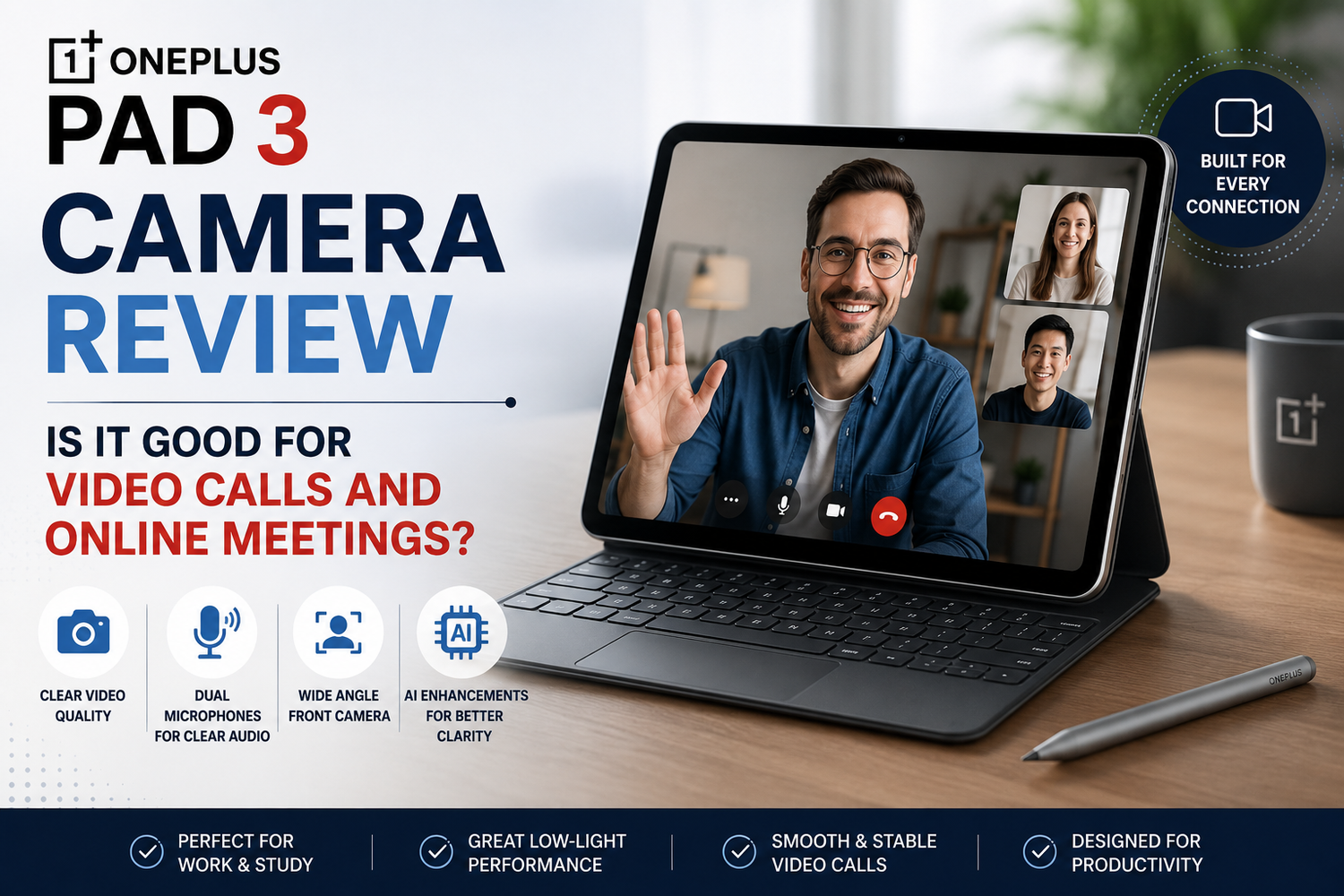
Tablets have evolved from simple entertainment devices into powerful productivity tools. Whether you are attending virtual meetings, collaborating with colleagues, participating in online classes, or connecting with family across the world, having a reliable front camera has become more important than ever.The OnePlus Pad 3 aims to meet these modern demands by offering a premium tablet experience with hardware designed for work, study, and entertainment. While many buyers focus on its display, performance, and battery life, its camera system deserves attention, especially for users who spend hours on video calls every week.So, how well does the OnePlus Pad 3 perform during video calls and online meetings? Let's take a closer look.
Built with Productivity in Mind
Unlike tablets that prioritise photography, the OnePlus Pad 3 focuses on delivering a camera experience tailored for communication.The front camera is positioned to provide a natural viewing angle when the tablet is held horizontally. Since most video meetings and online classes take place in landscape mode, this design choice makes conversations feel more comfortable and professional.Instead of appearing to look away from the screen, users maintain better eye contact during meetings, creating a more engaging experience.For remote workers, students, and professionals, this thoughtful placement immediately improves video conferencing.
Clear Video Quality
Video clarity is one of the most important aspects of any online meeting.The OnePlus Pad 3 delivers sharp and detailed video that performs well in normal indoor lighting. Facial details remain clear, colours appear natural, and image quality stays consistent throughout conversations.Whether using Zoom, Microsoft Teams, Google Meet, or other popular conferencing platforms, the camera provides a dependable experience suitable for professional environments.For daily meetings with clients, colleagues, or classmates, the image quality is more than sufficient.
Excellent Performance in Good Lighting
Lighting significantly affects camera quality on every device.Under natural daylight or a well-lit office environment, the OnePlus Pad 3 performs impressively. Skin tones appear balanced, exposure remains consistent, and the camera captures enough detail for professional looking video calls.Users working near windows or inside brightly lit offices will experience the best results.The camera also adjusts quickly when lighting conditions change, helping maintain smooth video throughout longer meetings.
Indoor Meeting Performance
Many online meetings happen indoors under artificial lighting.The OnePlus Pad 3 handles these conditions well, producing bright images without excessive noise. Even in typical home offices with ceiling lights or desk lamps, participants remain clearly visible.The camera software works intelligently to maintain balanced exposure while preventing faces from appearing overly bright or too dark.This consistent performance helps users appear professional throughout important meetings.
Wide Viewing Angle
A wider front camera offers practical benefits during video conferencing.The OnePlus Pad 3 provides enough viewing space to comfortably fit a single user while also allowing room for additional participants when needed.Families joining video calls together or colleagues collaborating around one device benefit from the wider field of view.It also allows users to position the tablet slightly farther away without leaving the frame, creating a more comfortable viewing distance during long meetings.
AI Powered Camera Features
Artificial intelligence plays an increasingly important role in modern cameras.The OnePlus Pad 3 uses intelligent software enhancements that improve image quality during video calls. Automatic exposure adjustments, colour optimisation, and face enhancement work quietly in the background to maintain a polished appearance.Some AI features can also help keep users properly centred within the frame as they naturally move during conversations.These subtle improvements contribute to a smoother and more professional video conferencing experience.
Microphone Quality Matters Too
A great camera is only part of successful communication.The OnePlus Pad 3 includes high quality microphones that capture voices clearly while reducing background distractions.Whether participating in business meetings, online lectures, or virtual interviews, speech remains easy to understand without requiring users to constantly repeat themselves.Noise reduction technology helps minimise everyday sounds such as keyboard typing, fans, or moderate background activity, allowing conversations to remain focused.For many users, microphone performance is just as important as camera quality, and the OnePlus Pad 3 performs reliably in both areas.
Perfect for Remote Work
Remote work has become a permanent part of many careers.Professionals regularly attend multiple virtual meetings each day while sharing presentations, reviewing documents, and collaborating with teams.The OnePlus Pad 3 supports this workflow exceptionally well.Its large display allows users to comfortably view participants while simultaneously reviewing notes or presentations. Combined with the clear front camera and reliable microphones, it creates an efficient workspace without needing a laptop for every meeting.For hybrid workers who travel frequently, this flexibility becomes especially valuable.
An Excellent Choice for Students
Students increasingly rely on online learning platforms for lectures, group discussions, presentations, and tutoring sessions.The OnePlus Pad 3 provides a comfortable learning experience thanks to its large screen, dependable front camera, and clear audio performance.Teachers can see students clearly during discussions, while classmates benefit from smooth communication during collaborative projects.Its portability also allows students to attend classes from virtually anywhere without sacrificing video quality.
Video Calls with Family and Friends
Not every video call is work related.The OnePlus Pad 3 also performs well for personal conversations with family members and friends.The large display makes conversations more enjoyable, while the wide camera ensures everyone can comfortably fit into the frame.Whether celebrating birthdays, catching up with relatives, or speaking with loved ones overseas, the experience feels natural and engaging.The combination of good image quality and clear sound creates a more personal connection.
Rear Camera Performance
Although the primary focus is video conferencing, the rear camera remains useful for everyday tasks.Users can quickly scan documents, capture handwritten notes, photograph whiteboards during meetings, or share visual information during video calls.While it is not designed to replace a flagship smartphone camera, it performs well for productivity focused tasks.For professionals and students, this versatility adds extra value.
Overall Productivity Experience
The camera works best when combined with the tablet's other strengths.The powerful processor ensures video calls remain smooth while multitasking. Users can participate in meetings while viewing documents, responding to emails, or taking notes without noticeable slowdowns.Long battery life also supports extended workdays filled with multiple meetings, reducing the need to search for a charger between calls.Together, these features make the OnePlus Pad 3 a capable productivity device rather than simply an entertainment tablet.