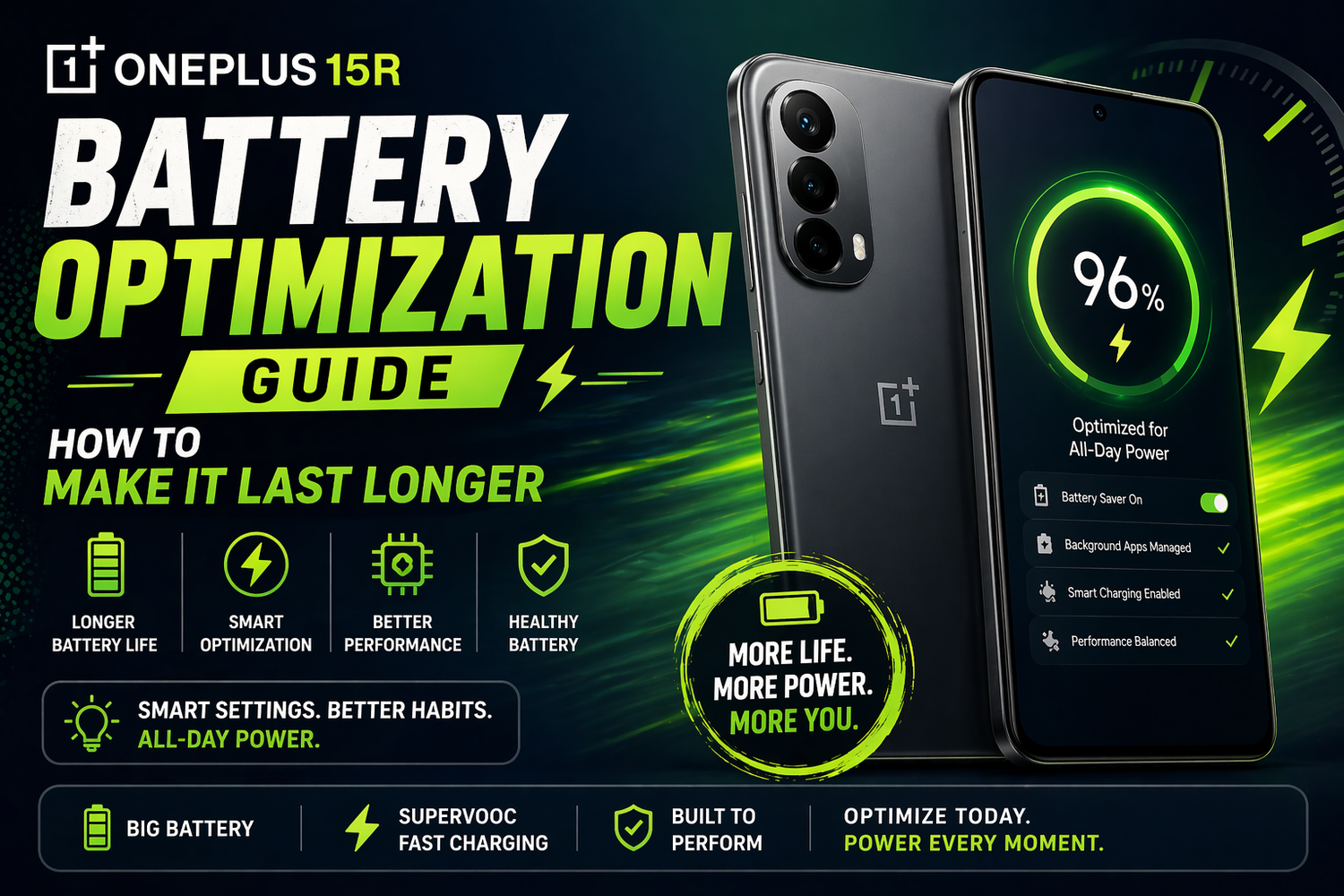
Battery life is one of the biggest concerns for smartphone users in 2026. No matter how powerful or feature-packed your phone is, it all comes down to one simple question will it last the day?The OnePlus 15R already delivers solid battery performance, but the real magic lies in how well you optimize it. With the right tweaks and habits, you can push your battery even further and make your phone feel more reliable throughout the day.So if you want to get the most out of your OnePlus 15R, here are the most common questions and answers that actually help.
Why does battery optimization matter even on a powerful phone?
Even though the OnePlus 15R comes with a large battery and efficient processor, usage patterns vary from person to person.Apps running in the background, high refresh rate displays, and constant connectivity can slowly drain your battery. Optimization isn’t about limiting your experience it’s about using your phone smarter.The goal is simple: maximize performance while minimizing unnecessary power usage.
What are the first settings you should change?
The easiest way to improve battery life is by adjusting a few basic settings.Lowering screen brightness or enabling auto-brightness can make a noticeable difference. The display is one of the biggest battery consumers, so even small changes here help.Switching to a standard refresh rate when you don’t need ultra-smooth scrolling can also extend battery life without affecting daily usage too much.These are small changes but they add up quickly.
Does background app management really help?
Yes, and it’s one of the most effective ways to save battery.Many apps continue running even when you’re not using them. Social media, messaging apps, and location-based services can quietly drain power in the background.The OnePlus 15R allows you to limit background activity for specific apps. By managing this, you reduce unnecessary battery usage without affecting essential functions.It’s about control deciding which apps deserve your battery.
Should you use battery saver mode all the time?
Battery saver mode is helpful, but it’s best used when needed rather than constantly.When enabled, it limits background activity, reduces performance slightly, and optimizes system behavior. This can significantly extend battery life during critical moments.However, using it all the time may reduce the smooth experience that the OnePlus 15R is known for.Think of it as a backup plan not your default mode.
How does connectivity affect battery life?
Connectivity plays a bigger role than most people realize.Features like 5G, Wi-Fi, Bluetooth, and GPS constantly use power. If you’re in an area with weak signal, your phone works harder to maintain connection, which drains battery faster.Turning off unused connectivity options when you don’t need them can help conserve power. For example, disabling Bluetooth when not in use or switching to Wi-Fi instead of mobile data can make a difference.It’s about reducing unnecessary strain on your device.
Can charging habits improve battery health?
Absolutely.Fast charging is one of the highlights of the OnePlus 15R, but how you charge your phone still matters. Avoid letting your battery drop to extremely low levels frequently, and try not to keep it at 100% for extended periods.Charging in shorter bursts instead of overnight can help maintain long-term battery health.It’s not just about daily usage it’s about keeping your battery strong over time.
Does dark mode actually save battery?
Yes, especially on AMOLED displays like the one on the OnePlus 15R.Dark mode reduces the amount of power used by the screen, particularly when displaying black or darker colors. This can lead to noticeable battery savings over time.Plus, it’s easier on the eyes, especially in low-light environments.It’s one of the simplest optimizations you can enable instantly.
What about app updates and software optimization?
Keeping your phone updated is more important than many users think.Software updates often include performance improvements and battery optimizations. These updates help your device run more efficiently and fix issues that may be draining power.At the same time, updating apps ensures they are optimized for the latest system, reducing unnecessary battery usage.It’s a small step that makes a big difference.
How can you identify what’s draining your battery?
The OnePlus 15R provides detailed battery usage insights.You can check which apps are consuming the most power and adjust your usage accordingly. If a particular app is draining battery excessively, you can limit its background activity or reduce usage.Understanding your usage patterns is key to better battery management.Once you know the problem, fixing it becomes much easier.
Can gaming and heavy usage be optimized?
Gaming and heavy apps naturally consume more power, but you can still optimize the experienceLowering graphics settings, reducing screen brightness, and limiting background apps can help extend battery life during gaming sessions.The OnePlus 15R is designed to handle performance efficiently, but managing these factors ensures you get longer playtime without sacrificing too much quality.It’s about balance.
What’s the easiest way to make your battery last longer daily?
Consistency.You don’t need to change everything at once. Start with simple habits manage brightness, limit background apps, and monitor usage.Over time, these small adjustments create a noticeable improvement in battery life.The key is to make optimization part of your routine, not a one-time fix.