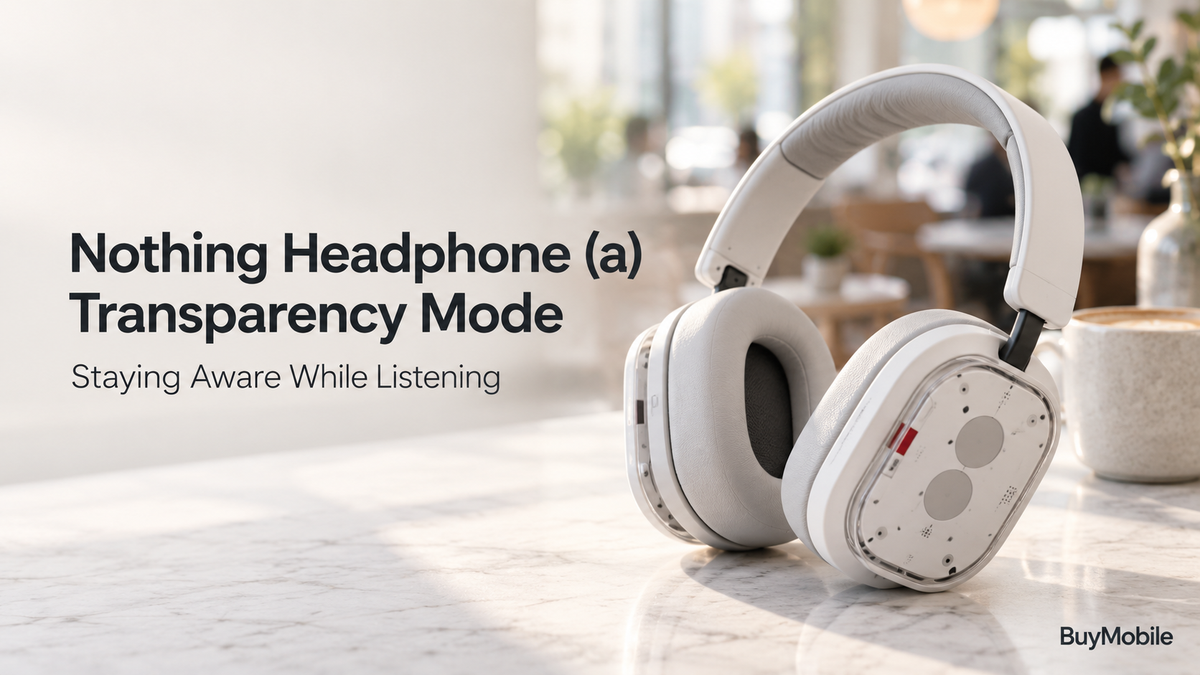
Noise cancellation is useful when you want to concentrate on music, but everyday life often requires the opposite. A colleague asks a question, your coffee order is called, or a station announcement interrupts your podcast. Removing your headphones every time can become inconvenient.Transparency Mode on Nothing Headphone (a) offers another option. It brings surrounding sound into your listening experience, helping you hear more of what is happening nearby. Understanding when to use it, and when to pause your audio altogether, makes the feature more practical.
What Does Transparency Mode Do?
Nothing describes Transparency Mode as picking up sounds from your surroundings in real time and letting them into the headphones. Its purpose is to make external sounds more accessible while you continue wearing them. That is different from simply switching noise cancellation off. With an over-ear design, the earcups themselves still create a physical barrier around your ears.Think of Transparency Mode as an electronic window to the room around you. It can make switching between private listening and nearby interactions easier, although the experience will depend on your environment and playback volume.
How Do You Switch It On?
Nothing’s official instructions say to press and hold the Roller to switch between Active Noise Cancellation and Transparency Mode. The Roller also handles volume adjustments, while a single press plays or pauses media.Learning these controls together is useful. When someone approaches, you can change listening mode and pause your music without immediately reaching for your phone.Practise while sitting somewhere quiet. Recognising the difference between modes at home makes operation easier later, especially when you are distracted by bags, tickets or a conversation.
Does It Work Without a Nothing Phone?
Nothing provides the Nothing X app through both Google Play and Apple’s App Store, with additional controls and settings available for Headphone (a).You therefore do not need to buy a Nothing phone simply to access the companion app. However, check each feature separately because some extra functions have device-specific requirements.For Transparency Mode, focus first on learning the physical shortcut and checking the available settings in your installed app. Keep the setup simple enough that changing modes becomes an easy habit rather than another task requiring several taps.
When Is It Useful at Work?
Transparency Mode is worth trying when you want background listening while remaining available to colleagues. It may make brief questions easier to notice than a more isolated listening setup.The best approach depends on your work. Reading quietly at a shared desk creates different demands from attending a meeting or discussing a detailed project.For an important conversation, pause playback. If you need to listen closely for several minutes, removing the headphones may be more comfortable and communicates that the other person has your attention. Transparency is convenient, but it does not eliminate every reason to take headphones off.
Can It Help During Your Commute?
Station announcements, boarding instructions and conversations with staff are sensible situations for using Transparency Mode. Switching before you expect an announcement can be more convenient than reacting after you miss it.However, hearing external audio does not guarantee that every word will be clear. Crowds, loud engines and your own music can compete with the information you want.If an announcement matters, pause playback and listen carefully. Around roads, platform edges or other situations requiring full attention, remove the headphones when necessary. Treat the mode as a listening aid rather than a guarantee of awareness.
What About Cafés and Shopping?
Short everyday exchanges are where the feature can fit naturally. You might switch modes while waiting for your order or approaching a counter.Keeping the volume modest helps avoid repeatedly asking someone to repeat themselves. A quiet instrumental playlist may be easier to manage during an interaction than a loud track or dialogue-heavy podcast.You should also consider how the situation feels socially. If a conversation develops beyond a quick exchange, removing the headphones often creates a more natural interaction. The convenience lies in having a choice, rather than feeling obliged to keep listening throughout every encounter.
Does Music Volume Change the Experience?
Yes. Transparency Mode brings external sound into the listening mix, but it does not make competing audio irrelevant. If you play music loudly, understanding a quiet voice can still become difficult.Start with a comfortable, moderate level and check whether nearby speech remains understandable. Avoid turning everything up simply because the environment becomes busy.The useful question is whether the setup lets you hear what you need without effort. If it does not, lower the music or pause it. That simple adjustment can matter more than spending time searching for an additional setting.
How Should You Judge Its Performance?
Evaluate Transparency Mode using ordinary situations rather than expecting it to sound identical to uncovered ears. Listen to someone speaking nearby, your own voice and familiar room sounds.Compare those impressions with playback paused and then with music playing. This helps separate the effect of the mode from the effect of your chosen listening level.This guide explains intended use rather than reporting hands-on testing. Try the headphones yourself if natural-sounding external audio is a major buying priority, because personal fit and expectations influence satisfaction.
Who Will Benefit Most?
Nothing Headphone (a) Transparency Mode suits listeners who regularly move between music and brief interactions. Office workers, café visitors and commuters may appreciate its accessible physical control.Use noise cancellation when concentration is the priority, Transparency Mode when nearby sound matters, and paused playback when understanding takes precedence. The strongest everyday routine combines those choices with considerate volume and the willingness to remove your headphones when a situation deserves your full attention.