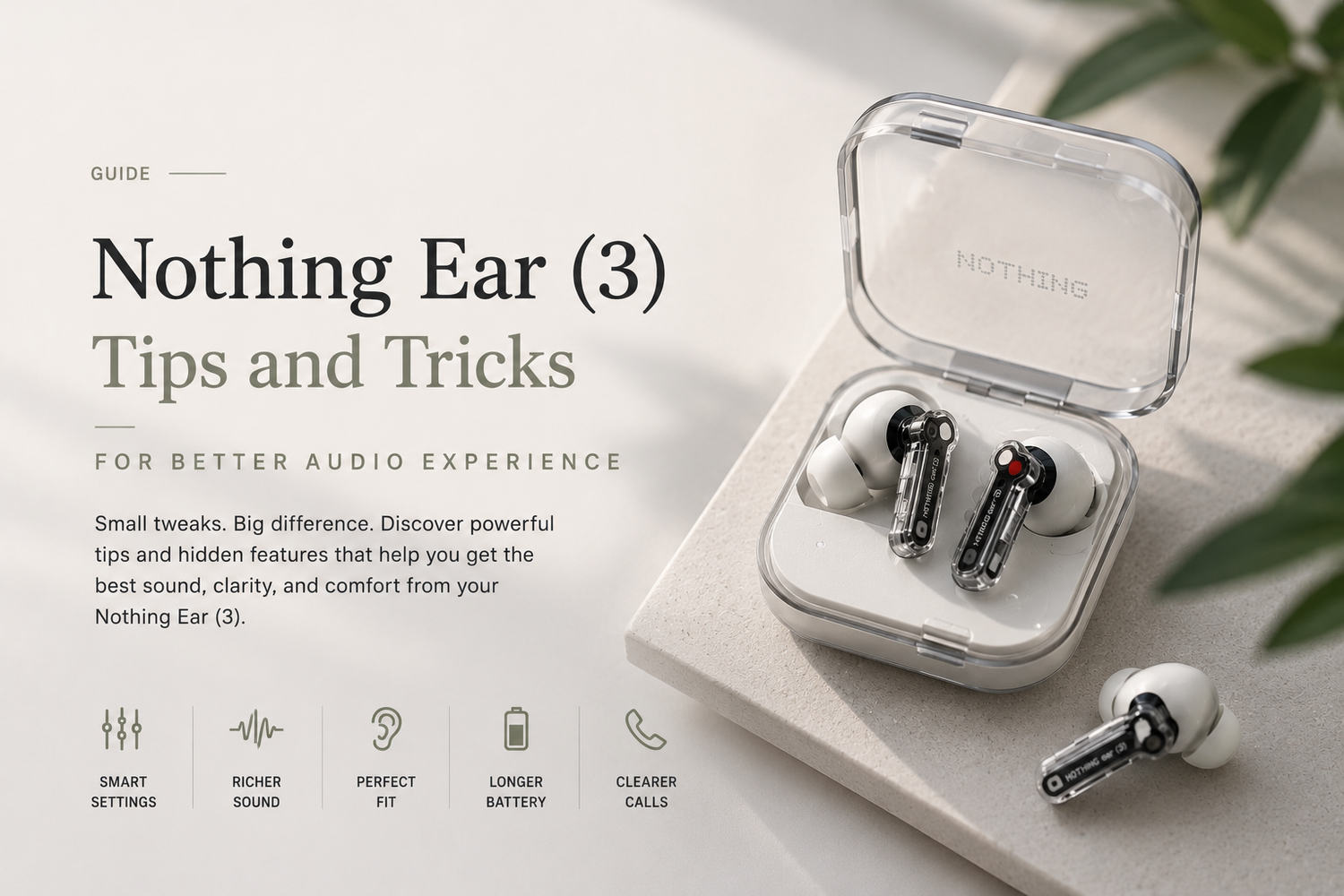
Wireless earbuds have become much more than simple audio accessories. In 2026, users expect premium sound quality, smart features, advanced noise cancellation, long battery life, and personalized listening experiences from their earbuds. That’s exactly why the Nothing Ear (3) has become one of the trendiest audio products right now.With its transparent design, lightweight comfort, smart controls, and highly customizable sound experience, the Nothing Ear (3) feels different from traditional wireless earbuds. But what makes these earbuds especially interesting is that many users only experience a fraction of what they can actually do.The real magic of the Nothing Ear (3) comes from understanding its hidden features, customization options, and smart audio tools that can dramatically improve everyday listening.If you want better sound quality, stronger bass, clearer calls, and a more personalized audio experience, these tips and tricks will help you unlock the full potential of your earbuds.
Why Is the Nothing Ear (3) So Popular Right Now?
The Nothing Ear (3) stands out because it combines premium features with a unique design philosophy.Most wireless earbuds today look almost identical, but Nothing continues focusing on transparency, minimalism, and modern aesthetics. The transparent charging case and futuristic earbud design immediately make the product feel stylish and different.However, the popularity of the Nothing Ear (3) goes beyond looks.The earbuds also deliver strong sound quality, adaptive noise cancellation, lightweight comfort, and deep customization options through the Nothing X app. This combination of design and functionality has helped the earbuds become especially popular among younger users, creators, students, and everyday listeners.
Why Should You Customize the EQ Settings?
One of the biggest mistakes users make is never adjusting the EQ settings.Out of the box, the Nothing Ear (3) sounds good, but the real improvement happens once users personalize the audio profile according to their listening preferences.Some users prefer deeper bass for workouts and hip-hop music, while others may want balanced vocals for podcasts or cleaner highs for acoustic tracks. The Nothing X app allows users to customize the sound profile much more precisely.Tweaking the EQ settings can dramatically improve the listening experience depending on music genres and personal preferences.Many users are honestly surprised by how different the earbuds sound after proper EQ adjustments.
Does Ear Tip Size Actually Affect Audio Quality?
Yes more than most people realize.Using the correct ear tip size is one of the easiest ways to improve sound quality, bass response, and noise cancellation performance.If the earbuds do not create a proper seal inside the ears, users will experience weaker bass, lower audio clarity, and less effective noise cancellation.The Nothing Ear (3) includes multiple ear tip sizes for this reason.Many users automatically choose medium tips without testing alternatives, but switching to a better-fitting size can noticeably improve comfort and audio performance immediately.A proper fit also helps during workouts, walking, and long listening sessions.
How Can You Improve Noise Cancellation Performance?
Active Noise Cancellation works best when users adjust it based on their surroundings.The Nothing Ear (3) includes adaptive ANC modes that automatically respond to environmental noise levels. However, manually switching between different noise cancellation settings can improve the experience significantly.
For example:
-
Strong ANC works best during flights, trains, and busy public spaces
-
Moderate ANC feels better in offices or cafes
-
Transparency Mode is ideal for walking outdoors or conversations
Understanding when to use each mode makes the earbuds feel much smarter and more natural during daily use.Instead of simply turning ANC on permanently, smart switching creates a better balance between awareness and immersion.
Why Should You Use Transparency Mode More Often?
Many users underestimate how useful Transparency Mode actually is.Instead of removing surrounding noise completely, Transparency Mode allows users to hear environmental sounds naturally while still listening to music or podcasts.This becomes incredibly useful during:
-
Walking outdoors
-
Traveling
-
Working in shared spaces
-
Quick conversations
-
Ordering coffee
-
Airport announcements
The feature makes the earbuds feel less isolating and more practical during real-world usage.Modern wireless earbuds are no longer just about blocking sound they are about controlling how users interact with their environment.
How Do Gesture Controls Improve the Experience?
The Nothing Ear (3) includes customizable touch controls that make daily usage much faster and smoother.Users can configure gestures for:
-
Play and pause
-
Track skipping
-
Volume control
-
Voice assistant activation
-
Noise cancellation switching
Once customized properly, users barely need to touch their phones during everyday listening.This becomes especially useful during workouts, commuting, or multitasking situations where quick controls matter.Many users ignore gesture customization initially, but it becomes one of the most convenient features once configured correctly.
Can Software Updates Improve Sound Quality?
Surprisingly, yes.Nothing regularly releases firmware updates that improve performance, connectivity stability, battery optimization, and sometimes even audio tuning.Many users never check for updates after buying wireless earbuds, which means they miss important improvements and bug fixes.Keeping the Nothing Ear (3) updated ensures users receive the best possible performance over time.In many cases, newer firmware can noticeably improve connection stability and overall user experience.
How Can You Extend Battery Life?
Battery optimization becomes important for users who listen to music throughout the day.One of the easiest ways to improve battery life is by reducing unnecessary use of maximum noise cancellation settings when they are not needed.High ANC levels naturally consume more power.Lowering volume slightly and keeping firmware updated also helps improve battery efficiency. Smart charging habits can additionally help preserve long-term battery health.The Nothing Ear (3) already offers strong battery performance, but small adjustments can make the earbuds last even longer during travel or busy schedules.
Are the Nothing Ear (3) Good for Calls?
Yes, especially once users optimize microphone settings and fit properly.The earbuds include AI-powered noise reduction technology that helps improve voice clarity during calls, even in noisy environments.A secure fit also helps microphone positioning work more effectively.For professionals, remote workers, and students attending calls regularly, this creates a noticeably cleaner communication experience compared to many cheaper earbuds.Call quality has become one of the biggest priorities for wireless audio devices in 2026, and the Nothing Ear (3) performs surprisingly well in this area.
Do High-Quality Audio Files Make a Difference?
Absolutely.Many users blame earbuds for poor sound quality when the real issue is low-quality streaming settings or compressed audio files.Using high-bitrate streaming services or lossless audio settings can significantly improve clarity, detail, and depth while using the Nothing Ear (3).The earbuds are capable enough that audio source quality genuinely matters.For music lovers, enabling higher streaming quality settings can unlock a much richer listening experience.