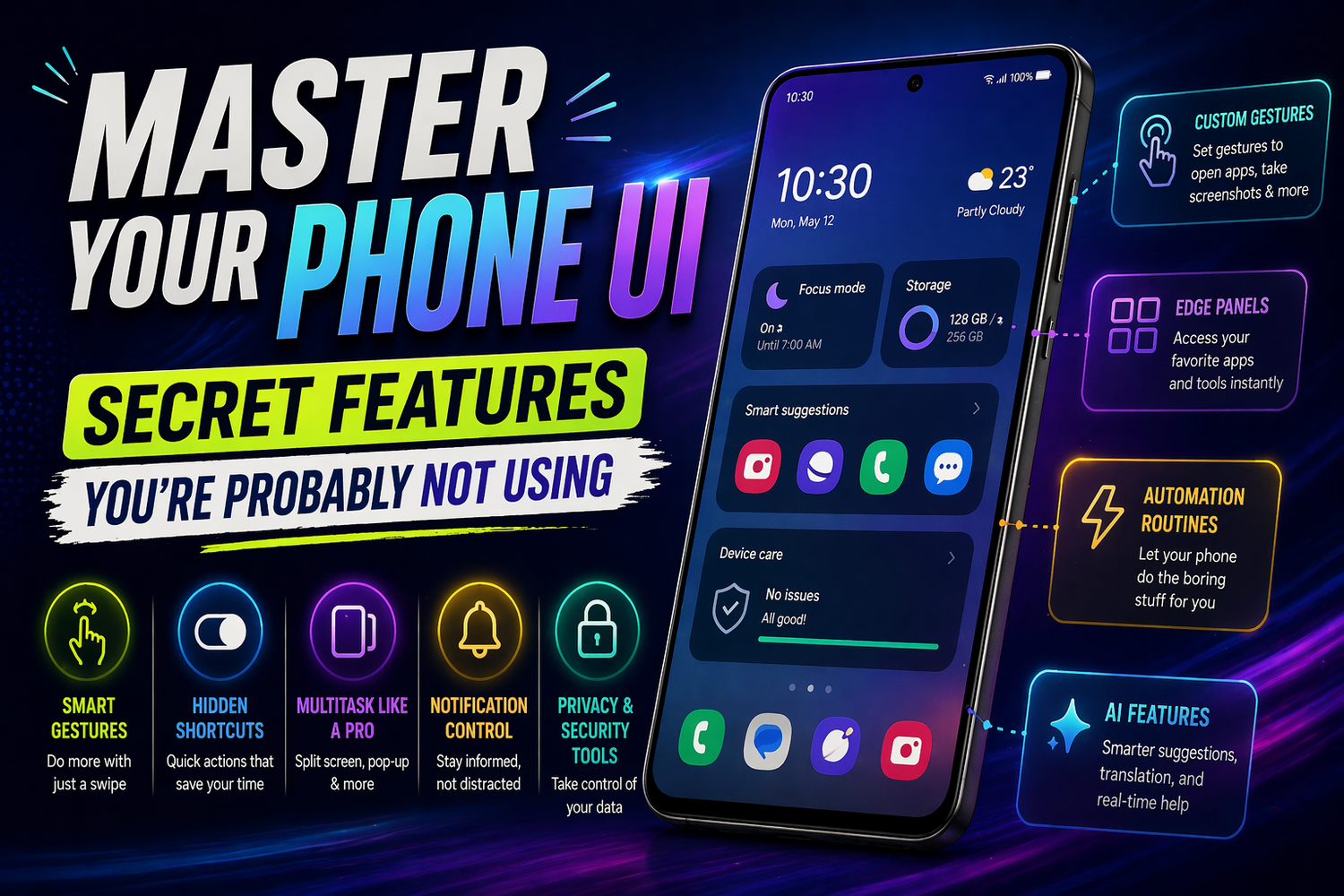
Master Your Phone UI: Secret Features You’re Probably Not Using
In 2026, smartphones are more powerful than ever, yet most people still use only a fraction of what their devices can actually do. We scroll, tap, open apps, and repeat the same habits every day without realizing that our phone’s user interface is packed with hidden features designed to make life easier, faster, and smarter.The truth is, your smartphone isn’t just a tool it’s a customizable system waiting to adapt to your lifestyle. Once you start exploring its deeper UI features, the way you use your phone can completely change.Let’s dive into the secret side of your phone’s UI and unlock its full potential.
Your Phone Is Smarter Than You Think
Modern smartphone interfaces are built around intelligence. Whether you’re using Android or iOS, your device constantly learns how you use it. It studies your habits, predicts your actions, and quietly tries to make everything more efficient.But here’s the catch many of these features stay hidden unless you actively use or enable them.From predictive app suggestions to automated routines, your phone is capable of doing much more than just responding to your taps. It can anticipate what you need before you even open an app.Once you start noticing these patterns, your phone begins to feel less like a device and more like an assistant.
Gestures That Save You Time
One of the most underrated parts of modern UI design is gesture navigation. Buttons are slowly disappearing, replaced by swipes and shortcuts that make navigation faster and more fluid.A simple swipe can take you home, switch apps, or open multitasking. Double taps, edge swipes, and quick gestures can replace multiple steps with a single movement.At first, gestures might feel unfamiliar, but once you get used to them, going back to traditional navigation feels slow. They reduce friction and make your phone feel more responsive.It’s a small change, but it has a big impact on everyday usage.
Customization That Actually Matters
Customization is no longer just about wallpapers and themes. Today’s smartphone UI allows you to reshape how your phone works entirely.You can adjust layouts, change icon styles, modify lock screens, and even control how notifications behave. Widgets have become more interactive, giving you access to information without opening apps.The real power lies in creating a setup that matches your routine. A well-organized home screen can save time, reduce distractions, and make your phone feel uniquely yours.Instead of adapting to your phone, your phone starts adapting to you.
Multitasking Without the Chaos
We rarely use our phones for just one thing at a time. Messaging, browsing, watching videos, and working often happen simultaneously.Modern UI systems are designed to handle this with ease, but many users don’t take full advantage of it.Split-screen modes, floating windows, and quick app switching allow you to do more without constantly jumping between apps. You can watch a video while replying to messages or take notes during a call without interrupting your workflow.When used properly, these features turn your smartphone into a productivity powerhouse.
Notifications That Work for You
Notifications can either be helpful or overwhelming. The difference lies in how you manage them.Most smartphones now offer advanced notification controls that let you prioritize what matters. You can silence unnecessary alerts, group notifications intelligently, and even schedule “focus” modes to reduce distractions.The goal is not to eliminate notifications, but to make them meaningful. When your phone only alerts you to what truly matters, it becomes easier to stay focused and in control.This small adjustment can significantly improve your daily digital experience.
Hidden Shortcuts You Didn’t Know Existed
Your phone is filled with shortcuts that can save you time, but many of them go unnoticed.Long-pressing app icons often reveals quick actions. Swipe gestures on notifications can give you instant options. Control centers and quick settings panels allow you to access essential tools without navigating through menus.These shortcuts are designed to reduce the number of steps needed to complete tasks. Once you start using them regularly, your interaction with your phone becomes faster and more efficient.It’s all about working smarter, not harder.
AI Features That Feel Like Magic
Artificial intelligence is now deeply integrated into smartphone UI, and its impact is subtle but powerful.Your phone can suggest replies to messages, organize photos automatically, and even remind you of tasks based on your habits. Voice assistants have become more responsive, allowing you to control your device without touching it.These features are designed to simplify your life, but they often go unused because people don’t explore them.When you start using AI tools effectively, your phone becomes more than just a device it becomes a proactive assistant
Privacy Controls You Shouldn’t Ignore
While exploring UI features, it’s important to pay attention to privacy settings as well.Modern smartphones give you detailed control over what apps can access. You can manage permissions for location, camera, microphone, and more.Understanding these controls not only protects your data but also gives you confidence in how your phone operates.A well-managed device is not just efficient it’s secure.
The Real Upgrade Is in How You Use It
Many people think upgrading their smartphone will improve their experience. But often, the biggest upgrade comes from learning how to use your current device better.By exploring hidden UI features, customizing your setup, and using smart tools, you can transform your phone into something far more powerful than you imagined.It’s not about having the latest device it’s about unlocking what you already have.