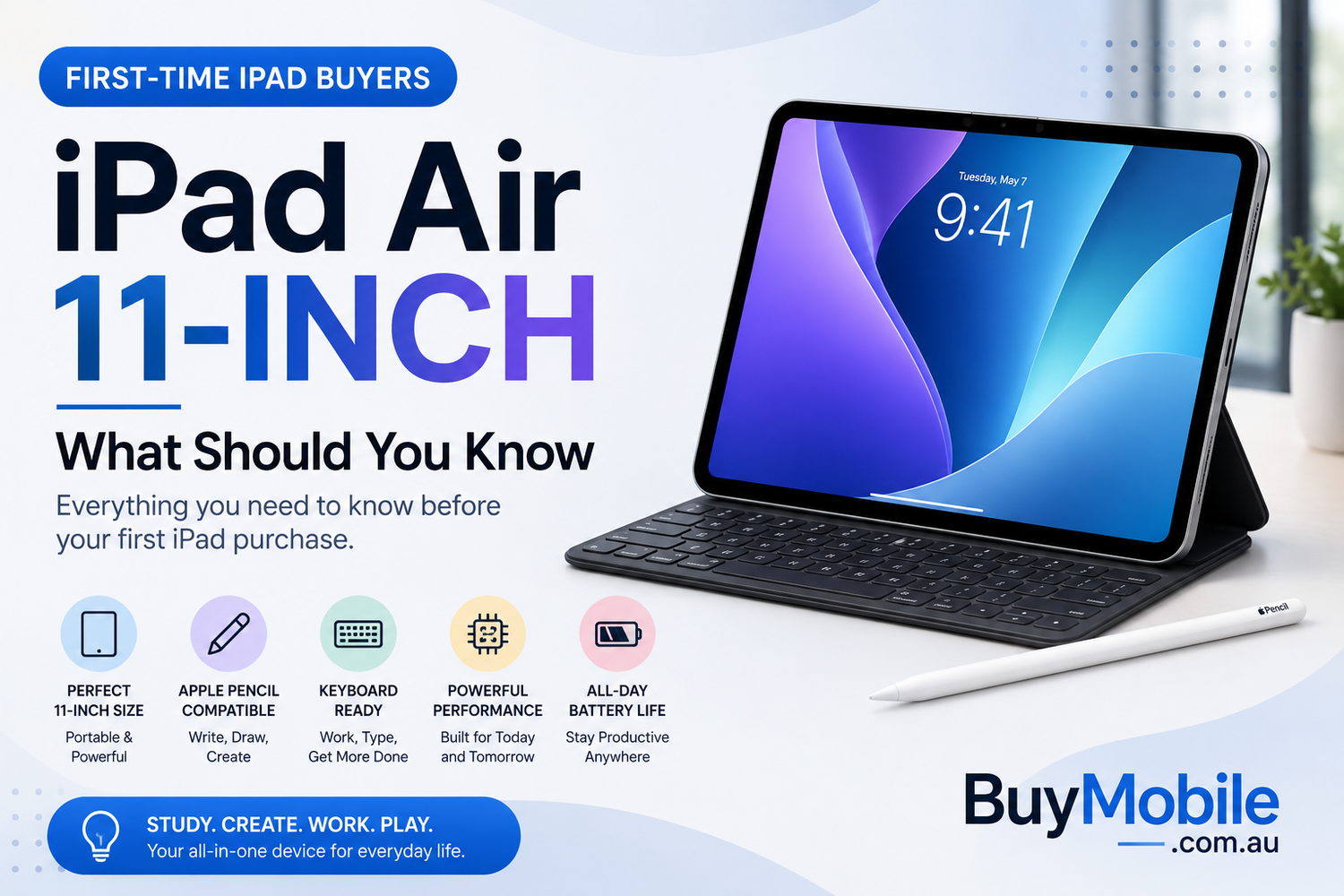
Buying your first iPad can be surprisingly confusing. Apple's tablet lineup covers everything from relatively affordable models to powerful iPad Pro devices, with different screen sizes, storage capacities, accessories and connectivity options to consider.Sitting between the standard iPad and iPad Pro is the 11-inch iPad Air. It's designed for people who want more capability than an entry-level tablet without necessarily paying for everything offered by the Pro range.For a first-time buyer, that can make the iPad Air 11-inch particularly attractive. It's portable enough for everyday use but powerful enough for studying, creative projects, entertainment and many productivity tasks.Before ordering one, however, there are several things worth understanding.
1. The 11-inch Size Is a Great Middle Ground
One of the first decisions you'll face is screen size.The 11-inch iPad Air strikes a useful balance between portability and workspace. It's large enough for watching movies, editing documents, taking handwritten notes and using multiple apps, but compact enough to carry around comfortably.That makes it particularly appealing for students and commuters.A larger tablet can provide more room for drawing, video editing and multitasking, but it also takes up more space in a bag and can be less comfortable to hold for extended periods.For a first iPad, 11 inches is arguably one of the safest sizes to choose because it works well across many different situations.
2. Don't Buy Based on the Processor Alone
Apple's iPad Air models use powerful Apple silicon, but first-time buyers shouldn't become too focused on benchmark results.The more important question is what you plan to do.Everyday activities such as Safari browsing, streaming, email, video calls and document editing don't require enormous computing power. The advantage of having a capable processor is that the iPad can also handle more demanding tasks when needed.That might include photo editing, illustration, gaming, music creation or video projects.Performance headroom can also help the tablet remain useful for longer as applications and operating systems evolve.For most iPad Air buyers, processing power should feel less like something you constantly think about and more like something that's simply available when required.
3. Storage Deserves Careful Consideration
Storage is one decision you'll live with for the entire time you own your iPad.Unlike some devices that support removable storage cards, you should plan around the internal capacity you purchase and whatever cloud storage you choose to use.Think about your habits.If you primarily browse the web, stream entertainment and store documents in iCloud, you may not require enormous local capacity.If you download movies, install large games, edit videos or keep extensive photo libraries locally, additional storage becomes much more valuable.Don't only consider what you need today.Think about how much content you might accumulate over three or four years.
4. Wi-Fi or Cellular?
Another decision is whether you need cellular connectivity.A Wi-Fi iPad works perfectly well at home, university, the office and anywhere else with a reliable wireless connection.When you're away from Wi-Fi, you can often use your phone's personal hotspot.A cellular model becomes more attractive if you frequently work or travel away from dependable Wi-Fi and want the convenience of independent mobile connectivity.That convenience comes at an additional cost and may also require an eligible mobile data plan.For many first-time buyers, Wi-Fi is sufficient.Consider how often you genuinely expect to use the tablet away from both Wi-Fi and your phone before spending extra.
5. Apple Pencil Can Completely Change How You Use It
An iPad becomes a very different device when paired with a compatible Apple Pencil.Students can take handwritten notes and annotate lecture slides. Artists can sketch and illustrate. Office users can mark up PDFs, sign documents and quickly write ideas.Even people who don't draw may discover useful Pencil workflows.The important word, however, is compatible.Apple has offered multiple Pencil models, and compatibility varies across iPads. Check Apple's current compatibility information for your exact iPad Air model before buying an Apple Pencil.Don't assume every Pencil works with every iPad simply because the names look similar.
6. A Keyboard Can Push It Closer to a Laptop
The same applies to keyboards.Add a compatible keyboard case and the iPad Air becomes much more practical for emails, reports, essays and other writing-intensive work.This can create an appealing lightweight setup for students and travellers.However, an iPad with a keyboard still isn't automatically identical to a MacBook.The biggest difference isn't necessarily hardware performance—it's software.iPadOS has become increasingly capable, but desktop operating systems still offer advantages for certain professional applications and workflows.Before trying to replace your laptop, check whether the software you rely on works properly on iPadOS.
7. Multitasking Is Useful, but Different
First-time iPad owners sometimes expect multitasking to work exactly like it does on a desktop computer.It doesn't.Apple provides multitasking features that allow supported apps and windows to share the display, but the overall experience remains optimized around touch.Once you become familiar with it, the 11-inch display can be useful for combinations such as:
1.Safari alongside Notes
2.A PDF beside a note-taking app
3.Messages while researching online
4.A video alongside another supported application
For lightweight productivity, these combinations can be extremely convenient.If your job involves constantly managing many large windows simultaneously, a laptop or external monitor may still provide a more comfortable environment.
8. The iPad Air Is Excellent for Entertainment
One area where first-time buyers rarely need convincing is entertainment.The 11-inch display provides substantially more viewing space than a smartphone while remaining much easier to move around than a television or laptop.Netflix in bed? Easy.YouTube while cooking? Convenient.Downloaded movies on a flight? Exactly the kind of situation where an iPad makes sense.You can also use it for ebooks, digital magazines, comics, podcasts and games.For some households, the iPad gradually becomes the screen that's used when the television is occupied or when someone wants entertainment in another room.
9. Don't Forget About Accessories
The price displayed for an iPad isn't necessarily the total cost of the setup you have in mind.You might eventually want a case, keyboard, Apple Pencil, screen protector, additional charger or other accessories.Those costs can add up quickly.Before purchasing, imagine your complete setup.If you're buying the iPad Air for handwritten university notes, include the price of a compatible Pencil. If you're planning to use it for writing, factor in the keyboard you want.This provides a much more realistic comparison with alternatives such as a laptop.
10. An iPad Isn't Automatically a Laptop Replacement
This is perhaps the most important thing for a first-time buyer to understand.The iPad Air can perform an enormous range of tasks, but whether it can replace your laptop depends entirely on your workflow.For email, web browsing, note-taking, video meetings, presentations, document editing and media consumption, it can be extremely capable.For specialized desktop applications, complicated spreadsheet workflows, certain development tasks or professional processes built around desktop software, a computer may remain necessary.For many people, the iPad works best as a companion to a laptop rather than a complete replacement.Others discover that they barely open their computer anymore.
How Long Could an iPad Air Last?
Longevity is another reason people consider the Air instead of choosing the least expensive tablet available.Strong hardware gives the device useful performance headroom, while Apple's software ecosystem can help it remain capable as your requirements evolve.Physical care matters too.Using a case, avoiding excessive heat and looking after the battery can contribute to a better long-term ownership experience.Software-support periods aren't something you should assume indefinitely, so check Apple's current compatibility and software information when longevity is a major purchasing factor.The real goal isn't to own the newest iPad every year.It's to buy one that continues doing what you need several years later.
Who Is the iPad Air 11-inch Best For?
The iPad Air 11-inch is particularly appealing to students, travellers, families, casual creators and professionals who want a capable secondary device.It's also a strong option for someone buying their first iPad because it leaves plenty of room to explore.You might initially buy it for Netflix and browsing, then later add an Apple Pencil for notes or a keyboard for work.That flexibility is part of its appeal.