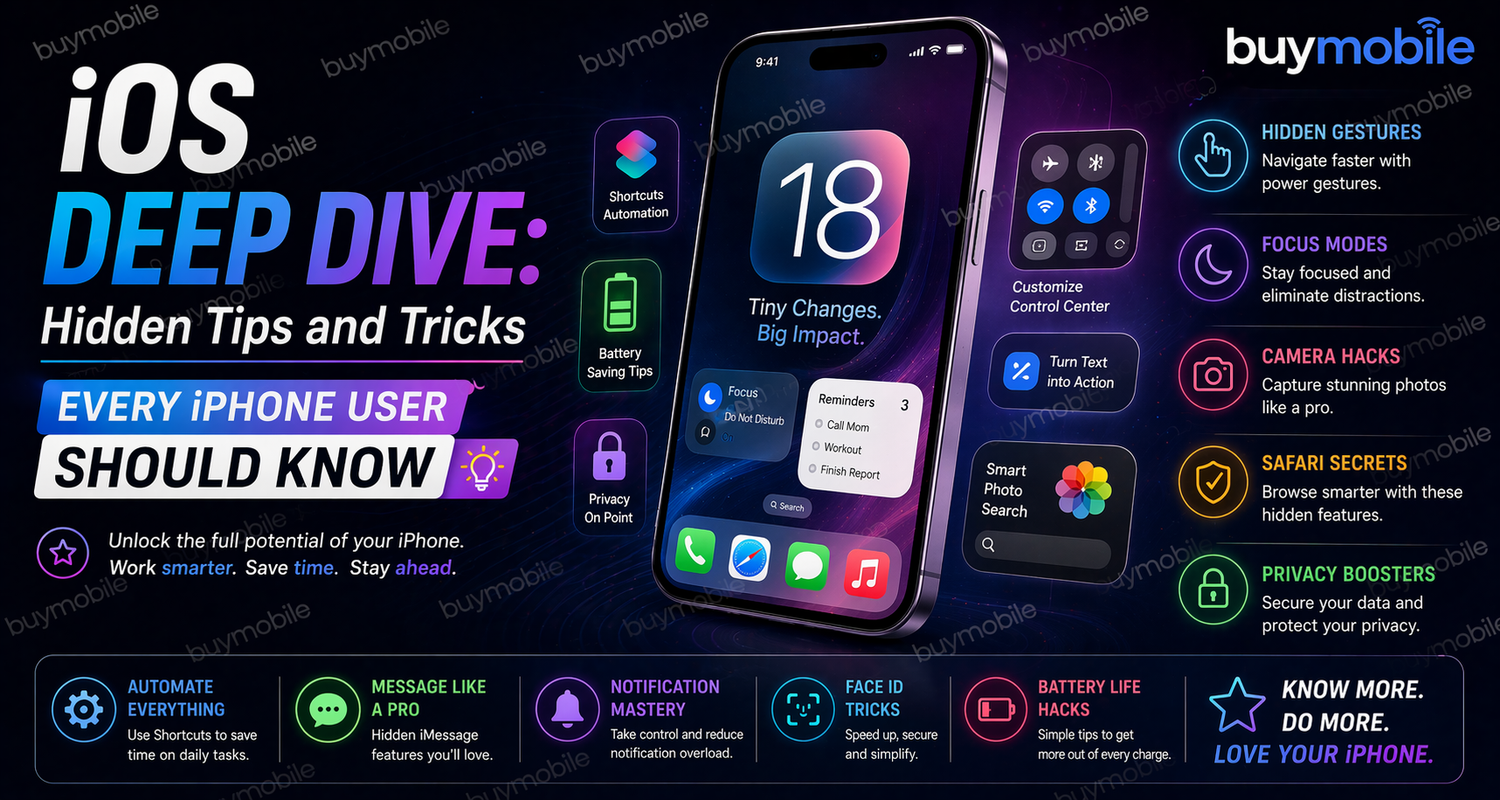
Apple iPhones are known for their simplicity, but behind that clean interface lies a powerful system filled with features many users never explore. Whether you have been using an iPhone for years or recently switched from Android, there are hidden iOS tricks that can completely change how you use your device.In 2026, iOS is smarter, more intuitive, and packed with tools designed to save time, improve productivity, and protect your privacy. The real advantage comes from knowing where to look and how to use these features effectively.This deep dive focuses on the hidden tips that actually make a difference in daily use.
Mastering the Control Center
Most users swipe down to access the Control Center, but very few take the time to customize it. This feature is far more powerful than it appears.By going into settings, you can add shortcuts for tools like screen recording, voice memos, low power mode, and accessibility options. Once configured, the Control Center becomes a quick access hub for your most-used features.What makes it even more useful is the hidden functionality behind long presses. Pressing and holding certain icons reveals additional options, such as adjusting brightness in more detail or quickly accessing scanning tools. This small change can make everyday actions faster and more efficient.
Turn Your Keyboard Into a Trackpad
Typing on a smartphone can be frustrating, especially when you need to edit text precisely. iOS solves this problem with a simple but powerful feature.By pressing and holding the spacebar, the keyboard transforms into a trackpad. This allows you to move the cursor smoothly across text, making editing emails, messages, or documents much easier.Once you get used to this feature, it becomes hard to go back to tapping the screen to adjust text placement. It is one of the most practical tools for improving typing accuracy.
Back Tap: A Hidden Shortcut You Will Use Daily
One of the most underrated features in iOS is Back Tap. It allows you to perform actions simply by tapping the back of your iPhone.You can assign different actions to double or triple taps. For example, you can open the camera, take a screenshot, or activate Siri without touching the screen.This feature works especially well when you want quick access to important functions. It reduces the need to navigate through menus and makes your phone feel more responsive to your habits.
Battery Optimization Through Real Usage Insights
Battery life is a concern for most smartphone users, but iOS provides detailed insights that can help you manage it better.The battery section in settings shows how much power each app consumes. This allows you to identify which apps are draining your battery and make adjustments accordingly.The system also provides suggestions to improve battery performance, such as reducing background activity or enabling low power mode. These small changes can significantly extend your phone’s usage throughout the day.Understanding how your phone uses power is one of the easiest ways to improve battery life without changing your habits.
Privacy Features That Give You Control
Privacy is one of the strongest aspects of iOS, but many users do not fully take advantage of it.Features like app tracking transparency allow you to control which apps can track your activity. Mail privacy protection prevents senders from knowing when you open emails, and location settings let you choose whether to share precise or approximate data.By exploring the privacy section in settings, you can customize how your information is shared. This not only protects your data but also reduces unnecessary background activity.In a time where data privacy is more important than ever, these tools give you a significant advantage.
Focus Modes for Better Productivity
Notifications can be distracting, especially during work or study time. Focus modes help you control when and how you receive notifications.You can create different profiles for work, personal time, or sleep. Each profile allows only selected apps and contacts to send notifications, while everything else is silenced.This feature helps you stay focused without completely disconnecting from your phone. It also integrates with your lock screen, making it easier to switch between modes depending on your activity.Once set up, Focus modes can transform how you manage your time and attention.
Hidden Camera Tricks for Better Photos
The iPhone camera is already powerful, but it includes hidden features that can improve your photography.Adjusting exposure manually by tapping and sliding on the screen gives you more control over lighting. Locking exposure ensures consistent results, especially in changing environments.Using burst mode helps capture fast-moving subjects, increasing the chances of getting the perfect shot. These small adjustments can make a noticeable difference in photo quality.With a bit of practice, these features allow you to take more professional-looking photos without additional apps.
Customizing Widgets and the Home Screen
Widgets have become an essential part of the iOS experience. They are not just for decoration but for quick access to important information.You can add widgets for weather, calendar events, battery status, and more. Stacking widgets allows you to combine multiple tools in one space, reducing clutter while maintaining functionality.Customizing your home screen makes your phone feel more personal and efficient. It ensures that the information you need is always within reach.
Frequently Asked Questions
What are the best hidden iOS features for productivity
Back Tap, Focus Mode, and trackpad keyboard mode are some of the most effective features for saving time and improving efficiency.
Can hidden settings improve battery life
Yes. Monitoring app usage and enabling suggested optimizations can significantly extend battery performance.
How can you improve privacy on an iPhone
Using features like app tracking control, mail privacy protection, and location settings helps protect your data and limit unnecessary access.
Are these features available on all iPhones
Most of these features are available on devices running recent versions of iOS, though some may work better on newer models.
Do widgets really improve efficiency
Yes. They provide quick access to information and reduce the need to open multiple apps throughout the day.