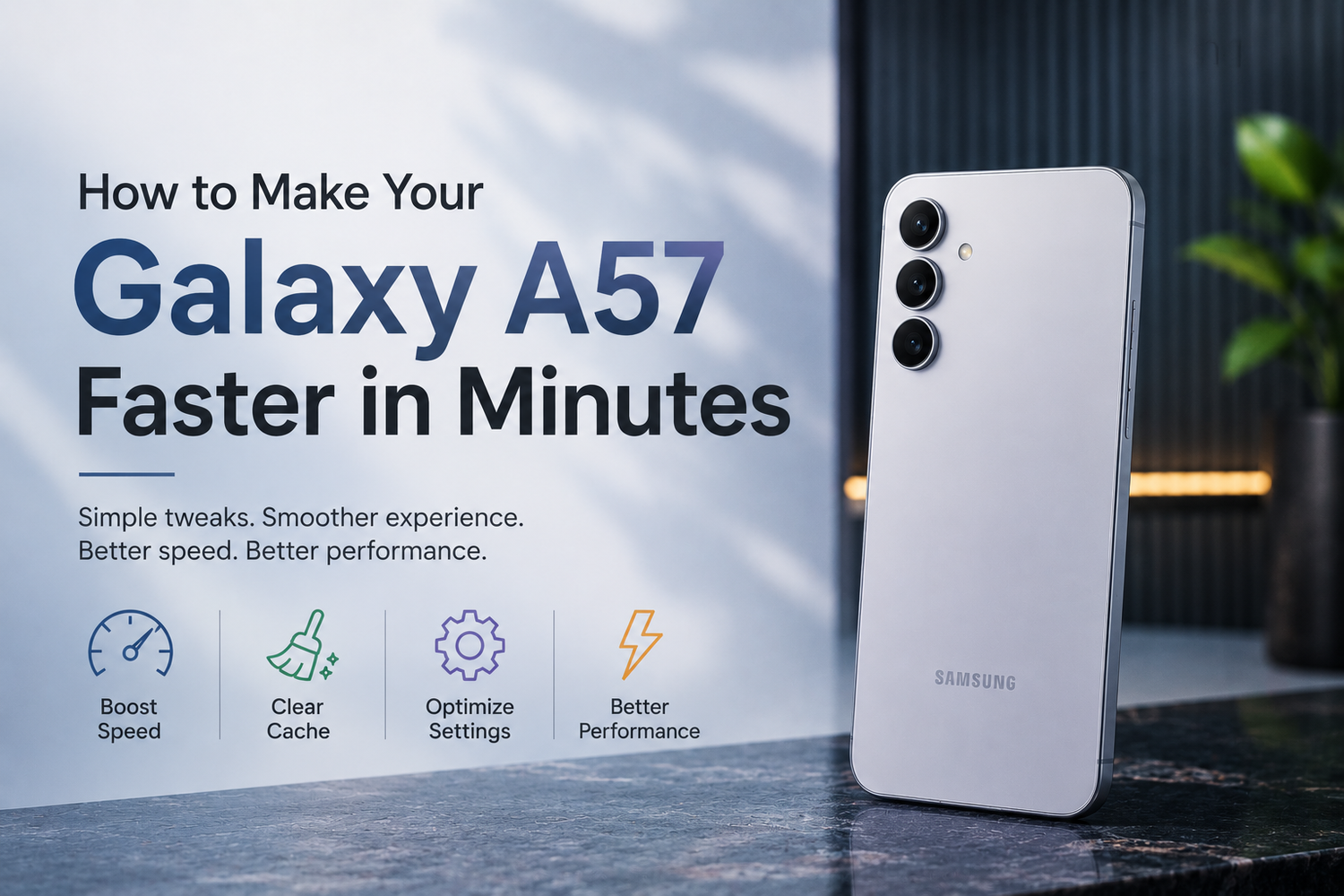
The Samsung Galaxy A57 is designed to deliver a smooth and reliable smartphone experience, but over time even powerful devices can start feeling slower. Apps may take longer to open, scrolling may feel less fluid, and multitasking can become frustrating.The good news is that you do not need expensive software, risky apps, or technical expertise to improve performance. With a few smart changes, you can make your Galaxy A57 feel significantly faster in just minutes.Whether you use your phone for gaming, photography, social media, or daily productivity, these optimization tips can instantly improve speed and responsiveness.
Why Smartphones Slow Down Over Time
Many users think a slow phone means aging hardware, but most performance issues are actually caused by software and storage problems.The most common reasons include:
-
Too many apps running in the background
-
Low storage space
-
Excessive system animations
-
Cached junk files
-
Unoptimized battery settings
-
Heavy widgets and live wallpapers
-
Outdated software
Fortunately, Samsung’s One UI software includes several built-in tools that can fix these issues quickly.
Restart Your Galaxy A57 Regularly
One of the easiest ways to improve performance is also the most overlooked.Restarting your phone clears temporary memory, refreshes background processes, and removes minor software glitches that accumulate over time.If your Galaxy A57 has been running continuously for several days, a simple restart can immediately make the device feel smoother and more responsive.
Free Up Storage Space
Storage plays a major role in smartphone speed. When internal storage becomes too full, your Galaxy A57 struggles to manage apps, updates, and temporary files efficiently.To improve performance:
-
Delete apps you no longer use
-
Remove duplicate photos and videos
-
Clear old downloads
-
Move large files to cloud storage
Keeping enough free space available allows One UI to run more efficiently.
Clear App Cache for Better Speed
Apps like Instagram, TikTok, Chrome, and YouTube store temporary files called cache. Over time, these files can become bloated and slow down app performance.Clearing cache helps:
-
Reduce app lag
-
Improve loading times
-
Free up storage
-
Fix minor glitches
This is especially useful for social media apps that constantly refresh content in the background.
Reduce Animation Speed
Samsung’s animations look polished, but they can also make the phone feel slower than it actually is.Reducing animation speed creates a faster and snappier experience immediately.You can enable Developer Options and reduce animation scales to make:
-
App opening faster
-
Navigation smoother
-
Multitasking feel quicker
This is one of the most effective hidden tricks for improving perceived performance on Samsung phones.
Use Samsung Device Care
Samsung includes a built-in optimization system called Device Care that many users ignore.Device Care can:
-
Close unnecessary background apps
-
Free memory
-
Improve battery efficiency
-
Detect system slowdowns
Running optimization regularly helps keep the Galaxy A57 responsive without installing third-party cleaning apps.
Disable Unused Apps
Many pre-installed apps continue running in the background even when you never open them.
These apps consume:
-
RAM
-
Battery life
-
Processing power
-
Network resources
Disabling apps you do not use can noticeably improve performance and battery efficiency.This is especially useful for apps that constantly send notifications or sync data in the background.
Update One UI and Apps
Software updates are not just about new features. Samsung frequently releases updates that improve:
-
Stability
-
Battery efficiency
-
Memory management
-
Performance optimization
Keeping your Galaxy A57 updated ensures you receive the latest improvements and bug fixes.Updating apps through the Galaxy Store and Google Play Store also helps prevent performance issues caused by outdated software.
Reduce Home Screen Clutter
A crowded home screen may look exciting, but it can negatively affect performance.Too many widgets, live wallpapers, and animated elements force the system to work harder continuously.
For a smoother experience:
-
Use static wallpapers
-
Limit active widgets
-
Keep your home screen clean and minimal
Minimal setups often feel much faster and cleaner.
Optimize Gaming Performance
If you use the Galaxy A57 for gaming, Samsung’s Game Booster tools can help improve frame rates and reduce lag.To improve gaming performance:
-
Close background apps before gaming
-
Use Performance Mode
-
Reduce unnecessary notifications
-
Lower graphics settings for demanding games
These small changes can make gameplay significantly smoother while reducing overheating.
Use Lightweight Apps When Possible
Some apps consume far more resources than necessary.Switching to lightweight alternatives can improve speed and battery life dramatically.Popular lightweight apps include:
-
Facebook Lite
-
Messenger Lite
-
Lightweight web browsers
-
Simplified productivity apps
These apps use less RAM and storage while still providing core functionality.
Turn Off Features You Do Not Need
Many Samsung features run continuously in the background.Disabling features you rarely use can improve overall responsiveness.Examples include:
-
Nearby device scanning
-
Unused Bluetooth connections
-
Constant location tracking
-
Background syncing for unused apps
Reducing unnecessary background activity helps your Galaxy A57 focus resources on tasks that actually matter.
Manage Background Apps Properly
Many users constantly close every app manually, thinking it improves speed. In reality, modern Android systems manage RAM intelligently.Force-closing apps too often can actually reduce efficiency because the phone needs to reload them repeatedly.
Instead:
-
Let One UI handle memory automatically
-
Only close apps causing issues
-
Restart the phone occasionally for a fresh reset
This creates a more balanced and stable performance experience.
Check Battery Health and Heat
Overheating can slow down smartphone performance significantly.If your Galaxy A57 feels hot frequently:
-
Avoid gaming while charging
-
Reduce screen brightness outdoors
-
Remove thick phone cases during gaming
-
Close demanding background apps
Keeping the device cool helps maintain stable speed and better battery performance.
Frequently Asked Questions
Why is my Galaxy A57 becoming slow?
The most common causes are low storage, excessive background apps, heavy animations, and outdated software.
Does clearing cache improve performance?
Yes. Clearing cache removes unnecessary temporary files that can slow apps down over time.
Is Developer Mode safe on Samsung phones?
Yes. Basic adjustments like reducing animation scales are completely safe.
Can software updates improve speed?
Yes. Samsung updates often include performance improvements, bug fixes, and better optimization.
Do widgets affect performance?
Yes. Too many widgets increase background activity and can reduce responsiveness.
Should I install third-party cleaning apps?
In most cases, no. Samsung’s built-in Device Care tools are usually enough for optimization.