



































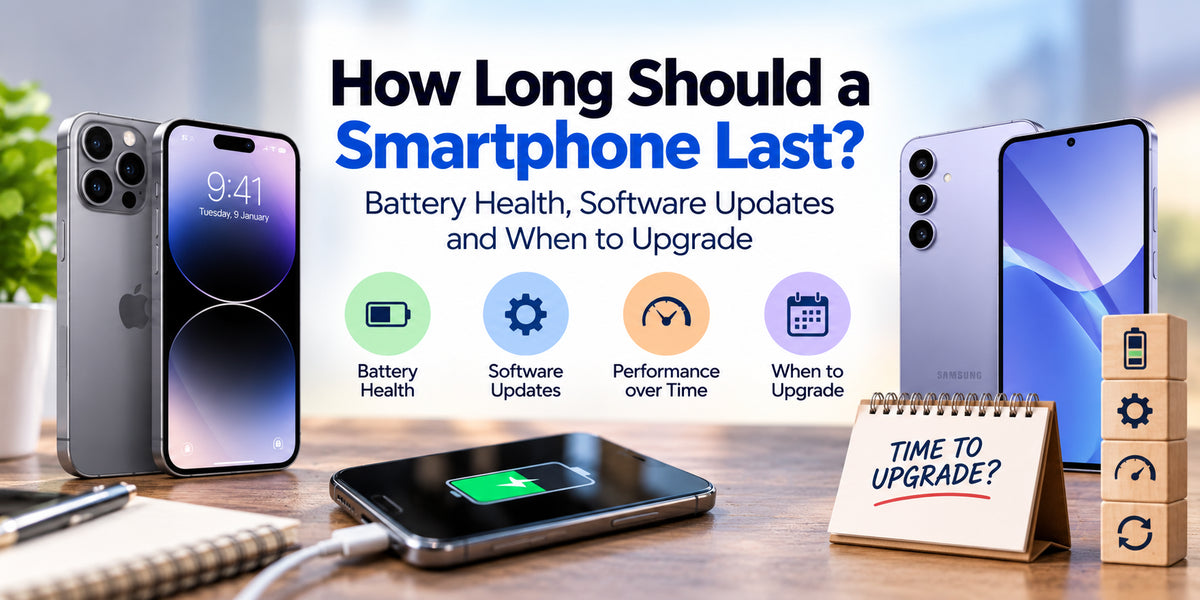
Smartphones have become essential for communication, entertainment, banking, photography and everyday productivity. With premium devices becoming increasingly expensive, many consumers want to know: How long should a smartphone last before it needs replacing?The answer depends on several factors, including battery health, hardware performance, software updates and everyday usage habits.While some smartphones begin showing signs of ageing after two or three years, many modern devices can remain useful for five years or longer with proper maintenance.In this guide, we'll explore smartphone lifespan, battery degradation, software support and the warning signs that indicate it's time to upgrade. We'll also share practical tips to help Australian smartphone users get more value from their devices.
How Long Does a Smartphone Typically Last?
Most modern smartphones can remain functional for approximately three to five years, although premium models may last considerably longer.The actual lifespan depends on build quality, processor performance, battery condition and manufacturer software support.Budget smartphones may become slower sooner because they generally use less powerful processors and have more limited storage or memory.Mid-range smartphones often provide a good balance between affordability and long-term usability.Flagship devices from brands such as Apple, Samsung and Google typically feature powerful processors, premium construction and longer software support commitments.However, an expensive smartphone does not automatically guarantee a longer lifespan.A well-maintained mid-range phone can remain useful for years, particularly when used for messaging, browsing, streaming and everyday applications.
Smartphone Battery Health: Why It Matters
Battery degradation is one of the most common reasons smartphones feel less reliable as they age.Most smartphones use lithium-ion batteries, which gradually lose their ability to hold a charge through repeated charging cycles and normal chemical ageing.After several years, users may notice reduced screen-on time, unexpected shutdowns or more frequent charging requirements.Battery lifespan varies depending on temperature, charging habits and battery chemistry.Apple, for example, states that iPhone 15 models and later are designed to retain 80% of their original battery capacity after 1,000 complete charge cycles under ideal conditions. Earlier iPhone models generally have a 500-cycle design target.These figures are design expectations rather than guarantees for every device.
Signs Your Smartphone Battery Is Ageing
Common warning signs include:
Battery percentage dropping unusually quickly.
The phone shutting down before reaching 0%.
Noticeably shorter battery life than when new.
Excessive heat during ordinary tasks.
Needing multiple charges throughout the day.
If your smartphone otherwise performs well, replacing the battery may be more economical than purchasing a new device.A swollen battery, however, is a safety concern. Stop using the device and arrange professional servicing rather than continuing to charge it.
Software Updates: The Key to Long-Term Smartphone Use
Software support plays an important role in determining how long a smartphone remains practical and secure.Manufacturers generally provide two categories of updates: operating system upgrades and security patches.Operating system upgrades introduce new features, interface improvements and compatibility enhancements.Security updates address vulnerabilities that could expose personal information or compromise device security.Some modern flagship smartphones offer exceptionally long support periods.For example, Samsung's Galaxy S24 series and later eligible flagship models include commitments of up to seven generations of operating system upgrades and seven years of security updates.Google also promises seven years of operating system and security updates for eligible Pixel devices, beginning with the Pixel 8 series.Apple regularly supports iPhones for several years, although the exact support period varies by model.Before purchasing a smartphone, checking its official software update policy can help determine its long-term value.
Does Smartphone Performance Decrease Over Time?
Smartphones do not necessarily become slower simply because they are older.However, several factors can affect performance over time.Newer applications may require more processing power, memory and storage than older versions.Operating system upgrades can also introduce features that demand additional resources.Nearly full storage may reduce responsiveness, particularly when the device lacks sufficient free space for temporary files and updates.Battery degradation can sometimes contribute to performance limitations, especially on devices that manage peak power delivery to prevent unexpected shutdowns.Fortunately, some performance problems can be improved without replacing the phone.Removing unnecessary applications, freeing storage space, installing updates and checking battery health may restore smoother everyday operation.
How to Make Your Smartphone Last Longer
Extending smartphone lifespan does not require complicated maintenance.Small changes to everyday habits can make a meaningful difference.Avoid excessive heat: High temperatures accelerate battery ageing and may damage internal components.Use reliable charging accessories: Choose manufacturer-approved or reputable chargers that meet the device's charging specifications.Enable optimised charging: Many smartphones include battery protection features that reduce the time spent at full charge.Install software updates: Regular updates improve security, compatibility and system reliability.Protect your device: A quality protective case and screen protector can reduce the risk of accidental damage.Manage storage: Keep sufficient free space for applications, updates and normal operation.Consider battery replacement: A new battery can extend the useful life of an otherwise capable smartphone.These habits can help reduce unnecessary upgrades and improve long-term ownership value.
When Should You Upgrade Your Smartphone?
Knowing when to replace your smartphone is more important than upgrading simply because a newer model becomes available.Consider upgrading when your current device no longer meets your everyday requirements.A smartphone may be approaching replacement time if it no longer receives essential security updates, struggles with frequently used applications or experiences repeated hardware problems.Other warning signs include unreliable connectivity, insufficient storage and poor battery life that cannot be resolved economically.Camera improvements, faster processors and better displays may also justify upgrading for users whose needs have changed.For example, content creators may benefit from improved video recording, while mobile gamers may require stronger processing performance.However, if your existing smartphone still runs smoothly, receives security updates and provides sufficient battery life, upgrading may offer limited practical benefits.
Is It Better to Repair or Replace an Old Smartphone?
Repairing a smartphone can often be the more affordable option.Battery replacement, screen repairs and charging-port servicing may extend device lifespan significantly.Before deciding, compare the repair cost against the phone's current value, remaining software support and expected future performance.A relatively inexpensive battery replacement may make sense for a three-year-old flagship.However, spending heavily on repairs for a device that no longer receives security updates may provide poor long-term value.Environmental considerations also matter. Keeping a functional smartphone longer can reduce electronic waste and the demand for new device manufacturing.