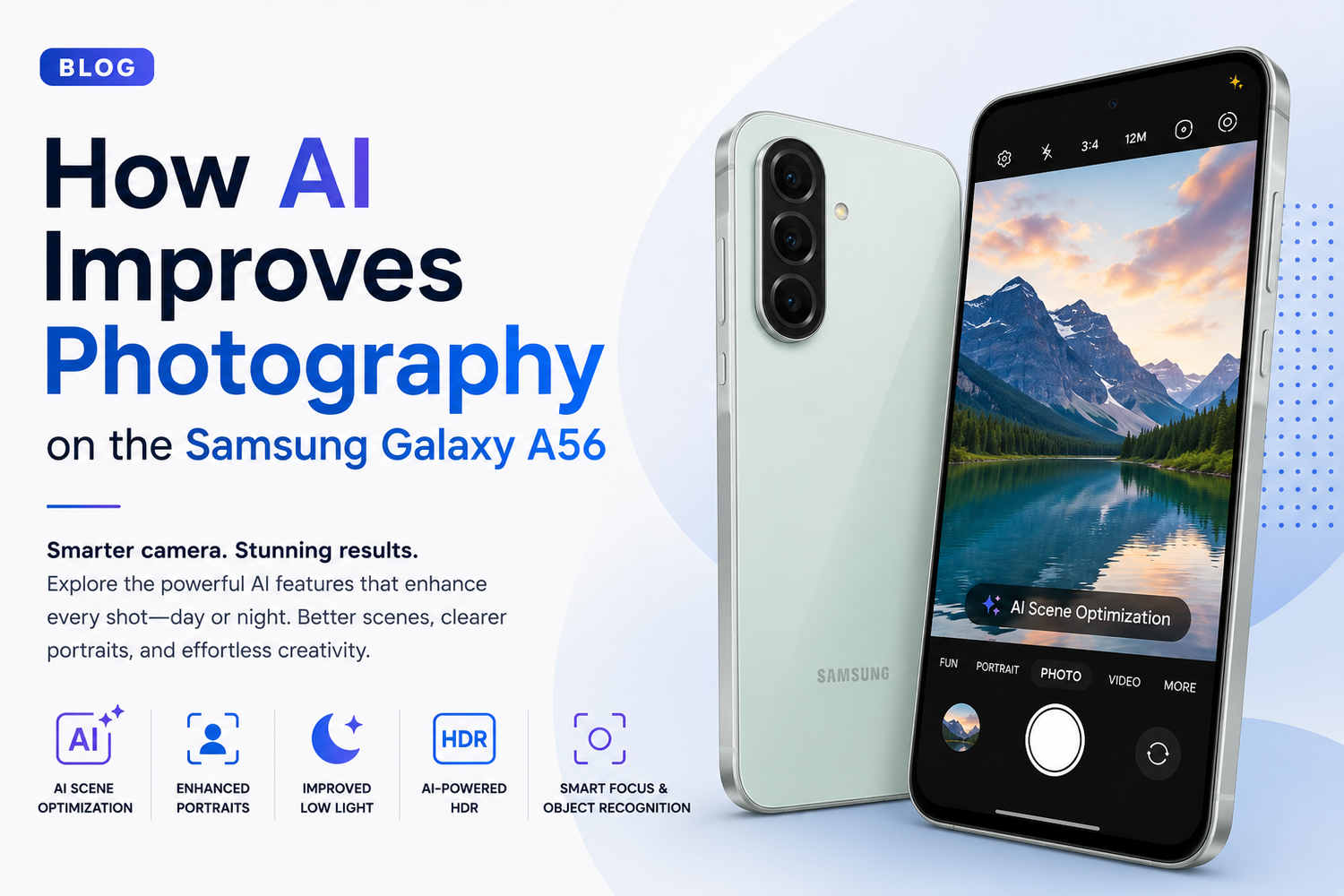
Smartphone photography has evolved dramatically over the past decade. While camera hardware continues to improve, artificial intelligence has become one of the biggest factors behind the quality of modern smartphone photos. Samsung has embraced this trend by integrating advanced AI-powered photography features into its Galaxy A series, and the Samsung Galaxy A56 is a perfect example of how software intelligence can elevate everyday photography.Whether you're capturing landscapes, portraits, food photos, night scenes, or social media content, AI works behind the scenes to help deliver better results with minimal effort. The Samsung Galaxy A56 combines capable camera hardware with intelligent software enhancements that make photography easier, faster, and more impressive for users of all skill levels.Let's explore how AI improves photography on the Samsung Galaxy A56 and why these features matter in real-world use.
What Role Does AI Play in Smartphone Photography?
Artificial intelligence helps smartphones understand what they're seeing and determine how to optimize each shot. Instead of relying entirely on manual settings, AI analyzes scenes, lighting conditions, colors, subjects, and movement in real time.The goal is simple: help users capture the best possible image without requiring professional photography knowledge.On the Samsung Galaxy A56, AI assists with everything from scene recognition and exposure control to image processing and editing. These intelligent adjustments happen automatically, allowing users to focus on capturing the moment rather than adjusting camera settings.
AI Scene Optimization for Better Photos
One of the most noticeable AI features on the Galaxy A56 is scene optimization.When you point the camera at a subject, the AI system identifies what you're photographing and adjusts settings accordingly. Whether you're capturing a sunset, pet, food, flowers, cityscape, or portrait, the camera automatically fine-tunes color balance, contrast, brightness, and sharpness.For example, when photographing food, AI may enhance color vibrancy to make dishes appear more appetizing. When shooting landscapes, it can boost dynamic range and improve sky details.This intelligent scene recognition helps users consistently capture better-looking images without needing photography expertise.
Enhanced Portrait Photography
Portrait photography has become one of the most popular smartphone camera uses, and AI plays a major role in creating professional-looking portraits on the Galaxy A56.The AI system helps identify the subject and separate them from the background. This allows the camera to create a natural-looking background blur effect that mimics the appearance of professional DSLR cameras.The Galaxy A56 also uses AI to improve skin tones, facial details, and lighting balance. The result is more flattering portraits that look polished without appearing overly edited.Whether you're taking selfies or photographing friends and family, AI helps create cleaner and more visually appealing portraits.
Better Low-Light Photography
Low-light photography has traditionally been challenging for smartphones due to limited sensor sizes. AI helps overcome these limitations by intelligently processing images captured in dark environments.When shooting at night or in dim indoor settings, the Galaxy A56 uses AI algorithms to brighten scenes, reduce noise, and improve detail retention.Instead of producing grainy or blurry images, the camera combines multiple exposures and applies intelligent image processing to create clearer photos with better brightness and color accuracy.This allows users to capture nighttime cityscapes, evening events, and indoor gatherings with greater confidence.
AI-Powered HDR Processing
High Dynamic Range, commonly known as HDR, is another area where AI significantly improves image quality.In scenes with both bright and dark areas, traditional cameras often struggle to expose everything correctly. Bright skies may become overexposed while shadows lose detail.The Galaxy A56 uses AI-enhanced HDR processing to balance highlights and shadows more effectively. The camera analyzes multiple exposures and intelligently combines them into a single image.The result is photos with improved contrast, greater detail, and a more natural appearance, especially in challenging lighting conditions.
Improved Selfie Photography
Selfies remain a major part of smartphone photography, and Samsung uses AI extensively to improve front-camera performance.The Galaxy A56's AI system can recognize facial features and optimize exposure, focus, and color balance accordingly. Skin tones appear more natural, facial details remain sharp, and lighting is adjusted to create flattering results.AI also helps maintain consistency across different lighting environments, ensuring that selfies look good whether you're indoors, outdoors, or in mixed lighting situations.For users who frequently share photos on social media, these enhancements can make a noticeable difference.
Smarter Zoom Capabilities
Digital zoom has historically been one of the weaker aspects of smartphone photography. AI helps improve zoom performance by enhancing details and reducing image degradation.When users zoom into a subject, the Galaxy A56 uses AI processing to sharpen details, improve texture clarity, and minimize visual artifacts.While AI cannot fully replace optical zoom hardware, it helps make zoomed-in images significantly more usable than traditional digital zoom methods.This is particularly useful for travel photography, events, and situations where getting physically closer to the subject isn't possible.
AI Object Recognition and Focus
Capturing moving subjects can be difficult, especially when photographing children, pets, or sports activities.The Galaxy A56 uses AI-powered object recognition to identify subjects and maintain focus more effectively. The camera continuously tracks movement and adjusts focus accordingly.This helps reduce blurry images and increases the likelihood of capturing sharp shots even when subjects are in motion.For everyday users, this feature makes action photography far more accessible.
Intelligent Photo Editing Tools
AI doesn't stop working after the photo is taken.The Samsung Galaxy A56 includes AI-powered editing tools that help users improve images quickly and easily. These tools can automatically suggest enhancements, adjust lighting, improve colors, and optimize composition.Users can enhance photos with just a few taps rather than spending time manually editing each image.For social media creators and casual photographers alike, AI-assisted editing simplifies the post-processing workflow while producing professional-looking results.
AI for Social Media Content Creation
Modern smartphone photography is closely connected to social media, and the Galaxy A56's AI features support content creation workflows.AI helps optimize images for sharing by enhancing clarity, improving color balance, and ensuring subjects remain visually appealing across different platforms.Whether you're posting on Instagram, Facebook, TikTok, or other social networks, the camera's intelligent processing helps create images that stand out in crowded feeds.For content creators who rely on smartphone photography, these improvements can be especially valuable.
Making Photography Easier for Everyone
Perhaps the biggest advantage of AI photography is accessibility.Not everyone understands photography concepts such as ISO, shutter speed, white balance, or exposure compensation. AI eliminates much of the complexity by handling these adjustments automatically.The Galaxy A56 empowers users to capture impressive photos regardless of their photography experience. Beginners can achieve professional-looking results, while more experienced photographers benefit from faster workflows and smarter automation.This combination of convenience and quality is one of the main reasons AI has become so important in smartphone photography.