Modern smartphones are faster and smarter than ever before, but most users still never unlock their device’s full potential. In 2026, smartphones come packed with advanced AI optimization systems, adaptive battery management, gaming enhancements, and hidden software tools designed to improve speed and efficiency.The problem is that many of these settings are buried deep inside menus that most people never explore.As a result, even expensive flagship phones can start feeling slower over time because of background apps, overloaded storage, unnecessary animations, and poor optimization habits.The good news is that you don’t need expensive upgrades or risky “cleaner apps” to improve performance. Small adjustments inside your phone’s settings can make a surprisingly huge difference.
Why Do Smartphones Feel Slower After a Few Months?
Many users assume their phones slow down because the hardware becomes outdated, but software behavior is usually the bigger issue.Over time, smartphones accumulate cached files, background processes, automatic downloads, syncing tasks, and unused apps that continue consuming resources quietly in the background.Social media apps are especially aggressive. Many continue refreshing feeds, checking notifications, and downloading media constantly even when users are not actively using them.As storage fills up and background activity increases, phones gradually start feeling less responsive.This is exactly why hidden optimization settings matter.
Does Reducing Animation Speed Really Make Phones Faster?
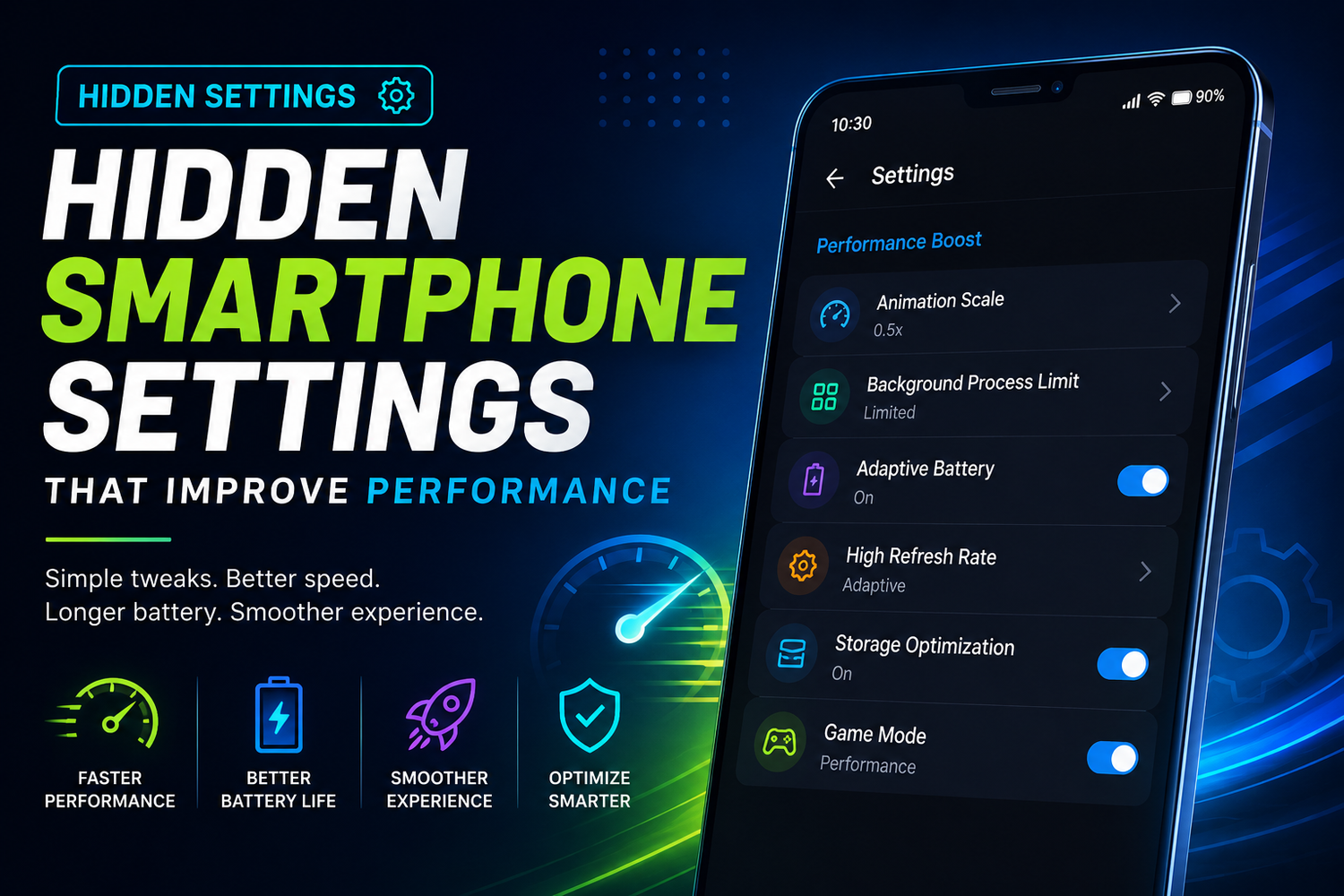
Yes and it’s one of the easiest ways to improve responsiveness instantly.Most smartphones use animations when opening apps, switching screens, or navigating menus. These transitions look visually smooth, but they also slightly delay actions, creating the feeling of slower performance.Reducing animation speeds makes the device feel dramatically snappier.On Android devices, users can access Developer Options and reduce animation scales from 1x to 0.5x or disable them completely. The phone immediately feels quicker because actions happen with less visual delay.Many tech enthusiasts do this immediately after setting up a new device because it creates a noticeably faster experience even on flagship smartphones.
Why Are Background Apps Such a Big Problem?
Background apps are one of the biggest hidden reasons phones lose performance over time.Many applications continue running quietly after users close them. They sync notifications, refresh content, track locations, update feeds, and consume memory throughout the day.This constant background activity affects:
-
Battery life
-
RAM availability
-
Device temperature
-
Overall smoothness
Modern smartphones allow users to limit background activity for specific apps through battery management settings.Restricting unnecessary background processes can noticeably improve responsiveness without hurting important apps like messaging or navigation services.The key is controlling apps intelligently rather than force-closing everything constantly.
Does Adaptive Battery Actually Help Performance?
Yes, especially on modern smartphones.Adaptive Battery systems use AI to learn user habits and allocate resources more efficiently. Frequently used apps receive priority access to battery and memory, while rarely used apps become more restricted automatically.This reduces unnecessary processing activity while improving battery efficiency and overall system stability.Some users disable Adaptive Battery thinking it reduces speed, but modern optimization systems are actually designed to improve long-term performance.Keeping these features enabled usually helps devices stay smoother longer.
Why Is Free Storage So Important?
Storage management plays a massive role in smartphone performance.When phones become too full, they struggle to manage temporary files, updates, app caching, and background system operations efficiently.This often leads to:
-
Slower app launches
-
Camera lag
-
Delayed multitasking
-
Stuttering animations
-
Random freezes
Keeping at least 15–20% free storage can noticeably improve overall smoothness.Deleting unused apps, duplicate photos, old videos, and unnecessary downloads helps devices operate much more efficiently.Cloud storage tools also make managing local storage much easier than before.
Do Widgets Affect Smartphone Performance?
Yes, especially when users overload their home screens.Widgets constantly refresh information like weather updates, calendars, stock prices, fitness tracking, and news feeds in real time.Each widget consumes processing power, battery, and memory continuously throughout the day.A few widgets usually won’t create major problems, but excessive live widgets can reduce smoothness over time, especially on older devices.Minimal home screen setups often feel noticeably faster because fewer background refresh tasks are running constantly.This is one reason why many tech enthusiasts prefer cleaner home screen layouts.
Does High Refresh Rate Affect Battery and Performance?
Definitely.High refresh rate displays make smartphones feel incredibly smooth, but they also consume more power and processing resources.Most modern phones now include adaptive refresh rate systems that automatically balance smoothness and battery efficiency depending on activity.However, users can still manually adjust refresh rates depending on their priorities.For example, gamers usually prefer 120Hz because it improves responsiveness and scrolling smoothness, while travelers or heavy users may prefer 60Hz for longer battery life.Adaptive mode generally offers the best balance for most people.
Is Virtual RAM Expansion Actually Useful?
Many Android smartphones now support RAM expansion features that temporarily use storage space as additional memory.This helps reduce app reloads during multitasking and improves stability during heavy workloads.Users who frequently game, edit videos, stream content, or run multiple apps simultaneously often notice smoother performance with RAM expansion enabled.While virtual RAM is not identical to physical RAM, it still helps devices manage memory more effectively under pressure.For power users especially, it can make multitasking feel much more stable.
Why Should You Disable Auto Downloads?
Automatic downloads quietly create huge performance problems over time.Apps like WhatsApp, Instagram, Telegram, and cloud services constantly download media files in the background without users realizing how much storage and processing activity they consume.This increases:
-
Storage clutter
-
Battery drain
-
Background activity
-
Mobile data usage
Disabling unnecessary auto-download settings helps phones stay cleaner and more efficient long-term.Many users are shocked by how much unnecessary media accumulates inside messaging apps over time.
Can Dark Mode Improve Battery Life?
Surprisingly, yes.On OLED smartphones, Dark Mode reduces power consumption because black pixels remain completely turned off instead of illuminated.This improves battery efficiency while also slightly reducing heat generation during extended usage sessions.The performance improvement itself may be small, but long-term battery savings become noticeable, especially for heavy users.Dark Mode also reduces eye strain during nighttime usage, making it both practical and visually comfortable.
Should You Restart Your Phone More Often?
Absolutely.Most users rarely restart their phones anymore, but occasional restarts still help clear temporary memory issues, stuck background processes, and software conflicts.A quick restart can improve:
-
Responsiveness
-
Connectivity
-
App stability
-
System smoothness
without requiring complicated troubleshooting.It sounds simple, but it genuinely works.Many small performance problems disappear after a proper restart.
Are Cleaner Apps Worth Installing?
Usually not.Modern Android and iPhone systems already manage memory and optimization much better than older smartphones did years ago.Many third-party cleaner apps actually consume additional resources themselves while aggressively closing apps unnecessarily.Instead of improving performance, some optimization apps can actually reduce battery life and create instability.Built-in system tools are generally safer, more reliable, and more effective.Users are usually better off adjusting settings manually rather than relying on aggressive third-party optimization apps.
Why Do Gaming Modes Improve Performance?
Gaming modes prioritize performance by allocating more processing power toward games.Most modern smartphones now include gaming features that reduce notifications, stabilize frame rates, improve touch responsiveness, and limit background activity during gameplay.These optimizations help demanding games run more smoothly while reducing interruptions during gaming sessions.However, gaming modes also consume more battery and generate additional heat, so they are best used selectively rather than permanently.For mobile gamers, though, the performance improvement can feel dramatic.