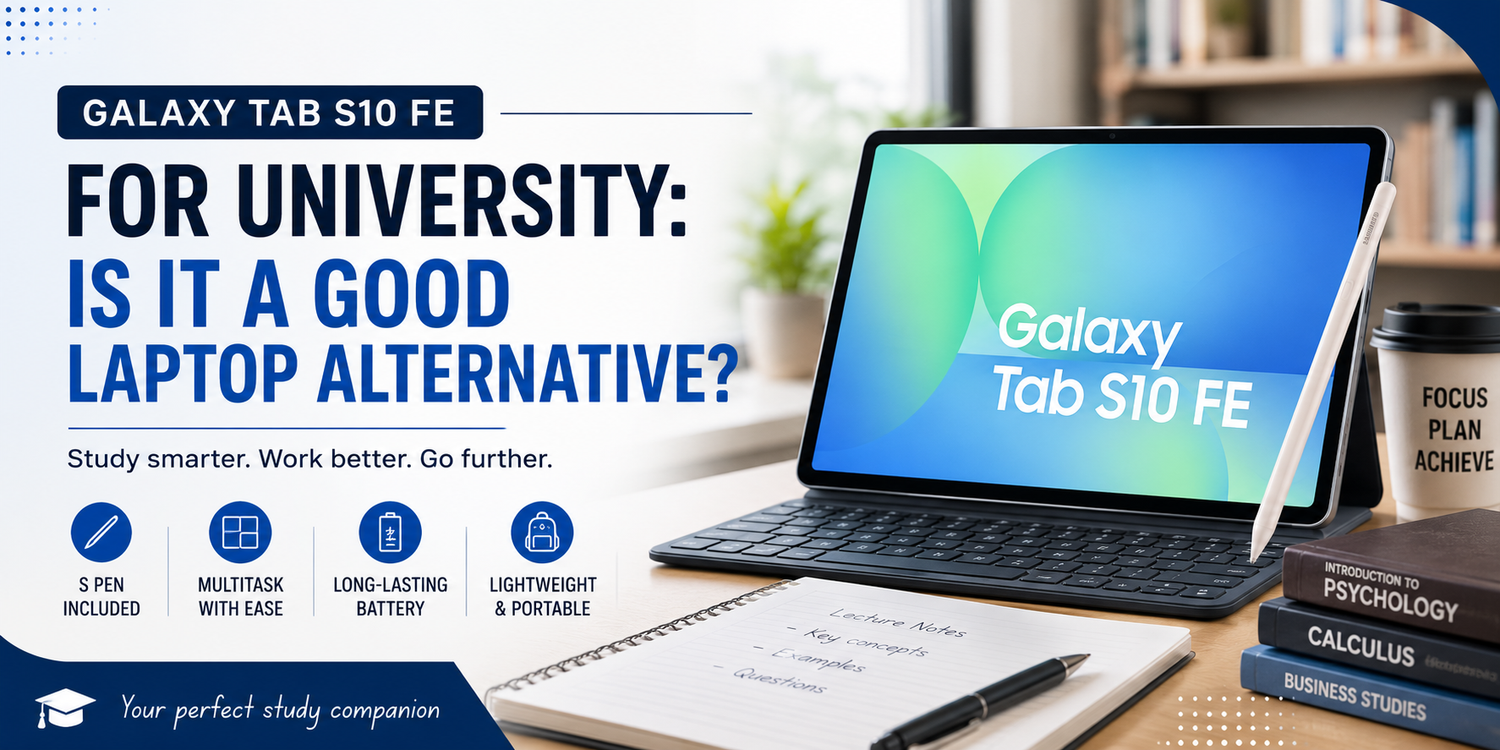
University students increasingly need a device that can handle lectures, research, assignments, video calls and entertainment without becoming another heavy item in their bag. A laptop remains the traditional choice, but tablets such as the Samsung Galaxy Tab S10 FE are becoming much more capable alternatives.The Galaxy Tab S10 FE combines a 10.9-inch display, included S Pen, multitasking features, a large battery and Samsung’s productivity tools in a relatively portable design. That sounds ideal for university life, but replacing a laptop involves more than having a large screen and keyboard support.So, can the Galaxy Tab S10 FE genuinely replace a laptop for university, or is it better used alongside one?
Taking Notes Could Be Its Biggest Advantage
One area where the Galaxy Tab S10 FE immediately has an advantage over most traditional laptops is handwritten note-taking.Samsung includes the S Pen with the tablet, allowing students to write directly on the display. During lectures, this can feel more natural than constantly typing. You can write equations, sketch diagrams, highlight important information and add quick annotations without switching between a notebook and computer.Samsung Notes also makes it possible to organise handwritten and typed information digitally. Instead of carrying several notebooks for different subjects, students can keep their notes on one device.The S Pen can be particularly valuable for courses involving mathematics, engineering, science, architecture or design, where information is not always easy to capture using a keyboard.For students who already prefer handwriting their lecture notes, the Tab S10 FE could simplify what they carry every day.
Is the Screen Big Enough for University Work?
The Galaxy Tab S10 FE has a 10.9-inch display, providing significantly more working space than a smartphone while remaining easier to carry than many laptops.For reading lecture slides, browsing websites, reviewing documents and watching educational videos, this size offers a useful balance between portability and usability.The screen also supports a refresh rate of up to 90Hz, which can make scrolling and interface animations appear smoother.Where students may notice the difference compared with a laptop is when dealing with complex multitasking. A 13-inch or larger laptop naturally gives you more room for multiple windows, large spreadsheets and detailed documents.However, for typical university activities such as reading an article while taking notes, the tablet format can work surprisingly well.
Multitasking Makes a Big Difference
University work rarely involves using one application at a time.You might have a browser open for research while writing an assignment. During an online lecture, you may want to take notes at the same time. You might also need to compare two documents or move information between apps.The Galaxy Tab S10 FE supports Samsung’s multitasking features, allowing compatible applications to appear together on the display.This is where the device begins to feel more like a productivity machine than a simple entertainment tablet.A student could place lecture material on one side of the screen and Samsung Notes on the other. Another situation might involve researching information in a browser while drafting text in a document application.It will not provide exactly the same desktop experience as a full computer, but for everyday university multitasking, the ability to work with multiple apps significantly increases its usefulness.
Adding a Keyboard Changes the Experience
The S Pen is excellent for notes, but few students will want to handwrite a 2,000-word assignment.Adding a compatible physical keyboard can transform the Galaxy Tab S10 FE into something much closer to a lightweight laptop.With a keyboard, students can comfortably work on essays, emails, presentations and online assignments. Keyboard shortcuts and a trackpad, depending on the accessory chosen, can also make navigation feel more familiar to laptop users.There is an important cost consideration, however. While the S Pen is included, keyboard accessories may need to be purchased separately.Students comparing the Tab S10 FE with a laptop should therefore consider the total setup price rather than only the cost of the tablet.
Can It Handle Research and Assignments?
For many students, yes.Modern Android applications and web services cover a large percentage of common university tasks. Browsers can handle online research, while productivity applications provide access to word processing, spreadsheets, presentations, cloud storage and PDF tools.The Tab S10 FE is therefore well suited to researching articles, preparing standard assignments, reading course materials and collaborating on shared documents.The limitation appears when a course requires specialist desktop software.Engineering, programming, advanced statistics, professional video production, 3D modelling and certain design courses may depend on applications designed specifically for Windows or macOS. Even when an Android alternative exists, it may not provide the complete functionality of its desktop counterpart.Before replacing a laptop, students should check the software requirements for their course.That single question may be more important than any specification on the tablet.
The S Pen Is Excellent for PDFs
University students can spend enormous amounts of time working with PDFs, including lecture slides, journal articles, textbooks and assignment instructions.A tablet is naturally suited to this type of material.Instead of reading a PDF on a laptop and writing notes somewhere else, students can interact directly with the document. Highlighting passages, adding handwritten comments and marking important sections can make studying feel closer to using printed material.The advantage is organisation.Digital documents do not fill your backpack, and searchable files can be easier to manage than piles of printed notes. For students attempting to move towards a paperless workflow, the Tab S10 FE makes considerable sense.
Battery Life Matters on Campus
A university device needs to survive more than a short lecture.Students may leave home in the morning, attend several classes, study in the library and only return to a charger in the evening. The Galaxy Tab S10 FE includes an 8,000mAh battery and supports 45W wired charging with compatible equipment.Actual endurance will depend on screen brightness, applications, connectivity and workload, but the large battery is designed around extended mobile use.This is particularly valuable on campuses where finding a free power outlet can sometimes become a challenge of its own.A tablet also has an advantage when you only need to perform quick tasks. Opening the device to check a document or take notes can feel faster and less cumbersome than setting up a larger laptop.
Portability Is One of Its Strongest Arguments
The Galaxy Tab S10 FE weighs around half a kilogram before accessories, making it relatively easy to carry between classrooms, libraries and cafés.That difference matters when your bag already contains books, chargers, water bottles and other university essentials.The tablet can also serve several purposes after classes finish. The same device used for lectures during the day can become an entertainment screen for YouTube, streaming, reading or casual gaming in the evening.For students living in small rooms or frequently travelling between home and campus, having one portable device perform multiple roles can be particularly convenient.
Where a Laptop Still Wins
The Galaxy Tab S10 FE is capable, but a laptop remains the safer option for certain workloads.Desktop operating systems generally provide more flexible file management, broader peripheral compatibility and access to a much larger selection of professional software. Working with complex spreadsheets, managing many browser tabs or connecting multiple accessories may also feel easier on a laptop.A traditional notebook additionally includes a keyboard and trackpad as standard, whereas turning a tablet into a laptop-style setup usually requires extra accessories.For computer science students, professional creators and anyone whose course depends heavily on desktop applications, the Tab S10 FE is more likely to work as a companion device than a complete replacement.
Is the Galaxy Tab S10 FE a Good Laptop Alternative for University?
For the right student, absolutely.If your university routine mainly involves handwritten notes, reading PDFs, web research, online lectures, emails, presentations and standard document editing, the Galaxy Tab S10 FE can cover a surprisingly large portion of your workload. The included S Pen gives it an important advantage for note-taking, while its portable design makes it convenient for moving around campus.Add a good keyboard, and it becomes considerably more capable for longer assignments.However, students who rely on specialised Windows or macOS software should think carefully before giving up their laptop completely.The best way to view the Galaxy Tab S10 FE is not simply as a smaller laptop. Its strengths are different. It combines the portability of a tablet, the convenience of digital handwriting and enough productivity capability to handle many everyday university tasks.For students whose courses fit those strengths, the Galaxy Tab S10 FE could do more than accompany a laptop. It could become the device they reach for most often.