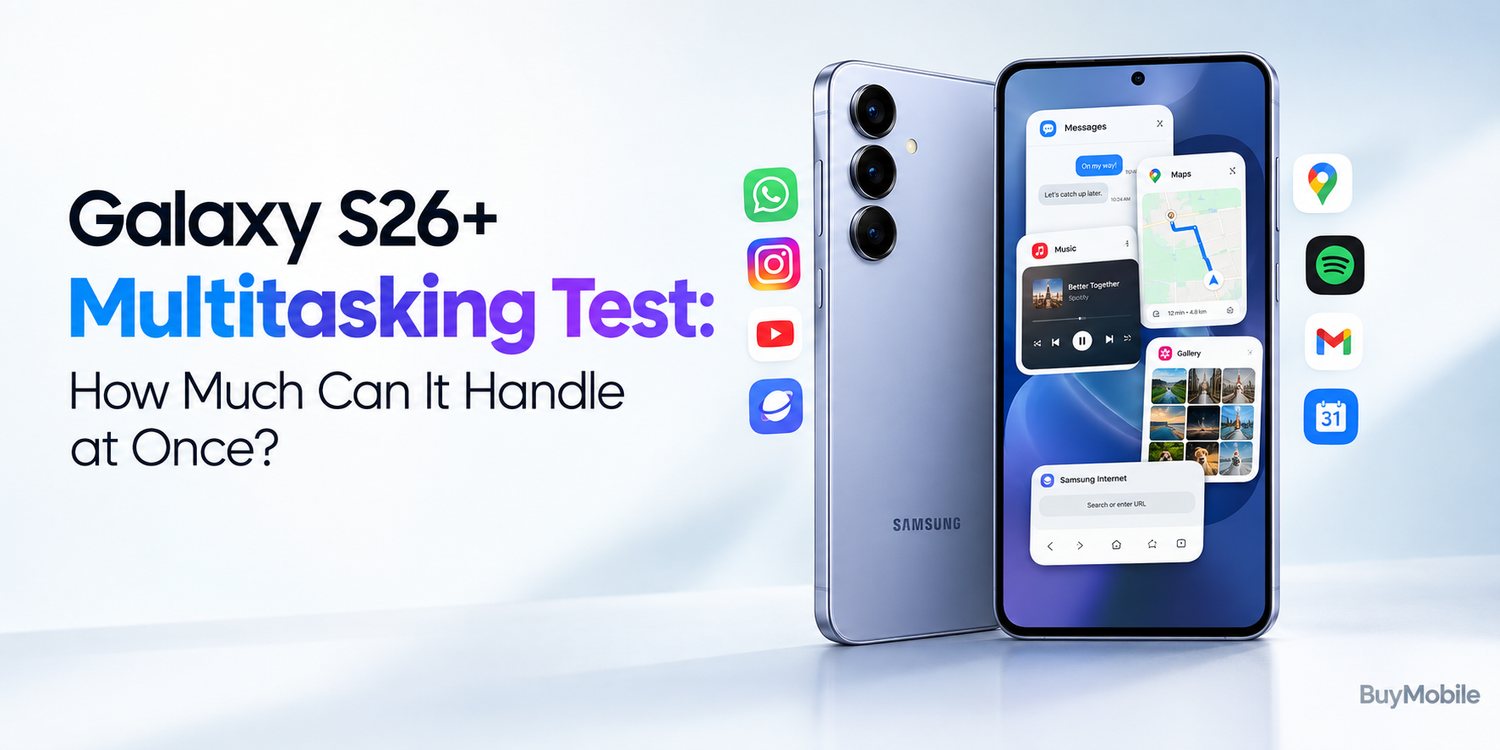
Modern smartphones are expected to do much more than make calls and send messages. On a typical day, you might switch between email, social media, navigation, music, video calls, web browsing and photography without thinking about how much work your phone is doing in the background. For a premium device such as the Samsung Galaxy S26+, smooth multitasking is therefore just as important as raw processing power.But how much can the Galaxy S26+ realistically handle at once? Can you jump between demanding apps without constant reloads? What happens when gaming, streaming and productivity are all part of the same session? Here is what matters when putting the Galaxy S26+ through a real-world multitasking test.
What Does Smartphone Multitasking Actually Mean?
Multitasking is more complicated than simply opening several applications.When you move from one app to another, your smartphone tries to keep recently used apps available in memory. This allows you to return to them quickly without restarting everything from the beginning.For example, imagine writing an email, switching to your browser to find information, opening a messaging app to reply to someone and then returning to the unfinished email.A good multitasking phone should make those transitions feel effortless.The challenge becomes greater when you introduce demanding activities such as gaming, video editing, navigation, high-resolution photography and streaming.
The Galaxy S26+ Is Built for Heavy Everyday Use
As part of Samsung's premium Galaxy S family, the Galaxy S26+ is designed to handle much more than basic smartphone tasks.Modern flagship processors combine powerful CPU and GPU resources with dedicated hardware for artificial intelligence and other workloads. Combined with generous memory and fast internal storage, this gives a device like the S26+ plenty of performance headroom.For normal activities such as messaging, browsing, email and social media, you are unlikely to come close to using everything the phone can offer.The more interesting question is what happens when several demanding activities are combined.
Starting With Everyday Apps
A useful multitasking test begins with ordinary applications.Open your email, browser, calendar, messaging service, social media apps and music streaming platform.Then begin moving between them.This type of workload may sound simple, but it reflects how most people actually use their phones. You might copy an address from a message, paste it into Maps, check your calendar and return to the conversation.The Galaxy S26+ should feel most comfortable in this environment.Flagship-level hardware means ordinary applications generally place relatively little pressure on the available performance.More importantly, keeping multiple apps available in memory reduces unnecessary waiting when you return to something you were using earlier.
What Happens With Lots of Browser Tabs?
Web browsers can consume a surprising amount of memory.Opening one basic website is easy. Keeping numerous complicated websites available while other applications are running is more demanding.During a heavy multitasking session, you might have shopping pages, news websites, Google searches, online documents and product comparisons open simultaneously.The Galaxy S26+ can manage substantial browser activity, but no smartphone keeps an unlimited amount of content active forever.Android and Samsung's software manage memory dynamically. When resources are required elsewhere, older background processes may eventually be removed.Returning to an old browser tab can therefore occasionally cause it to refresh.That is normal memory management rather than necessarily a performance problem.
Split-Screen Makes Multitasking More Useful
Keeping apps open in the background is only one form of multitasking.Samsung also provides tools that allow compatible applications to appear simultaneously.Split-screen can be particularly useful on the Galaxy S26+'s large display.Imagine watching a YouTube video while responding to messages. You could keep a browser visible while taking notes or reference an email while checking your calendar.This reduces constant switching between full-screen applications.A traditional smartphone display obviously provides less workspace than a Galaxy Z Fold, so you probably won't want to divide the screen for every task.But when you need information from two places simultaneously, split-screen can save time.
Pop-Up View Adds Another Layer
Samsung's multitasking tools also include pop-up window functionality for compatible applications.Instead of dividing the entire display into two fixed sections, you can place an application in a floating window.This can be useful when you need temporary access to something without leaving the application underneath.For example, you might keep a calculator available while browsing prices or open a messaging window while watching a video.The hardware may be powerful enough to run multiple applications, but software features like these are what turn that power into something practical.
Can You Stream Music While Doing Everything Else?
Music playback is a perfect example of background multitasking.You might begin streaming music in the morning and then use navigation, messaging, email and photography while playback continues.Audio streaming itself is not particularly demanding for a modern flagship.The important part is consistency.You don't want music stopping because you opened the camera or switched into another application.In ordinary circumstances, background audio should continue smoothly while the Galaxy S26+ handles other activities.This is the kind of multitasking users rarely notice when it works properly but immediately notice when it does not.
Navigation Adds More Pressure
Navigation creates a more interesting test.Google Maps or another navigation service may simultaneously use GPS, mobile data and screen resources while constantly updating your position.Now add music streaming through Bluetooth, incoming notifications and occasional messaging.This is a realistic driving or travelling scenario.A premium smartphone should be able to handle this combination without becoming frustrating.However, sustained GPS use, mobile connectivity and high screen brightness can increase battery consumption and heat.Multitasking isn't only about whether the processor is fast enough. Efficiency matters too.
Gaming Changes the Situation
Launch a demanding game and the workload becomes much heavier.Modern mobile games can place substantial pressure on the CPU and graphics processor while using significant memory.Suppose you are gaming while Discord or another communication app remains active and music is playing in the background.The Galaxy S26+ has to distribute resources intelligently.Foreground applications such as games naturally receive priority.Some background apps may eventually be removed from memory if the system decides their resources are needed elsewhere.That doesn't mean the phone cannot multitask.It means the operating system prioritises the activity you are currently performing.
Can You Jump From Gaming to Social Media?
This is a useful real-world test.Play a demanding game for 20 or 30 minutes, return to the home screen, open social media, respond to messages and then return to the game.Ideally, the game remains where you left it.Whether it does depends on the game's behaviour, available memory and how aggressively the operating system manages background activity.Games are among the largest applications a smartphone may need to keep available.If you continue opening demanding apps after leaving the game, there is a greater chance it will eventually need to reload.The important point is that RAM is not infinite, even on premium smartphones.
Camera Use Can Interrupt Heavy Multitasking
The camera is another demanding application.Capturing high-resolution photographs and video requires substantial processing.Modern smartphone cameras don't simply record what the sensor sees. They perform computational processing to improve dynamic range, colour, noise and detail.Video recording can be even more intensive.If you move from a game into the camera and record high-quality video, the phone may need to reclaim memory from less important background applicationsAgain, this is normal.The best multitasking experience isn't necessarily keeping every application permanently frozen in memory. It is ensuring the apps that matter remain responsive while resources are distributed intelligently.
Photo and Video Editing Pushes Things Further
Editing content provides another excellent performance test.Imagine recording several videos, importing them into an editing application, adding effects and exporting the finished project.While the export is happening, you may want to respond to messages or browse another application.This type of workload demonstrates the difference between basic multitasking and genuine heavy use.A flagship-class device such as the Galaxy S26+ is designed to handle demanding tasks, but sustained workloads can generate heat.As temperatures increase, the phone may adjust performance to keep itself within safe operating limits.That is why cooling and efficiency matter just as much as benchmark scores.
What About Galaxy AI?
Artificial intelligence has added another category of smartphone workload.Samsung's Galaxy AI features can involve language processing, image manipulation, search assistance and other intelligent functions.Some operations can take place directly on the device, while others may depend on cloud processing or connectivity depending on the feature.Using AI alongside normal applications demonstrates why modern phones increasingly include specialised processing hardware.Instead of making the main CPU perform every task, dedicated components can handle particular AI workloads more efficiently.For the user, the goal is simple: advanced features should not make the rest of the phone feel slow.
Does More RAM Mean Better Multitasking?
RAM is extremely important, but the answer isn't as simple as saying more is always better.Additional RAM gives the operating system more room to keep applications readily available.However, software optimisation matters just as much.A smartphone with enormous RAM but poor memory management could provide a worse experience than a well-optimised device with less.Samsung's software determines which applications remain active, which can be suspended and which should eventually be removed from memory.For most users, the important measurement isn't the RAM number itself.It is how often apps unexpectedly restart during normal use.
Battery Life Is the Hidden Cost of Heavy Multitasking
Running several demanding tasks naturally consumes more energy.Navigation, gaming, video recording, 5G connectivity and high display brightness can all increase battery drain.Combine several of them and the effect becomes more noticeable.The Galaxy S26+ may have the performance to handle a demanding workload, but that doesn't mean doing so is free.A user spending the day messaging and browsing will experience very different battery endurance from someone gaming, navigating and editing videos.Performance capability and battery endurance need to be considered together.
Can It Replace a Laptop for Multitasking?
For certain workflows, surprisingly often.Email, web browsing, video calls, messaging, document review and cloud applications are all perfectly realistic smartphone tasks.Samsung's multitasking software makes switching between them relatively straightforward.However, screen size remains the biggest limitation.A laptop provides significantly more room for multiple windows, a physical keyboard and complex professional software.The Galaxy S26+ can handle plenty of simultaneous computing tasks, but that doesn't automatically make its smartphone-sized interface the best way to perform them.Performance and productivity are not always the same thing.
How Much Can the Galaxy S26+ Really Handle?
For everyday users, probably far more than they will regularly demand from it.Messaging, email, browsing, social media, music and navigation can coexist without making flagship hardware work particularly hard.Start adding demanding games, camera processing, video editing and AI features, and resource management becomes more noticeable.Eventually, older background applications may refresh or reload.That is expected.No smartphone keeps unlimited applications permanently active.The real measure of good multitasking is whether those limitations interfere with your workflow.