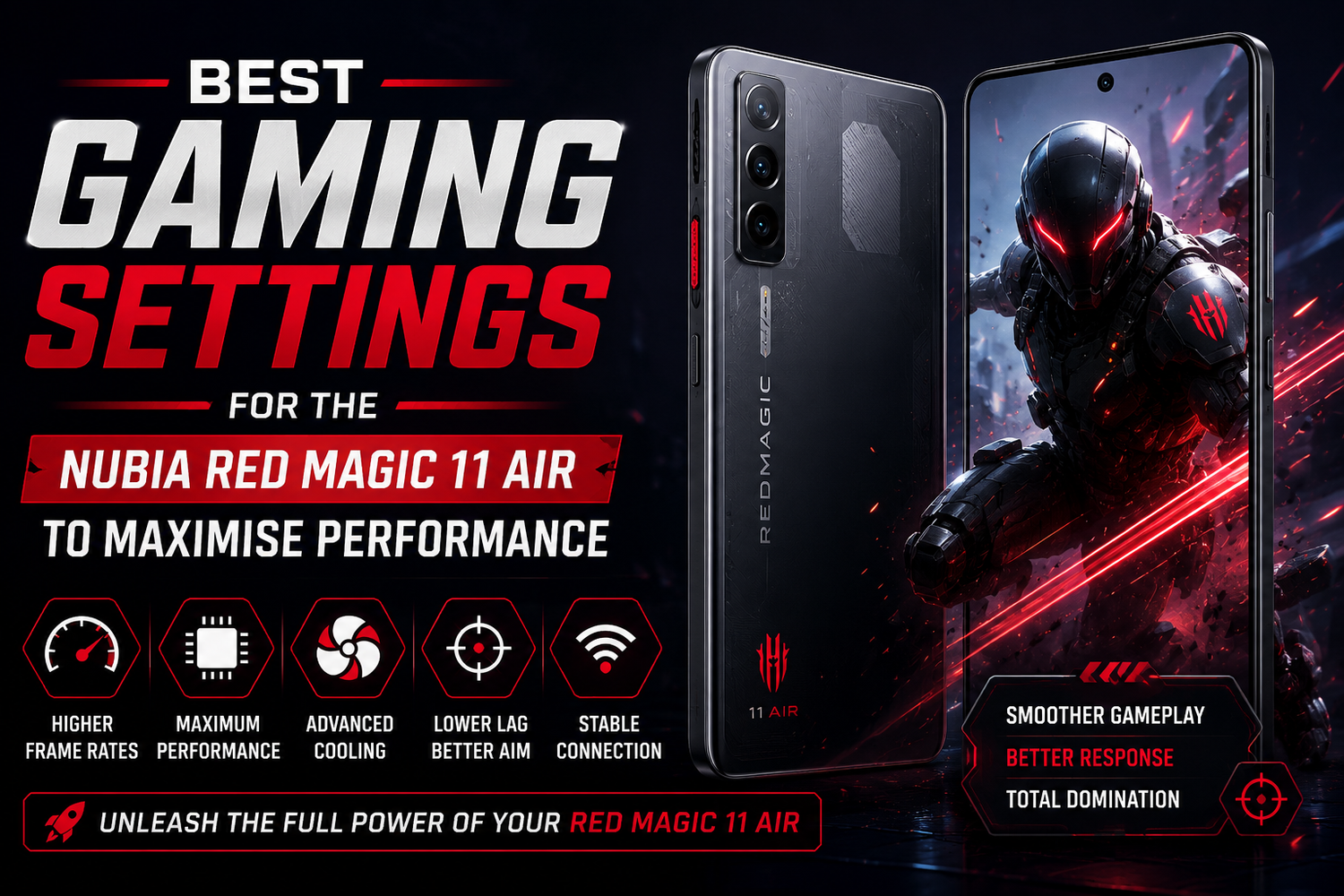
Mobile gaming has evolved rapidly, with modern titles offering console quality graphics, high refresh rates, and competitive multiplayer experiences. To keep up with these demanding games, gamers need hardware that delivers consistent speed, responsive controls, and efficient cooling. The Nubia Red Magic 11 Air is designed with gamers in mind, combining flagship performance with software features that allow users to customise their gaming experience.While the hardware provides outstanding performance straight out of the box, adjusting the right settings can unlock even better gameplay. Whether you enjoy fast paced shooters, open world adventures, racing games, or battle royale titles, optimising your Red Magic 11 Air can improve frame rates, reduce lag, and extend gaming sessions. Here are the best settings to maximise the gaming performance of the Nubia Red Magic 11 Air.
Enable Game Space Before Every Gaming Session
The first step is activating Red Magic's dedicated Game Space. This gaming hub automatically optimises the phone by allocating more processing power to games while limiting unnecessary background activities.Game Space also provides quick access to performance controls, notification management, screen recording, gaming plugins, and monitoring tools. Launching games through this interface ensures the device prioritises gaming performance over background applications.Using Game Space consistently helps maintain smoother gameplay during long gaming sessions.
Choose the Highest Performance Mode
The Nubia Red Magic 11 Air offers multiple performance profiles designed for different situations.For demanding games, switching to the highest performance mode allows both the processor and graphics chip to operate at maximum capability. This provides more stable frame rates during graphics intensive gameplay.Although this mode increases battery consumption, it delivers the best possible gaming experience for competitive players.For casual games, balanced mode remains a good option when battery life is more important than maximum performance.
Set the Display to the Highest Refresh Rate
One of the biggest advantages of the Red Magic 11 Air is its high refresh rate display.Navigate to the display settings and select the highest available refresh rate. A faster refresh rate makes animations appear smoother while reducing motion blur during fast gameplay.Games that support higher refresh rates become noticeably more responsive, especially first person shooters, racing games, and multiplayer online battle arena titles.Combined with high touch sampling rates, aiming and movement feel significantly more precise.
Enable High Frame Rate Inside Individual Games
Many popular mobile games include their own graphics settings.After launching a game, visit the graphics menu and enable the highest frame rate supported by both the game and the phone.Whenever possible, prioritise frame rate over maximum graphical effects.A stable high frame rate often provides a more enjoyable gaming experience than ultra high graphics with inconsistent performance.Competitive players generally benefit more from smoother gameplay than visual effects alone.
Optimise Graphics Settings Based on the Game
Not every game requires identical graphics settings.For competitive multiplayer games, medium graphics with maximum frame rates usually deliver the smoothest experience.For single player adventure games where visual quality is more important than reaction speed, higher graphics settings can be selected while maintaining acceptable performance.Experimenting with graphics presets helps find the ideal balance between image quality and consistent frame rates.
Activate the Built In Cooling Features
Extended gaming sessions generate heat, even on powerful gaming phones.The Nubia Red Magic 11 Air includes advanced cooling technology designed to maintain consistent performance during long play sessions.Enable all available cooling options inside Game Space whenever playing demanding games.Keeping device temperatures lower reduces the chance of performance throttling and helps maintain stable frame rates throughout extended gameplay.Gaming in a cool environment also contributes to better thermal performance.
Block Notifications During Gameplay
Nothing interrupts a competitive match faster than incoming notifications.Within Game Space, enable notification blocking to prevent messages, calls, and app alerts from appearing during games.This feature allows players to stay fully focused without accidental interruptions affecting important moments.Emergency contacts can still be allowed if required, while everything else remains hidden until gaming is finished.
Customise Gaming Shoulder Triggers
If your version of the Nubia Red Magic 11 Air includes gaming shoulder controls or virtual gaming shortcuts, assigning frequently used actions can improve reaction times.Common assignments include:
Firing weapons.
Aiming.
Jumping.
Reloading.
Using special abilities.
Separating important controls across multiple fingers reduces touchscreen crowding and creates a more console like gaming experience.
Enable Network Optimisation
Online gaming depends heavily on network stability.Game Space includes options that prioritise network traffic for games.Enable network optimisation to reduce connection interruptions and improve online responsiveness.Whenever possible, connect to a stable WiFi network for competitive gaming. If using mobile data, ensure strong signal strength before entering ranked matches.Stable connections help minimise lag spikes and improve overall multiplayer performance.
Manage Background Applications
Before launching demanding games, close applications running in the background.Streaming services, browsers, social media platforms, and file downloads consume processing power and memory.Removing unnecessary background activity allows the processor and available memory to focus entirely on gaming.Restarting the phone occasionally also helps clear temporary processes that may affect long term performance.
Use Gaming Audio Enhancements
Good audio can provide a competitive advantage.Enable gaming audio enhancements available within Game Space or system settings to improve directional sound.Footsteps, gunfire, approaching vehicles, and environmental effects become easier to identify, especially when using quality gaming headphones.This feature is particularly useful for battle royale and tactical shooter games.
Adjust Brightness for Better Visibility
Screen brightness influences both gameplay visibility and battery life.Indoor gaming typically requires only moderate brightness, helping preserve battery while reducing eye strain.Outdoor gaming benefits from increased brightness to maintain visibility under sunlight.Keeping brightness appropriate for the environment creates a more comfortable gaming experience during longer sessions.
Keep the Software Updated
Gaming performance continues to improve through software updates.Install the latest system firmware whenever available, as updates often include graphics driver improvements, performance optimisations, security enhancements, and compatibility fixes for newer games.Updating both the operating system and installed games ensures the Red Magic 11 Air performs at its best.