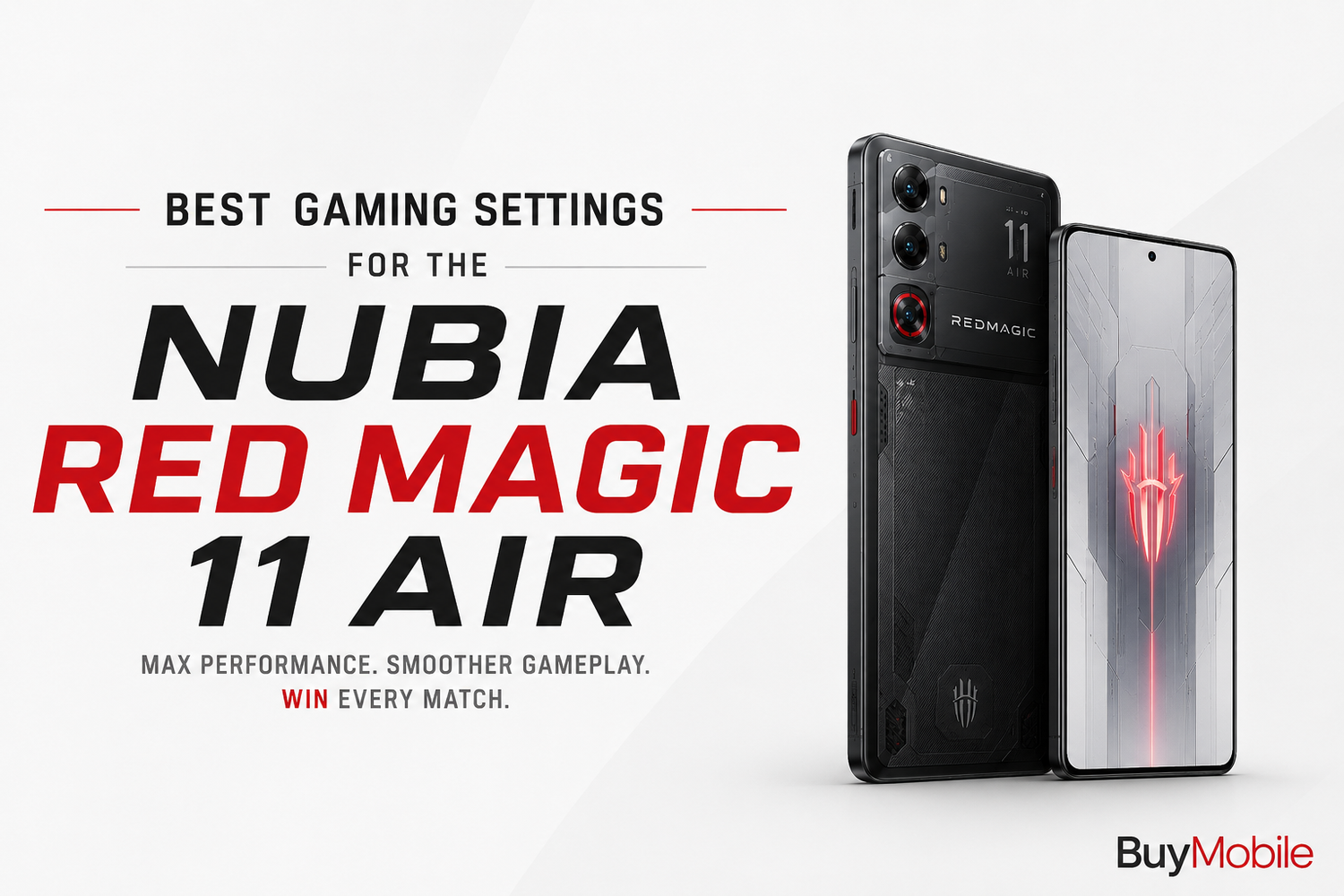
Mobile gaming continues to evolve with console-quality graphics, fast-paced multiplayer action, and expansive open-world adventures. To enjoy these games at their best, you need more than powerful hardware. Optimizing your smartphone's gaming settings can make a significant difference in frame rates, touch responsiveness, battery life, and overall gameplay.The Nubia Red Magic 11 Air is designed with gamers in mind. Equipped with flagship-level performance, a high-refresh-rate display, advanced cooling technology, and dedicated gaming software, it has everything needed to deliver an outstanding gaming experience. However, knowing how to configure the right settings can help you unlock its full potential.Here's a complete guide to the best gaming settings for the Nubia Red Magic 11 Air.
Enable Game Space
The first setting every gamer should activate is Red Magic's dedicated Game Space.Game Space acts as a central hub for all your installed games while automatically optimizing system performance. Once enabled, background applications are minimized, notifications are reduced, and system resources are prioritized for gaming.This helps maintain consistent performance even during long gaming sessions.It's the foundation for getting the best experience from the Red Magic 11 Air.
Select the Highest Refresh Rate
One of the phone's biggest gaming advantages is its high-refresh-rate display.For supported games, choosing the maximum refresh rate delivers smoother animations, faster scrolling, and more responsive gameplay.Competitive games especially benefit from higher refresh rates because character movement appears more fluid and aiming becomes more precise.If your favourite games support high frame rates, enabling the highest refresh setting is highly recommended.
Use Performance Mode
The Nubia Red Magic 11 Air offers multiple performance profiles.For demanding games, Performance Mode allows the processor and graphics hardware to operate at their highest capabilities.This improves frame rate stability and minimizes slowdowns during graphically intensive scenes.Although Performance Mode uses more battery power, it provides the smoothest gaming experience for competitive and high-end mobile games.
Maximize Touch Sampling Rate
Fast touch response is critical for gaming.Increasing the touch sampling rate reduces input delay, making controls feel quicker and more accurate.This is especially important in multiplayer shooters, racing games, and action titles where every movement matters.The Red Magic 11 Air's responsive touchscreen allows players to react faster during intense gameplay.
Optimize Graphics Settings
Not every game requires maximum graphics.If stable frame rates are your priority, consider selecting High or Balanced graphics while keeping frame rates as high as possible.Competitive players often prefer smoother gameplay over maximum visual quality.For single-player games, however, higher graphics settings can create a more immersive experience without affecting enjoyment.Finding the right balance between graphics and performance produces the best overall results.
Enable Gaming Mode Features
Red Magic's Gaming Mode includes several useful tools that improve gameplay.Notification blocking prevents incoming messages from interrupting your sessions.Call management minimizes distractions while still allowing important calls when necessary.Screen recording allows creators to capture gameplay easily.Performance monitoring provides real-time information about processor usage, frame rates, and temperatures.These features create a more focused gaming environment.
Keep the Cooling System Active
Gaming places significant stress on smartphone hardware.The Nubia Red Magic 11 Air includes an advanced cooling system designed to manage heat during extended gaming sessions.Whenever possible, allow the phone's cooling features to operate without obstruction.Avoid covering ventilation areas while holding the device and remove thick protective cases during intensive gaming if necessary.Effective cooling helps maintain stable performance over longer periods.
Adjust Display Brightness
Maximum brightness is useful outdoors but isn't always necessary indoors.Reducing brightness slightly during indoor gaming helps extend battery life while also reducing heat generation.The display remains vibrant and easy to view even at moderate brightness levels.Comfortable brightness also helps reduce eye fatigue during extended gaming sessions.
Enable Do Not Disturb
Unexpected notifications can ruin competitive matches.Activating Do Not Disturb while gaming blocks unnecessary alerts, messages, and app notifications.This allows players to remain fully focused without interruptions.For online multiplayer games, uninterrupted concentration often makes a noticeable difference in performance.
Maintain Stable Network Connectivity
Online games require reliable internet performance.
Whenever possible, connect to a fast and stable Wi-Fi network for the lowest latency.If using mobile data, ensure strong signal strength before starting competitive matches.A stable connection reduces lag, improves responsiveness, and creates a smoother multiplayer experience.Network quality is just as important as device performance.
Manage Battery Settings
Gaming naturally consumes significant battery power.Before long sessions, ensure Battery Saver mode is disabled, as it may reduce processor performance.Fast charging support also allows quick top-ups between gaming sessions, minimizing downtime.If you're gaming while charging, using the original charger helps maintain consistent performance.
Customize Audio Settings
Sound plays a major role in gaming.The Nubia Red Magic 11 Air offers clear stereo speakers and excellent headphone support.Using gaming headphones improves positional awareness in multiplayer shooters while creating a more immersive experience in adventure games.Adjusting in-game audio levels also helps emphasize footsteps, dialogue, or environmental effects depending on the game.
Update Games Regularly
Developers continuously optimize games for new hardware.Keeping your favourite titles updated ensures compatibility with the latest graphics improvements and performance enhancements.Regular updates may also unlock higher frame rates or better graphics settings specifically optimized for flagship smartphones like the Red Magic 11 Air.
Choose the Right Accessories
Accessories can further improve your gaming experience.A quality gaming controller adds console-like controls to compatible games.Gaming earbuds or wireless headphones enhance audio quality and communication during multiplayer matches.A cooling accessory may also benefit players who regularly enjoy marathon gaming sessions.These additions help maximize the capabilities of the phone.
Best Settings by Game Type
Different genres benefit from different configurations.For competitive shooters, prioritize maximum frame rates, the highest touch sampling rate, and Performance Mode.Open-world games perform well with balanced graphics and stable frame rates for immersive visuals.Racing games benefit from smooth refresh rates and responsive touch controls, while strategy games can prioritize battery efficiency since they require less intensive graphics.Adjusting settings based on the game ensures the best overall experience.