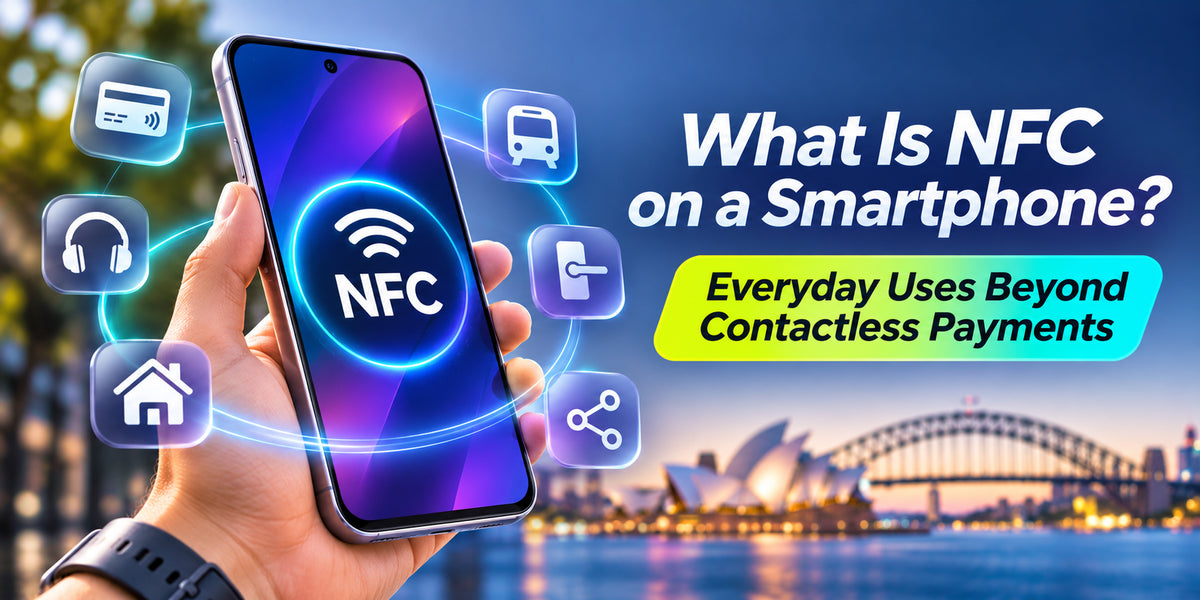
Smartphones have become essential tools for communication, shopping, entertainment and everyday convenience. One technology that makes many of these activities possible is Near Field Communication, commonly known as NFC.Most people recognise NFC as the technology behind contactless smartphone payments. However, its capabilities extend far beyond paying for groceries or coffee.From connecting wireless accessories to sharing information and accessing digital services, NFC offers several practical features that many smartphone owners rarely explore.For Australian consumers, understanding NFC can help make everyday smartphone interactions faster, simpler and more convenient.
What Is NFC on a Smartphone?
NFC stands for Near Field Communication, a wireless technology that allows compatible devices to exchange small amounts of information over very short distances.Unlike Bluetooth or Wi-Fi, NFC generally works when devices are only a few centimetres apart.This close-range communication makes it useful for quick interactions without complicated connection procedures.Many modern Android smartphones and iPhones include NFC hardware, although supported functions vary depending on the device and operating system.NFC is commonly used for payments, digital identification, accessory pairing and reading compatible electronic tags.Because the technology operates over short distances, users can initiate interactions simply by bringing their smartphone close to another supported device.
How Does NFC Technology Work?
NFC uses electromagnetic induction to communicate between compatible devices and tags.An NFC-enabled smartphone contains a small antenna and controller that allow it to exchange information with nearby NFC equipment.Some NFC tags are passive, meaning they do not require batteries. Instead, they receive enough energy from the smartphone's NFC field to transmit stored information.This makes NFC tags inexpensive and suitable for everyday applications.For example, tapping a smartphone against a programmed NFC tag could open a website, display contact information or trigger a supported automation.Unlike traditional wireless connections, NFC interactions generally happen almost instantly once compatible devices are positioned correctly.However, the available functions depend on the smartphone, NFC tag and installed applications.
Contactless Payments: The Most Familiar NFC Feature
Contactless payments remain one of the most popular applications of NFC technology.Services such as Google Wallet, Apple Pay and Samsung Wallet allow compatible smartphones to make payments at supported terminals.Instead of using a physical bank card, users can hold their smartphone near a contactless payment reader.Payment services typically use tokenisation, which replaces actual card details with transaction-specific credentials.Additional protections may include fingerprint authentication, facial recognition or device passcodes.In Australia, contactless payments are widely supported by retailers, supermarkets, cafés and public-facing businesses.However, NFC payments represent only one part of what this technology can accomplish.
NFC Tags for Smart Home Automation
One of the most interesting NFC applications involves programmable tags.These small electronic stickers can be placed around a home or workplace to trigger supported smartphone actions.For example, an NFC tag beside your bed could activate a nighttime routine, while another near your workspace could open a productivity application.A tag inside your car could launch navigation or a preferred audio application.Android users can configure many of these actions using compatible automation applications.Phone users can also create supported NFC-based personal automations through Apple's Shortcuts application.Some actions may require confirmation, additional permissions or an unlocked device.NFC tags provide an affordable way to make ordinary spaces more interactive without installing complicated smart home equipment.
Connecting Bluetooth Headphones and Speakers
NFC can also simplify the process of connecting compatible wireless accessories.Some Bluetooth headphones and portable speakers support NFC-assisted pairing.Instead of manually searching through Bluetooth settings, users can bring their smartphone close to the accessory's designated NFC area.The devices can then exchange information needed to initiate Bluetooth pairing.Importantly, NFC does not normally transmit the music itself. Bluetooth handles the ongoing audio connection.This distinction explains why NFC pairing can be quick even though the wireless accessory continues operating over a longer distance.Not every modern headphone or smartphone supports NFC pairing, so compatibility should be checked before purchasing.
Sharing Websites and Digital Information
NFC tags can store small amounts of information that compatible smartphones can read.Businesses can use these tags to direct customers to websites, product information, restaurant menus or online booking pages.For example, a café could place an NFC tag on a table, allowing customers to open its digital menu with a simple tap.Retail stores can also use NFC tags to provide product instructions or additional specifications.Unlike QR codes, NFC tags do not require customers to open their camera and scan a printed image.However, users should remain cautious when interacting with unfamiliar tags, particularly those that open unexpected websites.
NFC for Public Transport and Digital Access
NFC technology also plays an important role in transport and access systems.Some public transport networks support contactless payments using compatible smartphones and digital wallets.In Australia, availability varies between states, cities and transport operators.NFC can also support digital access credentials for compatible buildings, hotel rooms and workplaces.Certain smart locks and digital car key systems use NFC to authenticate authorised devices.However, these functions require specific hardware, software and service compatibility.Simply having NFC on your smartphone does not guarantee access to every transport or digital key system.
Is NFC Safe to Use?
NFC is generally considered secure when implemented correctly, particularly because it operates over short distances.However, short-range communication does not eliminate every security risk.Malicious or misleading NFC tags can potentially direct users to fraudulent websites or unwanted applications.Smartphone owners should avoid opening suspicious links and should keep their operating systems updated.For contactless payments, trusted digital wallet services provide additional security measures.Using a strong screen lock and reviewing application permissions can further protect personal information.
How to Check Whether Your Smartphone Has NFC
Most modern flagship smartphones include NFC, but availability can differ across budget models and regional variants.On many Android devices, users can search for NFC in the Settings application.The option may appear under Connections, Connected Devices or a similar menu.Compatible iPhones support NFC functionality through built-in system features and supported applications, although they may not provide a general NFC on/off switch.If you are purchasing a smartphone in Australia, checking the manufacturer's specifications is the most reliable way to confirm NFC support.