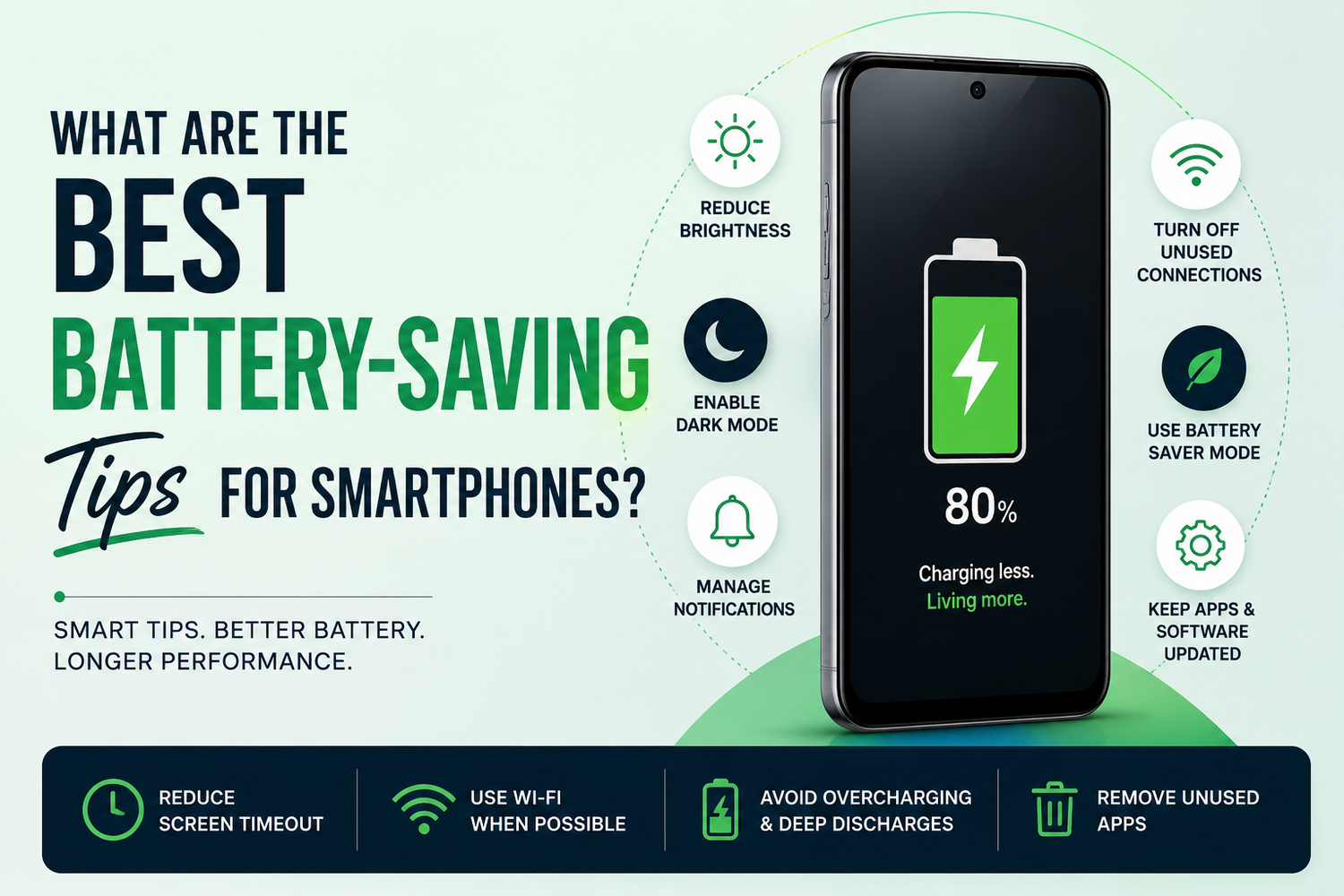
Smartphones have become essential tools for communication, work, entertainment, and productivity. However, one challenge that nearly every smartphone user faces is battery life. Even with larger batteries and faster charging technologies, heavy usage can quickly drain your device's power. Fortunately, there are several practical ways to extend battery life and keep your smartphone running longer throughout the day.If you've ever found yourself searching for a charger before the day is over, these battery-saving tips can help maximize your smartphone's performance while reducing unnecessary power consumption.
Why Does Smartphone Battery Life Matter?
Battery life directly impacts your smartphone experience. A device that constantly runs low on power can interrupt work, navigation, gaming, video calls, and other important activities. While modern smartphones come with advanced battery management systems, user habits often play a significant role in determining how long a battery lasts.By adopting a few simple practices, you can not only extend daily battery life but also improve the long-term health of your smartphone battery.
Reduce Screen Brightness
The display is one of the biggest consumers of battery power on any smartphone. Keeping your screen brightness at maximum levels throughout the day can significantly reduce battery life.Lowering brightness manually or enabling Adaptive Brightness allows your smartphone to adjust screen intensity based on surrounding light conditions. This helps maintain visibility while minimizing unnecessary power usage.Using a lower brightness setting whenever possible can noticeably increase the amount of time your phone lasts between charges.
Enable Dark Mode
Dark Mode has become a popular feature across Android and iOS devices. Besides improving visual comfort, it can also help save battery life, particularly on smartphones with AMOLED or OLED displays.These display technologies illuminate individual pixels, meaning black pixels remain turned off and consume less power. By enabling Dark Mode in system settings and supported apps, users can reduce battery drain while enjoying a cleaner interface.Many users report measurable battery improvements after switching to Dark Mode full-time.
Turn Off Unused Connectivity Features
Wireless features such as Bluetooth, Wi-Fi, GPS, NFC, and mobile hotspot services consume power even when they are not actively being used.If you don't need Bluetooth headphones, location services, or hotspot connectivity, consider disabling these features temporarily. Many users leave them enabled throughout the day without realizing the impact on battery performance.Regularly turning off unused connectivity options can help preserve valuable battery life.
Manage Background Apps
Many applications continue running in the background even after you've stopped using them. These apps may sync data, refresh content, track location, or send notifications, all of which consume battery power.Most smartphones provide battery usage statistics that identify which apps consume the most energy. Reviewing this information regularly allows you to restrict background activity for unnecessary apps.Limiting background processes can significantly improve battery efficiency without affecting your daily smartphone experience.
Use Battery Saver Mode
Almost every modern smartphone includes a built-in Battery Saver or Power Saving Mode.When activated, this feature reduces background activity, limits performance, decreases visual effects, and optimizes system processes to conserve energy. Some devices even offer adaptive battery-saving features that automatically activate when battery levels drop below a certain percentage.Battery Saver Mode is particularly useful during travel, long workdays, or situations where charging opportunities are limited.
Reduce Screen Timeout Duration
Screen timeout determines how long your display remains active after you stop interacting with your phone.A longer timeout period means the display stays on unnecessarily, consuming additional battery power. Reducing screen timeout to 15 or 30 seconds helps ensure the screen turns off quickly when not in use.This simple adjustment can make a noticeable difference throughout the day, especially for users who frequently unlock their devices.
Disable Unnecessary Notifications
Every notification causes your smartphone to wake up, illuminate the screen, and sometimes activate vibrations or sounds. While important alerts should remain enabled, many apps send notifications that provide little value.Review your notification settings and disable alerts from apps that aren't essential. Reducing notification frequency decreases screen activations and helps conserve battery life.It also creates a less distracting smartphone experience.
Keep Your Software Updated
Software updates often include battery optimization improvements, bug fixes, and performance enhancements.Manufacturers continuously refine battery management algorithms to improve efficiency and reduce unnecessary power consumption. Installing updates ensures that your smartphone benefits from the latest optimizations.Ignoring software updates may cause you to miss valuable battery-saving improvements released by the manufacturer.
Avoid Extreme Temperatures
Battery performance can be significantly affected by temperature.Excessive heat is particularly harmful and can accelerate battery degradation over time. Leaving your smartphone in direct sunlight, inside a hot car, or near heat sources may reduce battery lifespan.Similarly, extremely cold temperatures can temporarily reduce battery efficiency.Keeping your smartphone within recommended temperature ranges helps maintain both short-term performance and long-term battery health.
Use Wi-Fi Whenever Possible
Mobile data generally consumes more power than Wi-Fi, especially in areas with weak cellular coverage.When available, connecting to a stable Wi-Fi network can reduce battery drain while improving internet performance. Smartphones often work harder to maintain mobile connections in low-signal environments, leading to faster battery consumption.Switching to Wi-Fi whenever possible is an effective way to extend battery life.
Limit High Refresh Rate Usage
Many modern smartphones feature 90Hz, 120Hz, or even higher refresh rate displays. While these screens provide smoother animations and scrolling, they also consume more battery power.If battery life is your priority, consider switching to a standard refresh rate mode when gaming or high-performance visuals are not required.Many devices offer adaptive refresh rate technology, which automatically balances smoothness and power efficiency.
Avoid Overcharging and Deep Discharges
Battery health is influenced by charging habits.While modern smartphones include protections against overcharging, experts generally recommend maintaining battery levels between 20% and 80% whenever possible. Regularly allowing the battery to drop to extremely low levels or remain at 100% for extended periods may contribute to long-term wear.Developing healthy charging habits can help preserve battery capacity over the years.
Uninstall Unused Apps
Many installed apps continue consuming resources even when rarely used.Unused applications may perform background updates, collect data, or send notifications that drain battery life. Reviewing your installed apps and removing those you no longer need can improve both battery performance and device responsiveness.A cleaner smartphone often operates more efficiently.