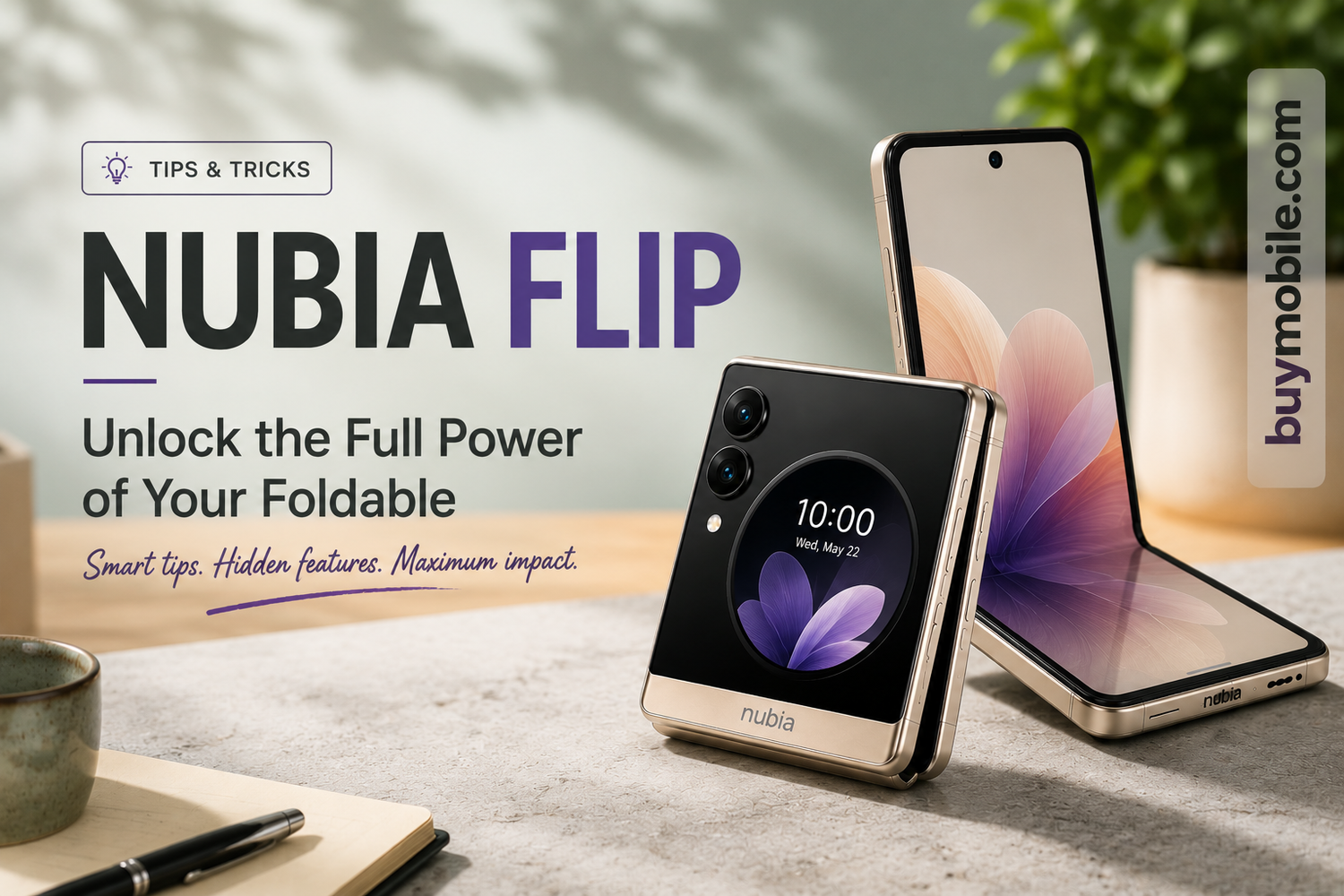
Nubia Flip Tips & Tricks: Unlock the Full Power of Your Foldable
Foldable smartphones are no longer just futuristic gadgets for tech enthusiasts. Devices like the Nubia Flip are bringing foldable technology to a much wider audience with stylish designs, flexible displays, and surprisingly affordable pricing.But here’s the truth most people don’t realize:Many Nubia Flip users only use a fraction of what the phone can actually do.The Nubia Flip is packed with hidden features, multitasking tools, camera tricks, and foldable advantages that can completely transform your daily smartphone experience. Whether you love photography, gaming, productivity, or social media, learning a few smart tricks can make your phone feel faster, smarter, and more fun.So if you want to truly unlock the full power of your foldable, these tips and tricks are exactly what you need.
Use Flex Mode for Hands-Free Content Creation
One of the biggest advantages of the Nubia Flip is its foldable design itself.Instead of always holding your phone, partially fold it and place it on any flat surface. This instantly creates a mini tripod effect.
This is perfect for:
-
TikTok videos
-
Reels and Shorts
-
Group selfies
-
Time-lapse videos
-
Video calls
-
Cooking tutorials
-
Online meetings
The best part? You no longer need extra accessories to shoot stable content.For creators and vloggers, this feature alone feels game-changing.
Take Better Selfies Using the Rear Cameras
Most people still use the front camera for selfies out of habit.But the Nubia Flip gives you a smarter option.Thanks to the outer display, you can use the powerful rear cameras for selfies while previewing yourself on the cover screen. This dramatically improves image quality, colors, and sharpness.
To do this:
-
Open the Camera app
-
Activate the cover display preview
-
Fold the phone partially or fully
-
Capture higher-quality selfies instantly
This trick makes your Instagram photos look far more professional.
Master Split-Screen Multitasking
Foldable phones are built for multitasking, and the Nubia Flip handles it surprisingly well.You can run two apps simultaneously on the larger inner display, making daily tasks much faster.Some useful combinations include:
-
YouTube + WhatsApp
-
Notes + Browser
-
Instagram + Gallery
-
Google Docs + Chrome
This is especially useful for students, professionals, and creators who constantly switch between apps.Once you get used to split-screen mode, regular smartphones start feeling limiting.
Customize the Cover Screen
The Nubia Flip’s circular cover display isn’t just for notifications — it can become genuinely useful if customized properly.
You can:
-
Add widgets
-
Check weather updates
-
Control music playback
-
View notifications quickly
-
Access camera shortcuts
-
Manage calls without opening the phone
Customizing the cover display saves time and reduces unnecessary screen usage.It also makes the foldable experience feel much more futuristic.
Improve Battery Life With Smart Optimization
Foldable phones have larger displays, which means battery management matters even more.Thankfully, the Nubia Flip includes several battery optimization tools that many users ignore.
To improve battery performance:
-
Enable adaptive battery settings
-
Reduce unnecessary background apps
-
Use dark mode whenever possible
-
Lower refresh rate when needed
-
Turn on battery-saving AI optimization
These small adjustments can significantly extend daily battery life.For heavy users, this trick becomes essential.
Use Fold Angles for Better Video Calls
Video calls become far more convenient on a foldable device.Instead of awkwardly holding the phone, fold the Nubia Flip halfway and place it on a desk during Zoom, Google Meet, or WhatsApp video calls.This creates:
-
Better camera stability
-
Hands-free convenience
-
More natural viewing angles
-
Improved productivity during meetings
It’s one of those simple features you’ll start using every day once you try it.
Unlock Hidden Camera Features
The Nubia Flip camera app includes several modes that users often overlook.
Explore features like:
-
AI scene optimization
-
Night mode
-
Portrait enhancements
-
Slow-motion video
-
Pro camera controls
-
Gesture-based capture
The foldable design makes these features even more fun because you can position the phone creatively at different angles.For photography lovers, experimenting with these tools can seriously improve photo quality.
Make Gaming More Comfortable
Gaming on foldable phones feels surprisingly immersive.The larger display creates a more tablet-like experience while still remaining portable.
To improve gaming:
-
Enable gaming optimization mode
-
Reduce background app activity
-
Use performance mode during intense gaming
-
Adjust graphics settings for smoother FPS
Some users even partially fold the phone for unique viewing angles during gameplay.The Nubia Flip may not be a dedicated gaming phone, but it still handles mobile gaming impressively well.
Use Gesture Navigation for Faster Controls
Traditional navigation buttons take up screen space.Gesture navigation feels much smoother on foldables.With gestures enabled, you can:
-
Swipe between apps faster
-
Improve one-handed usability
-
Maximize screen space
-
Make multitasking feel more fluid
Once mastered, gesture controls make the Nubia Flip feel incredibly modern.
Keep Your Foldable Looking New
Foldable devices require slightly different care compared to regular smartphones.Here are a few quick maintenance tips:
-
Avoid pressing hard on the inner display
-
Keep dust away from the hinge
-
Use microfiber cloths for cleaning
-
Avoid folding with sharp particles inside
-
Use protective cases designed for foldables
Taking care of the hinge and screen helps maintain long-term durability.
Frequently Asked Questions (FAQs)
1. What makes the Nubia Flip different from regular smartphones?
The foldable design allows users to enjoy a larger display, hands-free usage, multitasking, and flexible camera angles that traditional smartphones cannot offer.
2. Can the Nubia Flip really improve content creation?
Yes. Features like Flex Mode, hands-free shooting, cover-screen selfies, and foldable camera angles make it excellent for creators and social media users.
3. Is the Nubia Flip good for multitasking?
Absolutely. Split-screen functionality and the larger foldable display make multitasking smoother and more productive.
4. How can I improve battery life on the Nubia Flip?
Using adaptive battery settings, dark mode, AI optimization, and limiting background apps can significantly improve battery performance.
5. Is the Nubia Flip good for gaming?
Yes. The larger display creates an immersive gaming experience, and performance optimization settings help maintain smoother gameplay.
6. Does the cover display actually help in daily use?
Definitely. The cover screen allows quick access to notifications, music controls, widgets, and selfies without fully opening the phone.